
Claude for Powerpoint | Claude by Anthropic
Rate this Tool
Average Score
Total Votes
Select your score (1-10):
Detail Information
What
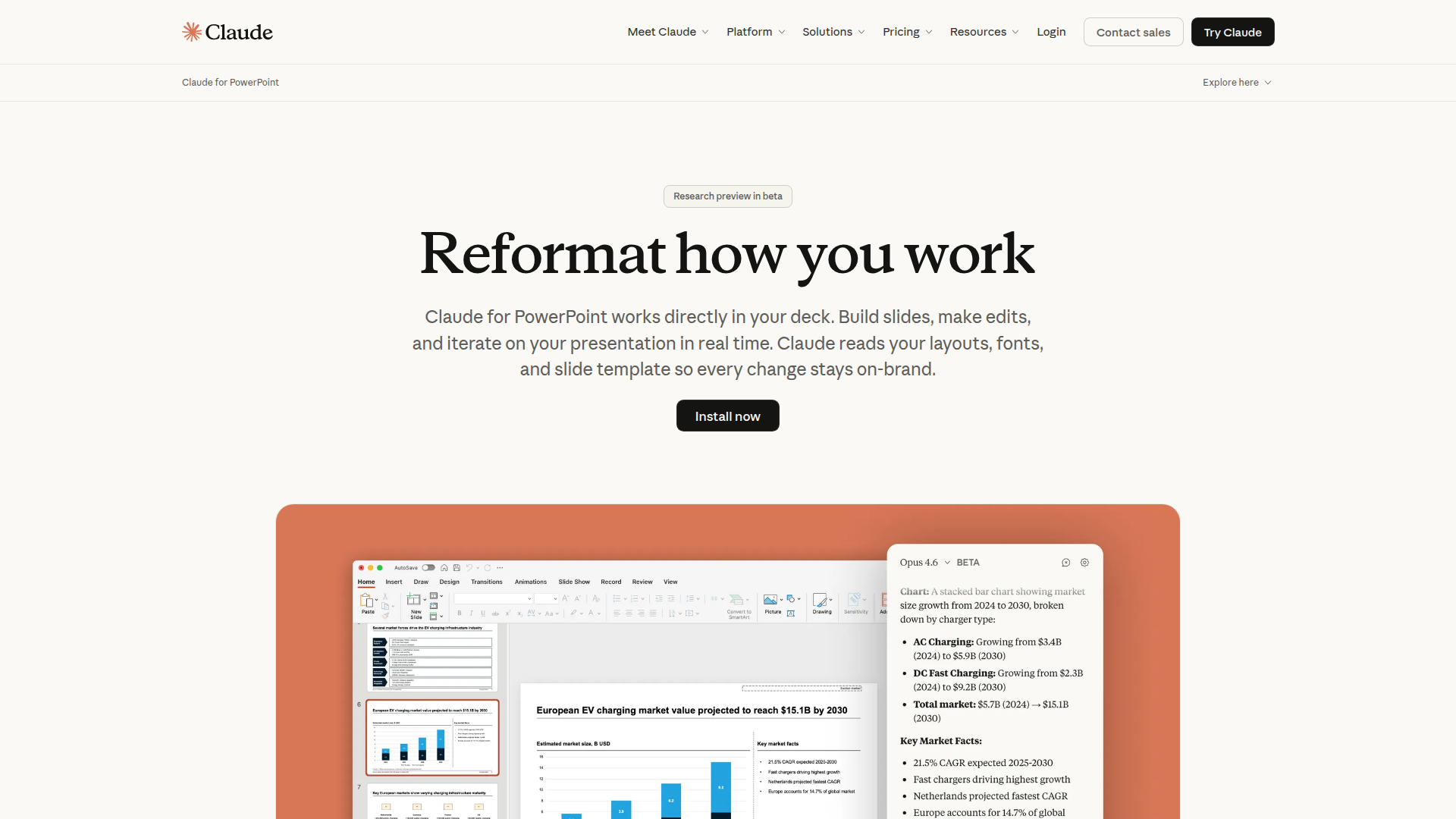
Claude for PowerPoint is an AI presentation assistant from Anthropic that works directly inside PowerPoint. It is designed to help users build slides, edit existing decks, and iterate on presentations in real time while preserving the deck’s layouts, fonts, colors, and slide master structure.
The product appears aimed at teams and professionals who create client, corporate, or internal presentations and need faster drafting without breaking brand standards. Based on the page, its positioning is a productivity add-in for presentation creation and editing, with emphasis on template-aware generation, native PowerPoint outputs, and repeatable team workflows through saved skills.
Features
- Template-aware slide generation — Claude reads the slide master, layouts, fonts, and color scheme so new or edited slides stay aligned with the deck’s existing brand rules.
- In-deck editing with object awareness — It can modify the selected slide or object, which helps users make targeted changes without reworking surrounding content.
- Full-deck drafting from a prompt — Users can start from a blank presentation and generate a logically structured draft deck, then refine sections through follow-up instructions.
- Native charts and diagrams — It converts bullet points into editable PowerPoint visuals, including charts, diagrams, and process flows rather than static images.
- Repeatable skills for team workflows — Teams can save multi-step presentation workflows as one-click skills to standardize common deck-building processes.
- Cross-app conversational context with Excel — The page states Claude can carry context across the PowerPoint and Excel add-ins in a continuous conversation, which may help with presentation workflows that depend on spreadsheet analysis.
Helpful Tips
- Treat current output as reviewable draft work — The page describes the product as a beta research preview and notes that users should review changes carefully, especially for important deliverables.
- Validate support for advanced PowerPoint functions — Anthropic notes that some advanced features may not be fully supported yet, so buyers should test the add-in against their actual presentation complexity.
- Use strong master templates before rollout — Since the product relies on slide masters, layouts, fonts, and color schemes, teams with well-governed templates are likely to get more consistent results.
- Standardize high-value use cases as skills — Repetitive workflows such as quarterly reviews, pitch structures, or competitive landscape decks are good candidates for skills because they can improve consistency across teams.
- Check deployment fit early — The page says access may be available through a Claude account or existing cloud providers, so enterprise teams should confirm which route matches their internal AI governance model.
OpenClaw Skills
Claude for PowerPoint could likely fit well into an OpenClaw ecosystem focused on document-heavy knowledge work. Likely skills and agents could include presentation brief interpreters, slide outline generators, executive-summary-to-deck workflows, chart narration agents, and review agents that compare a draft deck against messaging standards or a client template. While the page does not mention a native OpenClaw integration, the product’s prompt-based workflow and repeatable skills model make it a plausible candidate for orchestration inside broader presentation pipelines.
In practice, this combination could be useful for consulting, sales, finance, strategy, education, and operations teams that regularly transform research, spreadsheet outputs, or meeting notes into polished decks. A likely OpenClaw workflow could ingest source documents, extract a storyline, structure slides, pass analysis context from Excel-related tasks, and then route the final draft into Claude for PowerPoint for native editing and formatting. That could shift presentation work from manual slide construction toward governed, semi-automated knowledge packaging, while still keeping a human reviewer in the loop.
Embed Code
Share this AI tool on your website or blog by copying and pasting the code below. The embedded widget will automatically update with the latest information.
<iframe src="https://www.aimyflow.com/ai/claude-com-claude-in-powerpoint/embed" width="100%" height="400" frameborder="0"></iframe>
Explore Similar Tools
Google Gemini
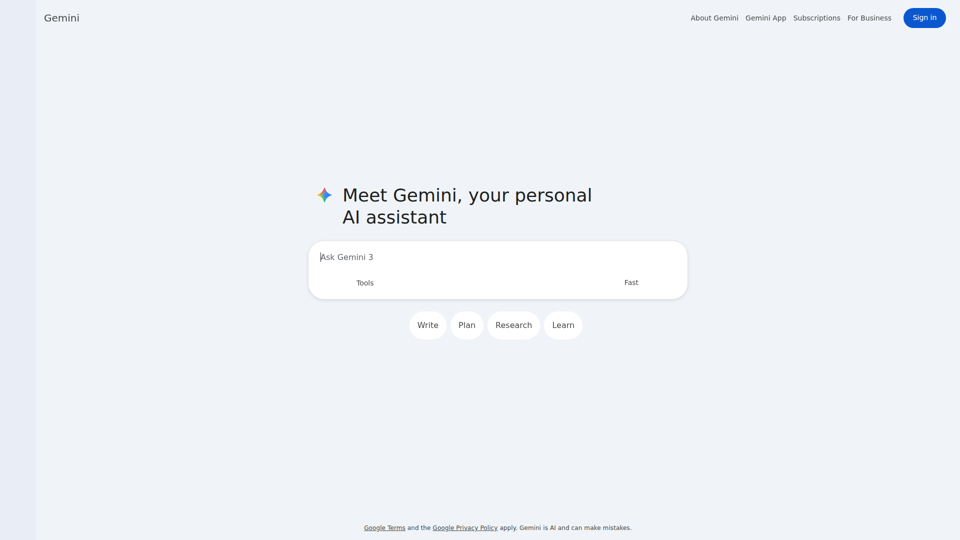
Google Gemini is Google’s AI assistant that helps users write, plan, research, and learn through chat, mainly for individual users and business professionals seeking general-purpose AI support. For knowledge workers, it can speed up early-stage drafting, idea development, and information gathering, though outputs should be checked because Gemini can make mistakes.

GhostPen - The Invisible Ink for AI Writing | Bypass Turnitin & GPTZero
GhostPen is an AI text humanizer that rewrites AI-generated drafts to read more like human writing and reduce detection by tools such as Turnitin, GPTZero, and Originality.ai, mainly for students and writers. For academic writing, freelance content, and similar text-heavy roles, it can help refine syntax and tone while preserving the original meaning of AI-assisted drafts.
Merlin - Ask AI to Research, Write & Review - Chrome Web Store
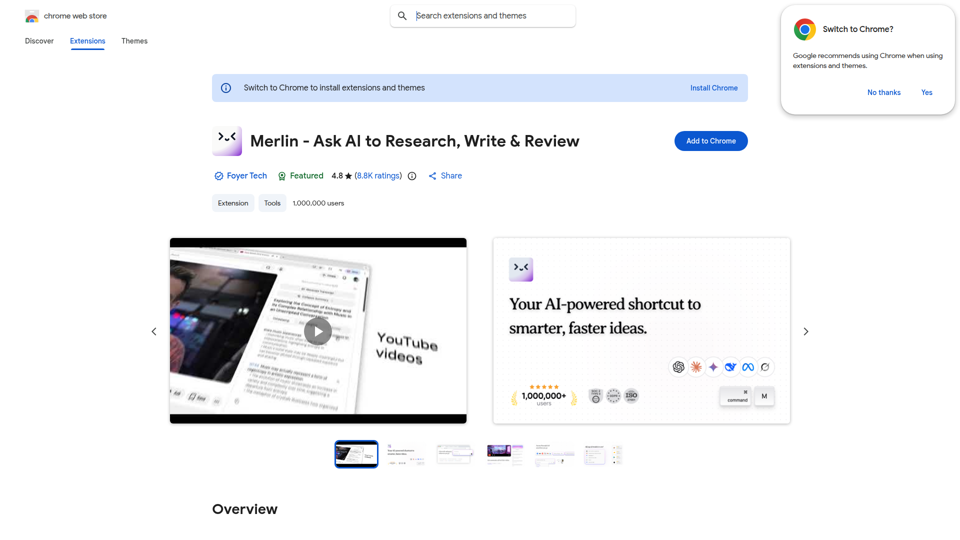
Merlin is a Chrome extension that helps users research, summarize, rewrite, translate, and draft content across websites, videos, and documents, mainly for people who work heavily in the browser such as writers, researchers, and knowledge workers. In AI-assisted workflows, it can help content, marketing, and research teams reduce context switching by bringing multi-model assistance and page-level summarization directly into everyday web tasks.
AI Blog Post Generator | Create SEO-Optimized Articles | ContentPod
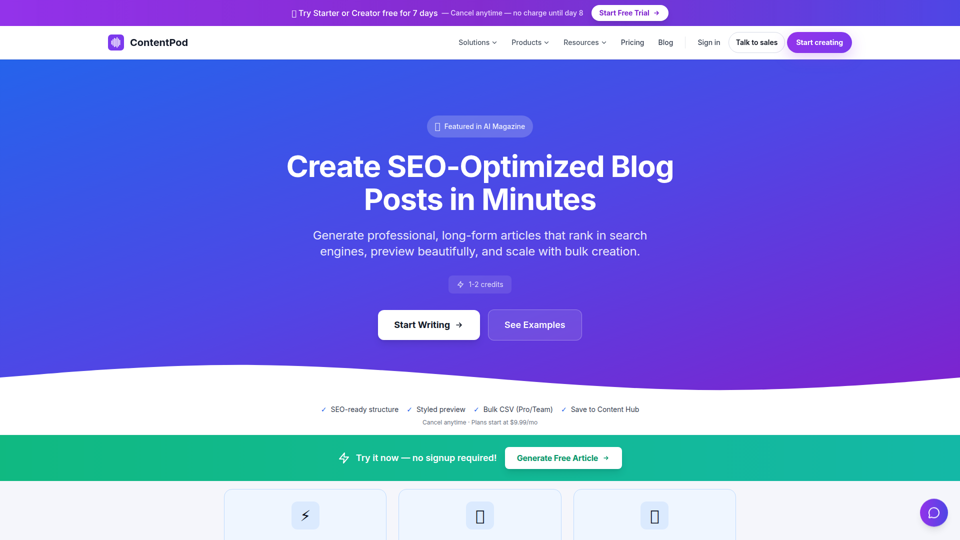
ContentPod Article Writer is an AI blog post generator that helps content teams, agencies, freelancers, and other marketers create SEO-optimized long-form articles, guides, and bulk content drafts with structured headings, metadata, and styled previews. In AI-assisted publishing workflows, it can help content marketers and SEO specialists speed up drafting and scale content calendars while keeping articles easier to review, edit, and publish.

Clico AI Writing Assistant | Browser Extension for Chrome
Clico is a Chrome browser extension that brings AI into text boxes across websites to help people write, rewrite, summarize, search selected content, and dictate without leaving the page, mainly for browser-based writers, students, and knowledge workers. By using visible page context directly in tools like Gmail, Google Docs, Notion, and social platforms, it can reduce tab switching and help marketers, communicators, and other desk-based professionals draft and edit faster.
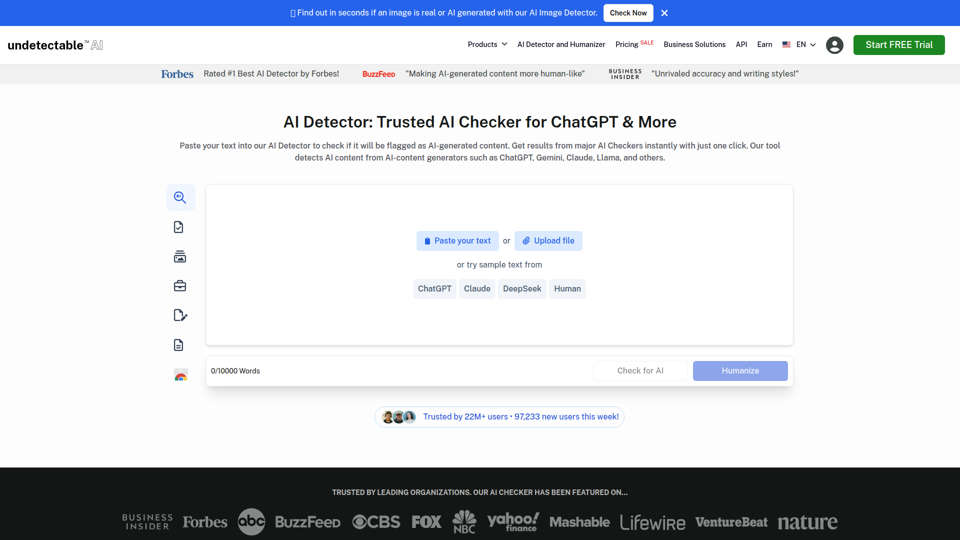
AI Detector for ChatGPT, GPT-5, Gemini (Free) – Undetectable AI
Undetectable AI is a free AI detection tool that checks whether text may be flagged as AI-generated by major detectors, with optional humanizing features for writers, marketers, educators, and students. For content, SEO, and academic review workflows, it helps professionals assess AI-risk before publishing or submitting work and adjust drafts to better match human writing patterns.
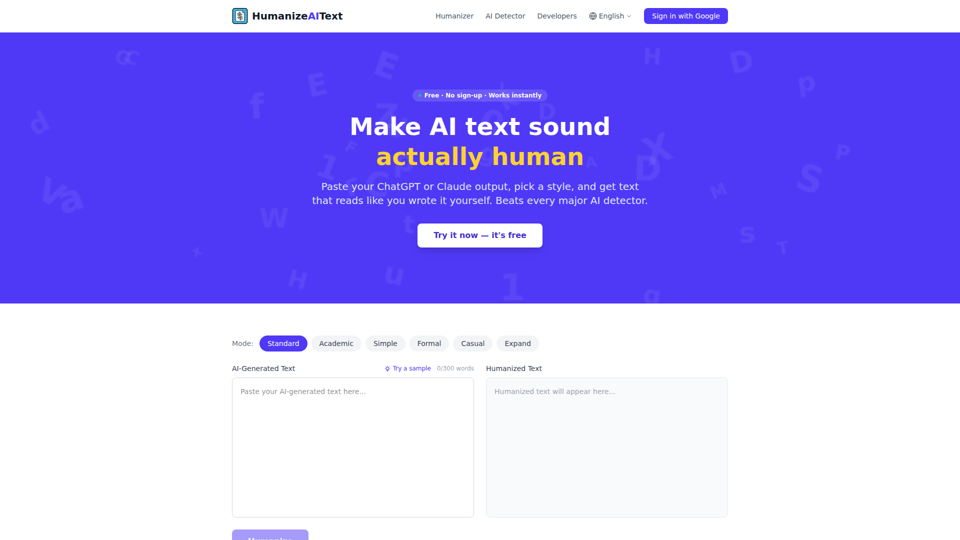
Humanize AI Text Free - AI Text Humanizer Tool
Humanize AI Text is a free AI text humanizer and detector that rewrites AI-generated drafts into more natural-sounding text with selectable styles, mainly for people who publish AI-assisted writing such as students, marketers, freelancers, and content teams. For writers, marketers, and SEO professionals, it can help polish ChatGPT-, Claude-, or Gemini-generated copy into language that better matches audience tone before publishing.

Lemon
Lemon is a Mac AI agent that turns voice instructions into completed tasks like replying to messages, researching, drafting documents, and editing text for knowledge workers across apps. It helps operations, support, sales, and writing roles reduce context switching and execute routine work faster.