
ExpenseBot - AI Expense Management for Google Workspace
Rate this Tool
Average Score
Total Votes
Select your score (1-10):
Detail Information
What
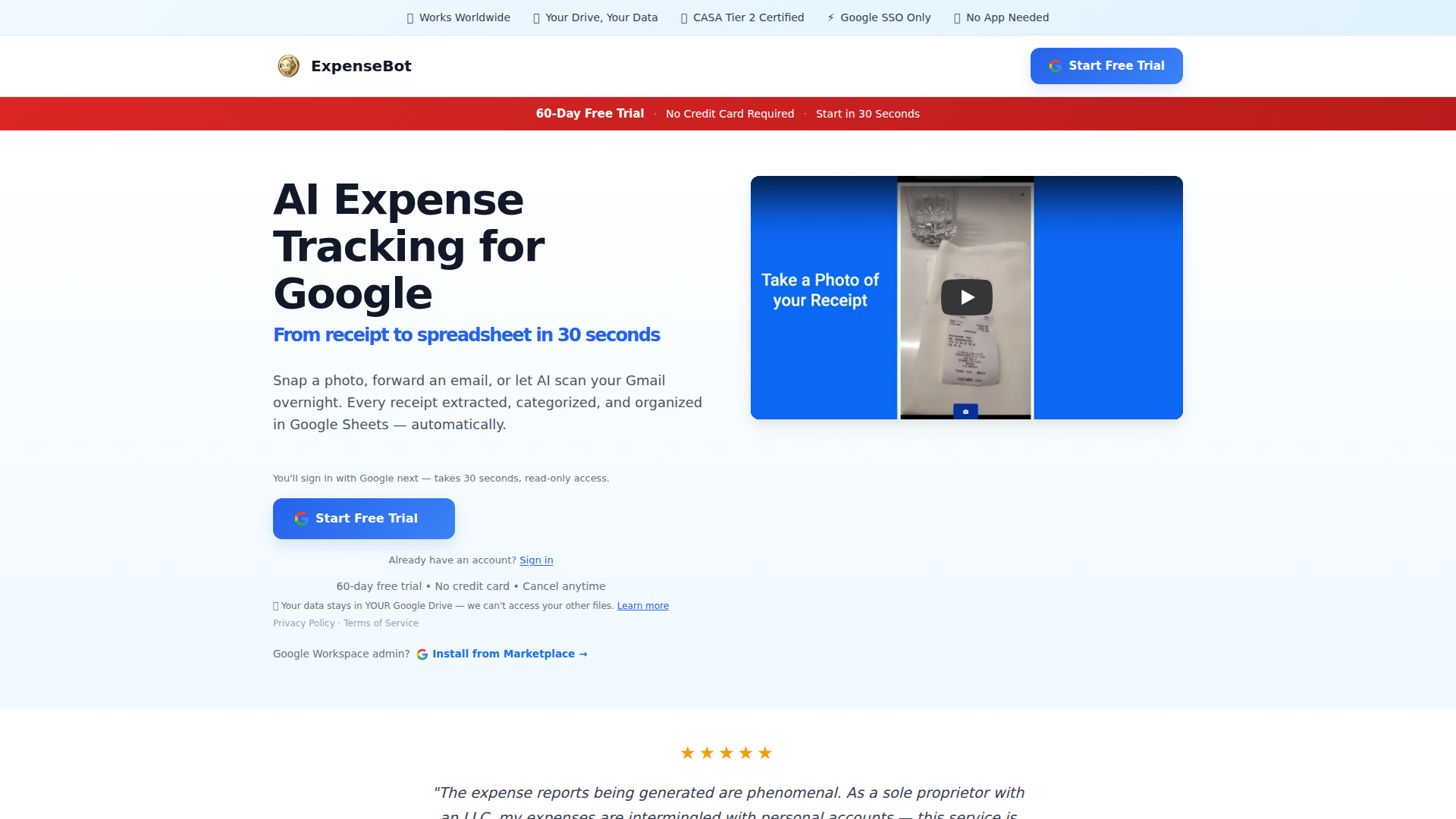
ExpenseBot is an AI expense management tool built around Google Workspace. It captures receipts from photos, forwarded emails, and Gmail scans, then extracts and organizes expense data into Google Sheets, with export options for accounting systems such as QuickBooks, Xero, Sage, and FreshBooks.
The product is aimed at freelancers, teams using Google Workspace, and accountants or bookkeepers. Its core workflow is to reduce manual expense entry by pulling receipt details from Gmail and other sources, categorizing them, reconciling card activity, and preparing spreadsheet- or accounting-ready records. Based on the page, it appears positioned as a Google-native alternative to traditional expense tools, with an emphasis on keeping data in the customer’s Google Drive rather than in a separate application database.
Features
- Gmail receipt scanning: AI can scan a connected inbox, including historical receipts going back up to 6 years, to find and organize expenses without manual forwarding rules.
- Receipt capture from multiple inputs: Users can snap a photo, forward an email, or rely on automated Gmail scans, which supports both real-time capture and backlog cleanup.
- Google Sheets output: Extracted fields such as vendor, amount, date, tax, and category are organized directly into Google Sheets, which reduces the need to learn a separate reporting interface.
- Accounting export: Expense data can be exported in a tax-ready format to QuickBooks, Xero, Sage, FreshBooks, and other listed accounting platforms.
- Deduction guidance by country: The product shows deduction percentages based on tax rules for several countries, including the US, Canada, UK, Australia, New Zealand, Ireland, France, and Germany.
- Credit card reconciliation and bookkeeping support: The page states support for credit card auto-reconciliation and AI coding to GL codes for accountants, though the exact setup and depth of these workflows are not fully detailed.
Helpful Tips
- Validate Google-centric fit early: This product appears strongest for organizations already standardized on Gmail, Google Drive, Google Sheets, and Google sign-in, so non-Google environments may want to confirm workflow compatibility before adopting.
- Test historical inbox cleanup first: A practical implementation path is to start with Gmail scanning on a limited user set to measure how well the tool captures old receipts, categorizes transactions, and reduces missing documentation.
- Review accounting export mappings carefully: If you rely on GL coding, tax handling, or accountant handoff, confirm category logic, chart-of-accounts mapping, and export formatting against your actual bookkeeping process.
- Assess data-governance requirements: The product emphasizes that data stays in the customer’s Google Drive, which may be attractive for ownership and audit access, but teams should still verify internal retention, permission, and admin controls.
- Separate confirmed features from broad platform claims: The page lists many accounting destinations and user types, but buyers should verify any workflow that is critical to operations, especially for multi-client accounting setups or enterprise finance controls.
OpenClaw Skills
ExpenseBot could be a strong source system inside an OpenClaw workflow for finance operations built around Google Workspace. A likely use case would be an OpenClaw agent that monitors new rows in Google Sheets generated by ExpenseBot, checks for missing receipt fields, flags out-of-policy categories, drafts accountant summaries, or routes exceptions to the right approver. Since the page clearly emphasizes Sheets, Drive, and Gmail as the operating layer, OpenClaw could extend that environment with automation and decision support rather than replacing it.
For accountants, controllers, and operations teams, OpenClaw skills could likely turn ExpenseBot into part of a broader close and compliance workflow. Examples might include monthly expense review agents, deduction-audit assistants, client-by-client cleanup workflows, or reconciliation copilots that compare exported expenses against bookkeeping records. These are inferred use cases rather than confirmed native integrations, but the combination would likely be valuable in firms that want AI-driven expense capture plus downstream review, exception handling, and reporting orchestration.
Embed Code
Share this AI tool on your website or blog by copying and pasting the code below. The embedded widget will automatically update with the latest information.
<iframe src="https://www.aimyflow.com/ai/expensebot-ai-gmail-receipt-scanner/embed" width="100%" height="400" frameborder="0"></iframe>
Explore Similar Tools
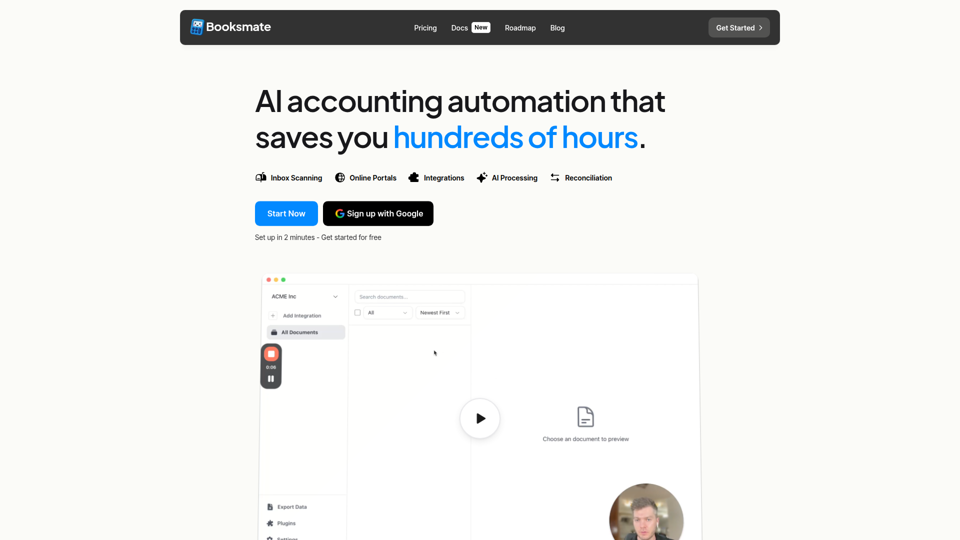
Booksmate - Automated invoice downloads
Booksmate is an AI accounting automation tool that automatically downloads invoices and receipts from email inboxes and 200+ online portals, extracts the data, and prepares exports to accounting software for bookkeepers, finance teams, and small businesses. For accounting and operations professionals, it can reduce manual document collection and data entry so they can focus more on reconciliation, review, and exception handling.
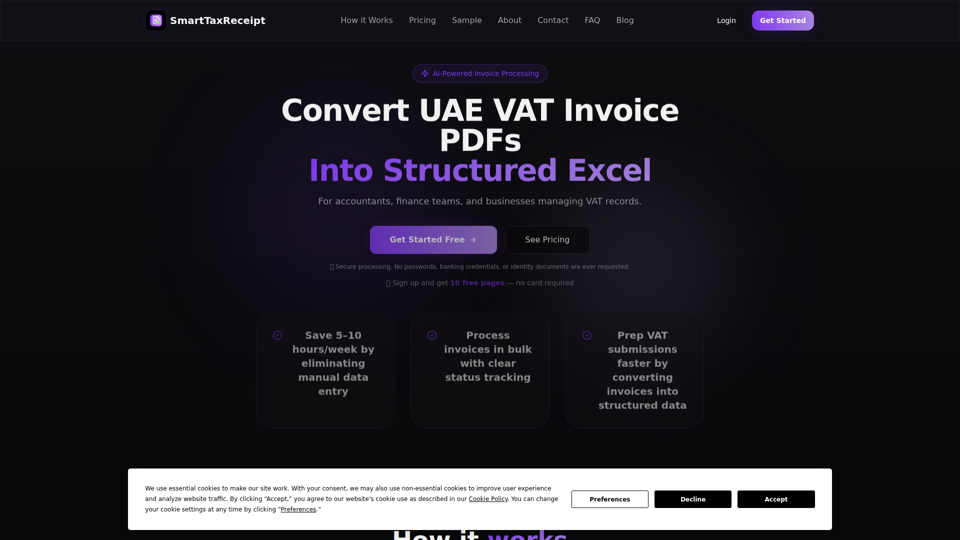
SmartTaxReceipt | UAE VAT Invoice Extraction to Excel
SmartTaxReceipt is a UAE-based software service that uses AI to extract data from UAE VAT invoice PDFs into structured Excel files, helping accountants, finance teams, and businesses handle bookkeeping and VAT reporting with bulk processing and validation. For accounting and finance work, it can reduce manual invoice entry and speed preparation for VAT submissions, while users still review extracted data before reporting.
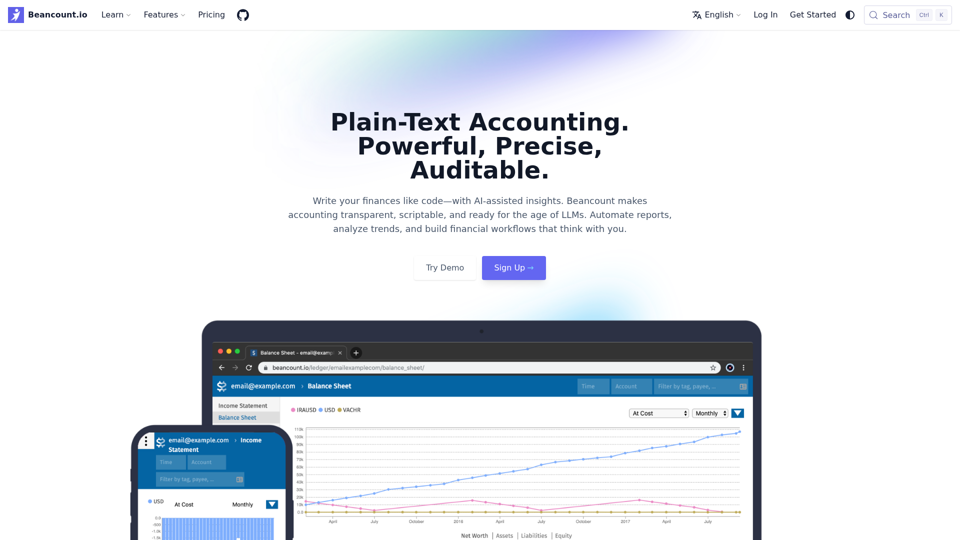
Beancount.io Plain-Text Accounting. Powerful, Precise, Auditable. - Beancount.io
Beancount.io is a plain-text accounting platform that helps users write, automate, and audit financial records with scriptable workflows and AI-assisted insights, mainly for developers, accountants, and finance teams. In AI-enabled finance work, its transparent, version-controlled ledger can help bookkeeping and reporting professionals improve traceability, automate routine categorization, and analyze trends without relying on opaque systems.
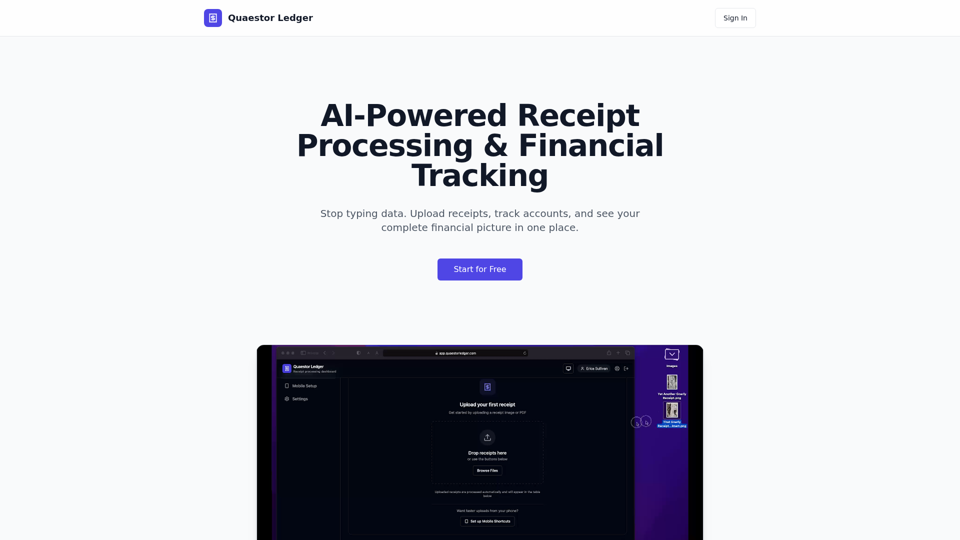
Quaestor Ledger | AI Receipt Processing & Financial Tracking
Quaestor Ledger is an AI receipt processing and financial tracking tool that helps users upload receipts, extract and categorize purchase data, and manage accounts, transactions, and net worth, mainly for people and teams handling personal or business finances. For finance and bookkeeping work, it can reduce manual data entry and make transaction records easier to organize, search, and reconcile.
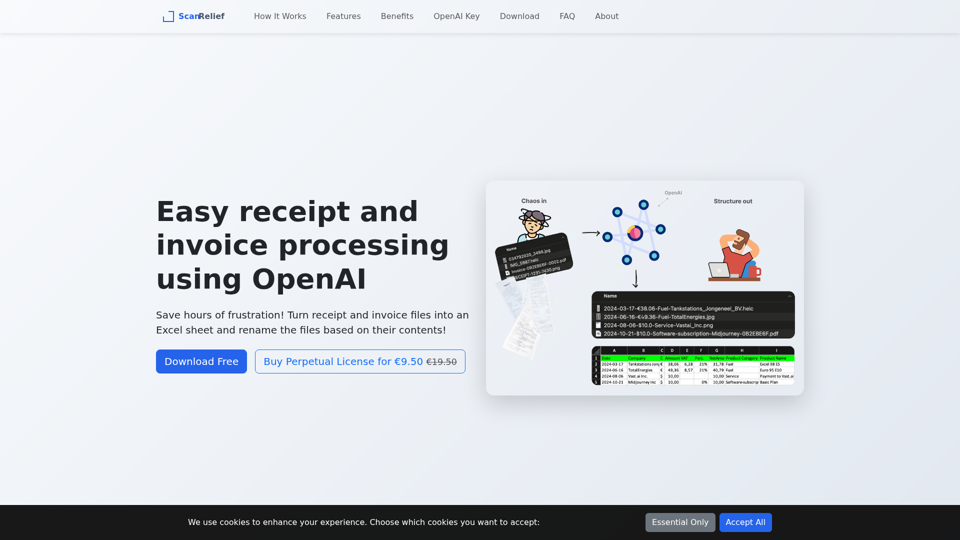
ScanRelief - Receipts to Excel Conversion Made Easy
ScanRelief is a Windows and Mac desktop tool that uses OpenAI to process receipts and invoices, rename files from their contents, and generate Excel reports, mainly for people handling bookkeeping, expense tracking, or tax records. For accountants, bookkeepers, and finance admins, this AI-assisted extraction and file standardization can reduce manual sorting and make receipt matching, retrieval, and audit preparation more efficient.
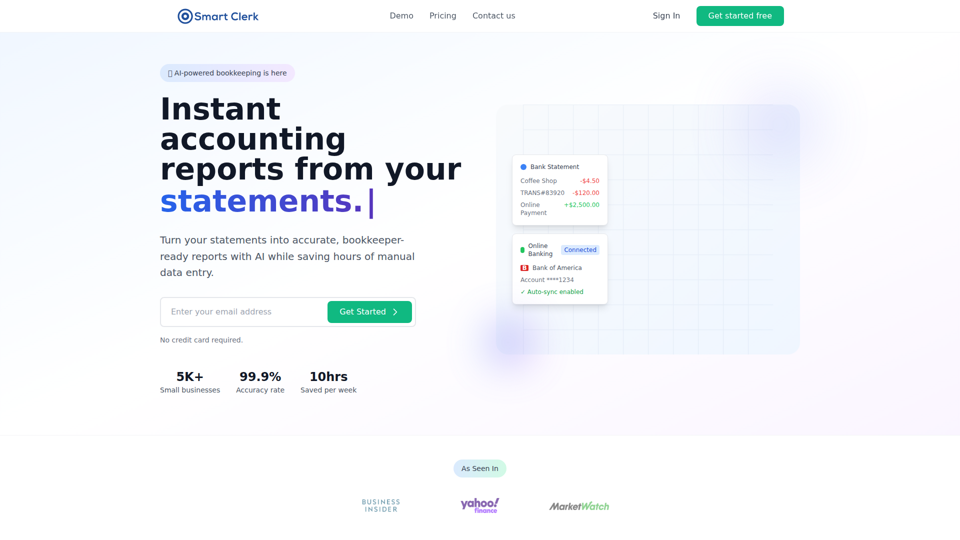
Smart Clerk - AI-Powered Bookkeeping & Accounting Automation for Small Businesses
Smart Clerk is an AI bookkeeping and accounting automation tool that converts bank and credit card statements into categorized transactions and bookkeeper-ready financial reports, mainly for small businesses and accounting firms. By automating transaction categorization and report creation, it can help owners, bookkeepers, and accountants spend less time on manual data entry and more time on review, tax preparation, and client advisory work.
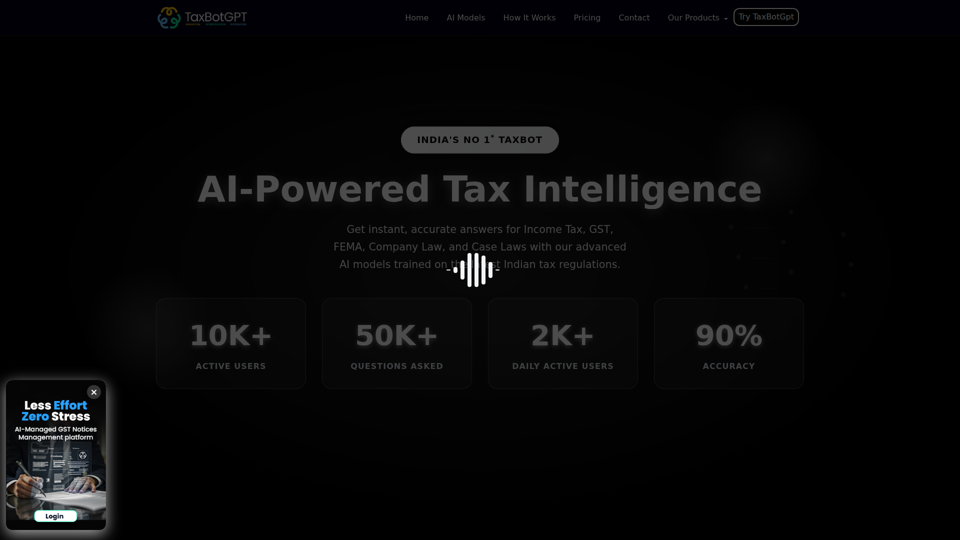
Home
TaxBotGPT is an AI tax assistant for India that helps users get answers, guidance, and notice drafting support across Income Tax, GST, FEMA, Company Law, and case laws, mainly for tax professionals, legal practitioners, and compliance teams. In AI-assisted tax and legal work, it can speed research and first-draft responses so accountants, tax consultants, lawyers, and company secretaries spend less time on routine query handling.
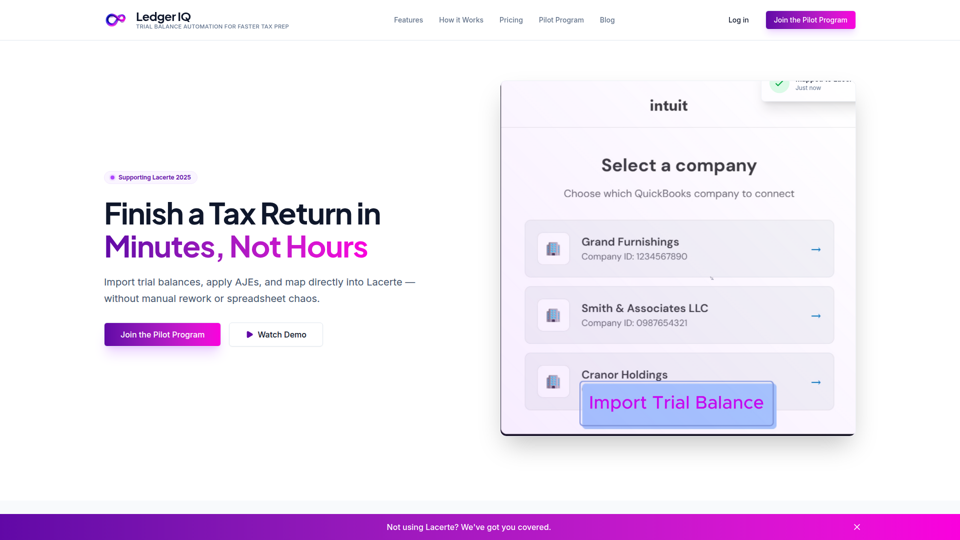
Ledger IQ - Trial Balance Automation for Accounting Firms
Ledger IQ is a trial balance automation tool for accounting firms that imports QuickBooks or spreadsheet trial balances, applies adjusting journal entries, and maps data directly into Lacerte to speed tax return preparation. For tax preparers and CPAs, it can reduce manual re-keying and spreadsheet cleanup, helping standardize review-ready workpapers and lower data-entry errors during busy filing periods.