
Free AI Tattoo Generator - Inker.AI
Rate this Tool
Average Score
Total Votes
Select your score (1-10):
Detail Information
What
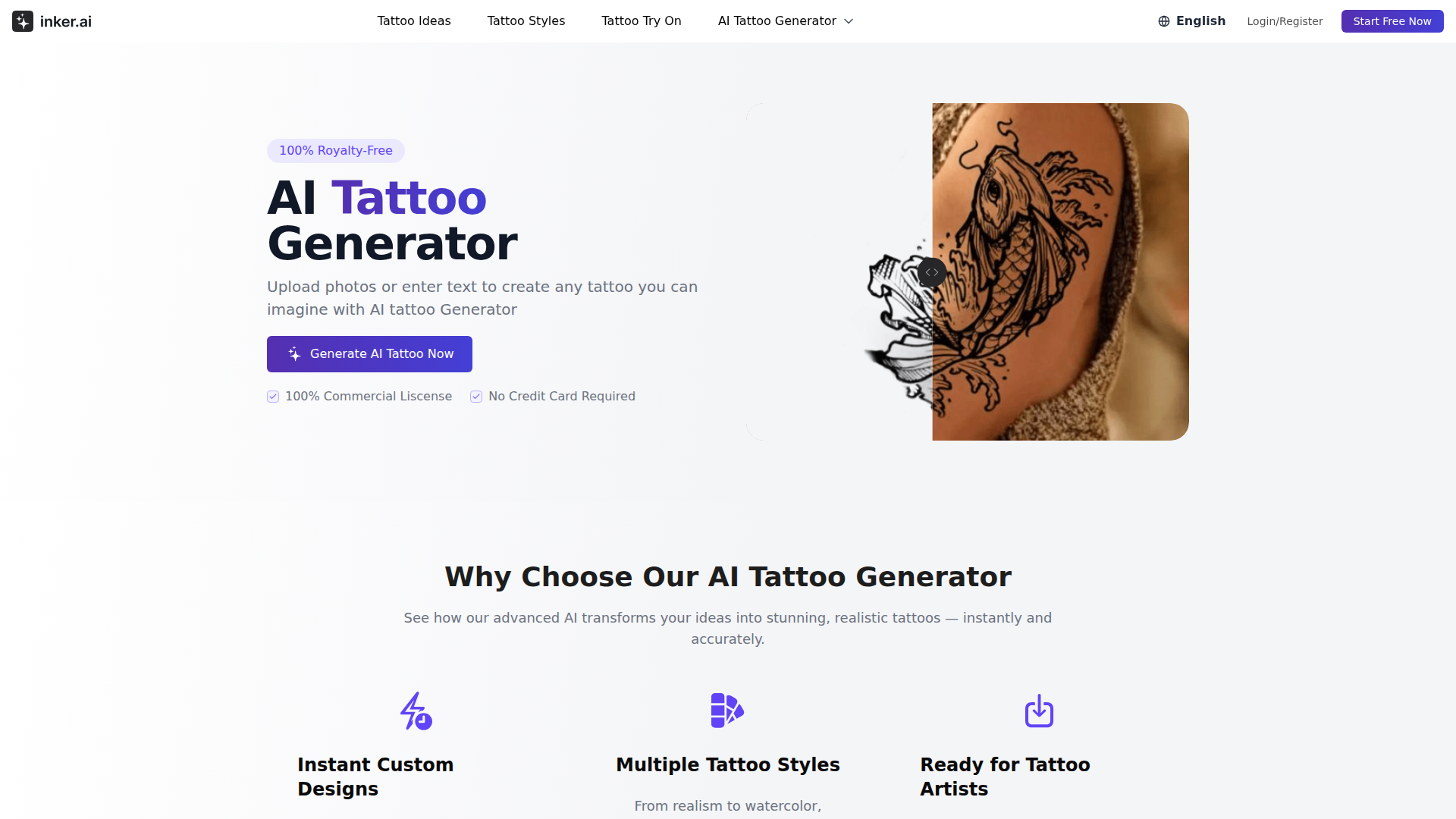
Inker.AI is an AI tattoo design platform that generates tattoo concepts from text prompts or uploaded photos. It is aimed at individuals exploring tattoo ideas as well as tattoo artists and studios that want faster concept generation, style exploration, and client-ready visuals.
The core workflow is simple: enter a description or upload an image, choose a tattoo style, then download a high-resolution result for previewing, sharing, printing, or using as a reference for stencil transfer. Based on the page, the product is positioned as a self-serve tattoo ideation and visualization tool with both personal-use and commercial-use plan options.
Features
- Text-to-tattoo generation: Converts written ideas, phrases, symbols, or concepts into tattoo designs, helping users move quickly from abstract inspiration to visual direction.
- Photo-to-tattoo conversion: Transforms uploaded images into tattoo-style artwork with clean outlines and artistic detail, useful for memorials, portraits, and personal references.
- Multiple tattoo styles: Supports styles such as realism, watercolor, fine line, geometric, minimal, and other listed categories, making it easier to compare artistic directions before committing.
- Virtual tattoo try-on: Lets users preview tattoo placement on skin through a tattoo simulator, which is practical for testing scale, position, and visual fit.
- High-resolution downloads: Generated designs can be saved in print-ready formats, including PDF and PNG on the page’s free tattoo listings, for sharing with tattoo artists or using as references.
- Royalty-free and plan-based usage controls: The site states designs are royalty-free and offers different privacy and usage options across plans, including personal-use and commercial-use tiers.
Helpful Tips
- Treat outputs as concept art first: Even when a design looks tattoo-ready, most users should expect a tattoo artist to refine line weight, placement, and skin-fit details before final application.
- Test several styles on the same prompt: Fine line, blackwork, geometric, and realism can change readability and longevity significantly, so side-by-side comparison is useful before choosing a direction.
- Use the try-on view for placement, not certainty: Virtual previews can help with composition and body area selection, but real tattoo outcomes will still depend on anatomy, scale, and artist technique.
- Check plan limits and rights carefully: The page presents monthly generation caps, public/private visibility differences, and commercial-use distinctions, so buyers should match the plan to their intended workflow.
- Be conservative with sensitive claims: The site mentions encrypted storage and privacy mode, but buyers with strict security or regulatory requirements should validate those details independently.
OpenClaw Skills
In an OpenClaw ecosystem, Inker.AI could likely support skills for tattoo brief generation, motif exploration, style comparison, and consultation prep. An OpenClaw agent could collect a client’s theme, symbolism, body placement, style preferences, and reference imagery, then structure prompts for Inker.AI and return organized concept sets for review. If no native integration exists, this should be treated as a likely workflow design rather than a confirmed built-in capability.
A broader OpenClaw workflow could also help tattoo studios standardize client intake, revision tracking, consent-ready concept summaries, and artist handoff packets. For solo artists, that could reduce early-stage sketching time and improve consultation quality; for multi-artist studios, it could create a more consistent pre-design process. More imaginatively, agencies or creators in adjacent fields could use the same pattern for merch graphics, flash sheet ideation, or memorial art exploration, while still relying on human artists for final interpretation and tattoo execution.
Embed Code
Share this AI tool on your website or blog by copying and pasting the code below. The embedded widget will automatically update with the latest information.
<iframe src="https://www.aimyflow.com/ai/inker-ai/embed" width="100%" height="400" frameborder="0"></iframe>