
The #1 AI Lesson Plan Generator
Rate this Tool
Average Score
Total Votes
Select your score (1-10):
Detail Information
What
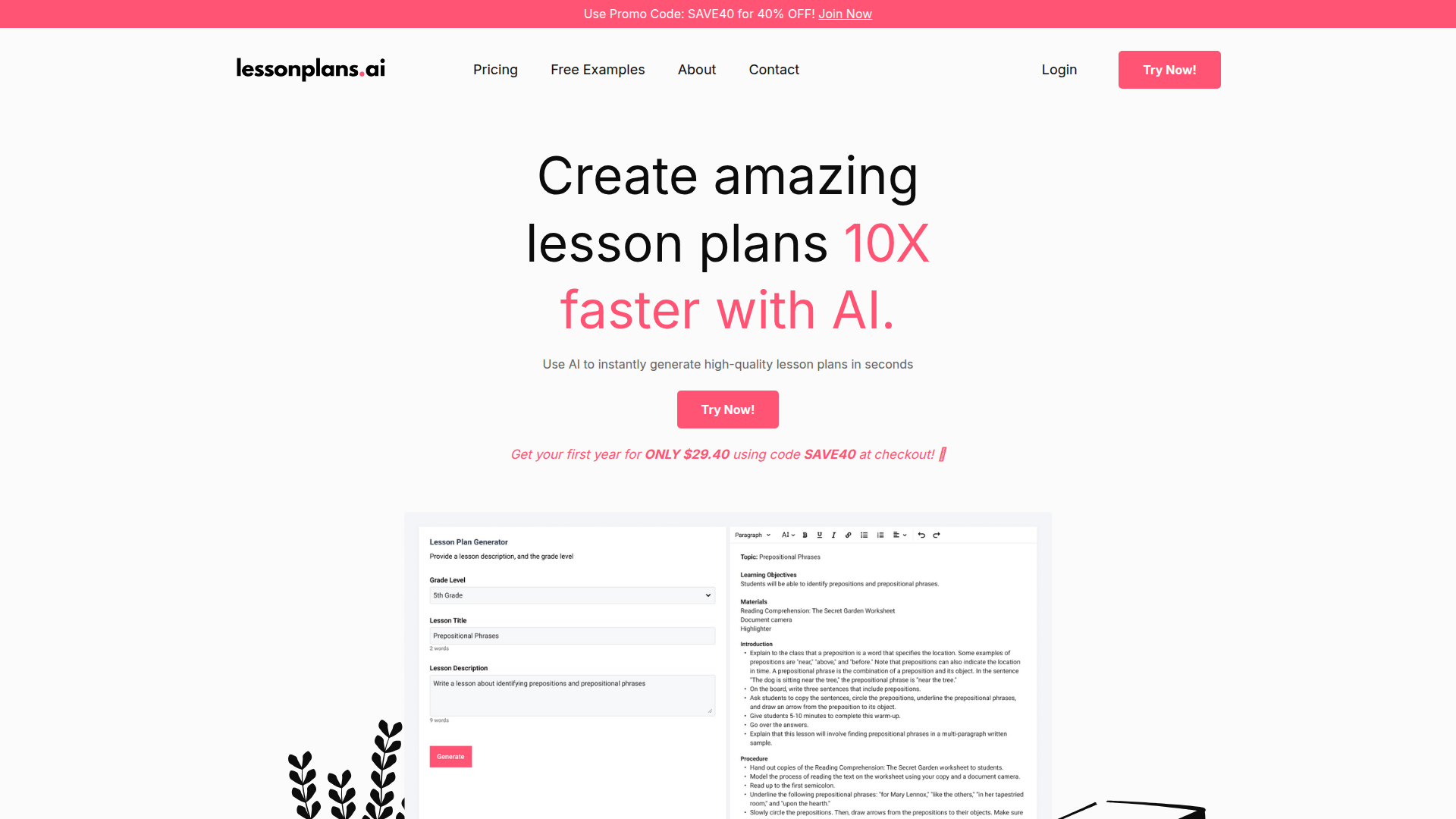
LessonPlans.ai is an AI lesson plan generator for teachers that helps create lesson plans more quickly. Based on the page, it is designed for K–12 teaching and is positioned as a planning tool that reduces the time and effort required to move from an idea to a usable lesson outline.
The core workflow appears to be straightforward: a teacher provides a description, customizes the output to fit their needs, and saves the lesson plan for future use. The product emphasizes generating detailed lesson plans, engaging activities, resources, and step-by-step lesson guidance, with a stated focus on personalization and teacher usability.
Features
- AI lesson plan generation — Creates lesson plans in seconds, which can reduce manual drafting time for teachers.
- Customizable outputs — Teachers can tailor generated lesson plans to fit their classroom needs, topic, and teaching approach.
- Detailed lesson structure — Produces lesson plans with step-by-step guidance to support classroom implementation.
- Activities and resource suggestions — Includes engaging activities and supporting resources intended to help students learn and retain material.
- K–12 topic coverage — Marketed for use across grades K–12 and for a wide range of lesson topics.
- Save for future use — Supports retaining lesson plans for reuse, which can help with ongoing planning workflows.
Helpful Tips
- Evaluate whether the generated lesson format aligns with your school’s required planning template, since the page does not specify export formats or standards alignment.
- Use detailed prompts when generating plans; the site itself indicates that better descriptions improve customization and usefulness.
- Treat AI-generated lesson plans as a draft layer and review them for instructional accuracy, grade appropriateness, and classroom fit before use.
- If you teach multiple grades or subjects, test the tool on a few representative lesson types first to confirm that output quality is consistent across your workload.
- Because the page makes broad efficiency claims, buyers should verify how well the product handles their specific planning process rather than assuming full workflow coverage.
OpenClaw Skills
Within the OpenClaw ecosystem, LessonPlans.ai would likely fit well as a content-generation component inside teacher workflow automation. A likely use case would be an OpenClaw agent that takes curriculum goals, topic notes, grade level, and classroom constraints, then prepares a structured prompt for LessonPlans.ai and routes the resulting draft into downstream review, editing, and scheduling steps. The source page does not mention native integrations, so this should be treated as a workflow inference rather than a confirmed capability.
OpenClaw skills around this product could include curriculum pacing assistants, rubric-based lesson reviewers, differentiation planners, classroom resource organizers, and school-specific lesson formatting agents. In practice, that combination could help teachers and instructional teams shift from manual lesson drafting toward AI-assisted planning operations, where lesson creation, adaptation, and reuse become more systematic across grades and subjects.
Embed Code
Share this AI tool on your website or blog by copying and pasting the code below. The embedded widget will automatically update with the latest information.
<iframe src="https://www.aimyflow.com/ai/lessonplans-ai/embed" width="100%" height="400" frameborder="0"></iframe>