
AI Baby Dance Generator - Turn Baby Photos into Dancing Videos
Rate this Tool
Average Score
Total Votes
Select your score (1-10):
Detail Information
What
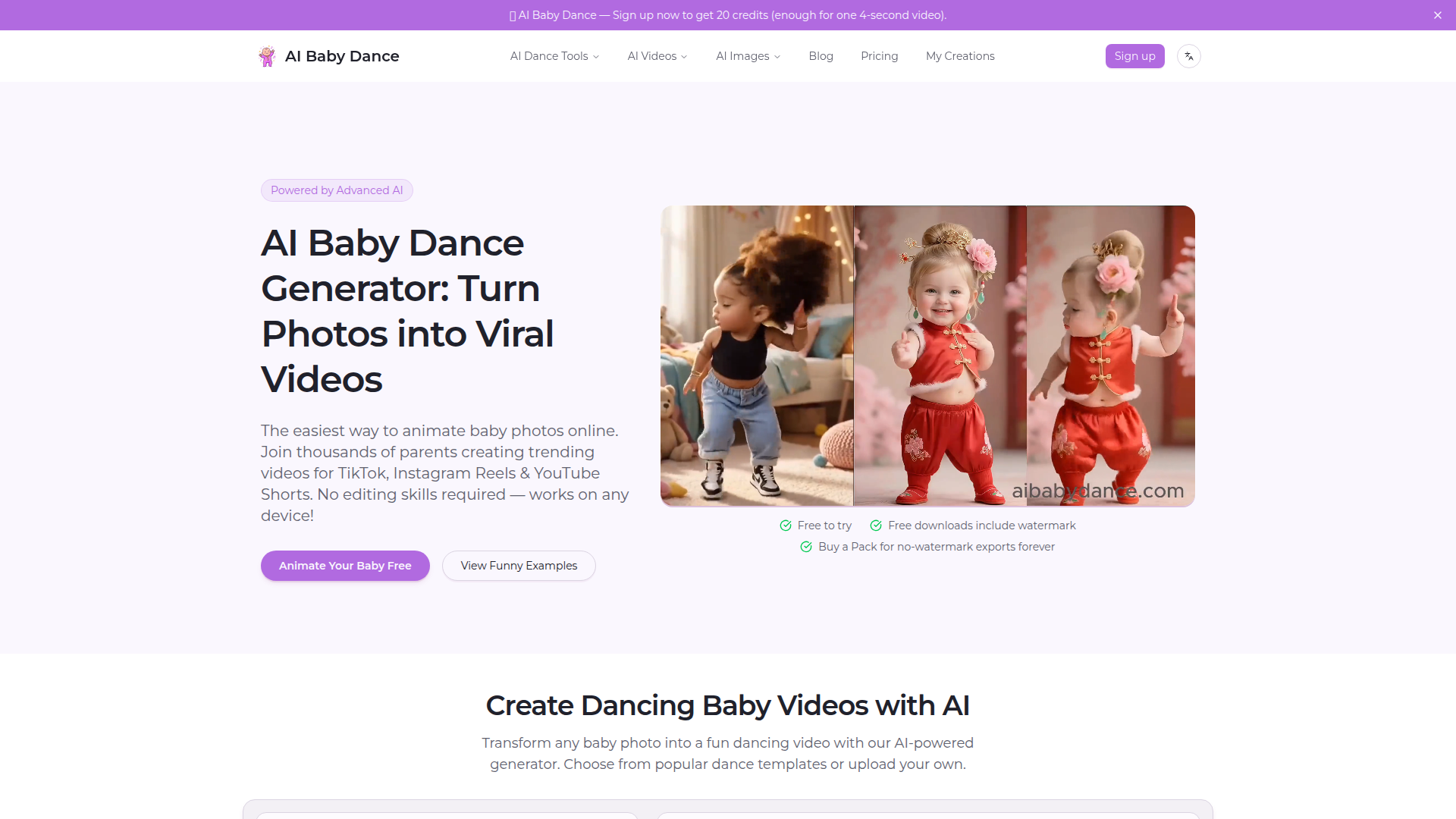
AI Baby Dance is a web-based AI video generator that turns a baby photo into a short dancing video using preset dance templates or an uploaded dance reference. It is aimed primarily at parents and casual creators who want shareable short-form videos for platforms such as TikTok, Instagram Reels, and YouTube Shorts without using traditional editing tools.
The core workflow is simple: upload a baby photo, choose a dance template, and generate a video. The product appears positioned as an accessible, consumer-focused niche tool within a broader family of AI dance and image products, with adjacent workflows for photo cleanup, more general dance generation, and higher-motion-control baby dance creation.
Features
- Photo-to-dance video generation — Converts a baby photo into a dancing video in seconds, reducing the need for manual animation or editing.
- Template-based motion selection — Offers a library of dance templates, including trending styles, to help users create short-form social content quickly.
- Custom dance upload option — Allows users to upload their own dance video, which likely adds flexibility beyond the preset template library.
- Input image preparation guidance — Recommends a separate Dance Image Editor for uncropping, expanding, and cleaning images that are not well suited for animation.
- Alternative workflow options — Points users to a general AI Dance Video Generator for adult or broader creator use cases and to Kling AI Baby Dance for stronger motion consistency and more control.
- Privacy and export controls — States that baby photos are used for generation and not stored permanently, and distinguishes between free watermark exports and paid clean exports.
Helpful Tips
- Use a clear, front-facing photo — The page explicitly indicates that good lighting and a simple background produce better results.
- Check framing before generating — Cropped, side-facing, seated, or blurry photos may lead to weaker outputs, so image prep is important for reliability.
- Match the tool to the job — If the goal is not baby-specific animation, the site itself suggests using the broader dance generator instead of forcing an edge case into this workflow.
- Expect tradeoffs between speed and control — The default tool is presented as the easiest path, while the Kling-based workflow is positioned as better for users who want stronger motion consistency.
- Review usage terms for business scenarios — The page mentions commercial use in paid packs, but buyers should still verify current licensing terms and export conditions before production use.
OpenClaw Skills
Within the OpenClaw ecosystem, this product would likely fit as a lightweight media-generation endpoint inside a social content or family-memory workflow. A useful OpenClaw skill could accept a photo folder, classify which images are suitable for animation, route weak inputs to restoration or uncropping steps, then trigger the baby dance generator and organize finished clips for different channels. This is a likely use case rather than a confirmed native integration.
OpenClaw agents could also wrap this tool in higher-level workflows for consumer brands, family content publishers, or digital keepsake services. For example, an agent could generate multiple dance variants, draft captions for Shorts and Reels, schedule seasonal outputs such as birthdays or holiday greetings, and maintain a private asset trail for approved family media. In practice, that could shift this type of product from a one-off novelty tool into part of a repeatable short-form content pipeline for memory preservation, gifting, or social publishing.
Embed Code
Share this AI tool on your website or blog by copying and pasting the code below. The embedded widget will automatically update with the latest information.
<iframe src="https://www.aimyflow.com/ai/aibabydance-com/embed" width="100%" height="400" frameborder="0"></iframe>
Explore Similar Tools
Faceless.video
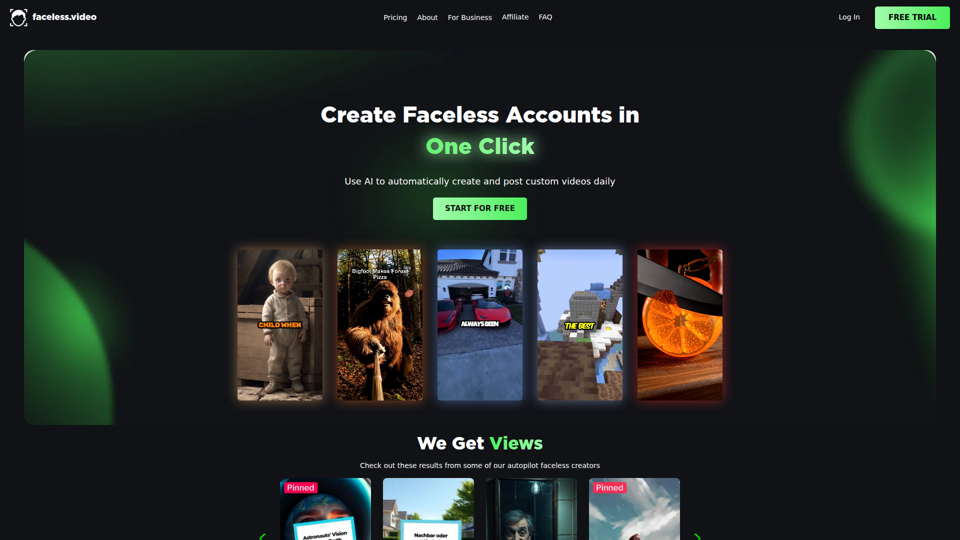
Faceless.video is an AI video automation tool that creates custom faceless videos from text and posts them daily to linked social accounts, mainly for creators and businesses managing TikTok-style content channels. For social media managers, marketers, and e-commerce teams, it can reduce repetitive production and publishing work so they can focus more on content strategy and channel growth.
Jordi Castellà - YouTube
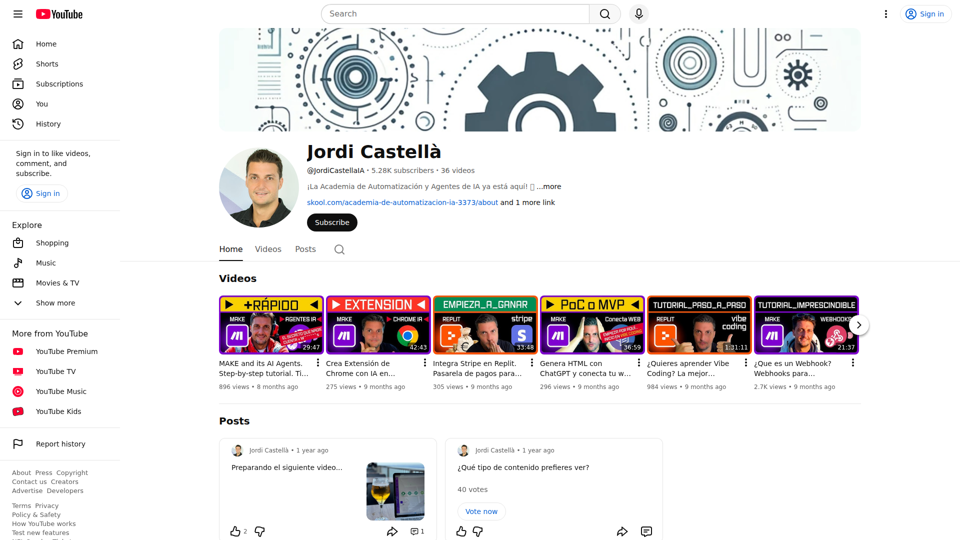
Jordi Castellà is a YouTube channel focused on tutorials about AI automation, AI agents, Make, webhooks, Replit, and related tools, helping Spanish-speaking learners and builders understand how to create automated workflows and simple AI-powered applications. For operations, no-code, and automation professionals, this kind of practical video content can speed up how they prototype, connect tools, and apply AI in everyday processes.
Sora Watermark Remover — Remove Sora Watermarks Free
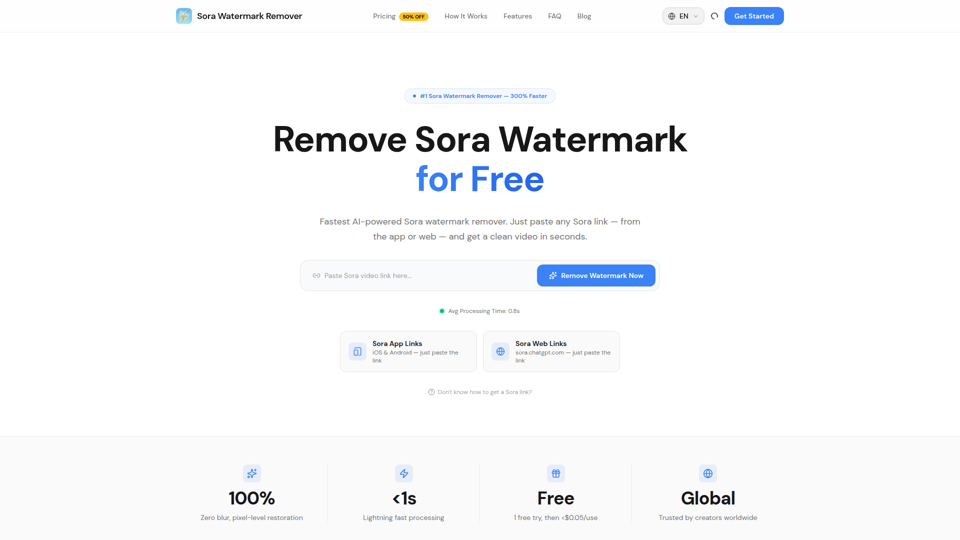
Sora Watermark Remover is an AI tool that removes watermarks from Sora-generated videos by pasting a Sora app or web link, mainly for creators who need clean MP4 downloads without uploading files. For content creators and social media editors, this can speed reuse and publishing of AI-generated video assets while reducing manual post-production steps.
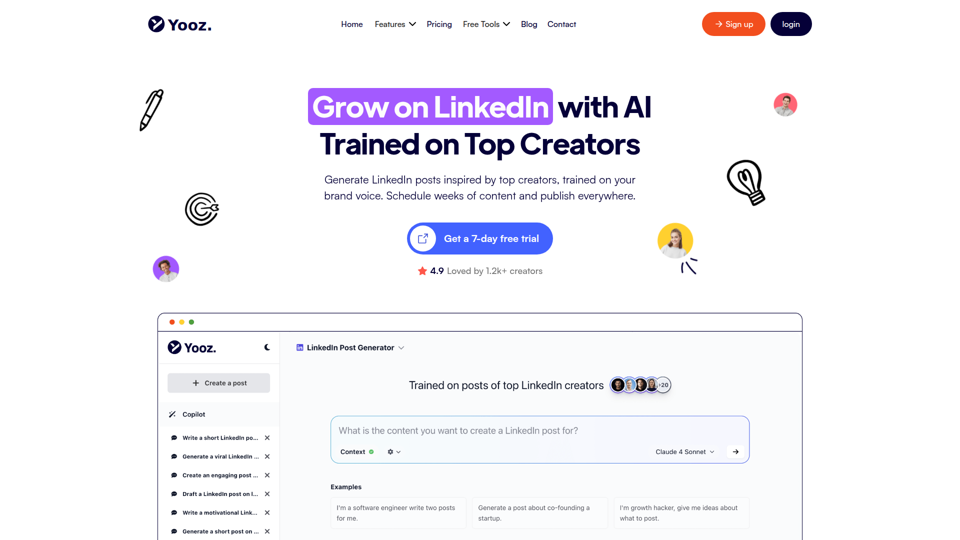
Yooz AI – The Best LinkedIn Post Generator
Yooz AI is an AI-powered LinkedIn post generator that helps users create, schedule, publish, and repurpose posts and visuals, mainly for creators and professionals building a LinkedIn presence. For marketers, recruiters, founders, and other personal-brand-focused roles, it can reduce manual content work while keeping posts more consistent and tailored to platform-specific formats.
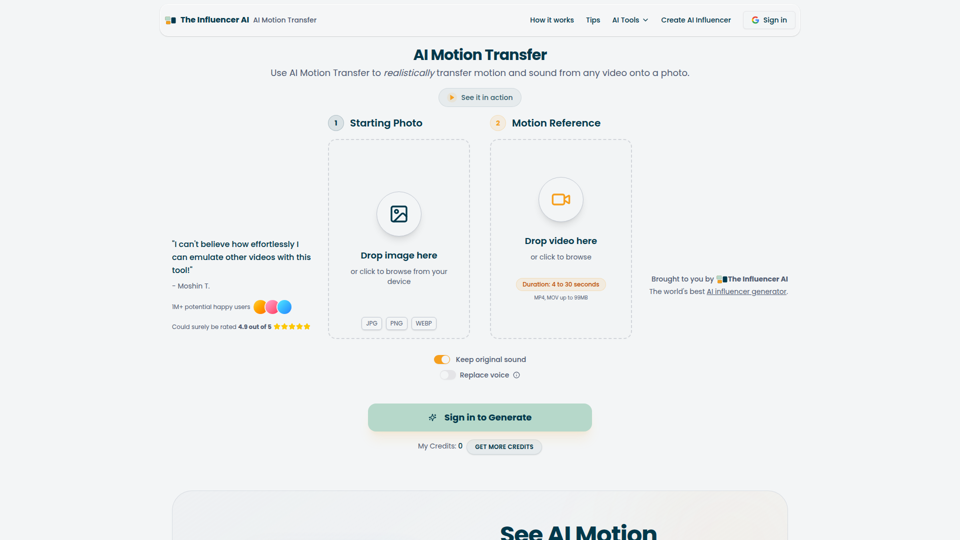
AI Motion Transfer - Animate Photos with Video Reference
AI Motion Transfer is an AI tool from The Influencer AI that transfers motion and optionally sound from a reference video onto a photo, helping creators, marketers, and social content teams turn static character images into animated videos. For social media, e-commerce, and creative production roles, it can speed up creation of realistic character videos and reduce the need for manual filming or complex prompt writing.
AI Image Generator & AI Video Creator | BasedLabs.ai - Free AI Images
BasedLabs is an AI content creation platform that helps users generate images, videos, and audio with multiple models and editing tools, mainly for creators, marketers, filmmakers, and social media teams. In AI-driven creative workflows, it can speed up concepting and asset production for roles such as video editors, advertisers, and YouTube creators.
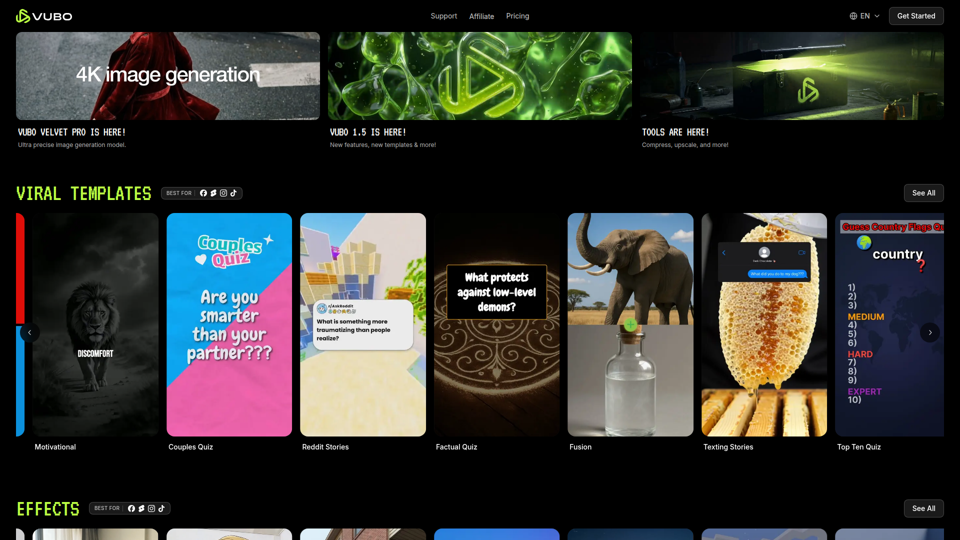
VUBO | Generate Viral Ready Videos in Seconds | VUBO
VUBO is an AI video creation platform that helps users generate short-form, template-based videos, effects, and related assets quickly for platforms like TikTok, YouTube Shorts, and Instagram Reels, mainly for creators, marketers, and agencies. In AI-driven content workflows, it can help social media teams and video marketers scale rapid testing and production without relying on complex editing software.
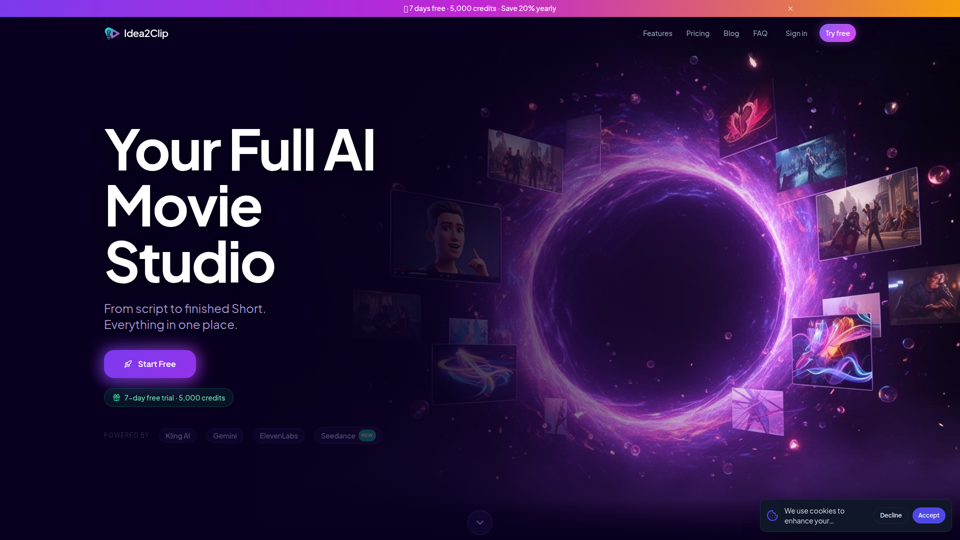
AI Video Studio for Shorts | Idea2Clip
Idea2Clip is an AI video studio for creating short-form videos, helping creators turn ideas into finished YouTube Shorts and TikToks with tools for brainstorming, scripting, text-to-video, animation, lip sync, motion transfer, and voiceover. For social media creators and video marketers, combining ideation, planning, and production in one workflow can reduce manual editing steps and speed up short-form content output.