
Bulk AI Image Generator: Create from Prompts (2026)
Rate this Tool
Average Score
Total Votes
Select your score (1-10):
Detail Information
What
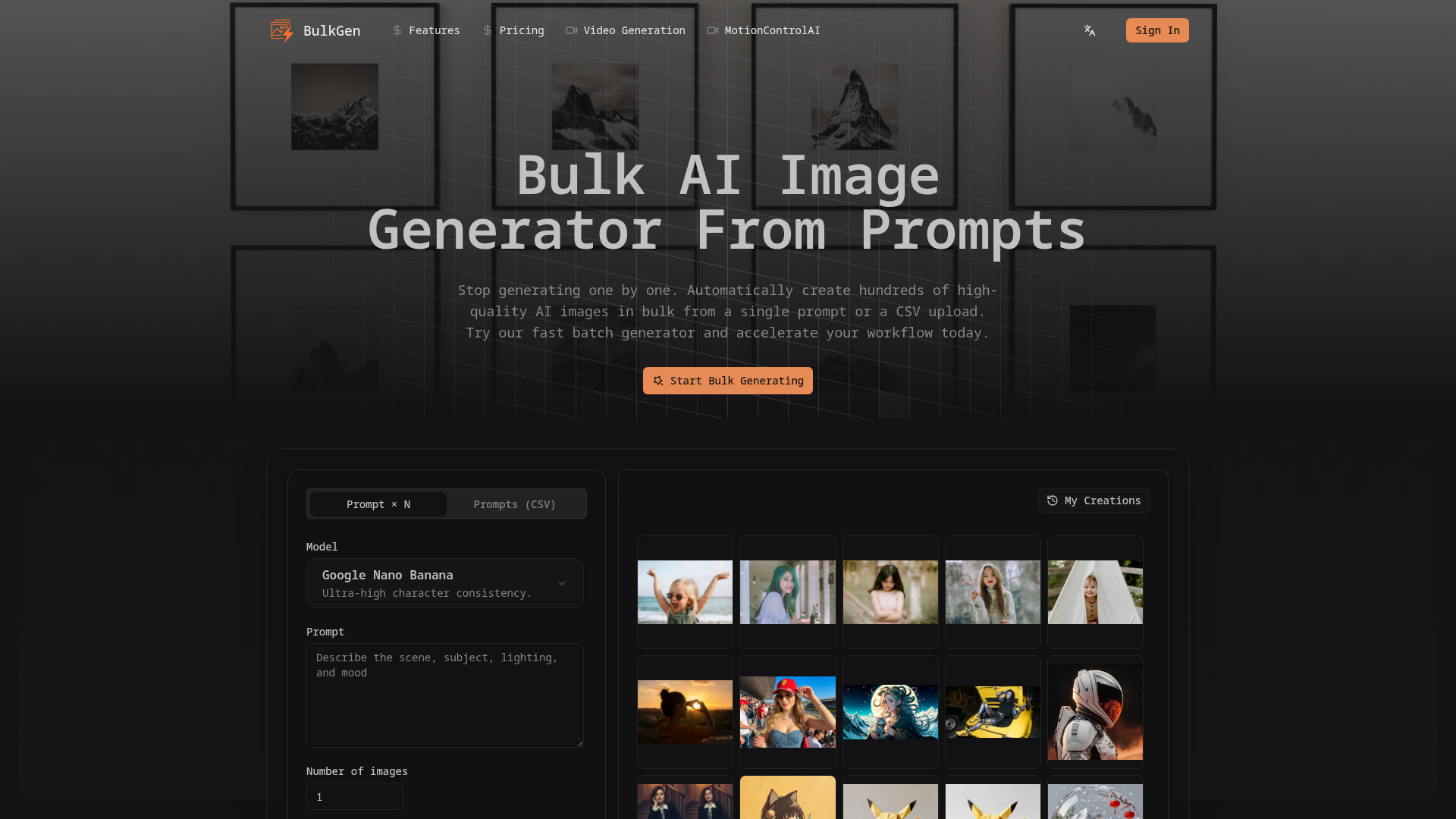
BulkGen is an AI bulk image generator built for users who need to create many images from text prompts without generating them one at a time. It supports two primary workflows: creating multiple variations from a single prompt and generating images from a CSV file containing many different prompts.
The product appears positioned for creators, agencies, businesses, and other power users handling high-volume visual production such as social media assets, product imagery, blog visuals, and campaign content. Its core value is faster batch generation with configurable output settings, export options, and an emphasis on consistency across larger image sets.
Features
- Prompt × N generation: Create multiple image variations from one prompt in a single run, which helps speed up concept exploration and selection.
- CSV-based batch generation: Upload a CSV of distinct prompts to generate one image per row, supporting scalable production for catalogs, content pipelines, and campaign assets.
- Aspect ratio controls: Select from common formats such as 1:1, 9:16, 16:9, 3:4, and 4:3 so outputs match different publishing channels and layouts.
- PNG and JPEG export: Choose standard output formats to fit downstream editing, publishing, or asset management workflows.
- Bulk download and ZIP export: Export generated images individually or as a ZIP archive, which simplifies handling larger batches.
- Consistency-focused models and parallel processing: The site highlights models such as Google Nano and claims high-speed parallel generation with strong character consistency, which is useful for branded or repeated visual themes.
Helpful Tips
- Validate output consistency early: If consistent characters or brand style matter, test a small batch first before scaling to larger CSV runs.
- Structure CSV prompts carefully: Prompt quality and formatting will likely have a major effect on output quality, so standardizing prompt patterns can improve batch reliability.
- Match aspect ratios to channels upfront: Deciding the target platform before generation reduces rework and avoids stretching or cropping later.
- Check rights and policy details directly: The page states commercial rights are included, but teams should still review the Terms of Service for exact usage boundaries.
- Plan for batch limits: The page mentions CSV files with up to 50+ prompts per batch, but it does not clearly define the hard maximum, so operational teams should confirm limits during evaluation.
OpenClaw Skills
BulkGen could likely fit well into OpenClaw workflows centered on automated creative operations. A likely use case would be an OpenClaw agent that takes campaign briefs, product feeds, or content calendars, converts them into structured prompts, submits batches for generation, and then routes outputs into organized asset libraries for review. Another likely skill could monitor prompt templates and naming conventions so batches remain consistent across teams.
In marketing, e-commerce, and content production, an OpenClaw-based layer around BulkGen could change work from manual image request handling to semi-automated visual pipeline management. For example, a likely workflow could generate blog header images from SEO content plans, create product lifestyle variations from catalog rows, or produce channel-specific creative sets by aspect ratio. The site does not state a native OpenClaw integration, so these should be treated as inferred orchestration opportunities rather than confirmed product capabilities.
Embed Code
Share this AI tool on your website or blog by copying and pasting the code below. The embedded widget will automatically update with the latest information.
<iframe src="https://www.aimyflow.com/ai/aibulkimagegenerator-com/embed" width="100%" height="400" frameborder="0"></iframe>