
Average Score
Total Votes
Select your score (1-10):
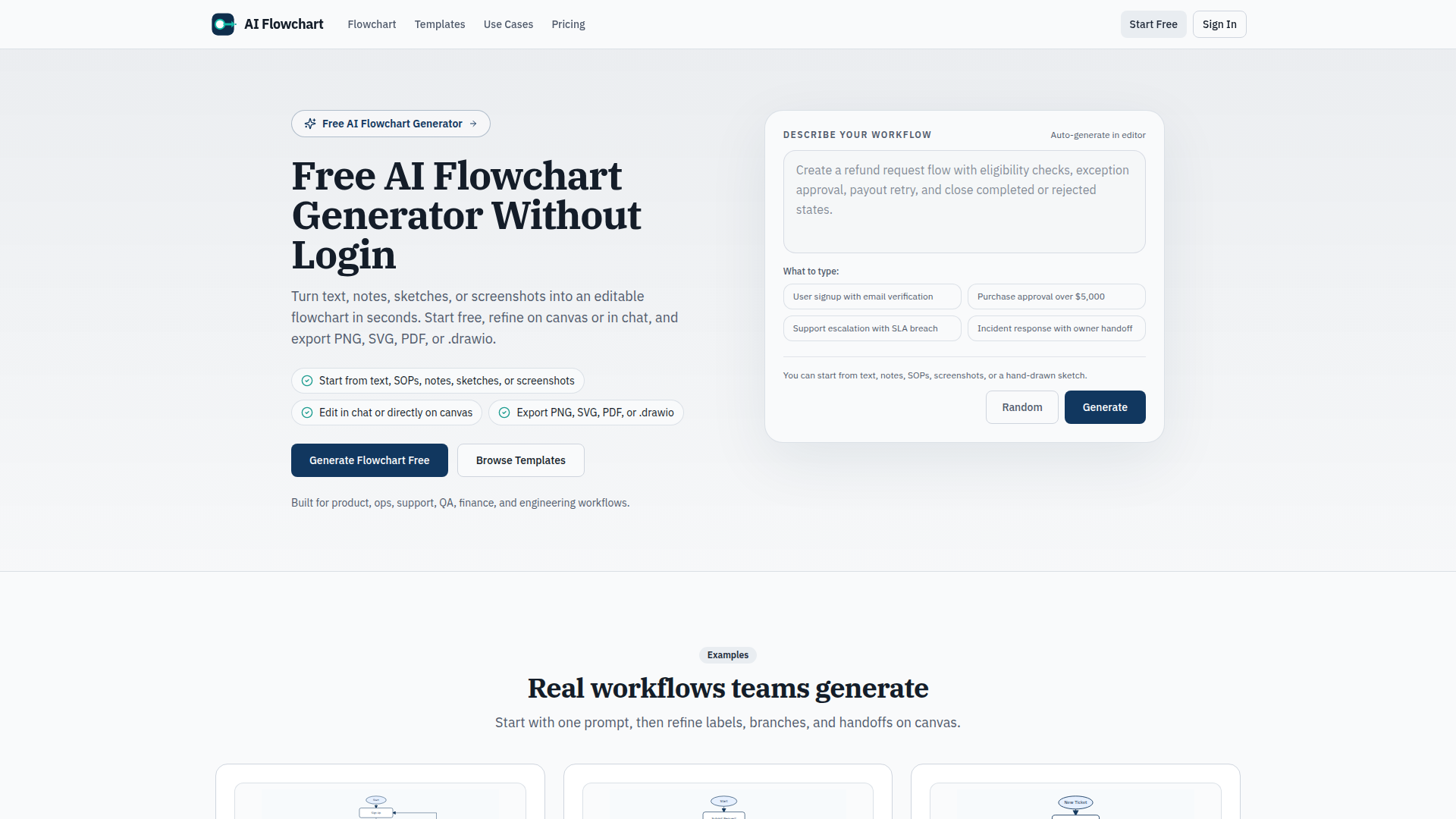
AI Flowchart is a focused diagramming tool that turns workflow text, notes, SOPs, pseudocode, screenshots, and hand-drawn sketches into editable flowcharts. It is aimed at teams in product, operations, support, QA, finance, engineering, and data functions that need to document or communicate processes quickly without starting from a blank canvas.
The core workflow is simple: describe a process or upload an image, let the tool generate a draft flowchart, then refine labels, branches, and handoffs in chat or directly on the canvas before exporting. Based on the page, it appears positioned as a lightweight, task-specific alternative to broader whiteboard or design tools, with minimal setup and no-login first runs.
.drawio files for documentation, sharing, or future editing..drawio export fits your documentation stack and long-term maintenance needs.Within the OpenClaw ecosystem, AI Flowchart could likely support skills that turn operational knowledge into structured workflow assets. Likely use cases include an agent that ingests SOPs, tickets, meeting notes, or incident writeups and produces draft flowcharts for onboarding, support routing, release management, or approval chains. Since the page mentions text, image, and pseudocode inputs plus .drawio export, it appears well suited for workflow-documentation pipelines, though no native OpenClaw integration is stated.
A broader OpenClaw workflow could combine this product with agents for process mining, exception detection, documentation updates, and team training. For example, an operations team could use one agent to summarize process changes from tickets, another to generate a revised flowchart, and a third to distribute updated documentation. In professions where process clarity is central, such as support, finance operations, QA, or engineering delivery, that combination could likely reduce manual diagram maintenance and make workflow knowledge easier to operationalize.
Share this AI tool on your website or blog by copying and pasting the code below. The embedded widget will automatically update with the latest information.
<iframe src="https://www.aimyflow.com/ai/aiflowchart-org/embed" width="100%" height="400" frameborder="0"></iframe>
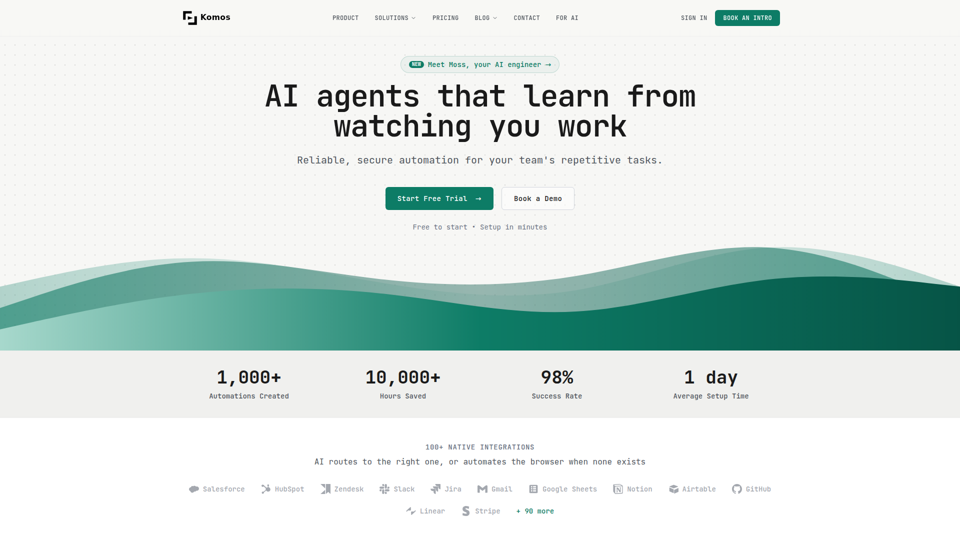
Komos is an AI automation platform that learns repetitive browser and SaaS tasks by watching users work, then builds editable workflows and APIs for teams in operations-heavy functions such as legal, finance, healthcare, HR, and supply chain. In AI-enabled operations, it can help specialists reduce manual portal work, document handling, and compliance steps while keeping workflows visible, auditable, and under team control.
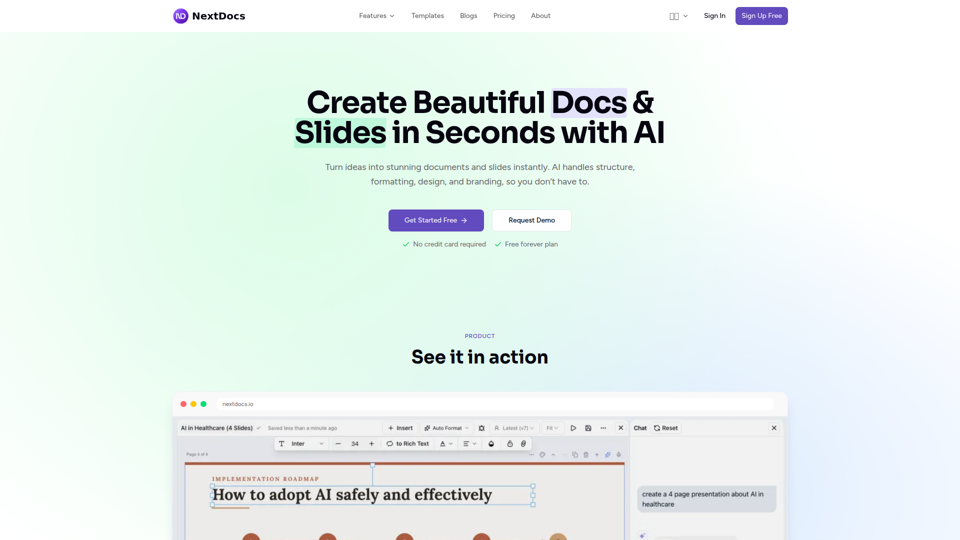
NextDocs is an AI document and presentation creation tool that helps professionals and teams turn prompts into branded docs, slides, social posts, proposals, reports, and contracts with built-in editing, research, and export options. For roles like project managers, marketers, founders, and sales teams, it can reduce manual formatting and versioning work so more time goes to reviewing content and making decisions.
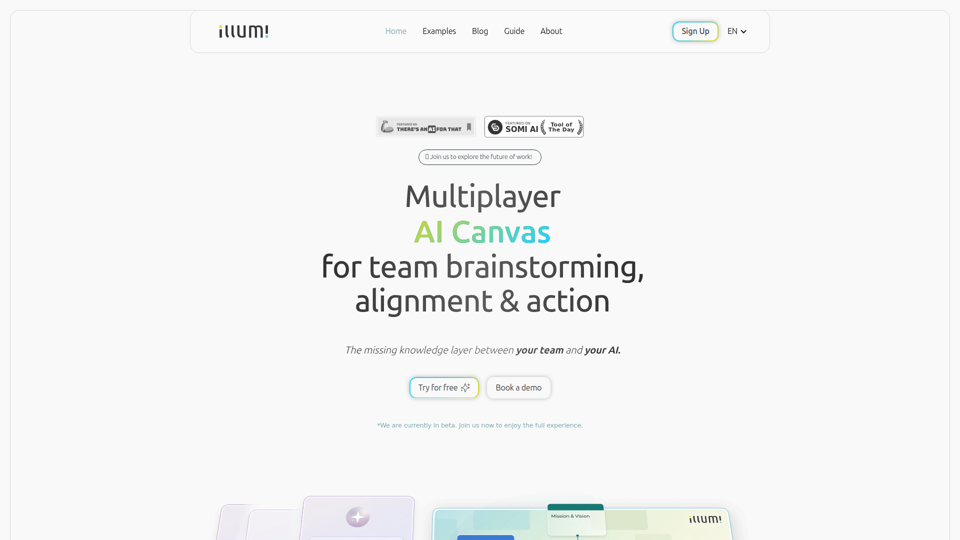
illumi is a multiplayer AI canvas and whiteboard that helps teams gather context, brainstorm, align decisions, and co-create outputs with multiple AI models in one shared workspace, mainly for teams doing collaborative planning and knowledge work. For team leads, strategists, and cross-functional contributors, it can improve AI-driven work by preserving shared context so generated drafts and decisions reflect the full discussion instead of fragmented prompts.
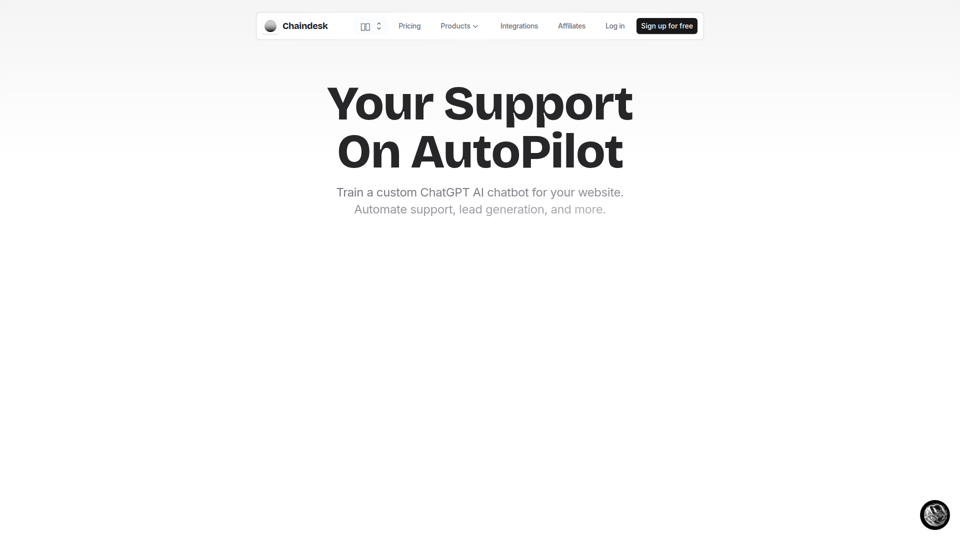
Chaindesk is a no-code platform for building custom AI chatbots trained on company data to automate website support, lead generation, and team workflows, mainly for customer support and operations teams. In AI-enabled support environments, it can help service and success professionals reduce repetitive tickets while keeping answers aligned with their knowledge base and escalating conversations to humans when needed.
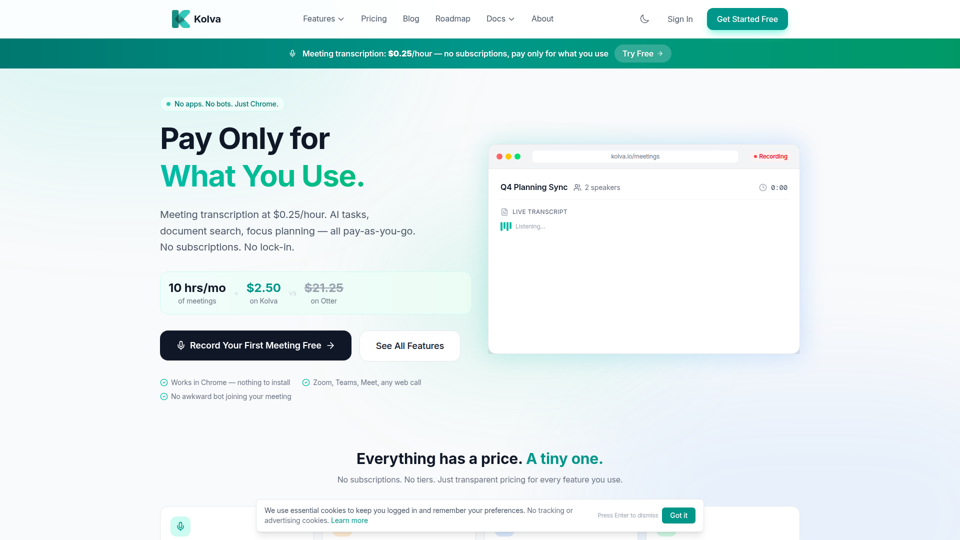
Kolva is a Chrome-based productivity tool that provides meeting transcription and summaries, AI-powered task management, document search, and focus planning on a pay-as-you-go model, mainly for professionals and teams who want lightweight support for meetings, tasks, and docs without subscriptions. For managers, operations staff, and knowledge workers, it can turn web meetings and scattered documents into searchable notes, action items, and next steps with lower overhead than always-on software.
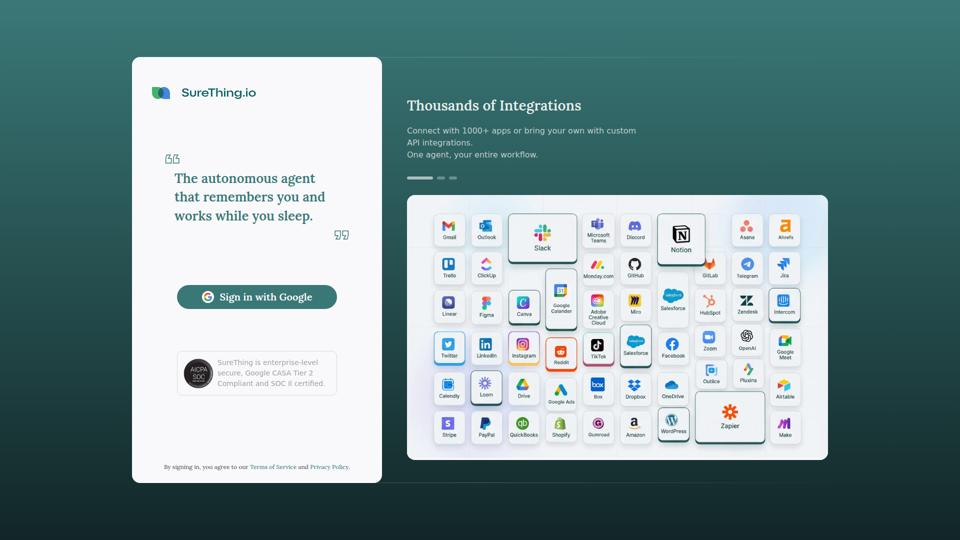
SureThing is an autonomous AI agent that remembers user context and helps automate entire workflows across 1,000+ apps, aimed at users who want a persistent agent to work continuously on connected tasks. For operations-heavy roles and individual professionals, this kind of always-on AI agent can reduce manual handoffs and keep recurring processes moving outside normal working hours.
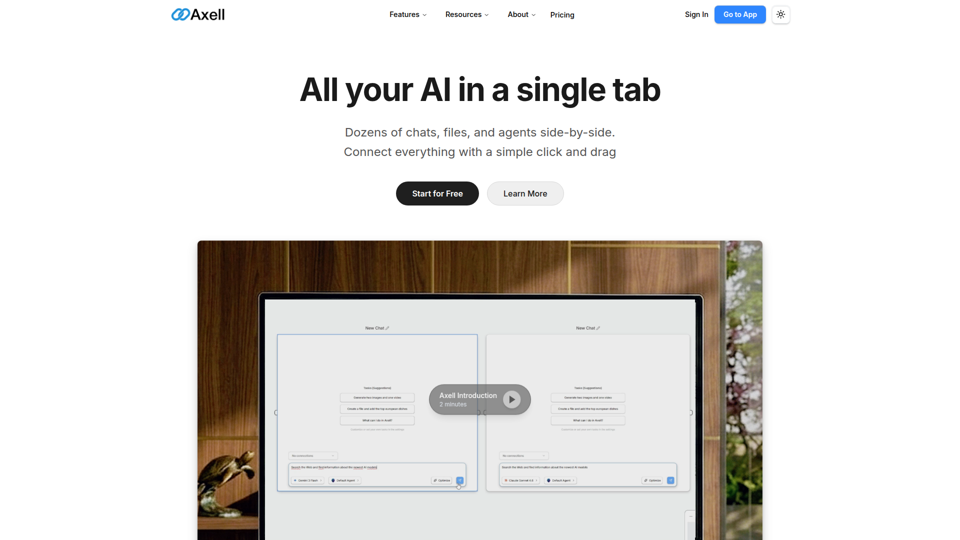
Axell is a unified AI workspace that lets users run multiple chats, files, and custom agents side by side, mainly for teams and professionals who need to compare models, manage context, and collaborate in one place. For knowledge workers, researchers, and operations teams, it can reduce context switching by keeping conversations, documents, and agent workflows connected in a shared live workspace.
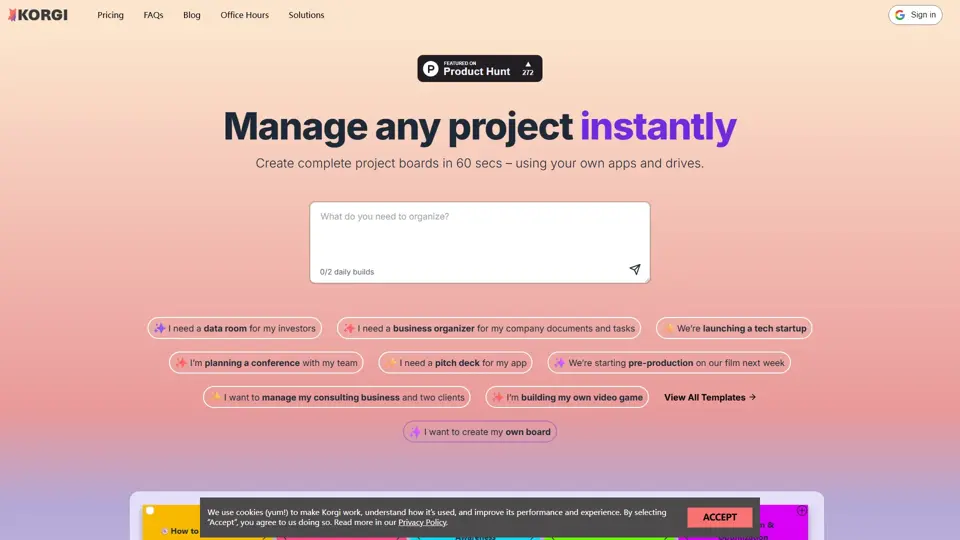
Korgi is an all-in-one project board platform with built-in app connections and AI, designed to help teams organize work and collaborate in one place. It gives project and operations teams a simpler way to coordinate tasks without juggling as many separate tools.