
AI Home Design | Free AI Interior Design & Room Redesign Tool
Rate this Tool
Average Score
Total Votes
Select your score (1-10):
Detail Information
What
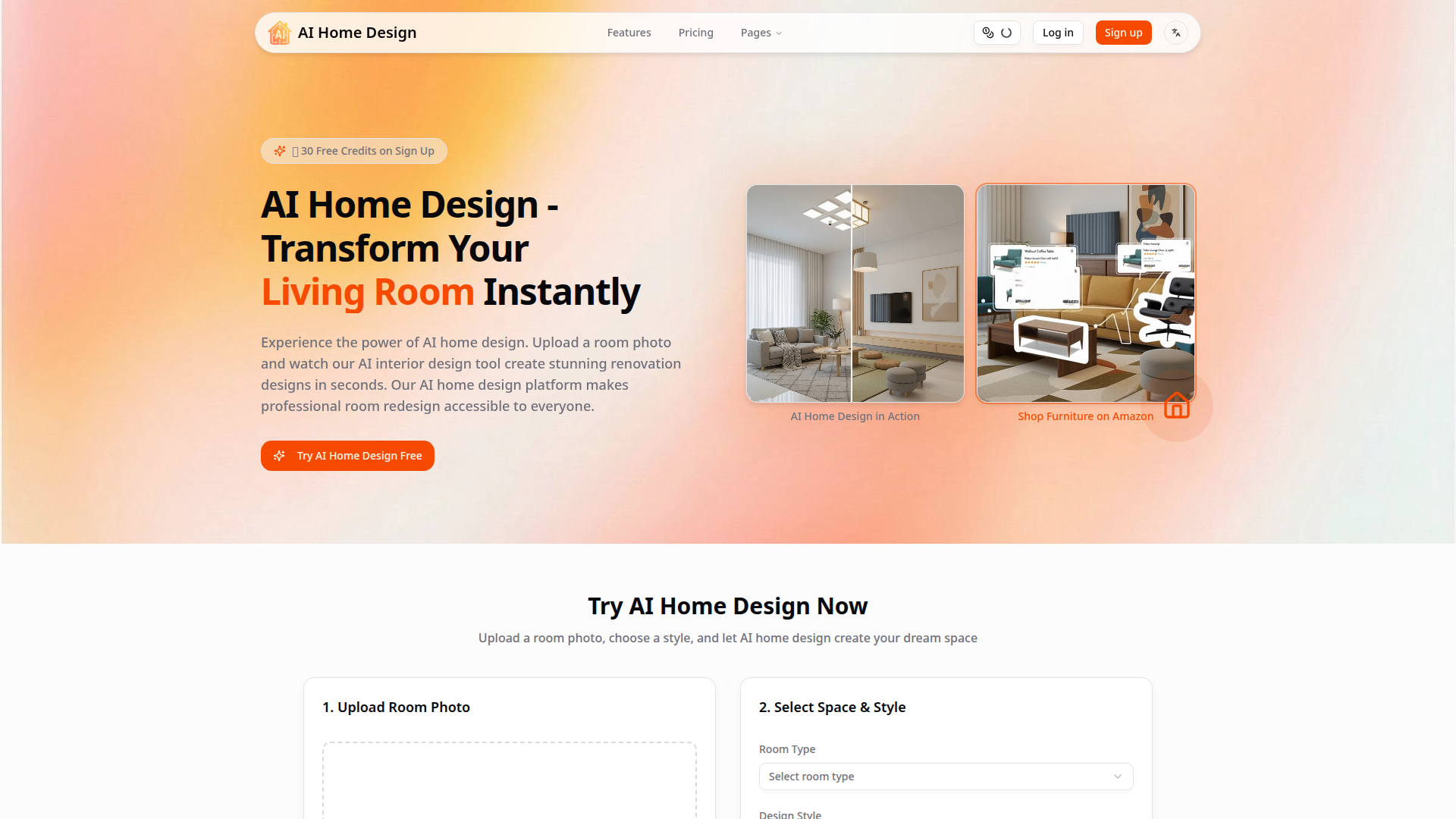
AI Home Design is a web-based AI interior design tool that turns a room photo into redesigned visual concepts. The core workflow is simple: upload an image, choose a room type and style, and generate a new design in about 20 seconds. The product is aimed at homeowners, renters, designers, real estate professionals, landlords, and other users who want fast concept exploration without traditional design software.
The platform appears positioned as an accessible, self-serve design and visualization tool with a built-in path from inspiration to purchase. Beyond static redesigns, it also offers panoramic and video-based viewing formats, plus furniture recognition and Amazon product links. Based on the page, it is suitable for early-stage ideation and presentation; it does not clearly claim to replace detailed architectural or technical planning software.
Features
- Photo-based room redesign — Upload a room photo and generate a restyled version while preserving the room’s basic structure, which helps users visualize renovation or decor directions quickly.
- Style and room-type selection — Users can choose a space type and a design style such as Japanese Zen, Scandinavian, Industrial, or Modern Minimalist to guide the output toward a specific aesthetic.
- AI 3D panoramic tours — The platform can create 360° panoramic views of a redesigned room, giving users a more immersive way to inspect the concept.
- Short AI video tours — It generates 8-second walkthrough-style videos from designs, which can help with stakeholder presentations or marketing-style previews.
- Furniture recognition — The system identifies furniture in generated designs and extracts details such as style, color, and material to support sourcing decisions.
- Amazon shopping links — Recognized furniture can link to matching Amazon products, shortening the path from design concept to product discovery and purchase.
Helpful Tips
- Use it for concept validation, not final specification — Tools like this are well suited for comparing styles and communicating direction, but the page does not show evidence of technical drafting, measurement validation, or construction documentation.
- Test several styles on the same room photo — Since the workflow is fast and credit-based, comparing multiple aesthetics on one space is likely the best way to evaluate fit before making purchases or renovation decisions.
- Check credit consumption by output type — Image redesigns, videos, and panoramas consume credits at different rates, so buyers should match plan size to the type of content they expect to produce most often.
- Review furniture matches manually — The site describes AI furniture recognition, but it does not provide detailed accuracy benchmarks, so product matches should be treated as helpful suggestions rather than exact procurement specifications.
- Assess output quality with your own photos — Lighting, camera angle, clutter, and room visibility can materially affect image-based design tools, so real-world testing is important before broader team adoption.
OpenClaw Skills
Within the OpenClaw ecosystem, AI Home Design could likely support skills built around room-intake automation, style exploration, and design asset routing. A likely workflow would let an OpenClaw agent collect room photos, desired styles, room type, and budget context from a client or internal team member, then organize generated redesigns, panoramas, and video outputs into a structured project brief. If exposed through an API or browser automation workflow, another skill could categorize outputs by use case such as renovation planning, listing enhancement, or client presentation.
For target professions like interior design, real estate, property management, and home staging, this combination could shift work toward faster option generation and clearer visual communication. A likely OpenClaw use case would be an agent that receives a property address and room images, generates multiple style directions, extracts recognized furniture opportunities, and prepares a comparison pack for contractors, agents, or clients. That would not be a confirmed native integration from the page, but it is a practical adjacent workflow that could reduce manual coordination and make early-stage design decisions easier to operationalize.
Embed Code
Share this AI tool on your website or blog by copying and pasting the code below. The embedded widget will automatically update with the latest information.
<iframe src="https://www.aimyflow.com/ai/aihomedesign-io/embed" width="100%" height="400" frameborder="0"></iframe>
Explore Similar Tools
AI Interior Design Tool - Redesign Any Room for Free with AI | Paintit.ai
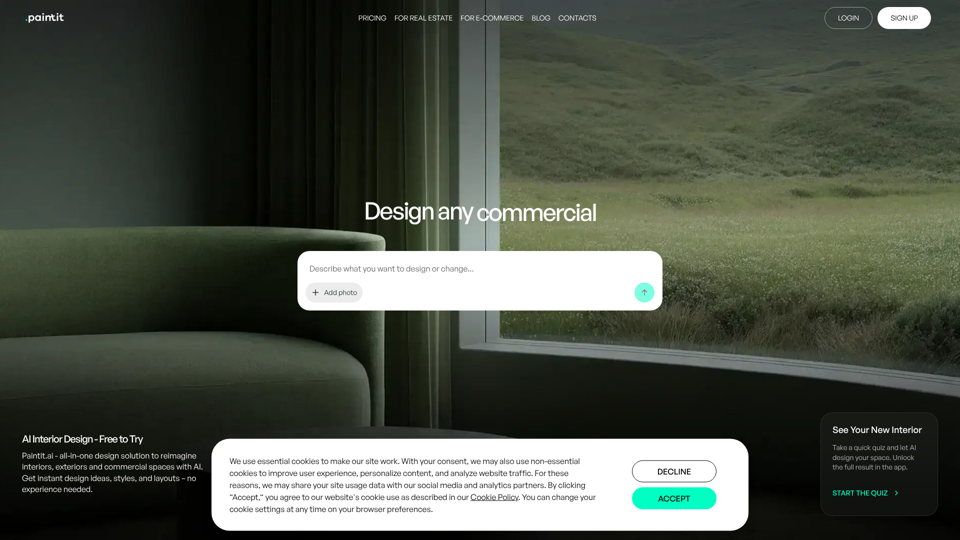
Paintit.ai is an AI interior design tool that helps users upload room images or prompts to redesign, repaint, stage, and refine interiors, exteriors, and commercial spaces, mainly for design professionals, real estate teams, marketers, and homeowners. In AI-driven visual planning workflows, it can help designers, stagers, and property marketers generate and compare concepts faster before presenting options or making purchase decisions.
AI Design Tool — Interior, Exterior & Landscape | ArchyBase
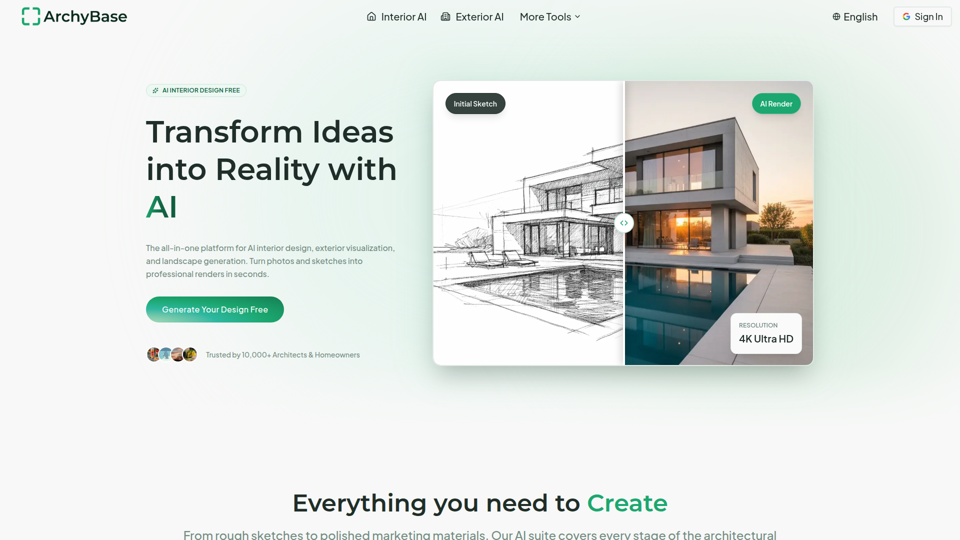
ArchyBase is an AI design platform for architects and homeowners that turns photos, sketches, and CAD drawings into interior, exterior, and landscape renders for renovation, visualization, and design exploration. For architects, interior designers, and related property professionals, it can speed concept iteration and client communication by producing multiple realistic visual options from the same source image or sketch.
Room Design - Free AI Room Designer
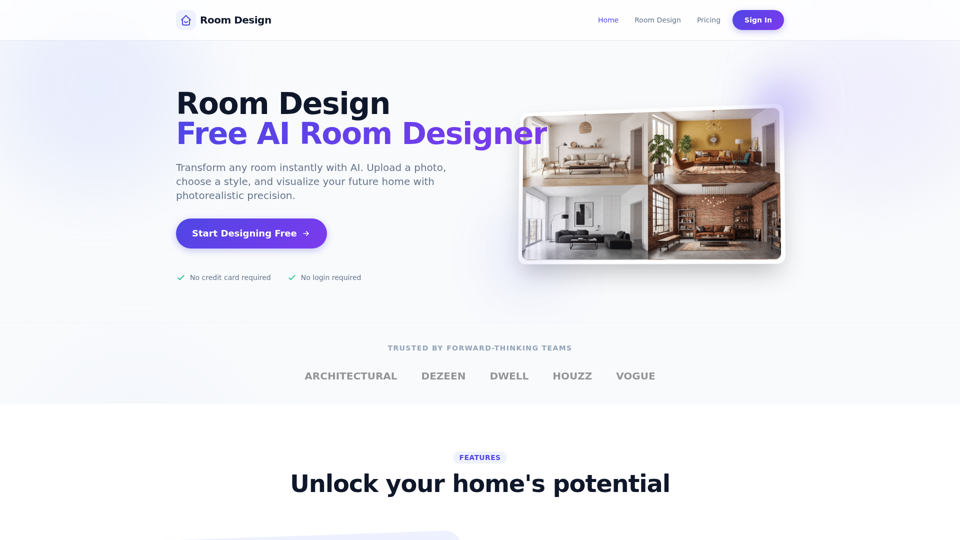
Room Design is a free AI room designer that helps homeowners and interior designers upload room photos, apply styles, and generate photorealistic redesigns, virtual renovations, furniture matches, and color or lighting suggestions. For interior design and renovation work, it can speed concept exploration and client communication by turning room photos into fast visual options before detailed planning.
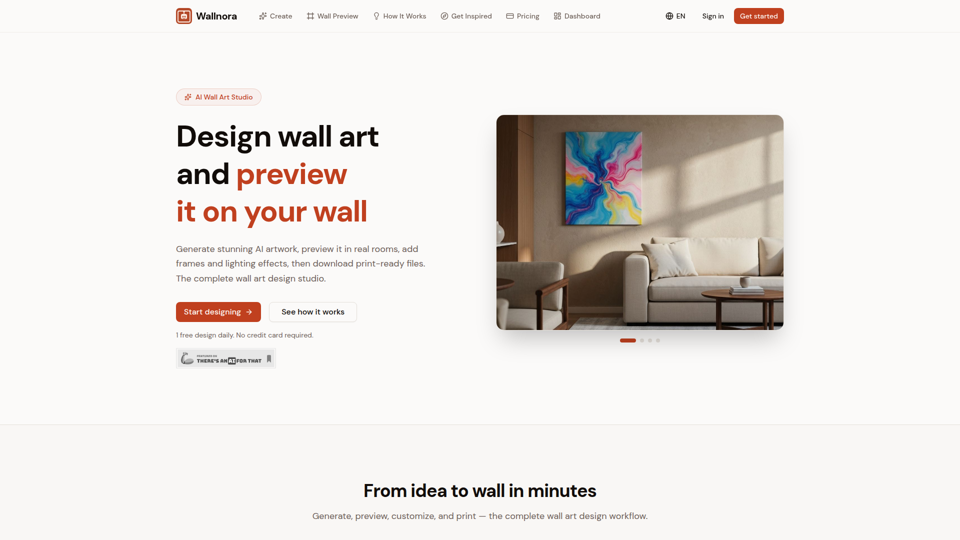
Wallnora - AI Wall Art Studio | 4K Printable Art
Wallnora is an AI wall art studio that helps creators, decorators, and Etsy sellers generate artwork in multiple styles, preview it in room mockups with frames and lighting, and download 4K print-ready files. For interior designers and digital art sellers, it can shorten concept testing and product creation by showing how pieces will look in real spaces before printing or listing.
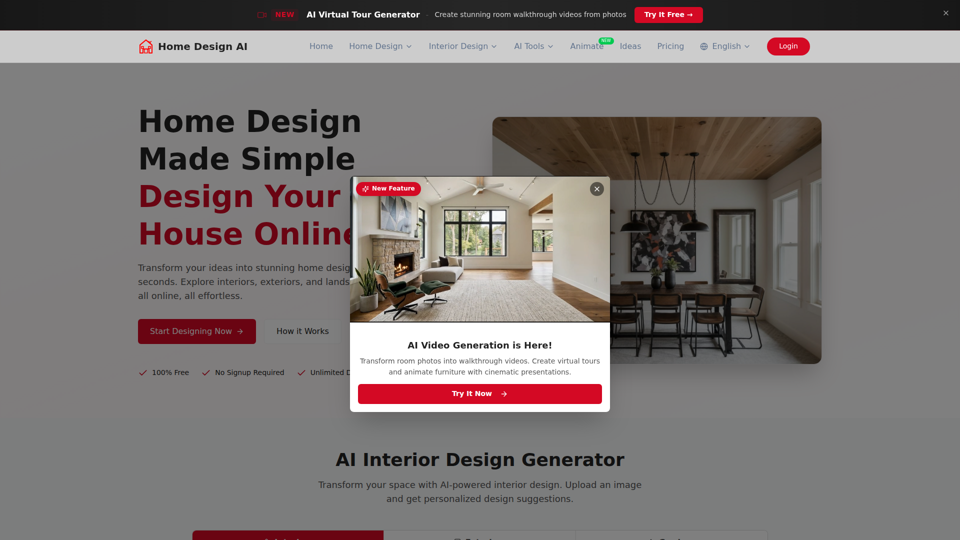
Home Design – Create Dream Interiors & Exteriors Online
Home Design AI is an online home design tool that helps homeowners, renters, and interior design users create and visualize interiors, exteriors, gardens, and room layouts from photos or text prompts. For interior designers, decorators, and real estate professionals, AI-generated redesigns and virtual walkthroughs can speed concept development, style exploration, and client presentation work.

AI Party Planner: Instant Designs in 30s | PartyPilotAI
PartyPilotAI is an AI party planning tool that helps hosts quickly turn photos of a home, backyard, or rooftop into party designs, floor plans, visualizations, and shopping lists for birthdays, baby showers, BBQs, and similar celebrations. For party hosts and event planners, it can speed up layout and decoration decisions by turning space photos, guest counts, and budgets into usable planning outputs in seconds.

Feng Shui Bedroom AI Analysis - Gemini 3.1 Pro & Nano Banana 2
Feng Shui Bedroom AI Analysis is an AI tool that analyzes bedroom photos, floor plans, and layout questions to suggest feng shui improvements, mainly for people seeking guidance on bedroom arrangement and decor. In AI-assisted interior planning, it can help home-focused designers and consultants produce faster visual recommendations and identify layout issues before changes are made.
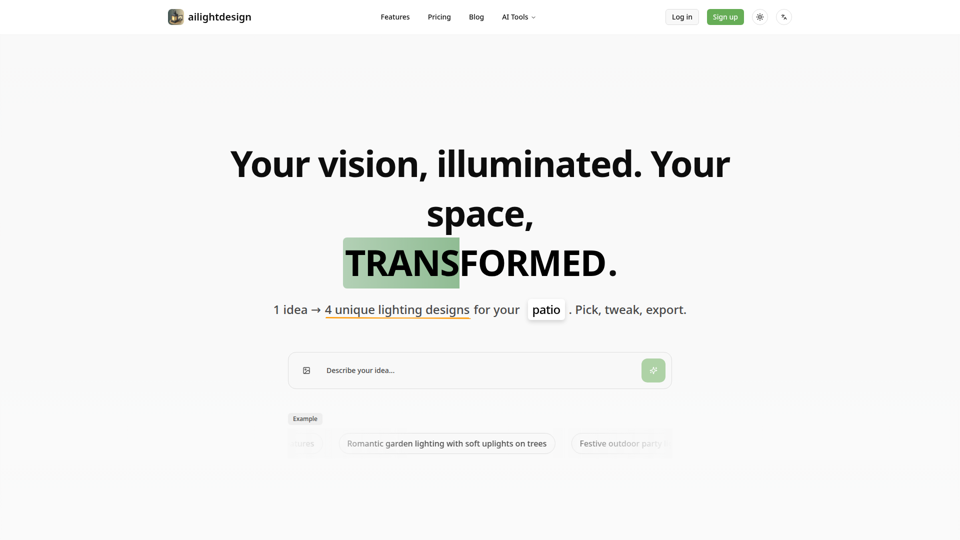
AI Outdoor Lighting Design | Visualize Your Yard & Patio - ailightdesign
ailightdesign is an AI outdoor lighting design tool that helps homeowners visualize patio, backyard, poolside, driveway, and garden lighting ideas on their own photos and generate multiple design options. For homeowners and lighting design professionals, this kind of AI preview can speed concept testing, reduce guesswork, and support clearer decisions before installation.