
AI Photo Generation Guide | Creative Digital Art in 2025 | BottleneckCalculator.biz
Rate this Tool
Average Score
Total Votes
Select your score (1-10):
Detail Information
What
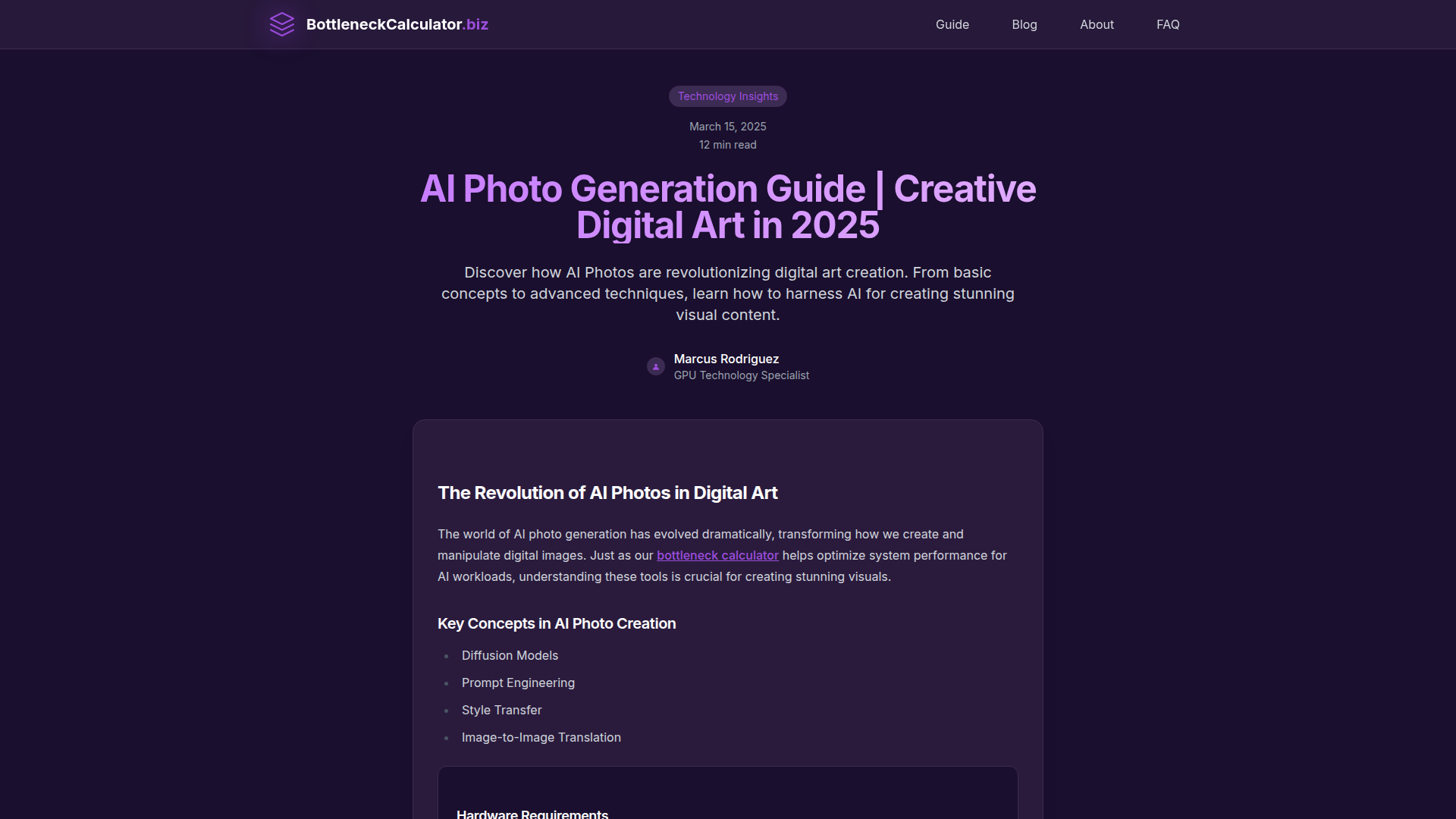
This page is an editorial guide from BottleneckCalculator.biz about AI photo generation and digital art in 2025. It is aimed at people exploring or using AI image creation tools, especially those who need to understand both creative techniques and the hardware requirements needed to run image-generation workloads effectively.
The guide positions BottleneckCalculator.biz less as an AI image generator and more as a system-performance and hardware-optimization resource adjacent to AI creative workflows. It explains core concepts such as diffusion models and prompt engineering, points readers to common AI art tools, and frames system balancing, GPU capability, memory, and storage as important parts of producing AI-generated images efficiently.
Features
- Explains core AI image-generation concepts by covering topics such as diffusion models, prompt engineering, style transfer, and image-to-image translation to help readers understand the technical foundations.
- Introduces common AI art tools including Stable Diffusion, DALL-E, Midjourney, and custom fine-tuned models, giving readers a practical map of the current tool landscape.
- Highlights advanced creative techniques such as inpainting, outpainting, ControlNet-related workflows, custom model training, and prompt optimization for users moving beyond basic image generation.
- Provides hardware-focused guidance by emphasizing the need for a high-end GPU, sufficient VRAM, a modern multi-core CPU, at least 16GB of memory, and fast storage for model loading.
- Connects creative output to system optimization through references to the site’s bottleneck calculator, FAQ, performance guide, and related system-performance content.
- Surfaces forward-looking trends including real-time generation, stronger photorealism, improved user control, and broader integration with traditional creative tools.
Helpful Tips
- Treat this as an educational guide, not a software product page; the page describes concepts and requirements but does not present BottleneckCalculator.biz as a native AI photo generation platform.
- Validate hardware before choosing a workflow because local AI image generation can be heavily constrained by GPU VRAM, CPU balance, memory capacity, and storage speed.
- Match tool choice to your use case; the guide mentions multiple model ecosystems, and each typically differs in control, quality, hosting model, and hardware demands, though the page does not compare them in depth.
- Start with prompt engineering and image-to-image workflows before custom training since the latter is more complex and usually requires more compute, time, and experimentation.
- Watch for gaps between trend coverage and implementation detail; the article names emerging directions, but it does not provide benchmark data, setup instructions, or feature-by-feature tool comparisons.
OpenClaw Skills
This guide could fit the OpenClaw ecosystem as a knowledge and workflow layer around AI image-generation planning rather than as a confirmed native image engine. Likely OpenClaw skills could include a hardware readiness assessor that interprets a user’s PC specs for AI art workloads, a prompt workflow coach that structures prompt iterations for different visual goals, and a model selection advisor that maps project needs to broad tool categories such as diffusion-based generation, inpainting, or image-to-image editing. These are plausible use cases based on the article’s content, not stated integrations.
In practice, that combination could help creative teams, freelancers, and technical artists move from experimentation to a more repeatable production process. A likely OpenClaw workflow might intake a creative brief, estimate system constraints, recommend an appropriate generation approach, and generate a step-by-step execution plan for prompt design, model choice, and performance tuning. For digital art and design professions, this could reduce trial-and-error between creative intent and machine limitations, especially where local AI workloads and hardware bottlenecks directly affect output quality and turnaround time.
Embed Code
Share this AI tool on your website or blog by copying and pasting the code below. The embedded widget will automatically update with the latest information.
<iframe src="https://www.aimyflow.com/ai/aiphotos-ai/embed" width="100%" height="400" frameborder="0"></iframe>