
Best AI Video Generator 2026 – Text & Image to Video
Rate this Tool
Average Score
Total Votes
Select your score (1-10):
Detail Information
What
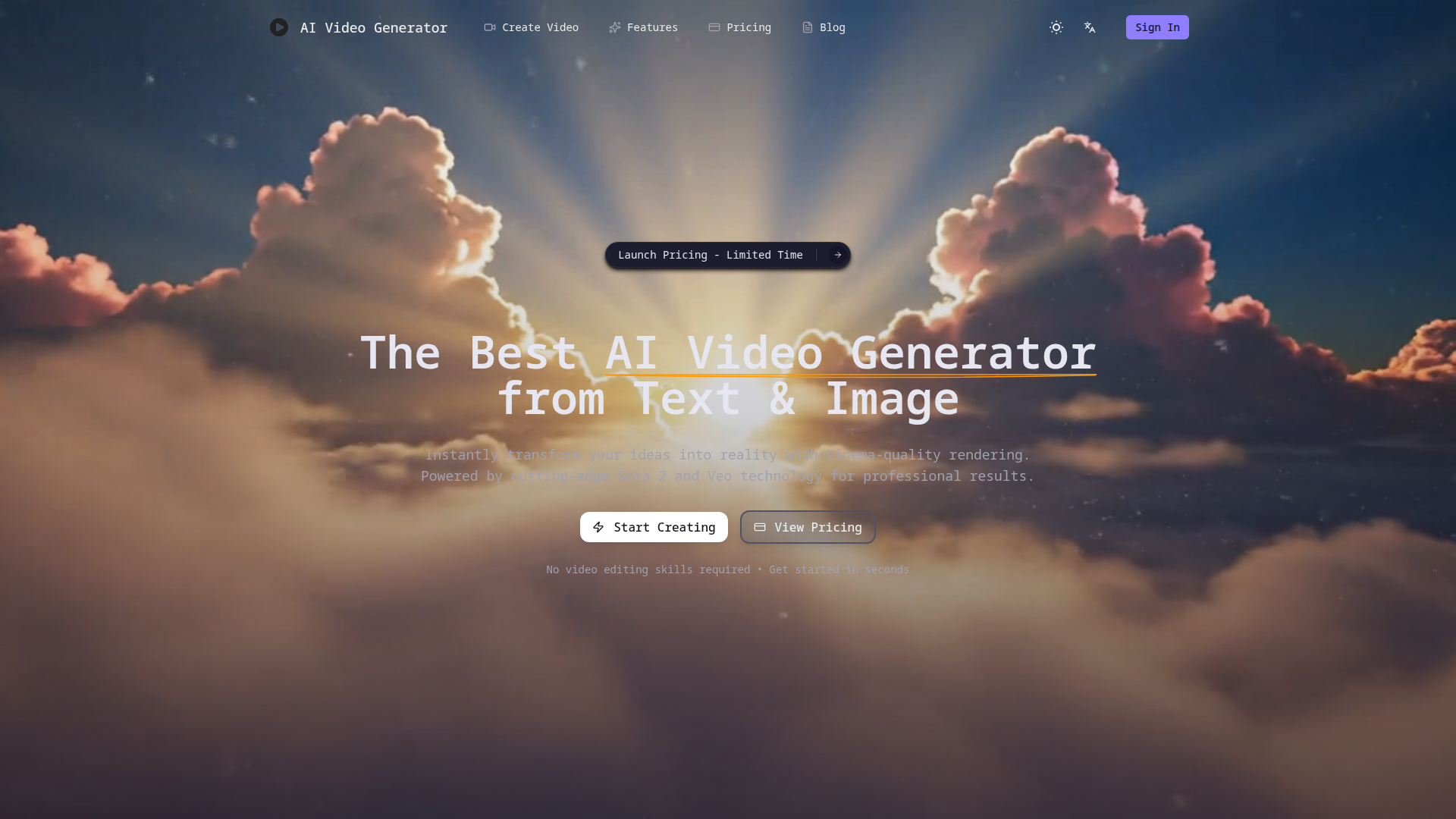
AI Video Generator is a web-based tool for creating short videos from either text prompts or uploaded images. It is positioned for creators, marketers, educators, business owners, and other users who want professional-looking video output without traditional video editing workflows.
The core workflow is straightforward: describe a scene or upload an image, choose settings such as model, aspect ratio, and duration, then generate and download the result. Based on the page, the product is positioned as a self-serve AI video creation platform focused on ease of use, fast rendering, and flexible content formats for social, marketing, educational, and creative use cases.
Features
- Text-to-video generation: Users can turn written prompts into short videos, which helps convert ideas or concepts into visual assets without manual editing.
- Image-to-video animation: The platform can animate static images into motion-based videos, useful for repurposing artwork, product images, or visual concepts.
- Multiple aspect ratios: Support for 16:9, 9:16, and 1:1 formats makes it easier to prepare content for YouTube, mobile social platforms, and square post layouts.
- Short-form video duration options: The interface shows 10-second and 15-second generation options, which aligns with common social and promotional content needs.
- Style and camera control options: The site states that users can adjust styles, effects, and camera movements, which can help shape tone and presentation more precisely.
- Downloadable MP4 output up to 1080p: The product claims high-quality downloadable output, giving users a practical format for publishing and reuse.
Helpful Tips
- Validate output consistency early: For teams evaluating this type of product, test the same prompt across multiple styles and settings to understand how reliably the model follows direction.
- Plan around short video lengths: Since the page highlights 10s and 15s clips, this product appears best suited to short-form content rather than long-form editing workflows.
- Use detailed prompting standards: Better results will likely depend on prompt structure, including scene, subject, motion, framing, and style guidance.
- Check commercial-use and security details directly: The FAQ mentions these topics, but the provided page content does not include the actual answers, so buyers should verify policy specifics before production use.
- Assess credit consumption against team volume: The product uses a credit system, so practical cost efficiency will depend on generation volume, iteration rates, and quality tier needs.
OpenClaw Skills
Within the OpenClaw ecosystem, this product could likely support skills for automated video ideation, prompt generation, and batch creative production. An OpenClaw agent could help marketing or content teams turn campaign briefs, blog posts, product descriptions, or lesson plans into structured video prompts, then organize outputs by format, audience, or channel. This is a likely workflow use case, not a confirmed native integration from the page.
A broader OpenClaw setup could also combine this tool with review and publishing workflows. For example, agents could score generated clips against brand guidelines, recommend prompt revisions, prepare platform-specific variants, and route approved assets into content calendars. For marketers, educators, and creative teams, that combination could shift video creation from a specialist task into a more repeatable operational workflow centered on prompt design, review, and distribution.
Embed Code
Share this AI tool on your website or blog by copying and pasting the code below. The embedded widget will automatically update with the latest information.
<iframe src="https://www.aimyflow.com/ai/aivideogenerator-best/embed" width="100%" height="400" frameborder="0"></iframe>
Explore Similar Tools
Faceless.video
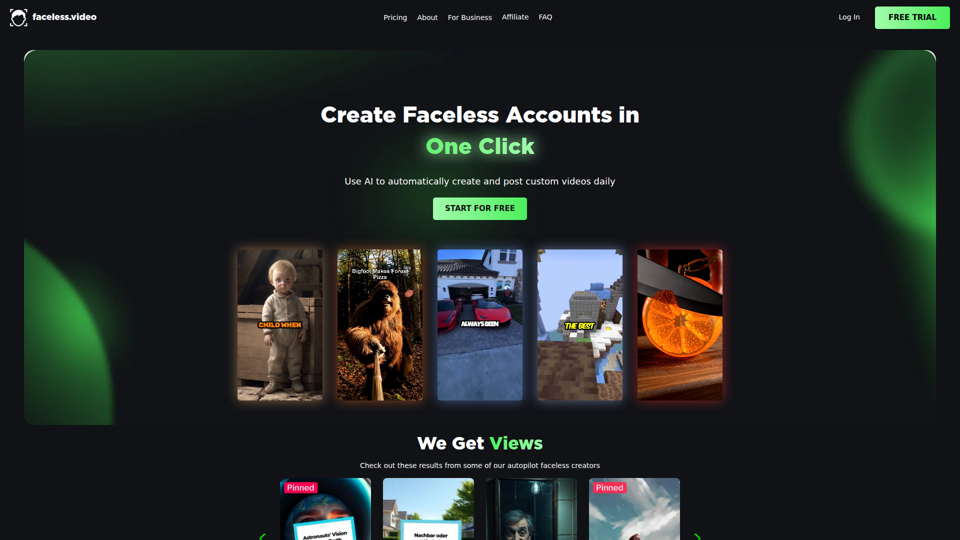
Faceless.video is an AI video automation tool that creates custom faceless videos from text and posts them daily to linked social accounts, mainly for creators and businesses managing TikTok-style content channels. For social media managers, marketers, and e-commerce teams, it can reduce repetitive production and publishing work so they can focus more on content strategy and channel growth.
Jordi Castellà - YouTube
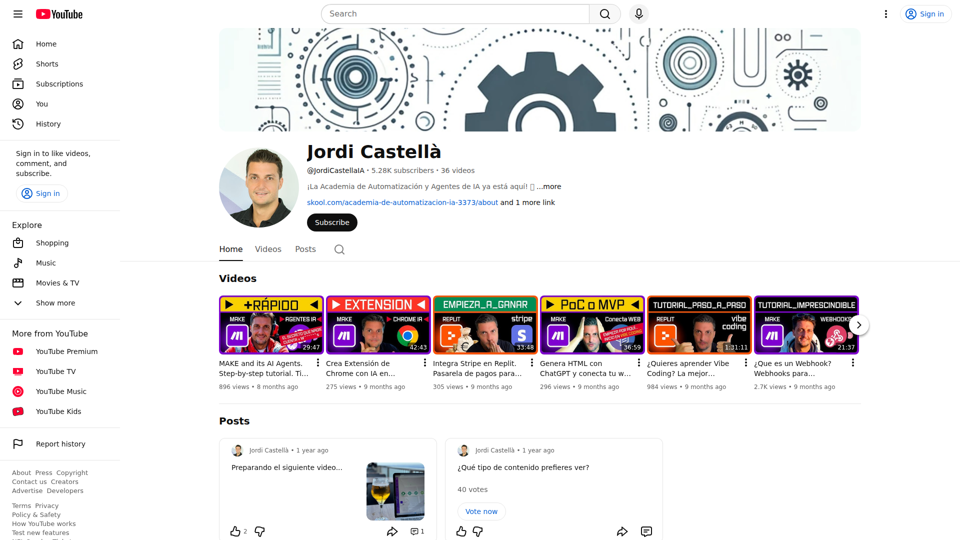
Jordi Castellà is a YouTube channel focused on tutorials about AI automation, AI agents, Make, webhooks, Replit, and related tools, helping Spanish-speaking learners and builders understand how to create automated workflows and simple AI-powered applications. For operations, no-code, and automation professionals, this kind of practical video content can speed up how they prototype, connect tools, and apply AI in everyday processes.
Sora Watermark Remover — Remove Sora Watermarks Free
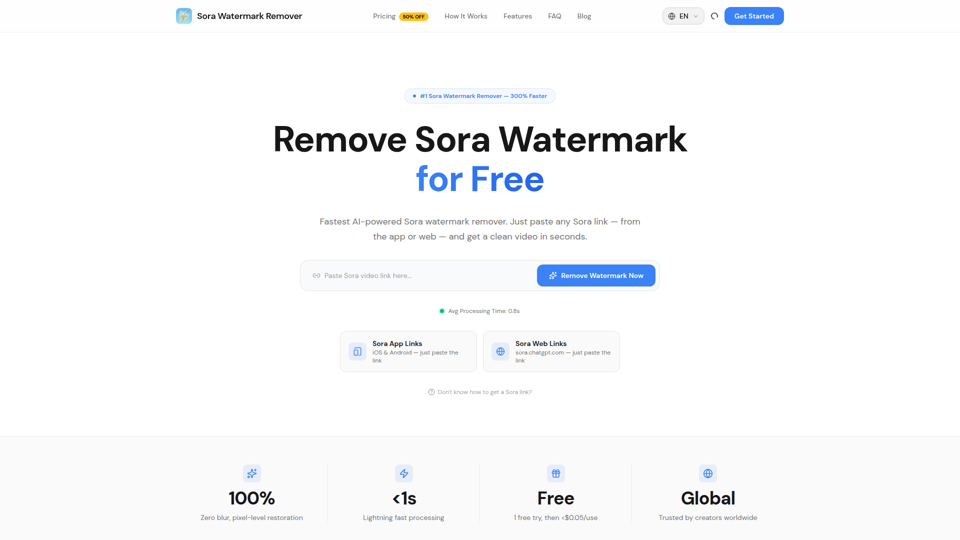
Sora Watermark Remover is an AI tool that removes watermarks from Sora-generated videos by pasting a Sora app or web link, mainly for creators who need clean MP4 downloads without uploading files. For content creators and social media editors, this can speed reuse and publishing of AI-generated video assets while reducing manual post-production steps.
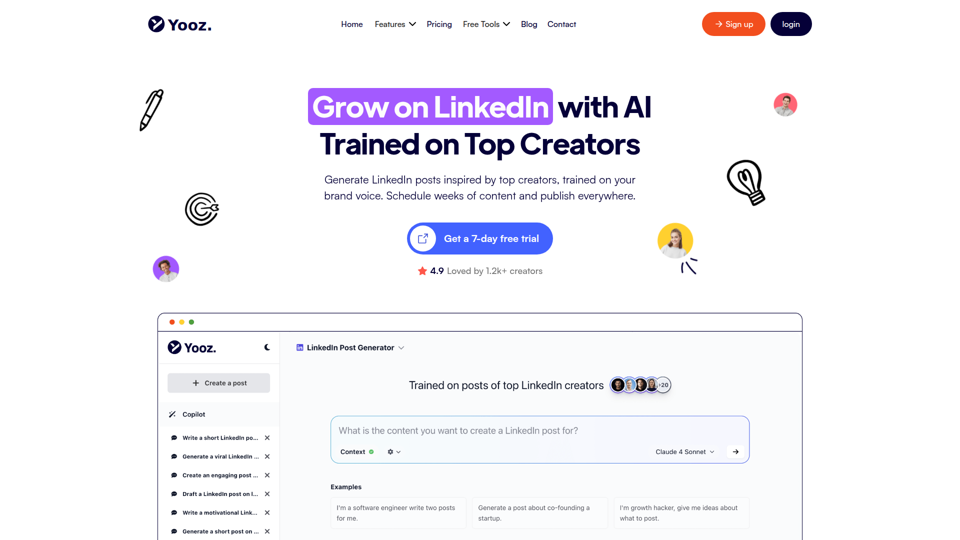
Yooz AI – The Best LinkedIn Post Generator
Yooz AI is an AI-powered LinkedIn post generator that helps users create, schedule, publish, and repurpose posts and visuals, mainly for creators and professionals building a LinkedIn presence. For marketers, recruiters, founders, and other personal-brand-focused roles, it can reduce manual content work while keeping posts more consistent and tailored to platform-specific formats.
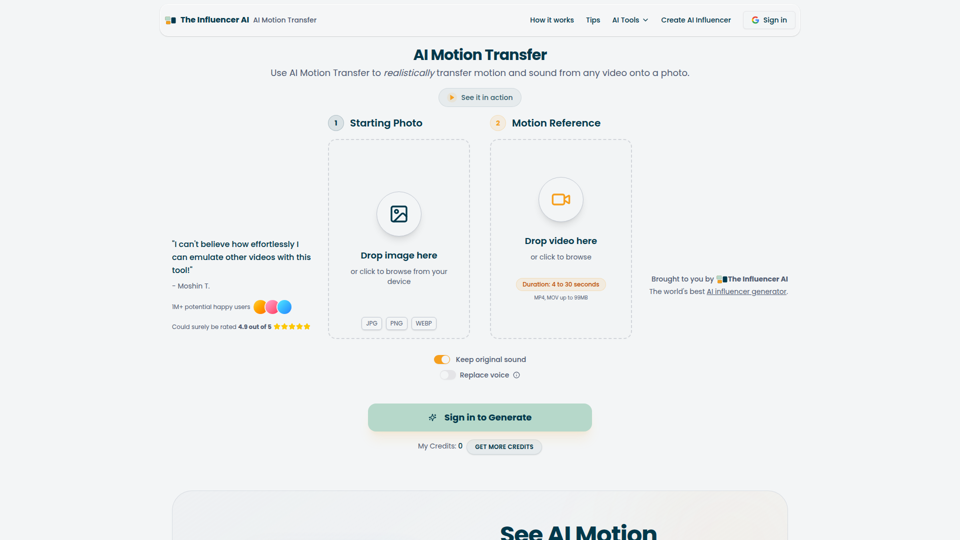
AI Motion Transfer - Animate Photos with Video Reference
AI Motion Transfer is an AI tool from The Influencer AI that transfers motion and optionally sound from a reference video onto a photo, helping creators, marketers, and social content teams turn static character images into animated videos. For social media, e-commerce, and creative production roles, it can speed up creation of realistic character videos and reduce the need for manual filming or complex prompt writing.
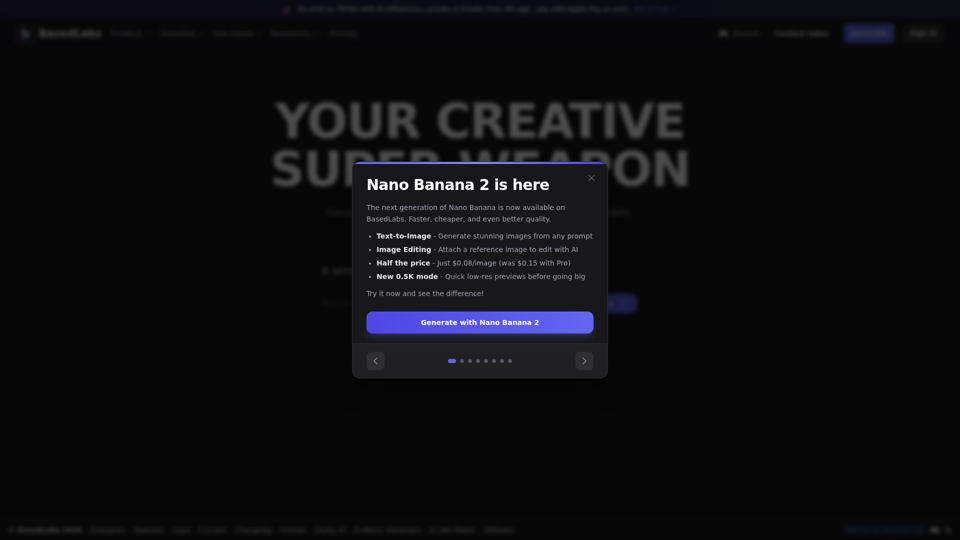
AI Image Generator & AI Video Creator | BasedLabs.ai - Free AI Images
BasedLabs is an AI content creation platform that helps users generate images, videos, and audio with multiple models and editing tools, mainly for creators, marketers, filmmakers, and social media teams. In AI-driven creative workflows, it can speed up concepting and asset production for roles such as video editors, advertisers, and YouTube creators.
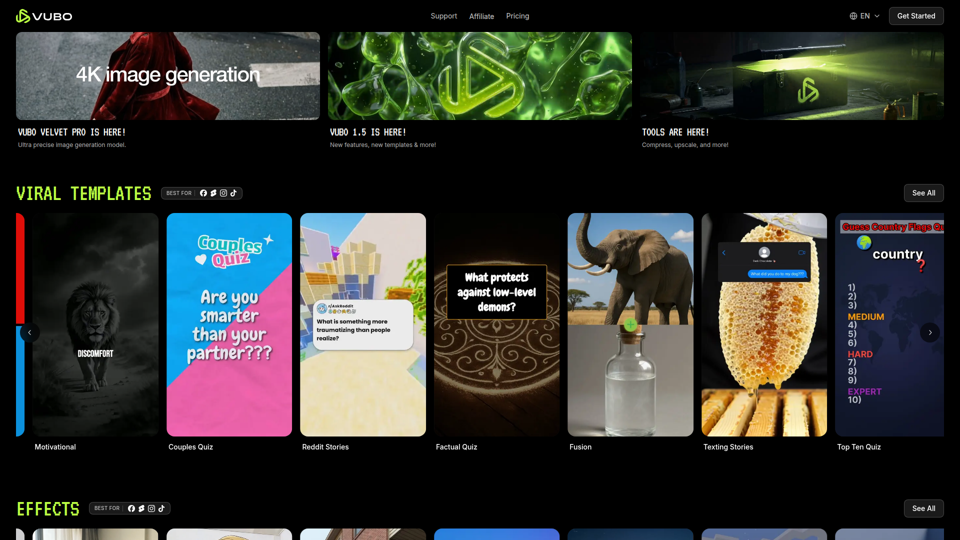
VUBO | Generate Viral Ready Videos in Seconds | VUBO
VUBO is an AI video creation platform that helps users generate short-form, template-based videos, effects, and related assets quickly for platforms like TikTok, YouTube Shorts, and Instagram Reels, mainly for creators, marketers, and agencies. In AI-driven content workflows, it can help social media teams and video marketers scale rapid testing and production without relying on complex editing software.
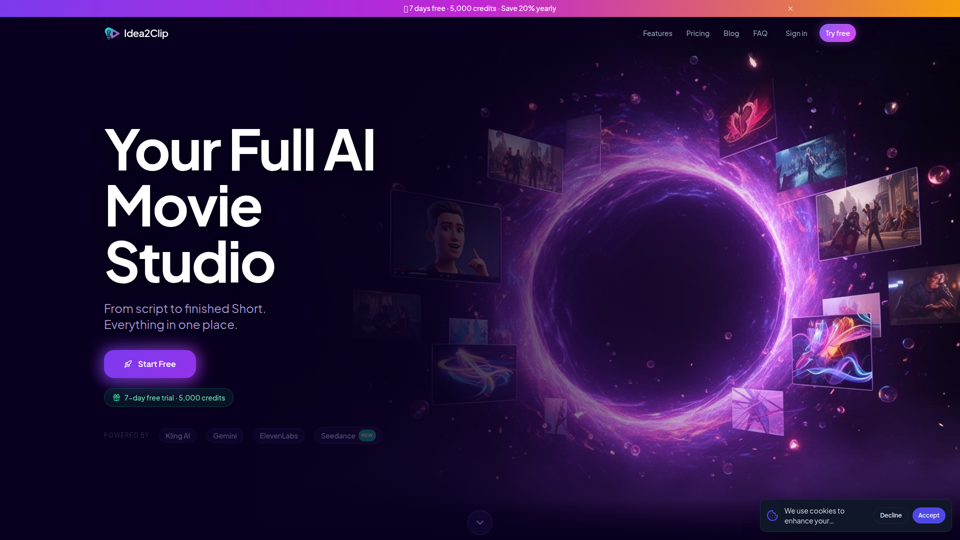
AI Video Studio for Shorts | Idea2Clip
Idea2Clip is an AI video studio for creating short-form videos, helping creators turn ideas into finished YouTube Shorts and TikToks with tools for brainstorming, scripting, text-to-video, animation, lip sync, motion transfer, and voiceover. For social media creators and video marketers, combining ideation, planning, and production in one workflow can reduce manual editing steps and speed up short-form content output.