
AI Image to Video Generator (Up to 30s) | Advanced Image-to-Vide…
Rate this Tool
Average Score
Total Votes
Select your score (1-10):
Detail Information
What
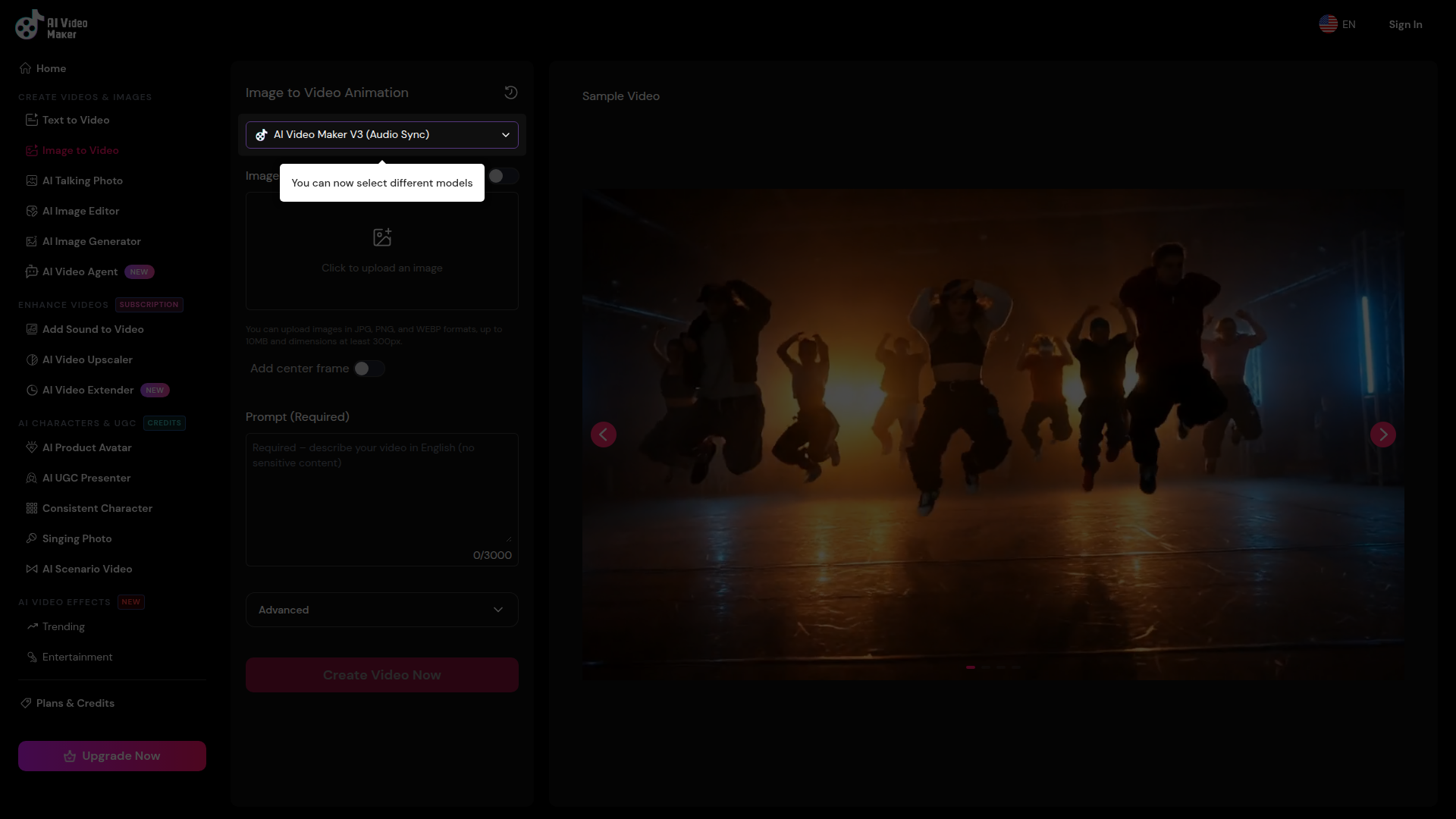
AI Video Maker is a browser-based AI media tool that turns a still image into a short animated video, with page claims indicating support for clips up to 30 seconds. It appears to serve creators, marketers, and general users who want to animate portraits, product photos, landscapes, or other images by combining an uploaded image with a written motion prompt.
The core workflow is simple: upload an image, optionally add end or center frames, describe the desired motion, and generate a video. Based on the page, the product is positioned as a self-serve AI creation tool with both free and subscribed usage tiers, where paid plans provide higher resolution, faster processing, longer duration options, and higher concurrency.
Features
- Image-to-video generation: Upload a JPG, PNG, or WEBP image and convert it into an animated video by describing the motion or action in text.
- Up to 30-second output: The page states support for videos up to 30 seconds, which is useful for slightly longer storytelling or product/demo-style clips.
- Segment Prompt control for longer videos: For 30-second videos, users can define prompts for different time segments to refine pacing, actions, or scene changes more precisely.
- Frame-based guidance options: The interface includes options to add an end frame and center frame, suggesting more control over how the generated motion develops across the clip.
- Free access without login: The FAQ says users can generate videos for free without registering, lowering friction for testing and lightweight use cases.
- Tier-based quality and queueing: Free users get standard 480P generation in a shared queue, while subscribed users receive higher-resolution 720P output, priority processing, and higher concurrent generation limits.
Helpful Tips
- Use clear source images: The page specifically notes that images with distinct subjects and good lighting produce better results, so source image quality will materially affect output quality.
- Write motion-focused prompts: Since the AI preserves the original subject and style while adding movement, prompts should emphasize action, camera behavior, and scene dynamics rather than re-describing the whole image.
- Match the image to the intended style: The FAQ recommends selecting images that already fit the target video style, which should improve realism and reduce awkward animation.
- Evaluate tier differences on workflow needs: If faster turnaround, HD output, or more simultaneous generations matter, the subscribed tier may be more practical than the free shared queue.
- Check privacy requirements carefully: The page states uploaded images are stored temporarily for about one hour and then deleted, but buyers with strict data handling requirements should still validate this against their internal policies.
OpenClaw Skills
Within the OpenClaw ecosystem, this product would likely fit best as a visual generation step inside larger creative or content automation workflows. A likely use case would be an OpenClaw agent that takes a campaign brief, selects or generates a source image, drafts motion prompts for multiple audience variants, sends those prompts into an image-to-video workflow, and then routes the resulting clips into review, captioning, or publishing stages. The page does not state a native OpenClaw integration, so this should be treated as workflow inference rather than confirmed product capability.
OpenClaw skills built around this tool could include prompt optimization for different visual goals, automated storyboard segmentation for 30-second clips, asset versioning, and QA agents that check whether generated videos match brand or product requirements. In creative operations, ecommerce, and social content teams, that combination could shift work from manual clip production toward semi-automated visual iteration, especially for lightweight product animations, UGC-style concepts, and fast concept testing.
Embed Code
Share this AI tool on your website or blog by copying and pasting the code below. The embedded widget will automatically update with the latest information.
<iframe src="https://www.aimyflow.com/ai/aivideomaker-ai-image-to-video/embed" width="100%" height="400" frameborder="0"></iframe>
Explore Similar Tools
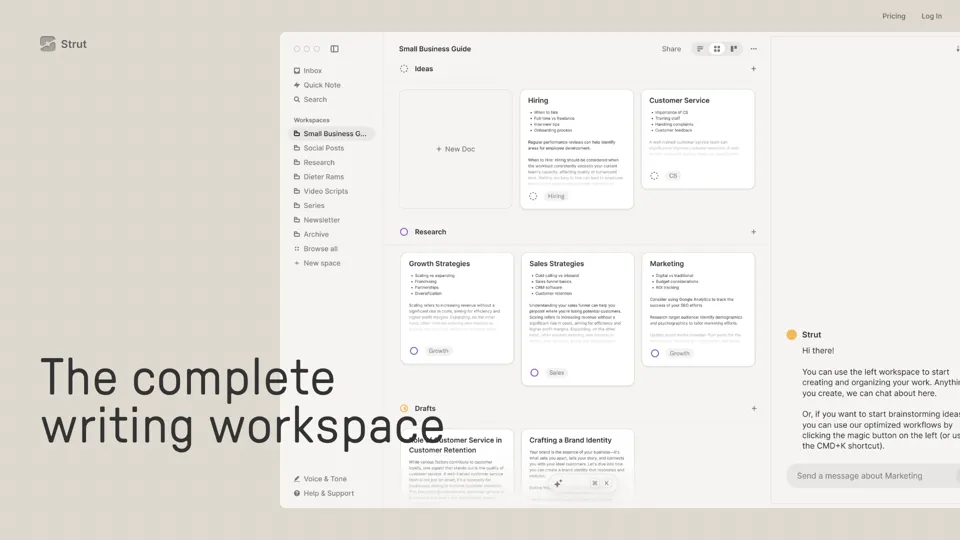
Strut – The complete writing workspace
Strut is an AI-powered writing workspace that combines notes, documents, and collaborative writing projects in one environment, mainly for writers, creators, and teams. In the AI era, it helps knowledge workers move from scattered drafts to more coherent writing and faster iteration.
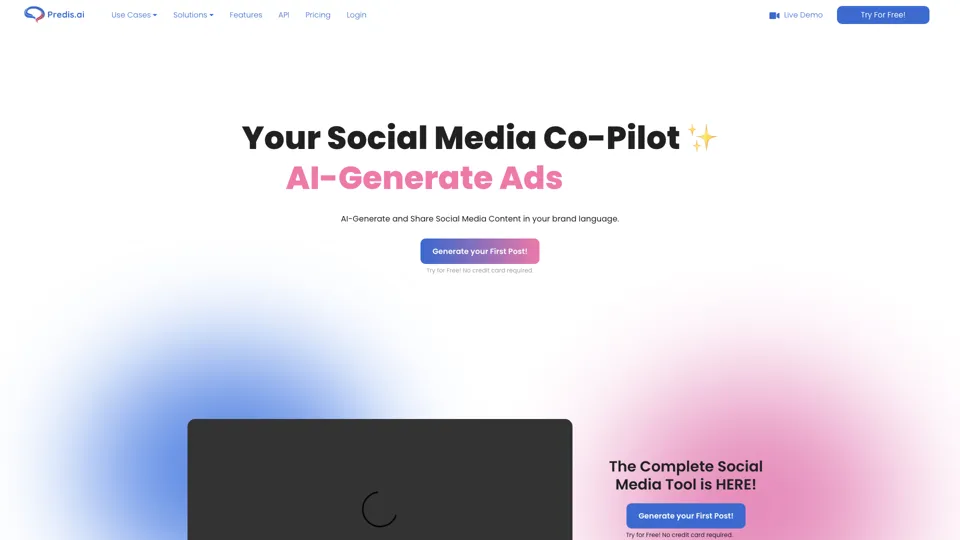
Social Media Marketing made easy with AI | Predis.ai
Predis.ai is an AI social media marketing tool that helps users create video and image content and analyze performance, mainly for marketers, agencies, and growing brands. It shortens content planning and production cycles, helping social teams test and refine campaigns more efficiently.
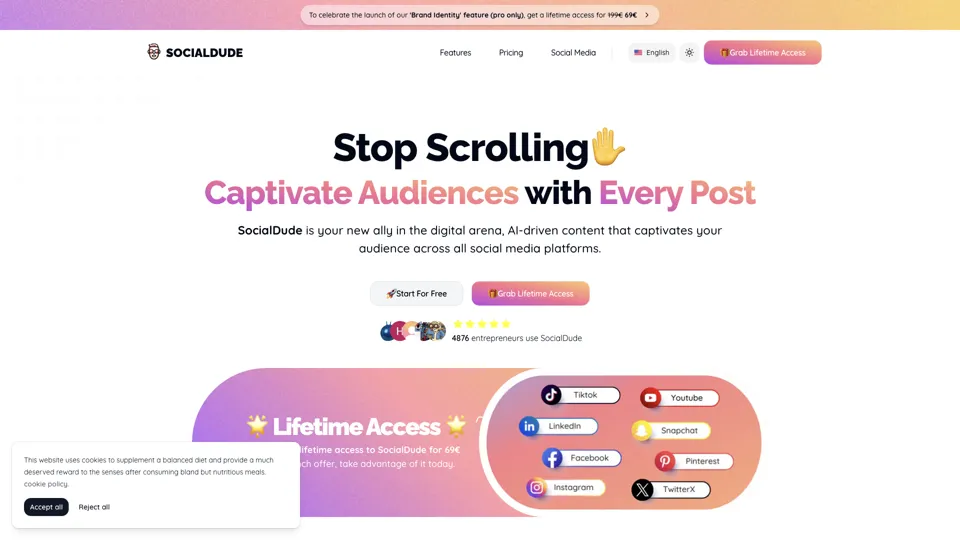
SocialDude.ai - Revolutionize Your Social Media Strategy | SocialDude
SocialDude is an AI social media content platform that helps users create brand-consistent posts and messaging more efficiently, mainly for marketers, founders, and small business teams. In the AI era, it helps social media roles maintain output quality and consistency while reducing daily content production time.
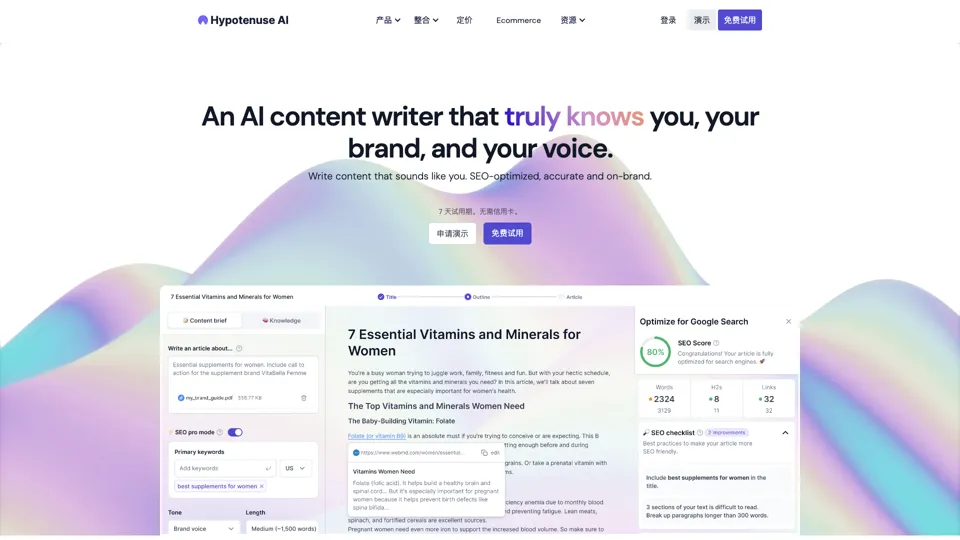
Hypotenuse AI:Smart text generator
Hypotenuse AI is a text generation platform that helps marketers, ecommerce teams, and content writers produce SEO articles, product descriptions, and branded copy at scale. In the AI era, it enables content roles to maintain consistency while increasing publishing speed across large catalogs and campaigns.
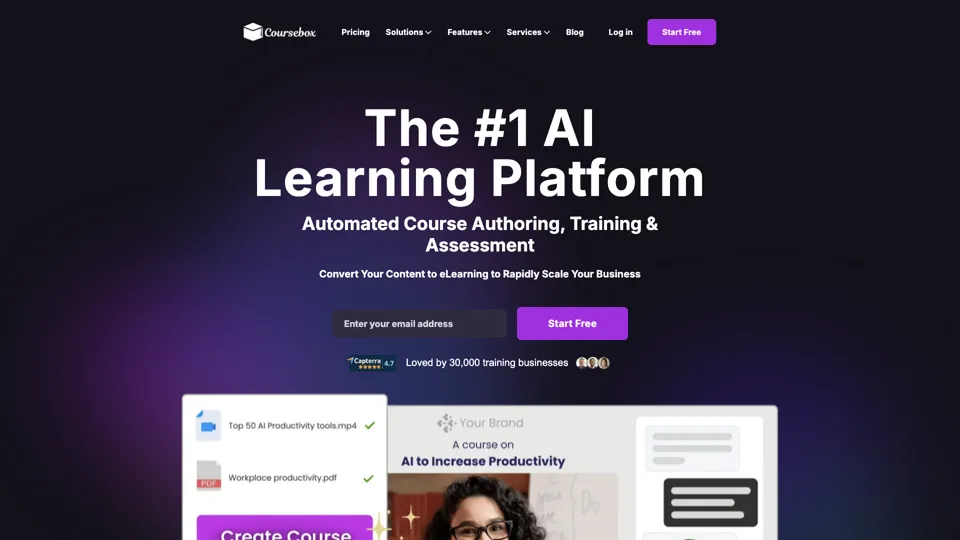
AI Course Creator | Faster and more engaging eLearning
Coursebox AI is an AI course creation platform that helps users build online courses, convert files into eLearning, and deploy tutor chatbots, mainly for educators, trainers, and learning businesses. In the AI era, it enables learning teams to produce engaging training faster and scale support with AI tutors.
All-in-one panel | SkyReels - Ultimate AI Video Creation Platform
SkyReels is an AI video creation platform that turns scripts into finished videos with voiceovers, lip sync, sound effects, music, and editing tools, mainly for creators and marketing teams. In the AI era, it helps video producers compress production workflows and deliver polished content without a full studio setup.
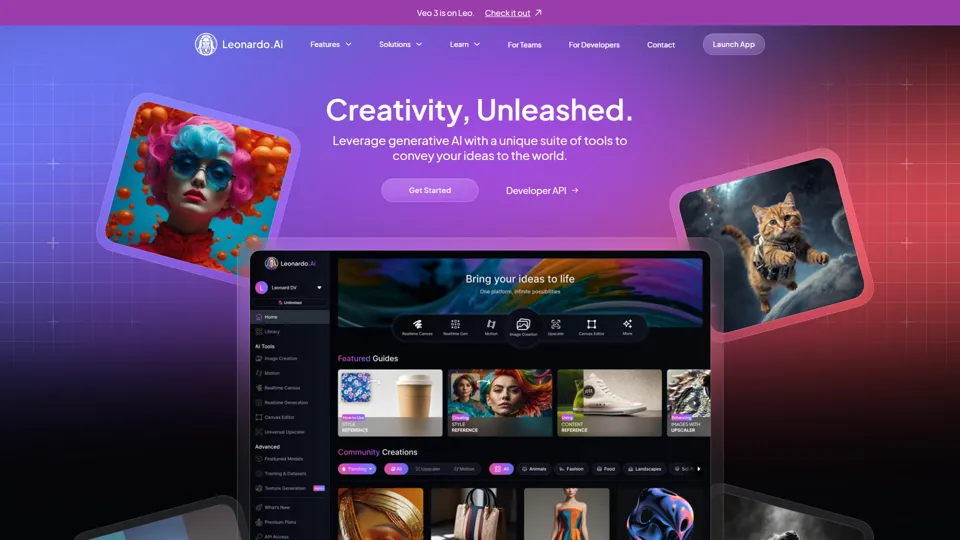
AI Image Generator - Create Art, Images & Video | Leonardo AI
Leonardo AI is an AI image and video generation platform that helps creators, designers, and marketers produce high-quality visual assets quickly. In the AI era, it shortens concept-to-content cycles so creative teams can iterate faster without expanding production overhead.

AI Photo Editor: Remove Background & Create Product Pics | Photoroom
Photoroom is an AI photo editor for creating product and portrait images, with tools for background removal, replacement, and mobile-first image enhancement for sellers, marketers, and creators. It helps ecommerce and marketing teams produce polished visuals quickly without needing a full studio setup.