
AudioCleaner AI: Remove Noise from Audio & Video Online Free
Rate this Tool
Average Score
Total Votes
Select your score (1-10):
Detail Information
What
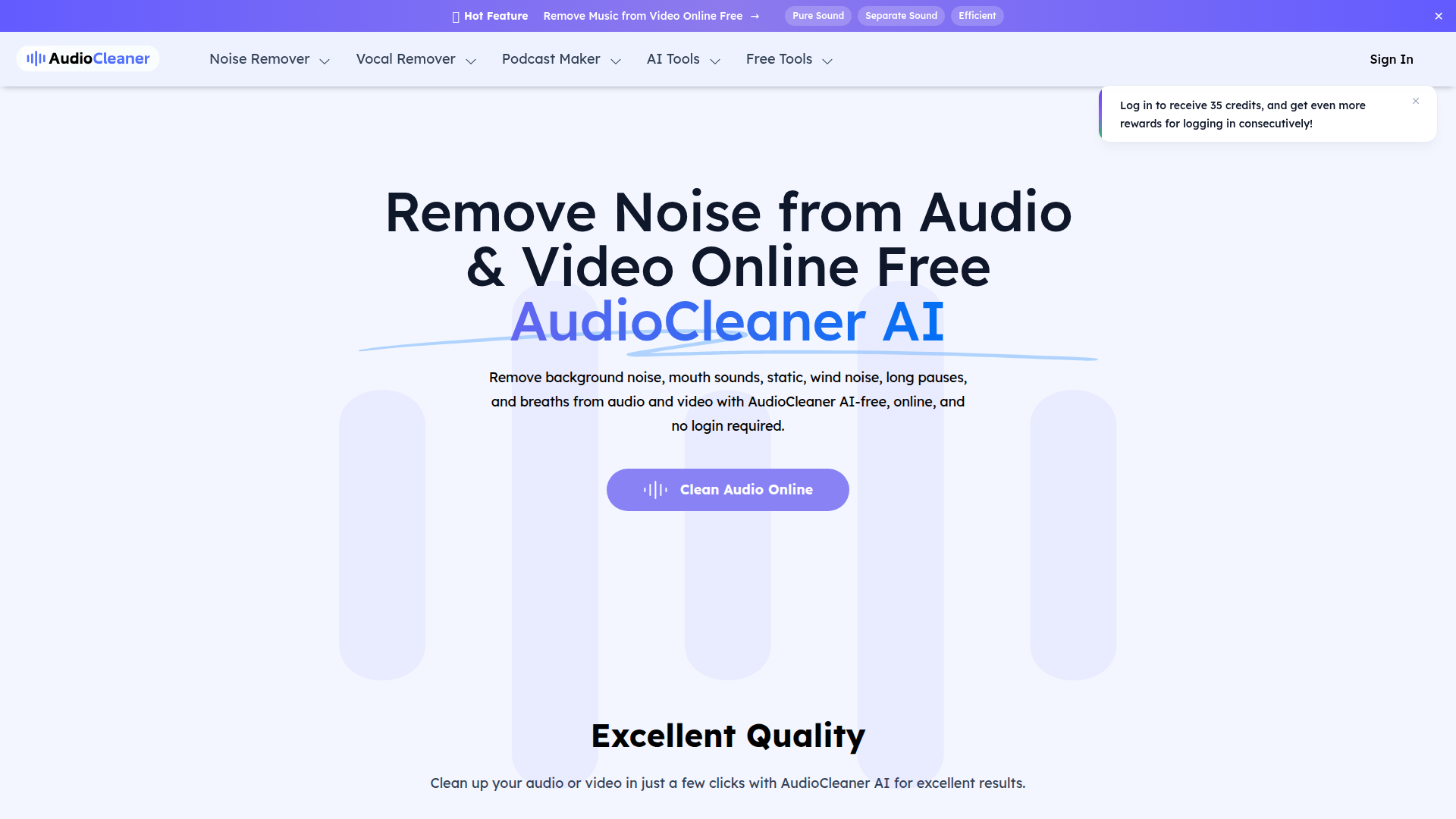
AudioCleaner AI is a browser-based audio and video cleanup tool focused on removing unwanted sounds from recordings. Based on the page, it is designed for creators and professionals working with podcasts, interviews, online courses, social media videos, music demos, and general voice recordings.
Its core workflow is simple: upload an audio or video file, choose an enhancement or cleaning type, let the AI process the file, and download the result. The product appears positioned as a lightweight, accessible alternative to manual audio editing tools, with an emphasis on fast online use rather than complex production software.
Features
- Background noise removal: Removes common environmental sounds such as chatter, barking, helicopters, water noise, wind, static, and buzzing to improve speech intelligibility.
- Voice artifact cleanup: Includes tools for removing breaths, mouth sounds, long pauses, echo, and reverb, which can reduce distracting imperfections in spoken recordings.
- Audio and video file support: Works on both audio and video uploads, with the page naming formats such as MP3, MP4, WAV, MOV, and WMA.
- Preset-style AI processing: Users select a content or enhancement type, and the system automatically analyzes and cleans the file without requiring manual editing skills.
- Additional vocal and music separation tools: The site also lists capabilities such as vocal removal, stem splitting, instrumental creation, and removing specific instruments, though the exact depth of these features is not detailed on this page.
- Mobile and browser accessibility: The FAQ states the tool works online and is compatible with mobile devices including iPhone and Android.
Helpful Tips
- Test quality on representative samples: For podcast, interview, or course production, compare cleaned output against the original to check whether aggressive noise reduction affects vocal naturalness.
- Match the processing mode to the source problem: Use targeted cleanup options such as breath removal, background audio removal, or echo reduction instead of assuming one setting will suit every recording.
- Review storage and privacy needs carefully: The page says files are stored for 1 day, but it also makes broader safety claims; teams handling sensitive recordings should validate these details before operational use.
- Clarify free-use limits early: The page mentions both “free” usage and a credit system tied to registration, so buyers should confirm how far free access goes in actual production workflows.
- Treat listed adjacent tools as separate evaluation items: Because the page includes many AI audio utilities beyond cleanup, it is worth validating each one individually rather than assuming all tools perform at the same level.
OpenClaw Skills
Within the OpenClaw ecosystem, AudioCleaner AI could likely support pre-processing skills for media-heavy workflows. Likely use cases include an agent that ingests noisy interview recordings, runs cleanup, then passes the improved audio into transcription, summarization, translation, or content repurposing pipelines. For sales teams, educators, and media operators, this would reduce the downstream errors caused by poor source audio.
OpenClaw could also build profession-specific workflows around it, even though the page does not confirm native integration. Examples include a podcast production agent that cleans raw clips before generating show notes, a research agent that prepares field recordings for transcription, or a social content agent that improves short-form video audio before captioning and localization. In practice, that combination could make audio quality improvement a background operational step rather than a manual specialist task.
Embed Code
Share this AI tool on your website or blog by copying and pasting the code below. The embedded widget will automatically update with the latest information.
<iframe src="https://www.aimyflow.com/ai/audiocleaner-ai/embed" width="100%" height="400" frameborder="0"></iframe>
Explore Similar Tools
Free AI Voice Cloning Online, 75+ Languages, No Sign-up - KikiVoice
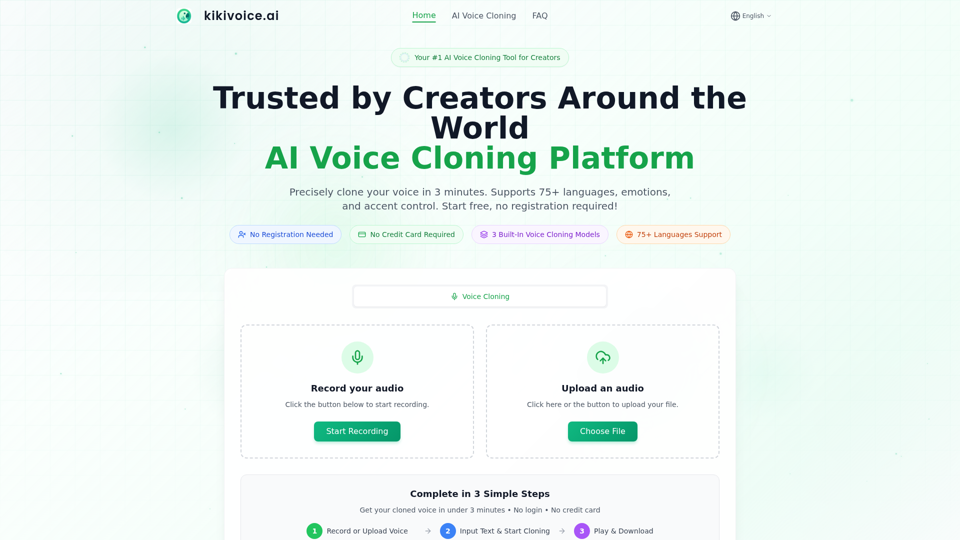
KikiVoice is an AI voice cloning platform that lets creators record or upload a short audio sample to generate realistic cloned speech in under three minutes, with support for 75+ languages, accents, and emotion controls. For video producers, podcasters, game voice teams, and e-learning creators, it can speed multilingual localization and voice iteration without repeated recording sessions.
AIVocal - AI Voice Generator | Voice Cloning | Audiobook Online Free
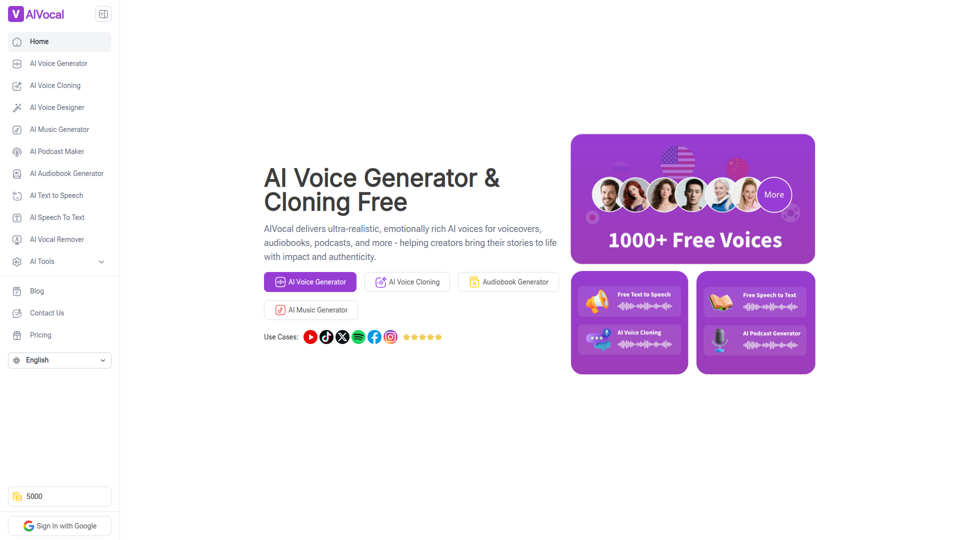
AIVocal is an AI voice and audio platform that helps creators, podcasters, speakers, and other audio-focused professionals generate speech, clone voices, create audiobooks and podcasts, transcribe audio, and edit vocals online. For content teams and producers, these AI tools can speed up scripting, narration, transcription, and post-production work while reducing the need for manual recording and editing.
Selects by Cutback - AI for Long form Video Content
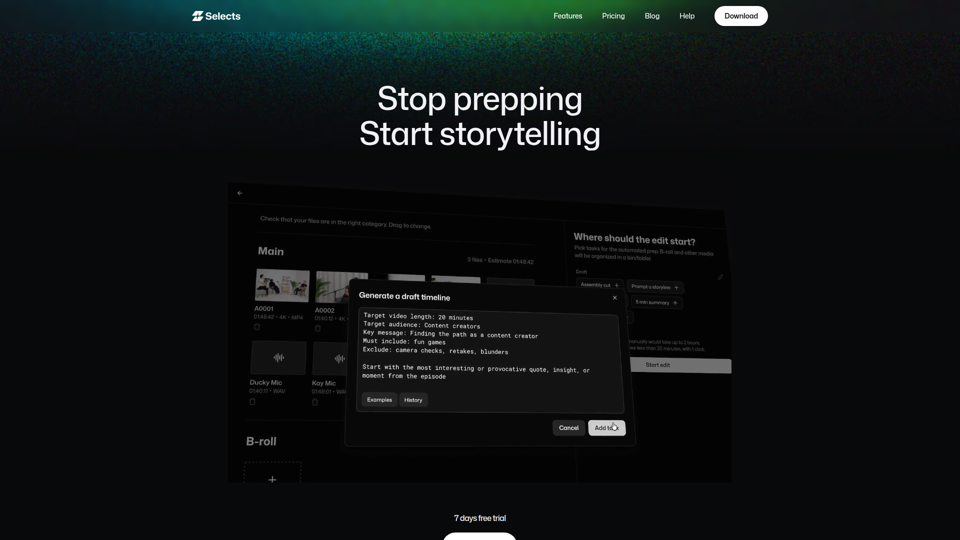
Selects by Cutback is an AI video prep and rough-cut tool for long-form content that syncs multi-cam footage, organizes scenes and topics, removes silences and filler, and hands projects to Premiere Pro, Final Cut, or DaVinci Resolve for editors and assistant editors. For video editors and producers, it can reduce manual logging and review so more time goes to story structure, creative decisions, and faster delivery.
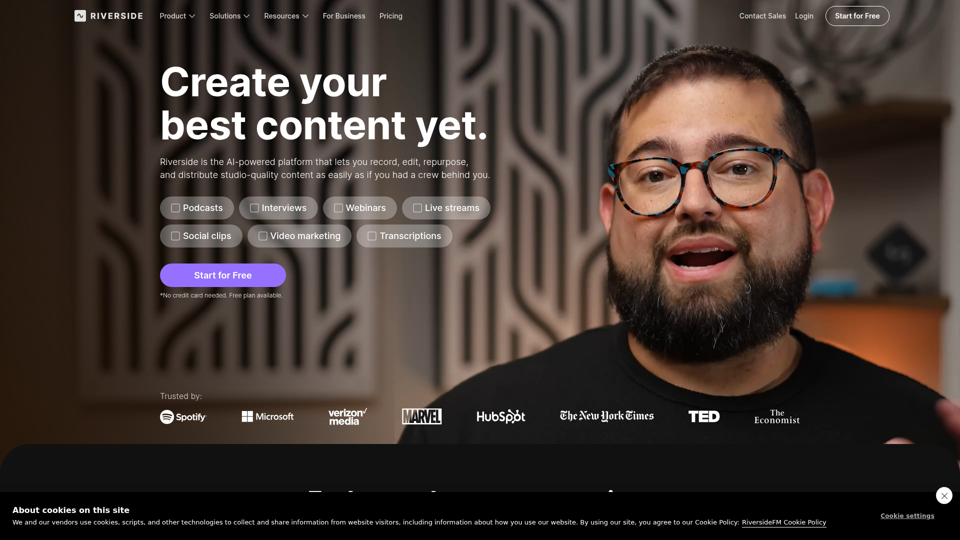
Riverside: HD Podcast & Video Software | Free Recording & Editing
Riverside is an AI-powered podcast and video creation platform that helps users record, edit, repurpose, livestream, and publish studio-quality content, mainly for podcasters, producers, and marketers. Its text-based editing, transcription, translation, and content repurposing tools can help content teams produce polished interviews, webinars, and social clips faster with less manual post-production.
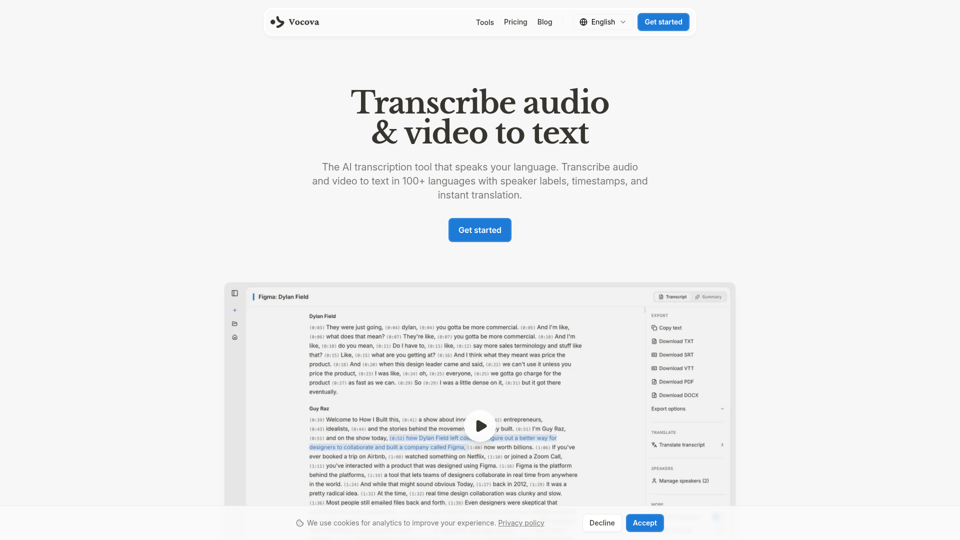
Transcribe Audio & Video to Text in 100+ Languages | Vocova
Vocova is an AI transcription tool that converts audio and video into text in 100+ languages, with speaker labels, timestamps, translation, summaries, and multiple export formats, mainly for teams and professionals handling meetings, interviews, lectures, podcasts, and legal, sales, or medical recordings. In AI-enabled workflows, it can help researchers, content teams, educators, and operations staff turn spoken material into searchable, shareable documentation faster and with less manual note-taking.
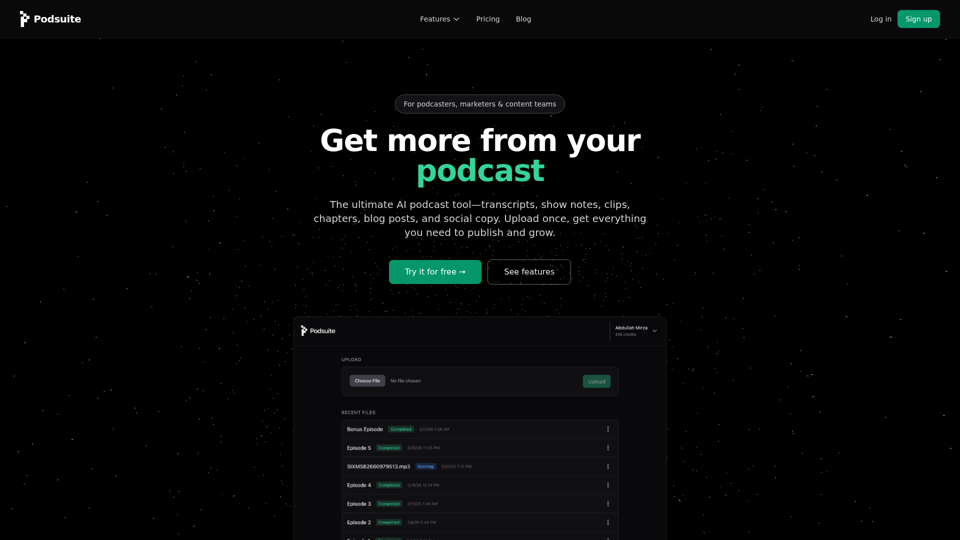
Podsuite – Podcast Transcription, Show Notes & Content Tools
Podsuite is an AI podcast content tool that turns one uploaded episode into transcripts, show notes, chapters, clips, blog posts, and social copy, mainly for podcasters, marketers, agencies, and content teams. For podcast producers and content marketers, it can reduce repetitive post-production and repurposing work so each episode is easier to publish, distribute, and adapt across channels.
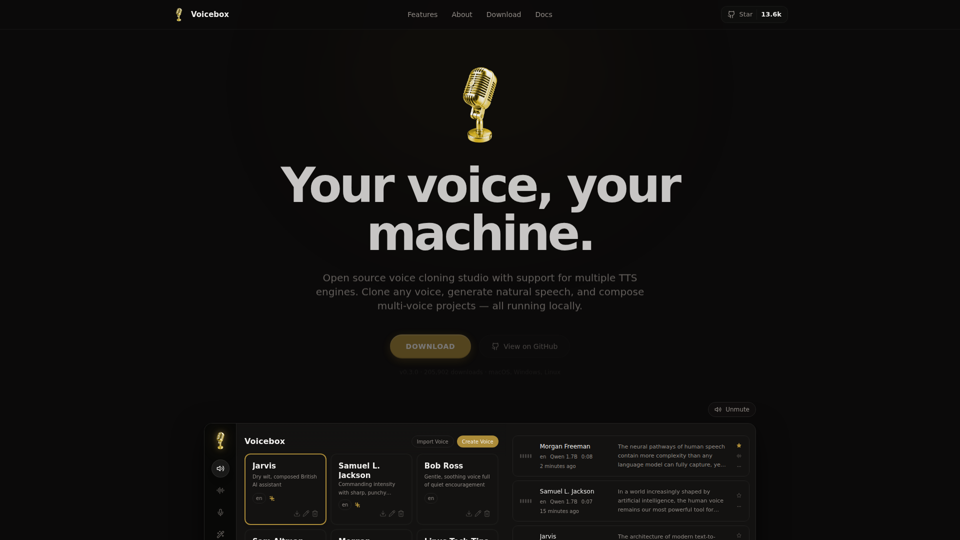
Voicebox - Open Source Voice Cloning Desktop App
Voicebox is an open source desktop voice cloning app that helps users clone voices, generate natural speech, and build multi-voice audio projects locally across macOS, Windows, and Linux, mainly for creators, audio producers, and developers. For teams producing AI voice content, its local-first workflow and support for multiple TTS engines can improve privacy, iteration speed, and control over voice generation.
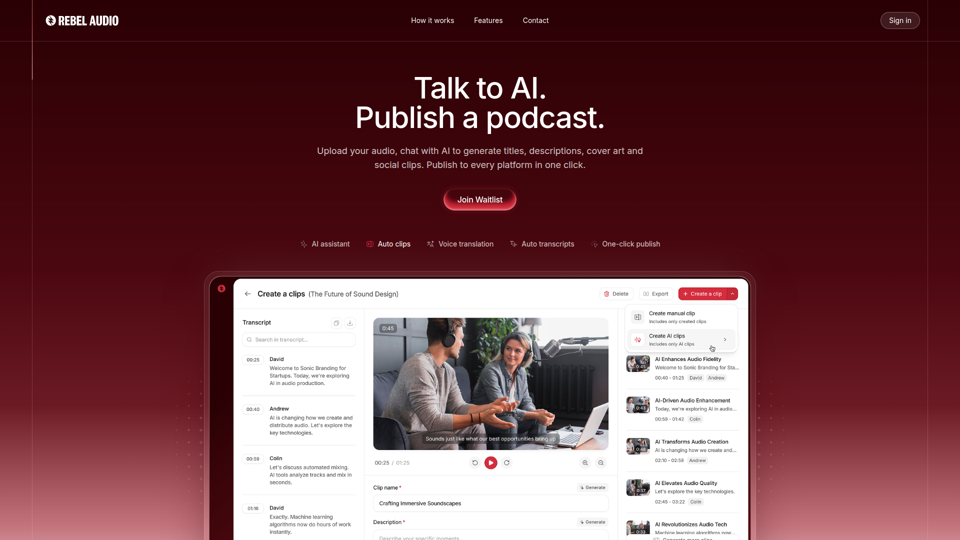
Rebel Audio - Social Podcasting Platform
Rebel Audio is a social podcasting platform that helps podcasters turn audio or video into podcast episodes, titles, descriptions, cover art, transcripts, translated versions, and social clips, then publish across major platforms from one workflow. For podcasters and content teams, this kind of AI automation can reduce editing and distribution work so they can focus more on programming, audience growth, and reuse of spoken content.