
Aura AI — All the Best AI Video & Image Models in One Platform
Rate this Tool
Average Score
Total Votes
Select your score (1-10):
Detail Information
What
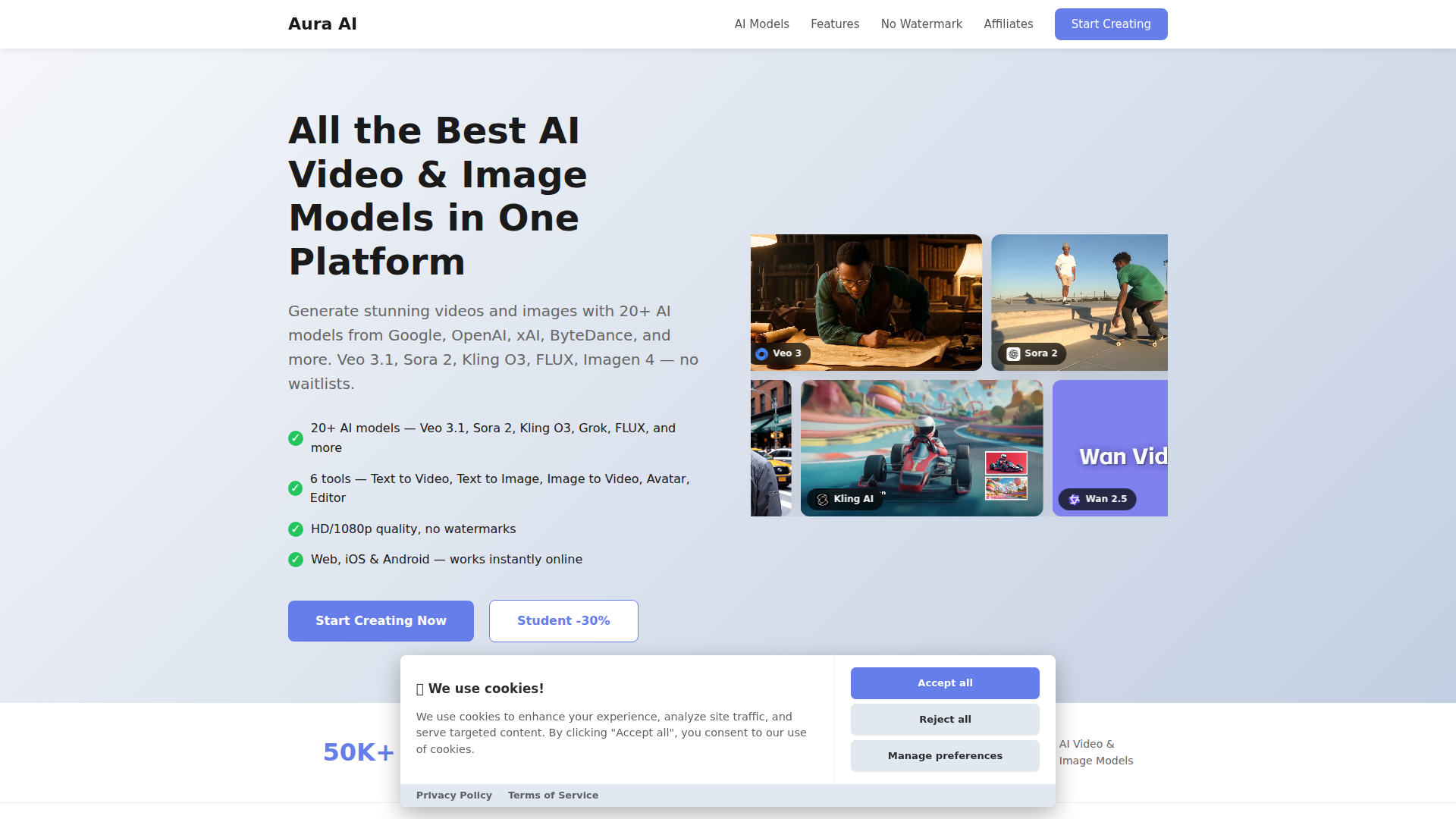
Aura AI is a web and mobile platform that brings together multiple third-party AI video and image generation models in one interface. Based on the page, it is designed for creators who want access to a broad set of models and creative workflows without managing separate tools, waitlists, or model-specific products.
Its core workflow centers on selecting a generation mode such as text-to-video, text-to-image, image-to-video, talking avatar, reference-based video, or image editing, then choosing from supported models from providers including Google, OpenAI, xAI, Alibaba, ByteDance, and others. The product appears positioned as an AI creation aggregator or wrapper platform focused on breadth of model access and convenience.
Features
- Multi-model access in one platform — Aura AI offers 20+ AI models for video and image generation, which can reduce the need to switch across separate model vendors and interfaces.
- Text-to-video generation — Users can describe a scene and generate video with 15+ models, giving creators flexibility to compare outputs across different model families.
- Text-to-image generation — The platform supports image creation with several named models including FLUX, Imagen 4, Ideogram 3, GPT Image 1, Recraft V4, and Grok Image.
- Image-to-video and reference-based video workflows — Users can animate still images and create videos from multiple reference images, which is useful for visual consistency in storytelling or character-driven content.
- Talking avatar creation — A portrait plus script can be turned into a speaking avatar with generated voice and lip sync, supporting presenter-style or character content.
- AI image editing and watermark-free output — The platform includes editing tasks such as object removal, background changes, and element insertion, and the page states outputs have no watermark and can be used on web, iOS, and Android.
Helpful Tips
- Evaluate by workflow, not just model count — For teams comparing tools like this, the practical value usually comes from how easily users can move between generation, editing, and iteration in one place.
- Test consistency across model families — Since Aura AI emphasizes access to many models, it is worth checking how well prompt formats, reference handling, and output quality stay consistent across them.
- Clarify ownership of core capabilities — This page presents Aura AI as a unified platform over third-party models, so buyers should distinguish between native product features and capabilities inherited from underlying model providers.
- Review output controls before production use — If the intended use case is brand content, education, or client work, confirm details such as export options, editability, and repeatability, which are not deeply specified on this page.
- Consider mobile access for distributed creators — The stated support for web, iOS, and Android may be useful for teams that need lightweight creation or review workflows outside desktop environments.
OpenClaw Skills
Aura AI could likely fit well into an OpenClaw ecosystem as a generation layer for creative automation. Likely use cases include skills that convert campaign briefs into image and video prompts, compare outputs across models, assemble reference-driven character assets, and route approved media into downstream publishing or asset management workflows. The page does not describe a native OpenClaw integration, so this should be treated as a likely orchestration scenario rather than a confirmed capability.
In practice, OpenClaw agents built around Aura AI could support marketers, content studios, educators, and social media teams by standardizing prompt templates, automating variant generation, and turning raw ideas into reusable creative packages. That combination could shift creative work from one-off manual experimentation toward repeatable multi-model production pipelines, especially for professions that need fast concepting, localized media variations, or high-volume visual content.
Embed Code
Share this AI tool on your website or blog by copying and pasting the code below. The embedded widget will automatically update with the latest information.
<iframe src="https://www.aimyflow.com/ai/auraai-app/embed" width="100%" height="400" frameborder="0"></iframe>
Explore Similar Tools

Adobe Podcast | AI audio recording and editing, all on the web
Adobe Podcast is a web-based AI audio recording and editing tool that helps users record, transcribe, enhance, and share spoken content, mainly for podcasters, creators, and teams producing voice media. It reduces cleanup and editing time, letting audio producers and marketers publish clearer content faster.
Prezi | AI presentations that engage your audience in minutes
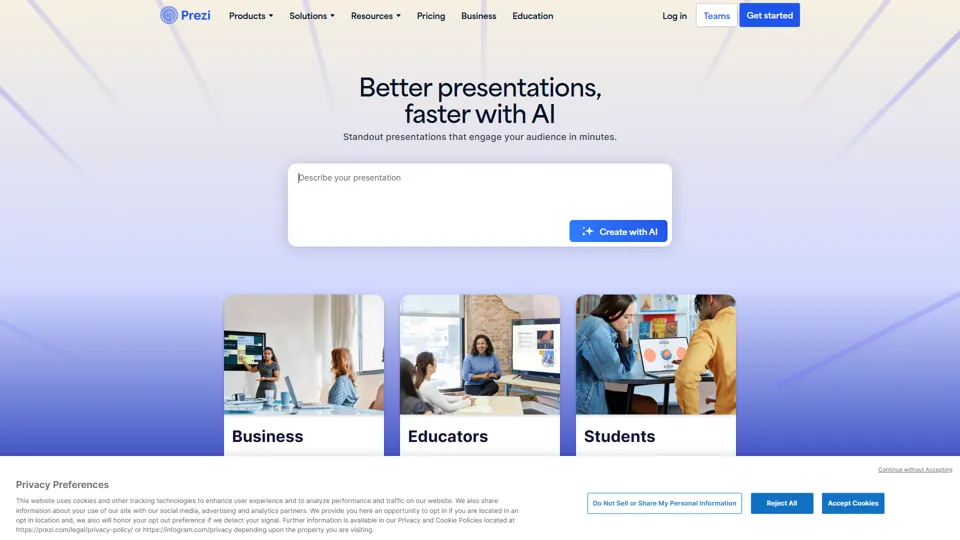
Prezi is a presentation platform with AI features that helps users create engaging, interactive presentations quickly, mainly for business professionals, educators, and sales teams. It helps presenters turn ideas into clearer narratives faster, improving audience engagement without heavy design work.
Best AI Video Generator | AI STUDIO
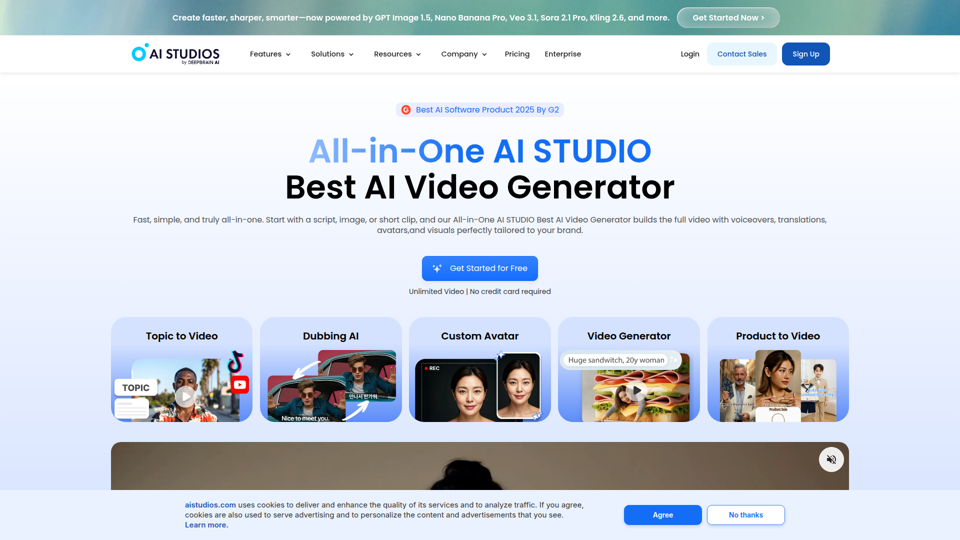
AI Studios is an AI video generator that helps users create, edit, dub, translate, and publish videos from text, documents, URLs, images, or product pages, mainly for training teams, marketers, and content creators. For learning, marketing, and video production roles, it can speed multilingual video workflows with AI avatars, voice cloning, and reusable templates in one workspace.

Prolific | Easily collect high-quality data from real people
Prolific is a research platform that helps users collect high-quality human participant data, mainly for researchers, AI developers, and organizations running studies or evaluations. Reliable human feedback improves model testing and research quality, helping teams make better evidence-based decisions.
Invideo AI - Create videos without limits
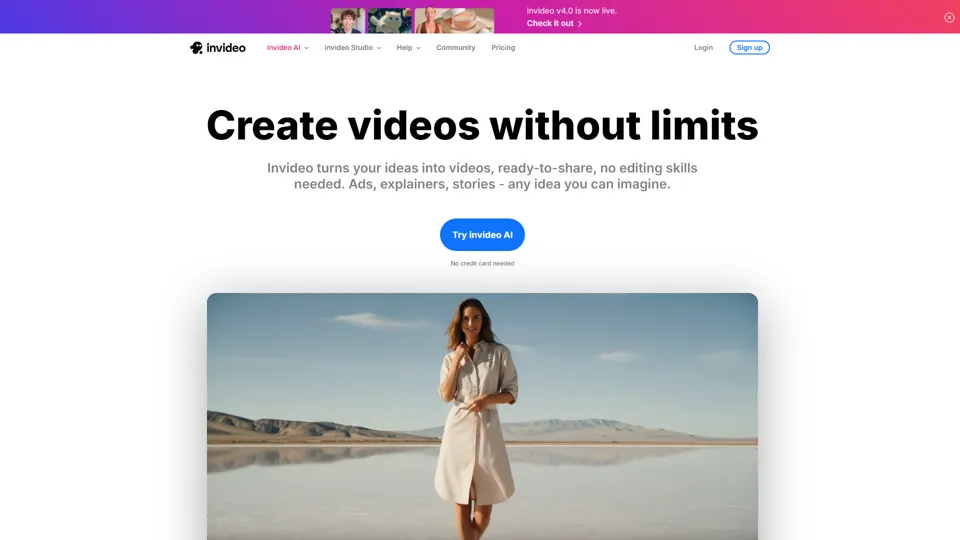
InVideo is an AI video creation platform that helps users make and edit videos, avatar content, and product ads, mainly for marketers, creators, and small business teams. It reduces production time for content roles that need frequent, high-volume video output.
Apple Creator Studio - Apple
Apple Creator Studio is an Apple subscription that bundles Final Cut Pro, Logic Pro, Pixelmator Pro, and enhanced productivity app features to help creators make videos, music, images, graphics, and documents, mainly for creative professionals, students, and educators using Mac and iPad. For video editors, designers, musicians, and content teams, its AI-assisted search, editing, and drafting tools can reduce repetitive production work and speed up moving from concept to finished assets.
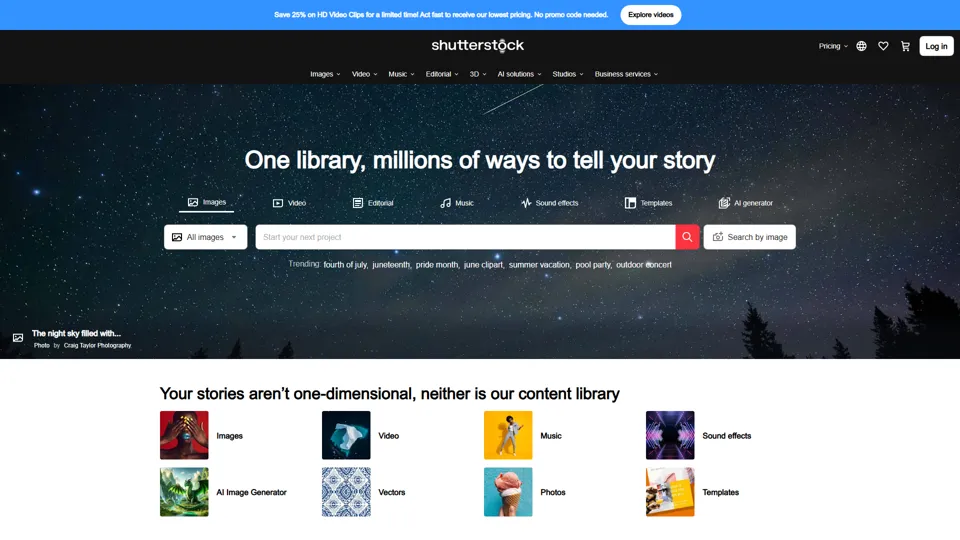
Stock Images, Photos, Vectors, Video, and Music | Shutterstock
Shutterstock is a stock media marketplace offering licensed images, videos, music, and creative assets to help businesses and creators produce visual content efficiently. In the AI era, it gives marketers and designers faster access to scalable content inputs for campaigns, branding, and multimedia production.
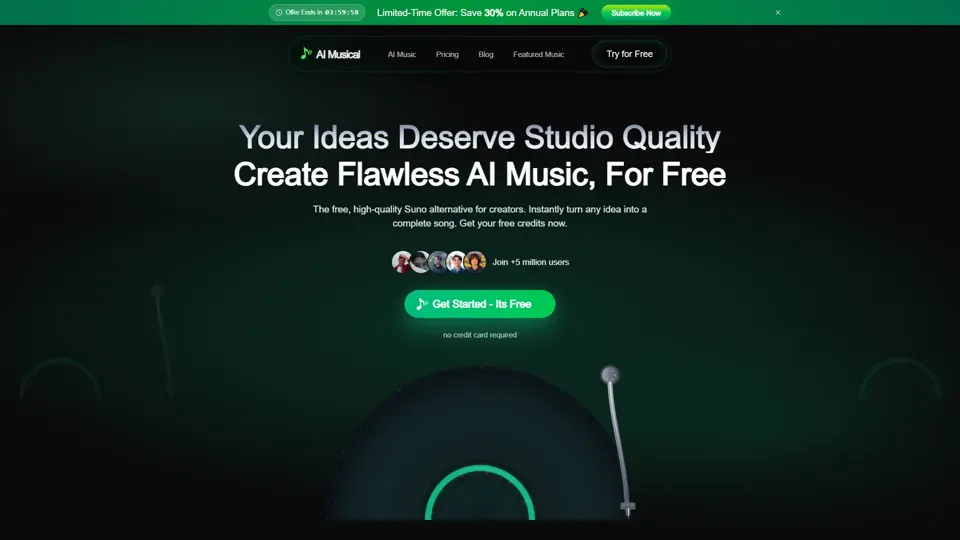
Suno AI Music Generator - Create AI Songs & Music Fast
Suno AI Music Generator is an AI song creation tool that helps users produce original music across styles quickly, mainly for content creators, indie artists, and social media marketers. In the AI era, it shortens the path from concept to soundtrack, helping creative roles publish audio-led content at higher speed.