
Leading Platform for Agentic Automation & AI Agents | Beam AI
Rate this Tool
Average Score
Total Votes
Select your score (1-10):
Detail Information
What
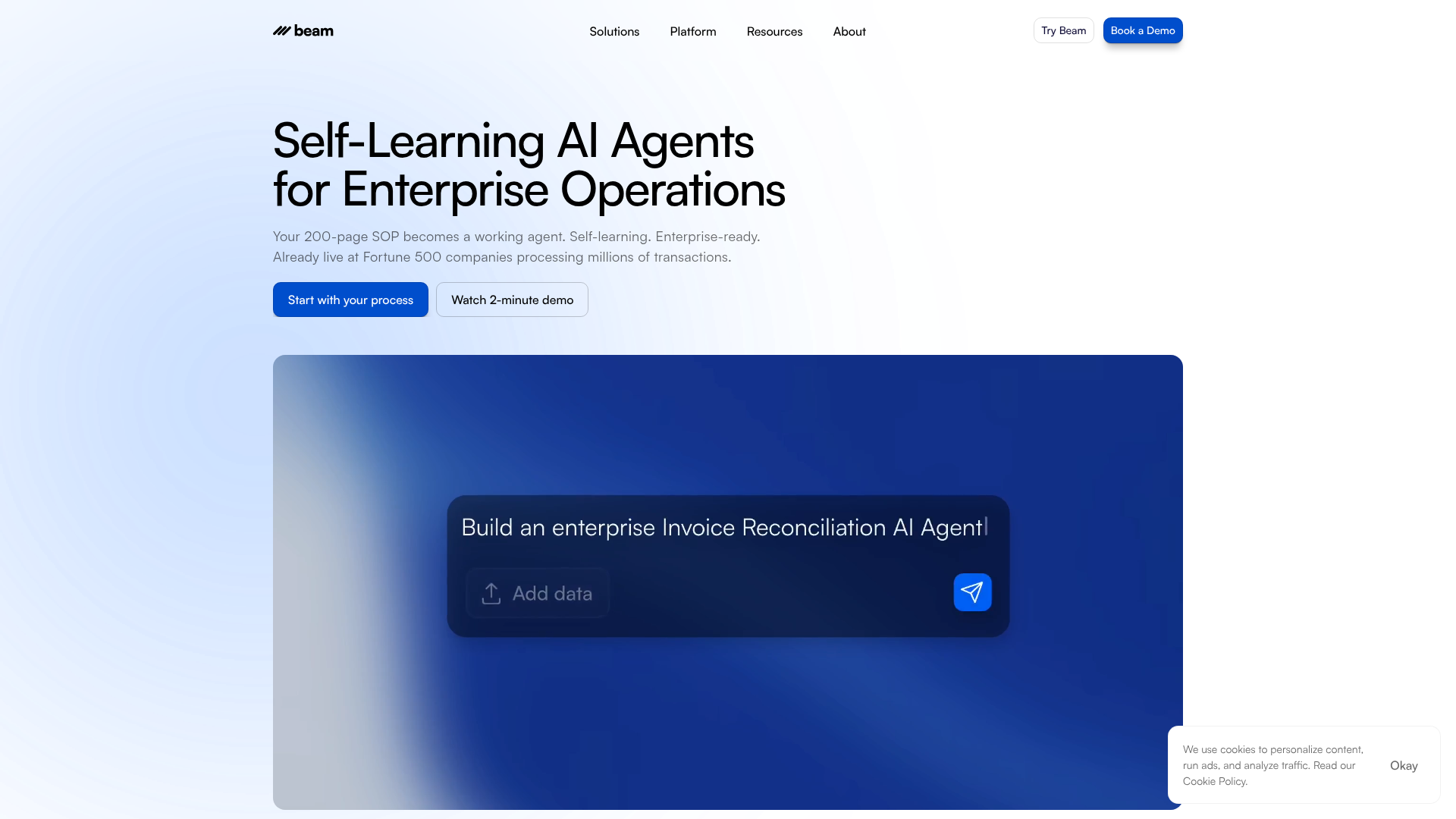
Beam AI is an enterprise platform for agentic automation that turns documented business processes into self-learning AI agents. The site positions it as a no-code, enterprise-ready system for deploying agents across operations-heavy functions such as finance, HR, customer service, and custom workflows.
The core workflow is straightforward: organizations upload process documentation such as SOPs or rulebooks, connect Beam to existing systems, and deploy production agents that automate end-to-end tasks while keeping humans in the loop for critical approvals. Beam appears aimed at mid-market and enterprise teams, especially large operational environments that need automation, auditability, flexible deployment, and support getting AI projects into production.
Features
- SOP-to-agent conversion: Beam can turn a written process or rulebook into a working AI agent, reducing the effort needed to translate operational knowledge into automation.
- Self-learning agents: Agents are described as improving from each interaction and adapting to exceptions, which is intended to reduce manual maintenance over time.
- No-code agent building: Teams can build and manage automations without coding, making the platform more accessible to operational and business users.
- Human-in-the-loop controls: Critical tasks can require human approval while lower-risk work runs autonomously, helping teams balance automation with oversight.
- Enterprise integrations and deployment options: Beam states support for 1000+ integrations, custom connectors for legacy systems, and deployment in cloud, on-prem, or hybrid environments.
- Security and auditability: The platform emphasizes auditable decisions, traceable processes, custom hosting, and stated compliance references including GDPR, ISO 27001, and SOC 2 Type II.
Helpful Tips
- Validate the process quality first: Products like this depend heavily on the quality of SOPs and rule definitions, so fragmented or outdated documentation will likely limit early results.
- Start with repetitive, rules-based workflows: Candidate screening, scheduling, onboarding, and shared-service tasks are better initial targets than ambiguous work with weak process controls.
- Define approval thresholds early: Human-in-the-loop products perform best when teams clearly specify which exceptions need review and which actions can run autonomously.
- Check integration depth, not just connector count: A large integration catalog is useful, but buyers should confirm what each connection actually supports in their systems and workflows.
- Review deployment and governance needs upfront: For enterprise adoption, hosting model, audit requirements, data handling, and operating ownership should be settled before scaling beyond a pilot.
OpenClaw Skills
Beam AI could likely fit well inside the OpenClaw ecosystem as an execution layer for structured enterprise operations. A likely use case would be OpenClaw skills that ingest SOPs, classify candidate workflows for automation, monitor agent exceptions, and route approvals to the right teams. Another likely pattern would combine OpenClaw orchestration with Beam’s documented strengths in HR, finance, and customer service to coordinate multi-step processes across systems and human reviewers.
This combination could be especially useful for shared services, BPO, recruiting operations, and finance operations teams. For example, an OpenClaw agent could identify process bottlenecks, recommend which SOPs should become Beam agents, and then supervise outcomes across a portfolio of workflows. The source page does not confirm a native OpenClaw integration, so this is an inferred workflow design rather than a stated product capability.
Embed Code
Share this AI tool on your website or blog by copying and pasting the code below. The embedded widget will automatically update with the latest information.
<iframe src="https://www.aimyflow.com/ai/beam-ai/embed" width="100%" height="400" frameborder="0"></iframe>