
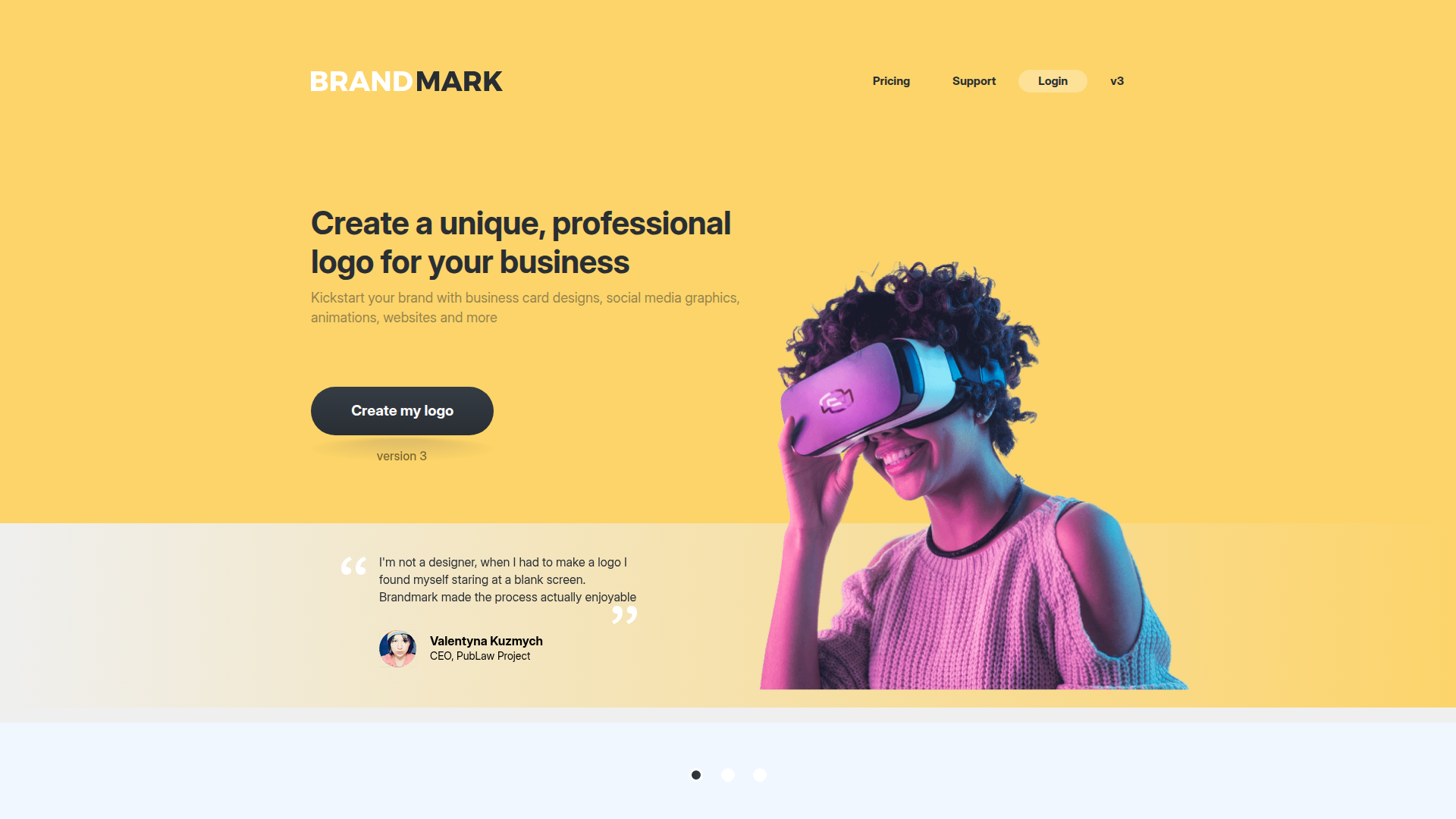
Brandmark Logo Maker - the most advanced AI logo design tool
Rate this Tool
Average Score
Total Votes
Select your score (1-10):
Detail Information
What
Brandmark Logo Maker is an AI-based logo design tool for businesses that need a professional brand identity without hiring a designer or using separate design software. The product is aimed at founders, small businesses, and non-designers who want to generate a logo, customize it in the browser, and export usable design files.
Based on the page, Brandmark is positioned as a self-serve branding platform rather than only a logo generator. In addition to logo creation, it includes a broader set of brand assets such as business cards, social media graphics, animations, one-page websites, templates, and a brand guide, which suggests a workflow centered on quickly launching a consistent visual identity on a budget and timeline.
Features
- AI-assisted logo generation: Creates logo concepts using generative AI, helping users move from a blank screen to initial designs quickly.
- Browser-based editing: Lets users edit text and customize designs directly in the browser, reducing the need for external design tools.
- Export in major file formats: Supports export to SVG, PNG, and PDF, which is useful for web publishing, print materials, and general brand use.
- Brand asset bundle: Extends beyond the logo to include items such as business card designs, social profile icons, invoice templates, mockups, presentation templates, and social media designs.
- One-page websites and animated designs: Provides additional launch-ready brand materials that can help businesses present a more complete identity early on.
- Revision and support model: States that users can modify logos over time and that the team can help with design tweaks, which may reduce friction for non-designers.
Helpful Tips
- Assess the depth of customization needed: This type of product is well suited to early-stage branding, but teams with strict brand systems or highly differentiated visual requirements should confirm whether the generated outputs are flexible enough.
- Check the completeness of deliverables: Since the page highlights many asset types, buyers should verify which files and templates are included in their plan and how editable each asset is after export.
- Use the brand guide and templates to enforce consistency: For small teams, the practical value often comes less from the logo alone and more from having repeatable visual assets for sales, social, and documents.
- Review copyright and usage terms carefully: The page states full copyright is included, but businesses should still inspect the exact legal terms for transfer, exclusivity, and any limitations tied to generated elements.
- Test mobile and desktop workflows: Because the editor is available across devices, teams should confirm whether mobile editing is sufficient for their actual approval and revision process.
OpenClaw Skills
Brandmark could likely fit into the OpenClaw ecosystem as part of a brand-launch or business-setup workflow. An OpenClaw agent could collect business name, positioning, audience, and style preferences, then organize logo exploration, asset selection, and downstream use cases such as profile images, pitch deck visuals, and simple web presence planning. The page does not mention a native integration, so this should be treated as a likely workflow layer built around the product rather than a confirmed connection.
More broadly, OpenClaw skills could turn Brandmark into a component of a larger go-to-market system for founders, agencies, or SMB operators. Likely use cases include a startup identity agent that pairs logo creation with messaging drafts, a social launch agent that maps generated visuals into content calendars, or a sales-enablement workflow that aligns brand assets with proposals and presentation templates. In practice, that combination could help non-design teams move faster from idea to usable brand system while keeping creative and operational tasks in one coordinated process.
Embed Code
Share this AI tool on your website or blog by copying and pasting the code below. The embedded widget will automatically update with the latest information.
<iframe src="https://www.aimyflow.com/ai/brandmark-io/embed" width="100%" height="400" frameborder="0"></iframe>
Explore Similar Tools
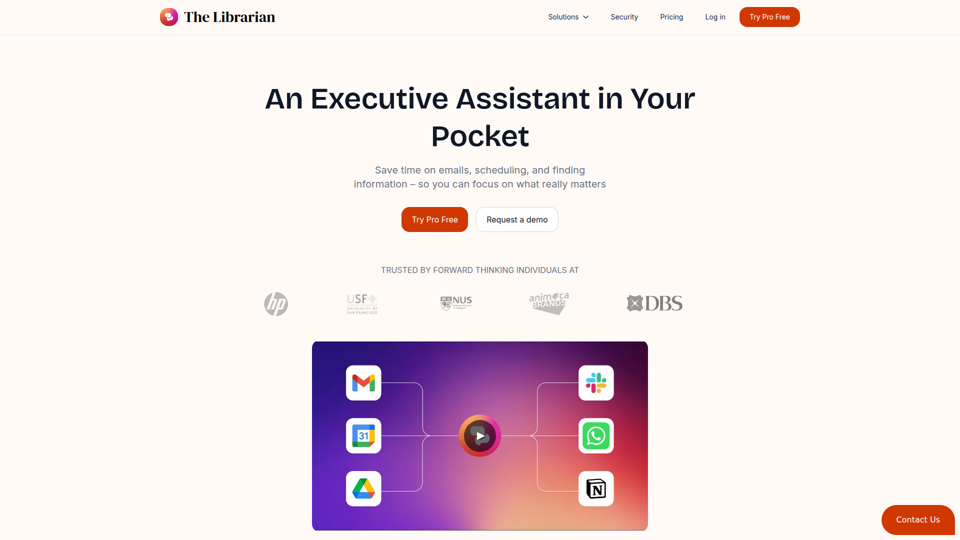
The Librarian - Supercharge your day with your own AI personal assistant
The Librarian is an AI personal assistant for busy Google Workspace professionals, helping them draft and summarize emails, manage calendars, and find documents across tools like Gmail, Google Calendar, and Drive. For executives, founders, and other time-constrained knowledge workers, it can reduce routine coordination and information retrieval work so they can focus more on decisions and priorities.

Recall - Summarize Anything, Forget Nothing.
Recall is an AI-powered knowledge base and browser extension that helps professionals and lifelong learners save, summarize, organize, search, and review online content and personal notes in one system. For knowledge workers, researchers, and content-heavy roles, it can reduce information overload by turning scattered articles, videos, PDFs, and notes into a searchable memory system with AI summaries, chat, and spaced repetition.
AI that actually knows you
Kin is a privacy-focused personal AI assistant and reflective coaching app that remembers context across conversations to help users think clearly, navigate decisions, and organize their lives, especially leaders, founders, parents, athletes, and neurodivergent people. In AI-enabled knowledge work, its persistent memory and guided reflection can help decision-makers and other high-responsibility professionals spot patterns, reduce mental overload, and make more informed choices over time.
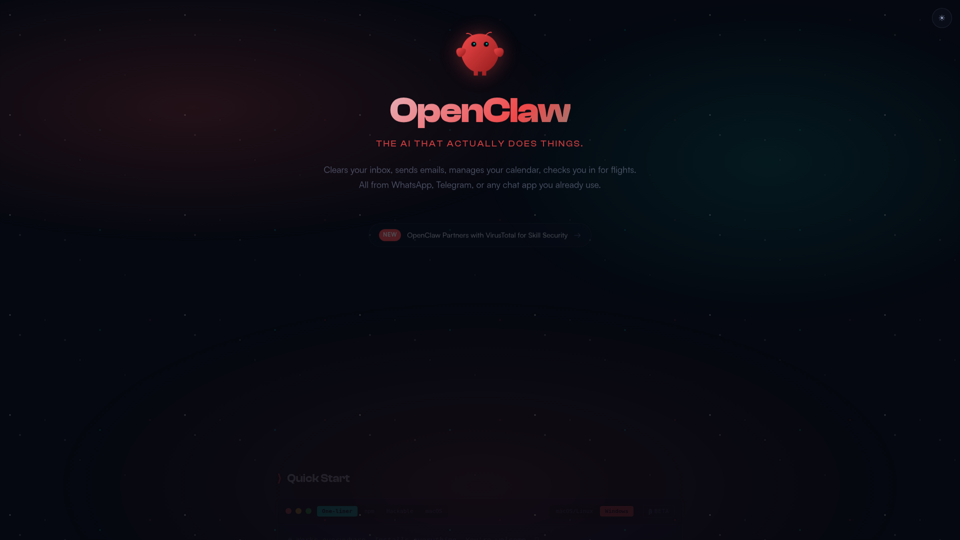
OpenClaw — Personal AI Assistant
OpenClaw is a personal AI assistant that helps users handle inbox, email, calendar, flight check-ins, and other computer-based tasks through chat apps like WhatsApp and Telegram, mainly for individuals who want to manage digital work from one conversational interface. For knowledge workers and operators, it can reduce app-switching by turning chat into an action layer for routine coordination and follow-up tasks.
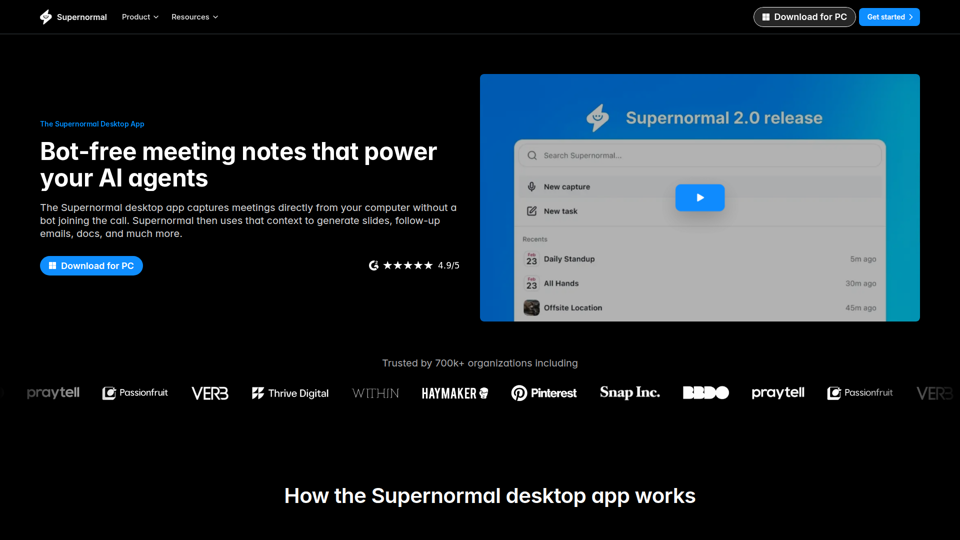
Supernormal Desktop App: AI assistant that turns meetings into work
Supernormal Desktop App is an AI meeting assistant that captures computer audio without a bot, transcribes conversations, and turns meeting context into summaries, follow-up emails, documents, slides, and other drafts for professionals who spend much of their time in meetings. For managers, client-facing teams, and operations roles, it can reduce post-meeting admin by converting discussion points into ready-to-use work outputs faster.
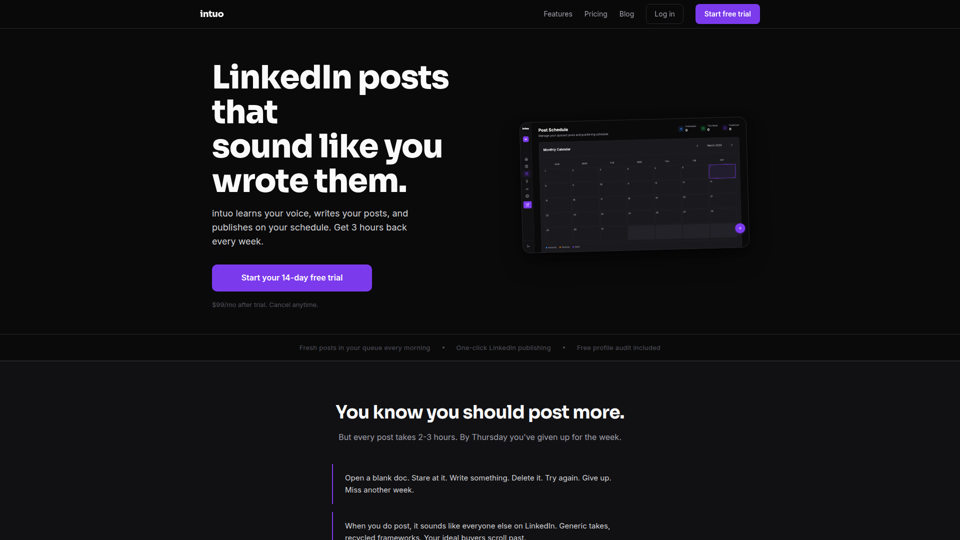
LinkedIn posts that sound like you — intuo
Intuo is an AI LinkedIn publishing tool that learns a user’s voice, drafts posts, queues weekly content, and publishes on schedule, mainly for founders and other professionals who want to post consistently without writing everything from scratch. For roles focused on thought leadership or lead generation, it can reduce drafting time while helping maintain a more consistent LinkedIn presence.
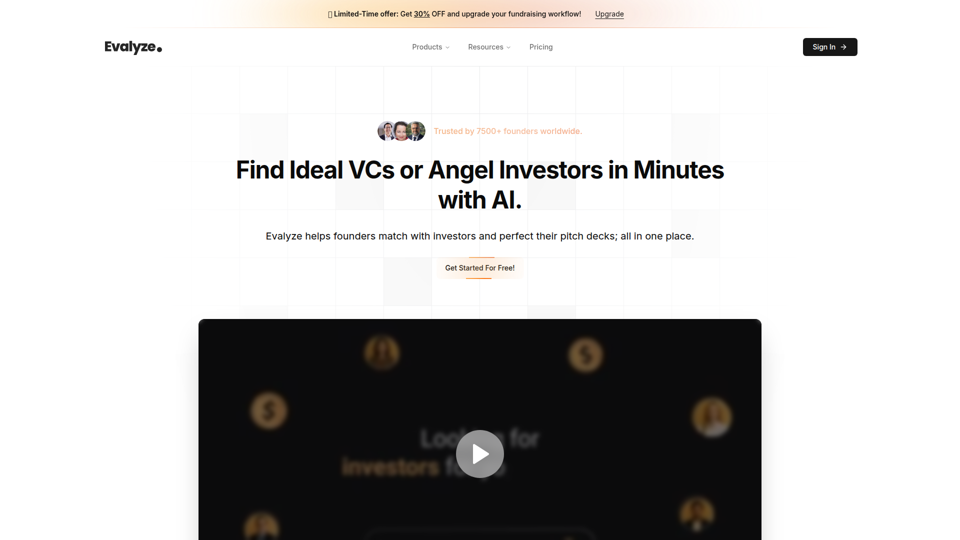
Evalyze: AI Investor Matching + Pitch Deck Analysis
Evalyze is an AI fundraising platform that helps startup founders find investors matched to their stage and sector, analyze pitch decks, and assess investor readiness. For founders, accelerator teams, and startup mentors, it can streamline fundraising prep by prioritizing fit and surfacing deck weaknesses before investor outreach.
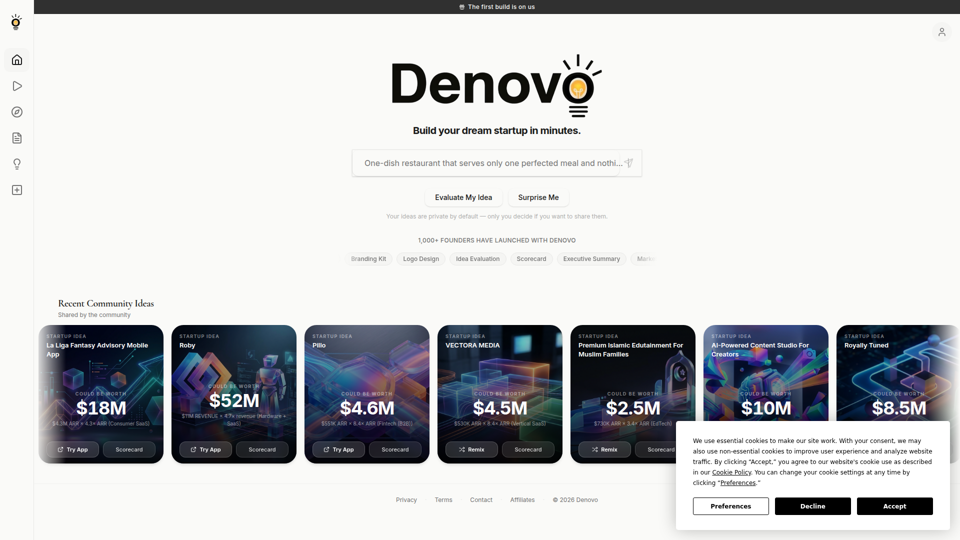
Denovo | Turn Your Idea Into a Real Business in 8 Minutes
Denovo is an AI startup-building platform that helps founders and side-hustlers turn ideas into a business plan, pitch deck, branding, website, and launch assets without coding. For startup operators and solo founders, it can compress early-stage planning and go-to-market work into a faster, more structured workflow.