
Free Connect the Dots Generator | Online Dot to Dot Maker
Rate this Tool
Average Score
Total Votes
Select your score (1-10):
Detail Information
What
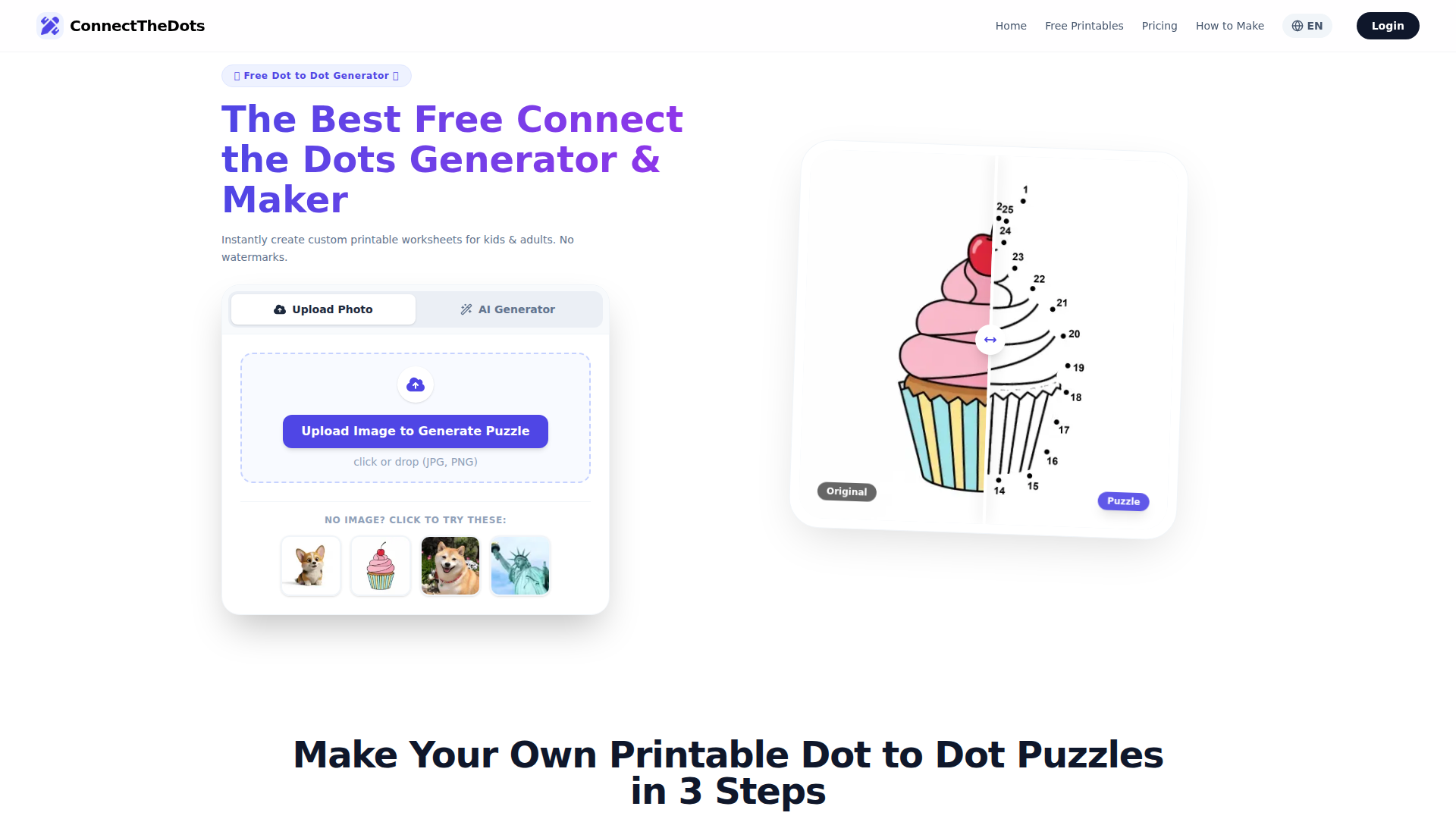
ConnectTheDotsPrintable.online is a web-based dot-to-dot generator and printable worksheet maker. It lets users upload an image or use an AI prompt to create custom connect-the-dots activities, then export them as printable PDF or PNG files.
The product appears aimed at parents, teachers, and puzzle enthusiasts who want quick, customizable worksheets for children or adults. Its core workflow is simple: provide an image or prompt, choose a difficulty level or dot count, and download a print-ready puzzle, positioning it as a lightweight self-serve creative and educational tool.
Features
- Image-to-puzzle generation converts uploaded photos or drawings into dot-to-dot worksheets, helping users create custom activities without manual design work.
- AI prompt-to-puzzle creation generates printable puzzles from text descriptions, which is useful when users do not already have source artwork.
- Adjustable difficulty controls let users choose Easy, Medium, or Hard modes and manually set dot count to match different ages or skill levels.
- Printable export formats provide high-resolution PDF and PNG downloads, making the worksheets easy to print at home or in classrooms.
- Free printable library offers ready-made dot-to-dot worksheets across categories such as animals, holidays, and mandalas for immediate use.
- Puzzle editing options include settings like font size, dot radius, dot color, hint modes, and optional background removal, which can improve clarity and usability for different source images.
Helpful Tips
- Use clear, high-contrast source images because the site explicitly states its generator works best with simple line art or strong visual contrast.
- Match dot count to the audience so younger children get lower-count puzzles with larger marks, while adults or advanced users can handle more intricate designs.
- Prefer PDF for printing since the site recommends PDF as the best format for preserving layout and print quality across devices.
- Review usage rights before distribution because the page states printables are for personal and educational use only, not commercial use.
- Validate AI-generated output before classroom use since the page promotes fast AI creation, but does not provide detailed quality assurance information for every generated puzzle.
OpenClaw Skills
A likely OpenClaw use case would be a worksheet-generation skill that takes a teacher’s topic, age range, and theme, then prepares prompts or source-image recommendations for ConnectTheDotsPrintable.online. Another likely workflow is a lesson-pack agent that pairs printable dot-to-dot activities with vocabulary lists, handwriting practice, or themed classroom tasks. The site does not mention native OpenClaw integration, so this should be viewed as an external workflow opportunity rather than a confirmed capability.
For creative and education-focused teams, OpenClaw could also support content planning and asset preparation around this product. For example, an agent could organize seasonal printable calendars, recommend difficulty settings by grade band, or help parents generate activity sets for travel, homeschooling, or therapy sessions. In that combination, the product could move from being a standalone printable maker to part of a broader structured activity workflow for educators, family learning coordinators, and children’s content publishers.
Embed Code
Share this AI tool on your website or blog by copying and pasting the code below. The embedded widget will automatically update with the latest information.
<iframe src="https://www.aimyflow.com/ai/connectthedotsprintable-online/embed" width="100%" height="400" frameborder="0"></iframe>
Explore Similar Tools

Quizgecko | AI Question Generator | Make a Test
Quizgecko is an AI question generator that helps users turn text into quizzes and tests in seconds, mainly for teachers, trainers, and learners creating assessments. It cuts assessment authoring time so educators can focus more on instruction and learning outcomes.
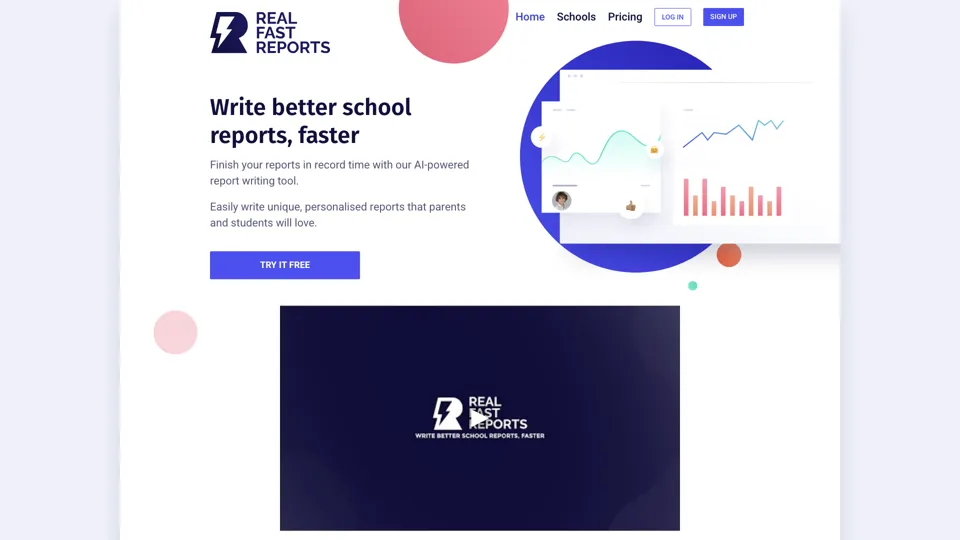
AI-Powered School Report Writer - Fast, Accurate Report Generation
Real Fast Reports is an AI school report writer that helps users generate personalized student reports quickly, mainly for teachers and school staff handling repetitive reporting. It reduces administrative writing time, giving educators more capacity for teaching and student support.
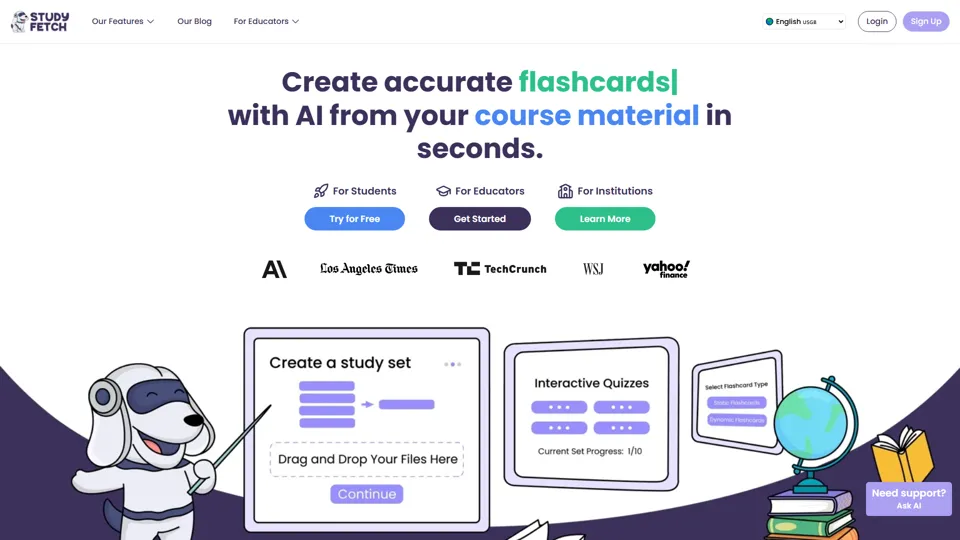
Study Fetch | The Top AI Learning Platform
Study Fetch is an AI learning platform that turns class materials like lectures, notes, and slides into flashcards, quizzes, tests, and tutoring support, mainly for students. In the AI era, it helps learners convert passive materials into active study formats that improve retention and review efficiency.

TurboScribe: Transcribe Audio and Video to Text
TurboScribe is an AI transcription service that helps users turn audio and video into text and subtitles quickly, mainly for creators, researchers, and business teams. In the AI era, high-volume transcription lets content and operations roles process spoken information at scale with minimal manual effort.
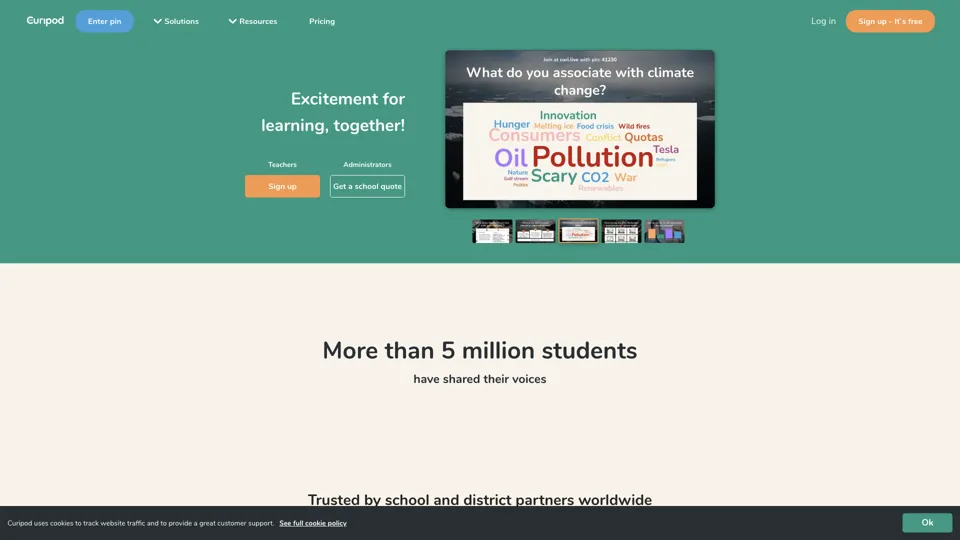
Spark your students curiosity
Curipod is an interactive lesson platform that helps teachers create engaging classroom experiences focused on creativity, reflection, and critical thinking for students. In the AI era, it reduces lesson-prep time and helps educators turn ideas into participatory learning activities more quickly.
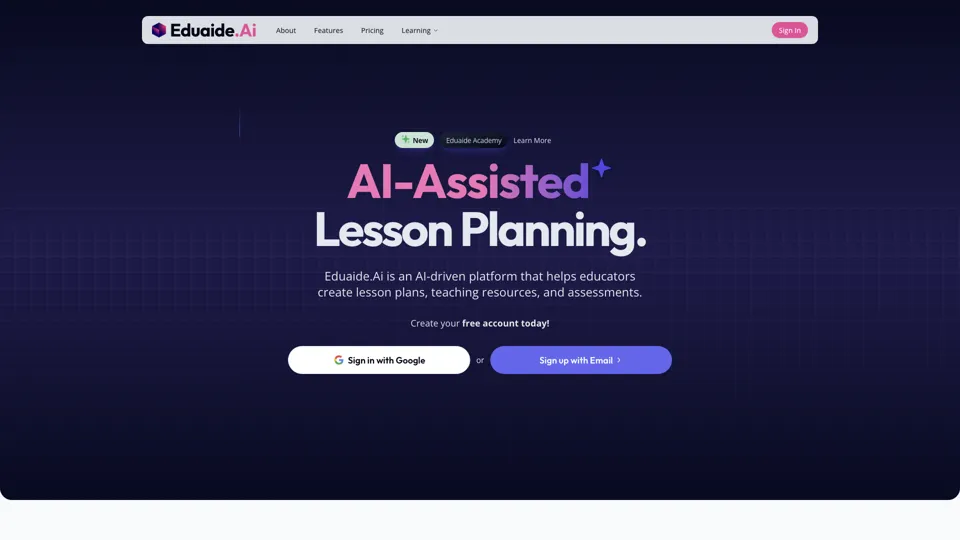
Eduaide.Ai: Instruction by Design
Eduaide.AI is an AI teaching platform that helps educators create lesson plans, instructional materials, and assessments more efficiently. In the AI era, it reduces administrative planning time so teachers can focus more on instruction and student support.

TeacherDashboard.ai - AI 👩🏫 Tools to Save Hours on Admin Tasks
TeacherDashboard.ai is an AI education assistant that helps teachers generate rubrics, mark assignments, and write personalized report comments faster. In the AI era, it reduces repetitive admin work so educators can spend more time on instruction, feedback quality, and student support.
Coschool - Ai Assistant for Teachers
Coschool is an AI assistant for teachers that helps create lesson plans, improve student engagement, and surface teaching techniques, mainly for educators and classroom instructors. In the AI era, it reduces prep time so teachers can spend more energy on instruction and individual student support.