
Turn Images & PDF into Editable PowerPoint - CopySlides
Rate this Tool
Average Score
Total Votes
Select your score (1-10):
Detail Information
What
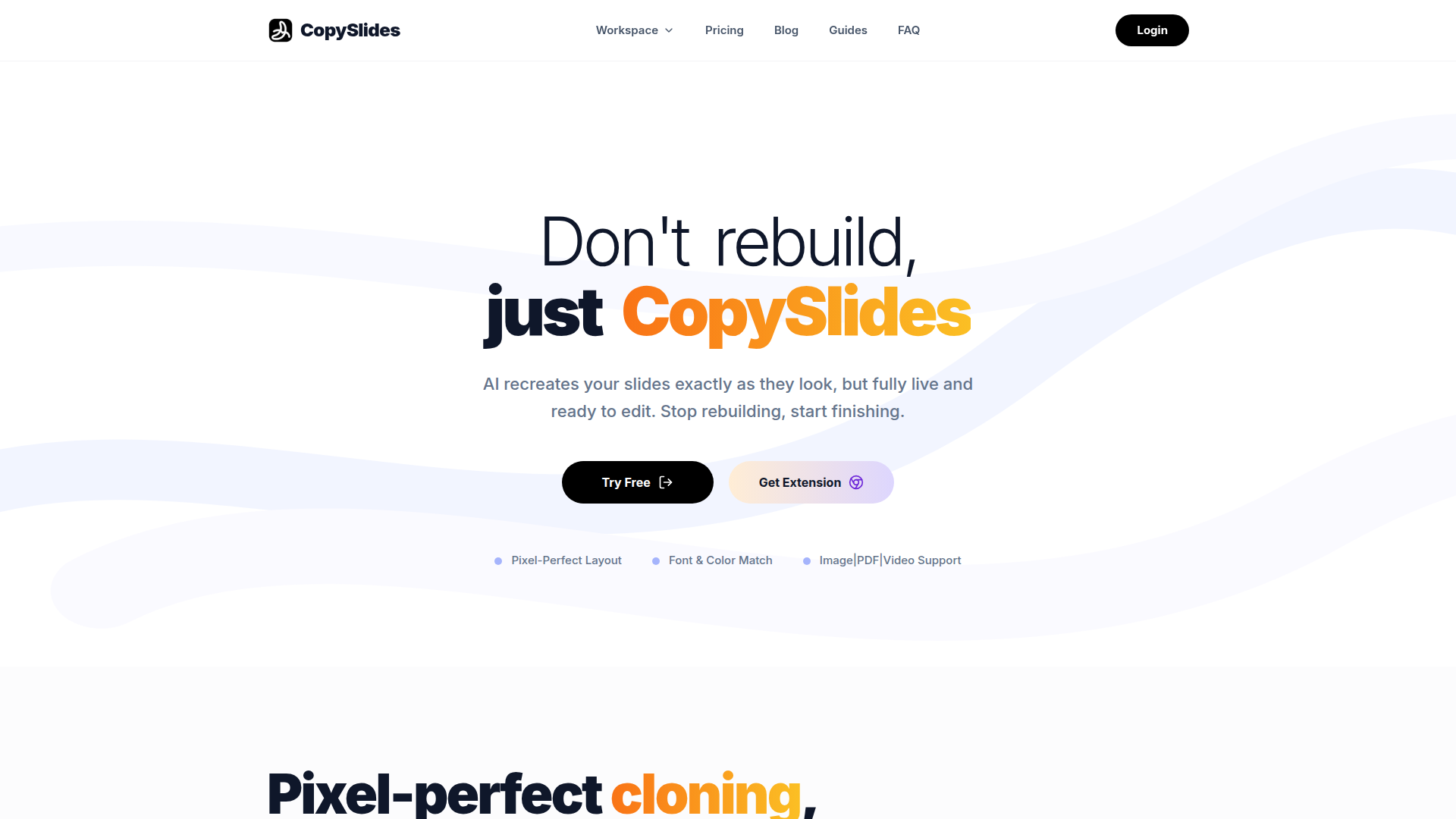
CopySlides is a slide conversion tool that turns static inputs such as images, PDFs, and videos into editable PowerPoint files. Its main purpose is to recreate existing slides as live presentation elements rather than leaving them as flat images or basic OCR text.
The product appears suited to professionals who work heavily with presentations, including consultants, teachers, creators, teams, and developers embedding conversion into broader workflows. Its positioning is as a layout-focused conversion engine for users who need slide fidelity, editability, and reduced manual rebuilding effort.
Features
- Image to editable PPTX conversion: Converts screenshots and slide images into layered PowerPoint files so text boxes, shapes, and other elements can be adjusted after import.
- PDF to slide reconstruction: Rebuilds PDF content into structured presentation slides, which is especially relevant for turning exported notes or static decks into editable formats.
- Video to slides extraction: Captures slides from video content such as webinars and recreates them as editable presentation assets.
- Layout-aware reconstruction: Uses AI vision and layout analysis to recover slide hierarchy and positioning, helping preserve the original structure rather than only extracting text.
- Font, color, and vector recovery: Matches visual styling and attempts to recover editable shapes, charts, and vector-like elements for closer design fidelity.
- API, bulk, and self-hosted options: Supports product integration, high-volume processing, and self-hosted deployment for teams that need operational flexibility or tighter data control.
Helpful Tips
- Validate output on complex slides: For dense layouts, charts, or unusual branding, review a sample set first because the page emphasizes high fidelity but does not publish formal accuracy benchmarks.
- Use it where editability matters most: This type of tool is most valuable when teams regularly inherit screenshots, exported PDFs, or webinar materials that would otherwise require manual slide rebuilding.
- Assess deployment needs early: Teams handling sensitive files may prefer self-hosted or offline options, while product teams may benefit more from the API and bulk-processing model.
- Check source quality before conversion: Clear source images, cleaner PDFs, and videos with readable slides will likely improve reconstruction quality, especially for typography and layout recovery.
- Map credits to actual workload: Since pricing is credit-based, buyers should estimate expected conversion volume and file complexity before choosing a plan.
OpenClaw Skills
CopySlides could fit well into the OpenClaw ecosystem as a document-to-presentation transformation skill. A likely workflow would let an OpenClaw agent watch for incoming PDFs, screenshots, meeting recordings, or NotebookLM exports, send them through CopySlides-style conversion, and then route the editable deck into downstream review, summarization, or publishing steps. The page mentions API access and an open-source engine for teams, which suggests practical paths for automation, though any specific OpenClaw integration would be a likely use case rather than a confirmed native feature.
This combination could be especially useful for consulting, enablement, research, and content operations teams. OpenClaw agents could likely classify source materials, trigger conversion, compare reconstructed decks against brand templates, flag slides needing manual cleanup, and generate speaker notes or repurposed assets from the resulting PPTX. In practice, that would shift presentation work from manual recreation toward workflow orchestration, with human effort focused more on judgment, narrative, and final polish.
Embed Code
Share this AI tool on your website or blog by copying and pasting the code below. The embedded widget will automatically update with the latest information.
<iframe src="https://www.aimyflow.com/ai/copyslides-com/embed" width="100%" height="400" frameborder="0"></iframe>
Explore Similar Tools
Komos – AI That Runs Your Repetitive Work
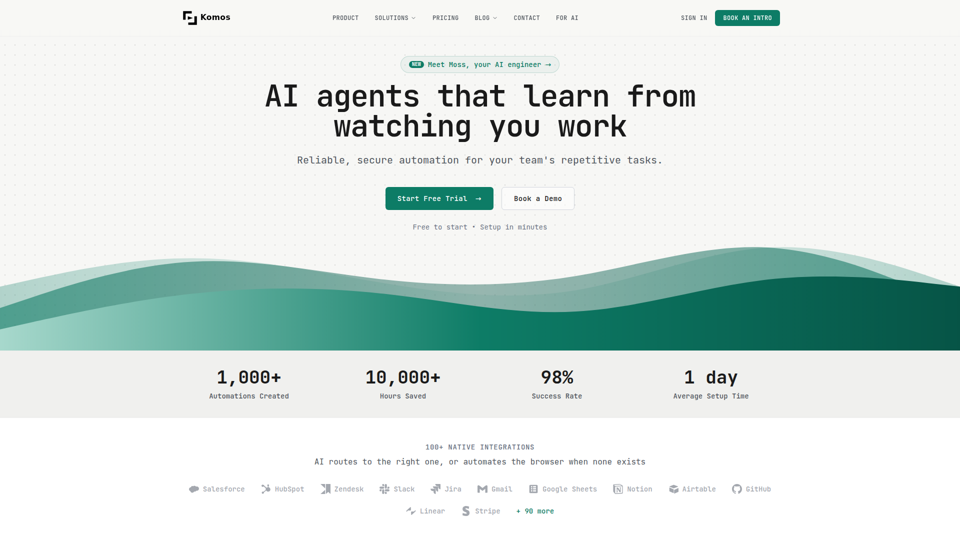
Komos is an AI automation platform that learns repetitive browser and SaaS tasks by watching users work, then builds editable workflows and APIs for teams in operations-heavy functions such as legal, finance, healthcare, HR, and supply chain. In AI-enabled operations, it can help specialists reduce manual portal work, document handling, and compliance steps while keeping workflows visible, auditable, and under team control.
Create Beautiful Docs & Slides in Seconds with AI
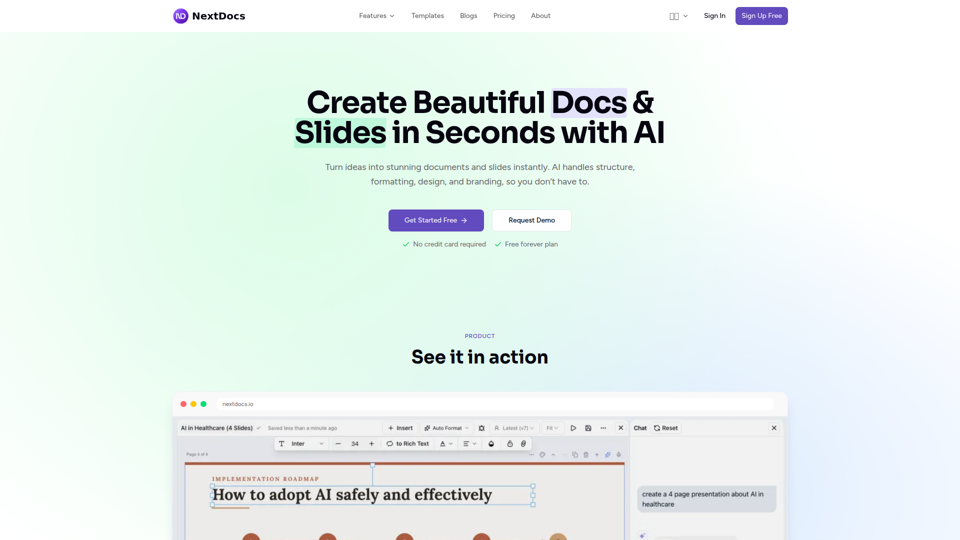
NextDocs is an AI document and presentation creation tool that helps professionals and teams turn prompts into branded docs, slides, social posts, proposals, reports, and contracts with built-in editing, research, and export options. For roles like project managers, marketers, founders, and sales teams, it can reduce manual formatting and versioning work so more time goes to reviewing content and making decisions.
illumi - AI Canvas for Leading Team Work
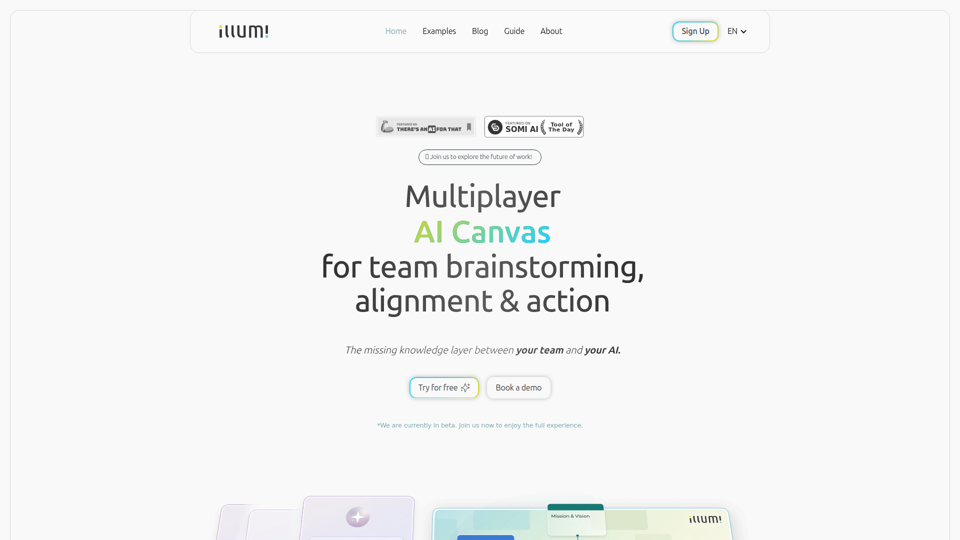
illumi is a multiplayer AI canvas and whiteboard that helps teams gather context, brainstorm, align decisions, and co-create outputs with multiple AI models in one shared workspace, mainly for teams doing collaborative planning and knowledge work. For team leads, strategists, and cross-functional contributors, it can improve AI-driven work by preserving shared context so generated drafts and decisions reflect the full discussion instead of fragmented prompts.
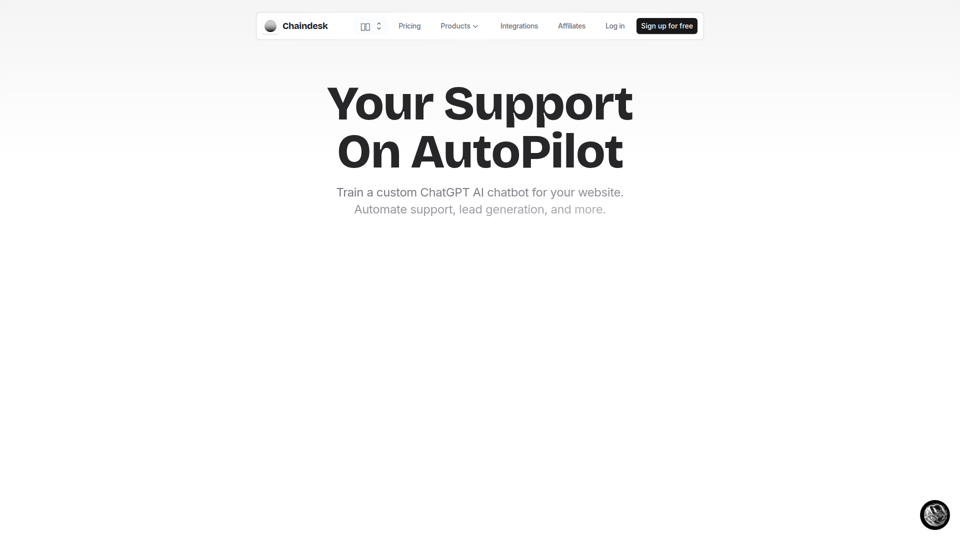
Chaindesk - Build a ChatGPT AI Chatbot for your website
Chaindesk is a no-code platform for building custom AI chatbots trained on company data to automate website support, lead generation, and team workflows, mainly for customer support and operations teams. In AI-enabled support environments, it can help service and success professionals reduce repetitive tickets while keeping answers aligned with their knowledge base and escalating conversations to humans when needed.
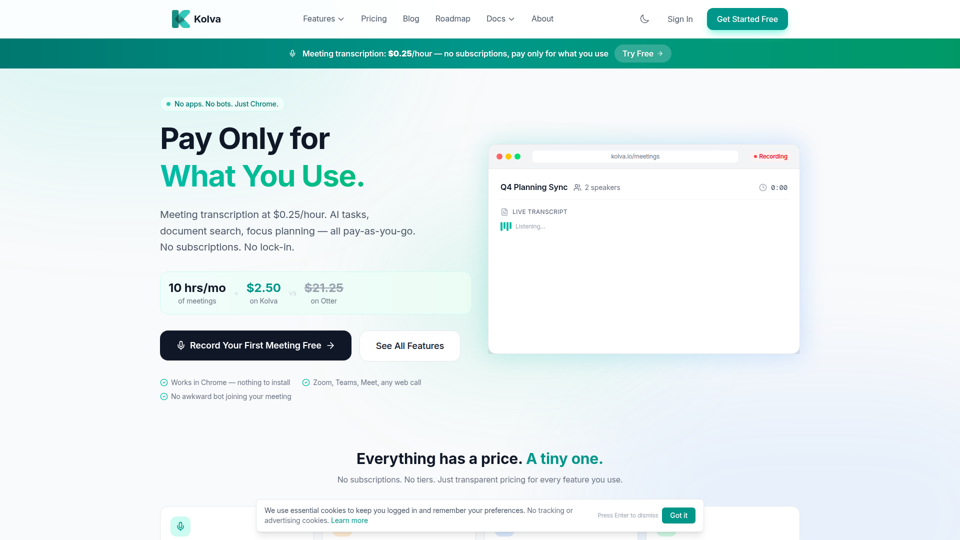
Kolva - Pay Only for What You Use | Meetings, Tasks & Docs
Kolva is a Chrome-based productivity tool that provides meeting transcription and summaries, AI-powered task management, document search, and focus planning on a pay-as-you-go model, mainly for professionals and teams who want lightweight support for meetings, tasks, and docs without subscriptions. For managers, operations staff, and knowledge workers, it can turn web meetings and scattered documents into searchable notes, action items, and next steps with lower overhead than always-on software.
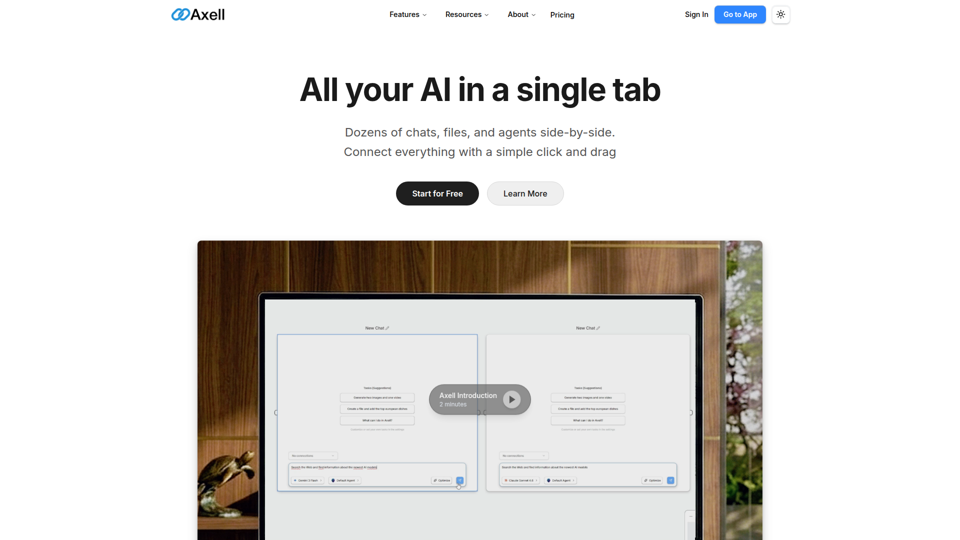
Axell - The Unified AI Workspace
Axell is a unified AI workspace that lets users run multiple chats, files, and custom agents side by side, mainly for teams and professionals who need to compare models, manage context, and collaborate in one place. For knowledge workers, researchers, and operations teams, it can reduce context switching by keeping conversations, documents, and agent workflows connected in a shared live workspace.
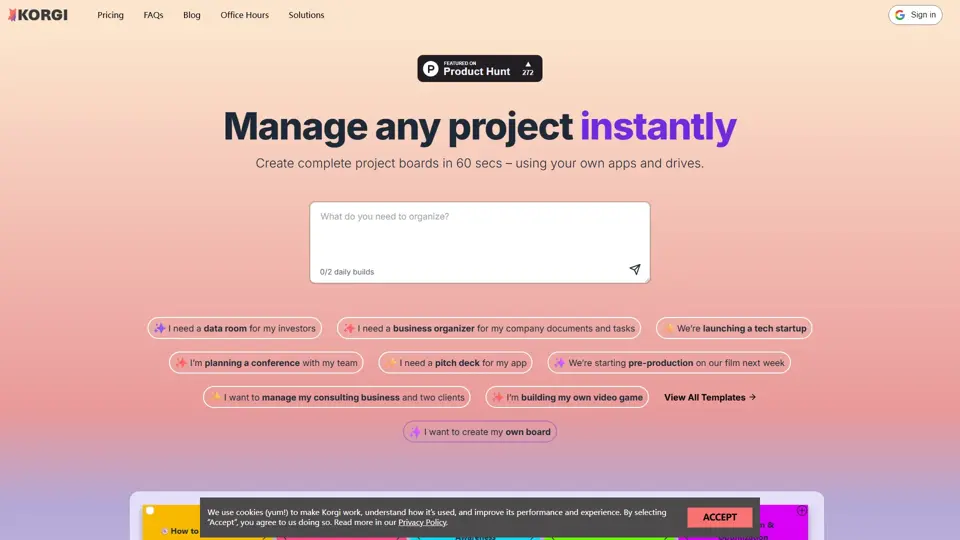
Korgi | Home
Korgi is an all-in-one project board platform with built-in app connections and AI, designed to help teams organize work and collaborate in one place. It gives project and operations teams a simpler way to coordinate tasks without juggling as many separate tools.
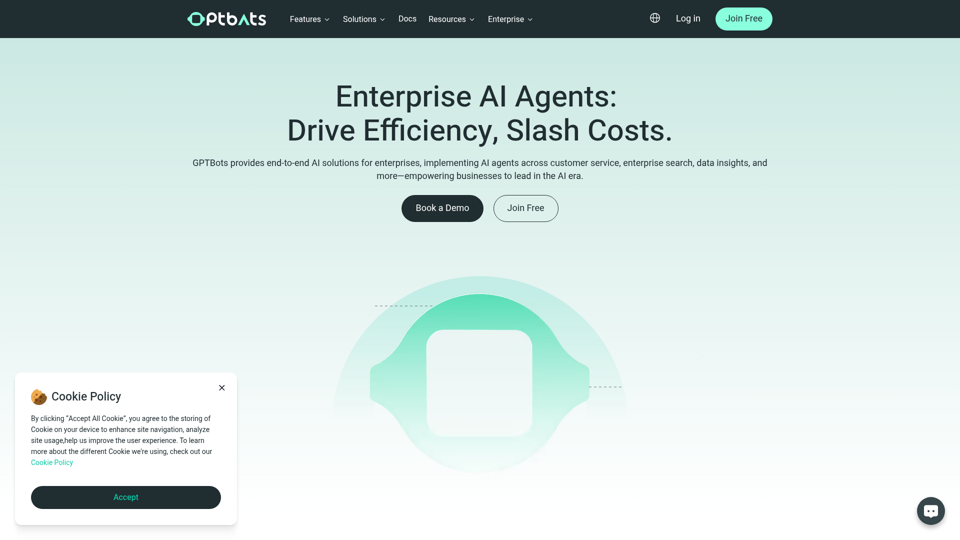
Enterprise AI Agents: Cut Costs & Boost ROI | GPTBots.ai
GPTBots.ai is a no-code enterprise AI agent platform that helps businesses build, deploy, and scale AI agents and workflows for customer support, sales development, enterprise search, and data insights, mainly for enterprise teams. In AI-enabled operations, it can help support, sales, IT, and knowledge management teams automate repetitive work and turn internal data into faster, more consistent decisions.