
Dashify with daisy 🌼
Rate this Tool
Average Score
Total Votes
Select your score (1-10):
Detail Information
What
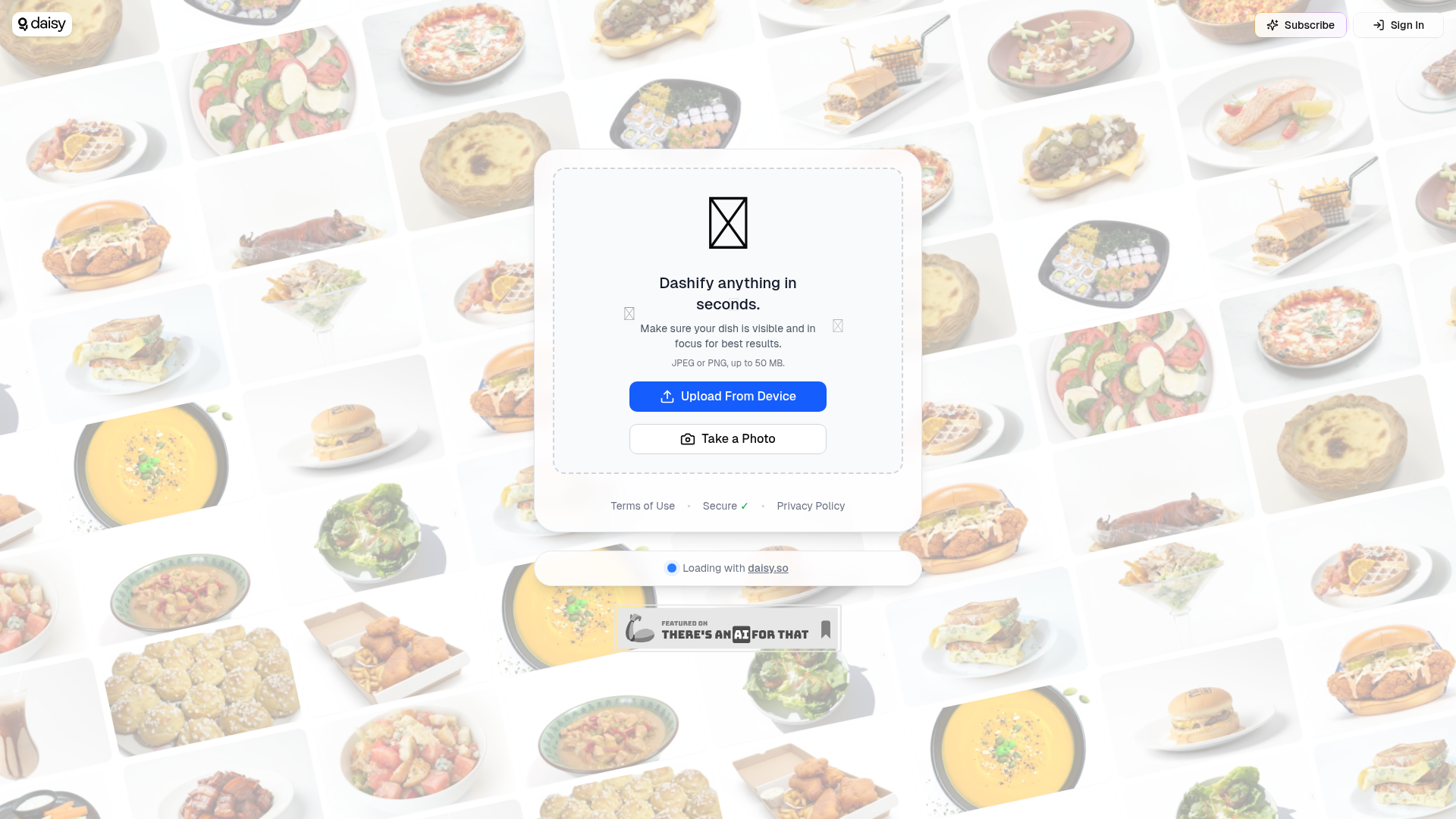
Dashify with daisy appears to be a lightweight image-based tool that lets a user upload or capture a photo and process it in seconds. Based on the page language, it is designed around food or dish imagery, with guidance to keep the dish visible and in focus for best results.
The visible workflow is simple: upload a JPEG or PNG file up to 50 MB, or take a photo directly, then wait for the system to process it. From the limited page content, it is best understood as a consumer-facing or creator-friendly visual utility rather than a fully described enterprise platform.
Features
- Image upload from device — Supports uploading JPEG or PNG images, which gives users a straightforward way to submit existing photos.
- Direct photo capture — Lets users take a photo at the moment of use, which is useful for quick, mobile-first workflows.
- Fast processing flow — The page states users can "Dashify anything in seconds," indicating a speed-focused experience, though the exact transformation is not described.
- Input guidance for image quality — Recommends that the dish be visible and in focus, which helps users improve output quality before submission.
- Large file support — Accepts files up to 50 MB, allowing reasonably high-resolution images to be used.
Helpful Tips
- Clarify the output before adopting broadly — The landing content does not explain what “Dashify” specifically produces, so teams should verify the end result and quality standards in real workflows.
- Test with representative image conditions — Since visibility and focus are emphasized, evaluate performance across lighting, angles, plating styles, and background clutter.
- Check fit for your operating environment — If this is intended for restaurant, menu, or food-content use, confirm whether mobile capture alone is sufficient or if a more structured photo process is needed.
- Review data handling expectations — The page references security, terms, and privacy, but does not provide detailed operational or governance information in the visible content.
- Start with narrow use cases — Given the limited product detail, it is sensible to begin with a small set of image-processing tasks and expand only after validating consistency.
OpenClaw Skills
Within the OpenClaw ecosystem, Dashify could likely be used as the image-ingestion step in a broader workflow for food, hospitality, or visual catalog operations. A likely use case would be an agent that collects dish photos from staff or creators, checks image quality, submits approved images to Dashify, and then routes the resulting assets or metadata into downstream systems. Because the source page does not describe native integrations, this should be treated as a workflow concept rather than a confirmed product capability.
OpenClaw skills built around this product could include menu-content preparation agents, restaurant asset management assistants, or food-photo QA workflows. In practice, that could help restaurant operators, delivery teams, or food publishers standardize how dish images are captured and processed, reducing manual coordination and making visual content pipelines faster and more repeatable.
Embed Code
Share this AI tool on your website or blog by copying and pasting the code below. The embedded widget will automatically update with the latest information.
<iframe src="https://www.aimyflow.com/ai/dashify-daisy-so/embed" width="100%" height="400" frameborder="0"></iframe>