
docbatch.ai - High Volume Document Processing
Rate this Tool
Average Score
Total Votes
Select your score (1-10):
Detail Information
What
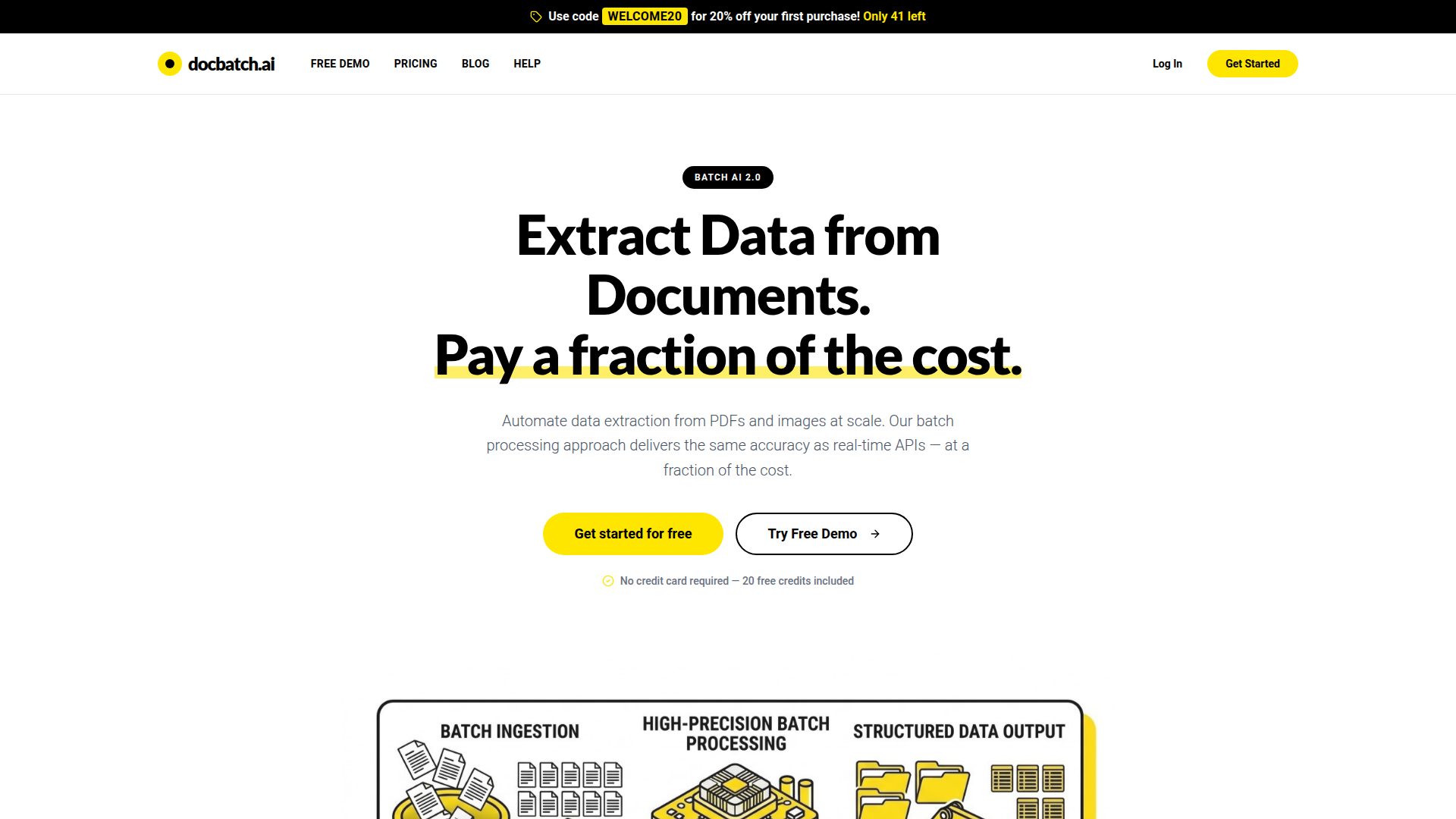
docbatch.ai is an AI-powered batch document processing platform for extracting structured data from PDFs and images. It is aimed at teams that need to process documents at volume, such as invoices, contracts, receipts, resumes, forms, and medical records, and want lower-cost extraction than real-time API workflows.
The core workflow is: upload a sample document, define the extraction schema with natural language or visual selection, then upload batches for automated processing. The product appears positioned as a cost-efficient, high-volume document extraction service that trades real-time speed for deferred processing and simpler unit-based pricing.
Features
- Batch extraction from PDFs and images: Processes PDF, JPEG, PNG, WEBP, and GIF files, which supports a wide range of document-heavy back-office workflows.
- Schema definition with visual or natural-language input: Lets users specify which fields to extract without describing a fully custom pipeline, reducing setup effort.
- Automated large-scale processing: Handles batches ranging from small jobs to thousands of documents, helping teams standardize repetitive extraction work.
- Structured export formats: Returns results in JSON, CSV, or Excel, making output easier to review or move into downstream systems.
- Accuracy scoring per job: Provides an accuracy score for completed jobs so teams can assess extraction quality before relying on the results.
- Deferred processing for lower cost: Uses off-peak batch processing rather than real-time execution, which the company presents as the basis for lower per-document pricing.
Helpful Tips
- Validate on a representative sample first: Accuracy is said to be strongest on clear, well-formatted, and consistent document types, so test with real production variations before scaling.
- Group similar documents into the same batch: The product explicitly notes that consistent document types work best together, which can improve extraction reliability.
- Plan around processing windows: Most jobs are described as completing within 1–2 hours, with up to 24 hours maximum, so this is better suited to asynchronous operations than urgent workflows.
- Use the job-level accuracy signal as a QA checkpoint: Teams should treat reported accuracy as a review aid and still define human verification thresholds for sensitive or high-impact data.
- Check retention and security fit for your use case: The site states encryption, isolated processing, no training use, and automatic deletion after successful processing, but buyers with strict governance needs should still confirm operational details directly.
OpenClaw Skills
docbatch.ai could likely fit well into OpenClaw as a document-ingestion and structured-data extraction component inside broader automation workflows. A likely OpenClaw skill would watch for uploaded PDFs or images, send document batches for extraction, normalize returned JSON or CSV output, and route the results into case files, ERP records, finance operations queues, or analytics workflows. While the page does not describe a native OpenClaw integration, the exported structured formats make this a practical inferred use case.
This combination could be especially useful for finance, operations, HR, legal support, and healthcare administration teams that manage high document volumes but do not need real-time turnaround. OpenClaw agents could likely add pre-processing, confidence-based exception handling, human review steps, and downstream actions such as reconciliation, summarization, record creation, or audit preparation. In practice, that would shift docbatch.ai from a standalone extraction utility into part of a larger semi-autonomous document operations system.
Embed Code
Share this AI tool on your website or blog by copying and pasting the code below. The embedded widget will automatically update with the latest information.
<iframe src="https://www.aimyflow.com/ai/docbatch-ai/embed" width="100%" height="400" frameborder="0"></iframe>