
Doclingo – AI Document Translation Platform for PDFs, Word & Research Papers
Rate this Tool
Average Score
Total Votes
Select your score (1-10):
Detail Information
What
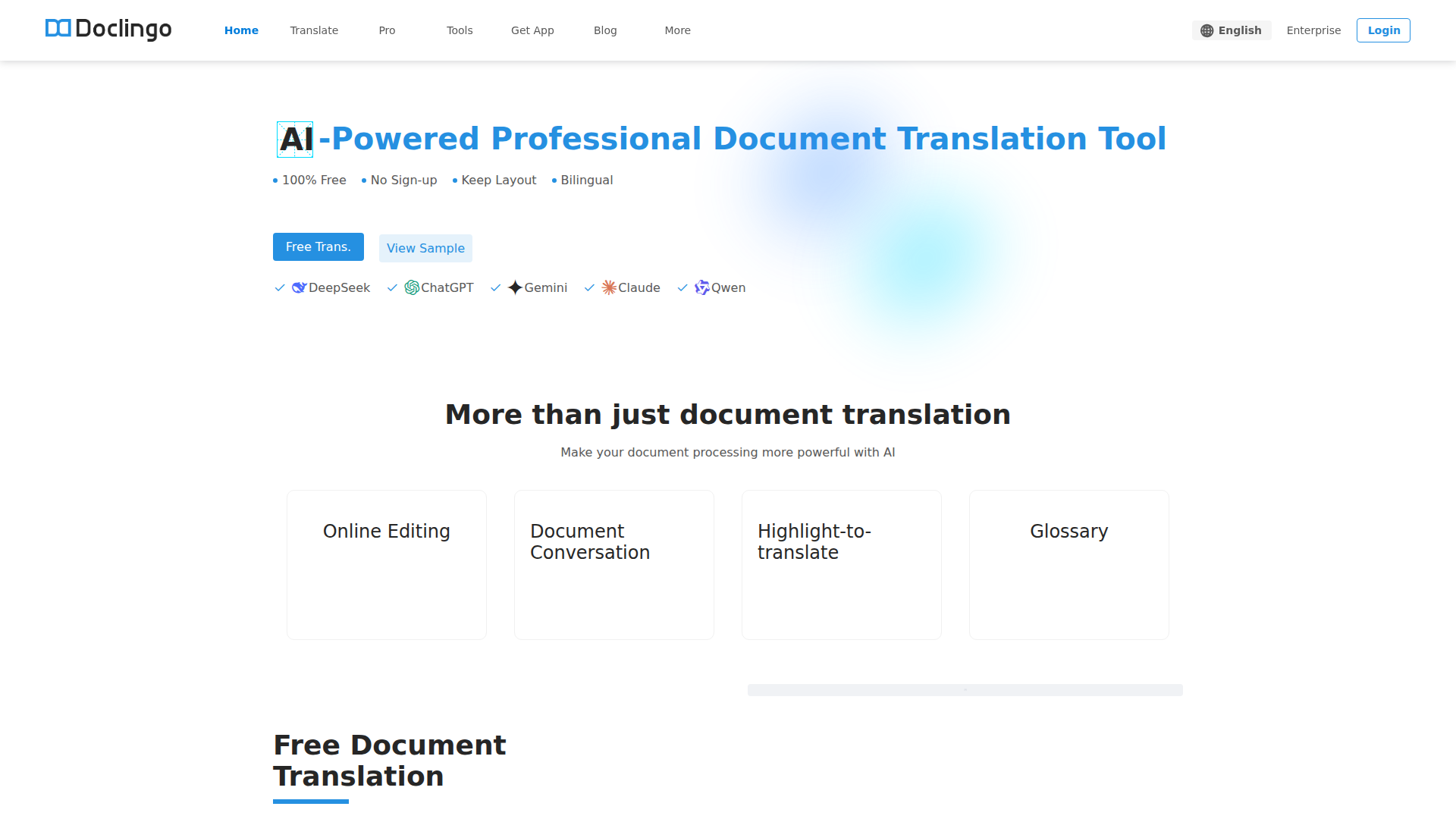
Doclingo is an AI document translation platform focused on translating formatted files such as PDFs, Word documents, Excel sheets, PowerPoint files, images, and research papers. It is positioned as a professional document workflow tool rather than a basic text translator, with emphasis on preserving layout, handling embedded image text, and supporting bilingual review and editing.
The product appears to serve professionals, researchers, students, enterprises, and developers who need document-level translation with higher fidelity than plain-text tools. Its core workflow is upload a document, translate it across 90+ languages, preserve the original structure, then review or refine the result through online editing, document conversation, highlight-to-translate, glossary support, or API-based automation.
Features
- Multi-format document translation: Supports PDF, Word, Excel, PPT, and images, which helps teams translate mixed document types without switching tools.
- Layout-preserving translation: Includes format restoration and a layout recovery algorithm designed to reconstruct complex original formatting after translation.
- OCR-based image text translation: Detects and translates text inside images and PDFs, which is useful for scans, diagrams, and design-heavy files.
- 90+ language support: Enables one-click multilingual translation for cross-border business, academic reading, and multilingual document handling.
- Online editing and bilingual review tools: Lets users modify translated content, compare source and target text, and use highlight-to-translate for more controlled review.
- API and enterprise workflow support: Offers developer API access and enterprise collaboration features for batch processing and integration into larger document pipelines.
Helpful Tips
- For complex PDFs, test with documents that include tables, diagrams, and mixed-language content, because layout preservation quality is a key differentiator in this category.
- If terminology consistency matters, evaluate the glossary and bilingual review workflow early, especially for research papers, technical manuals, and design documents.
- Multi-engine switching can be useful, but teams should define when to use each model so output quality stays predictable across departments.
- If you plan to automate document translation at scale, review the API documentation and batch-processing behavior before adoption; the page indicates this capability but does not fully detail implementation constraints.
- The site mentions multiple trust and security standards, but buyers with strict compliance requirements should verify scope and applicability directly rather than assuming full coverage for every use case.
OpenClaw Skills
Doclingo could fit well into the OpenClaw ecosystem as the document translation layer inside multilingual knowledge and operations workflows. Likely OpenClaw skills could include automatic intake of PDFs from email or cloud folders, language detection, translation routing by document type, glossary-aware review tasks, and structured export into downstream research, legal, procurement, or customer support systems. The page also mentions API access, which makes this kind of orchestration plausible, though any native OpenClaw integration would be an inferred use case rather than a confirmed feature.
A stronger OpenClaw combination would be agentic workflows for research and international operations. For example, an OpenClaw agent could translate a research paper, extract key findings, compare versions side by side, flag uncertain terminology, and hand off a clean bilingual summary to a knowledge base. In trade, manufacturing, or design contexts, a similar workflow could translate drawings, specifications, and image-heavy PDFs, then trigger review steps for engineering or sourcing teams. That would likely shift document translation from a standalone utility into part of a broader multilingual decision-support system.
Embed Code
Share this AI tool on your website or blog by copying and pasting the code below. The embedded widget will automatically update with the latest information.
<iframe src="https://www.aimyflow.com/ai/doclingo-ai-en/embed" width="100%" height="400" frameborder="0"></iframe>