
AI Image Templates Gallery | 100+ Photo Effects & Filters | Transform Your Photos | Dreamega
Rate this Tool
Average Score
Total Votes
Select your score (1-10):
Detail Information
What
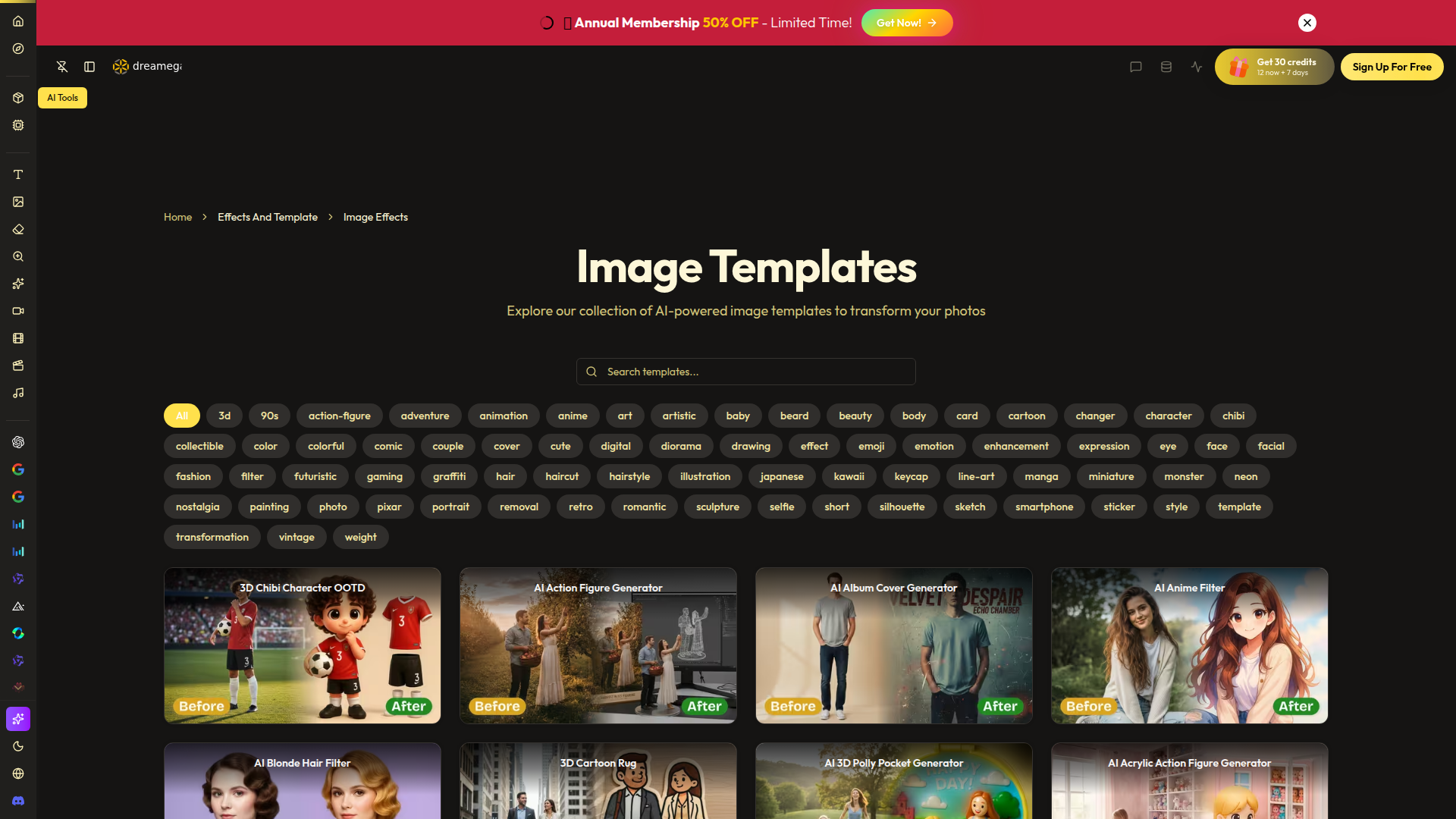
Dreamega’s AI Image Templates Gallery is a web-based collection of AI-powered photo effects, style filters, and image transformation templates. It appears to serve consumers, creators, and social-media-oriented users who want to turn existing photos into themed visuals such as cartoons, anime styles, magazine covers, action figures, portraits, stickers, and other stylized outputs.
The core workflow is straightforward: start with an image, choose a template or effect, and generate a transformed result using Dreamega’s image tools and underlying AI models. Based on the page, this gallery is positioned less as a single-purpose editing application and more as a broad template-driven creative layer within a larger AI media platform that also includes image, video, and audio tools.
Features
- Large template gallery: Offers a broad catalog of 100+ image effects and templates, making it easier to find a specific visual style or novelty transformation without manual prompting.
- Template-based photo stylization: Includes ready-made effects such as anime, manga, Pixar-style, comic, retro, graffiti, and line-art looks for fast conversion of standard photos into themed images.
- Portrait and appearance filters: Provides transformations for hair style, hair color, facial hair, eye color, aging, smile, and similar appearance edits that can support experimentation with portraits and selfies.
- Character and collectible generators: Includes formats such as action figures, chibi characters, keycaps, crystal balls, and RPG-style cards, which are useful for avatar creation and playful branded visuals.
- Utility image tools on the same platform: The broader product navigation shows related capabilities like background removal, upscaling, photo enhancement, denoising, sharpening, and watermark removal, which can support cleanup before or after template use.
- Access to multiple AI models: The site lists numerous image and video models, suggesting users can work within a wider generative media environment, though the page does not clearly map specific templates to specific models.
Helpful Tips
- Evaluate template depth, not just template count: A large gallery is useful, but buyers should check whether the best templates deliver consistent quality across different face angles, lighting conditions, and image resolutions.
- Use clean source photos for better outputs: Template-based transformations usually perform better when the original image has a clear subject, good lighting, and limited background clutter.
- Separate novelty effects from practical workflows: Some templates are suitable for entertainment or social content, while others like headshots, ID photos, restoration, or enhancement may be more useful for operational needs.
- Check output control and repeatability: If the workflow matters for teams or creators, verify whether the platform supports consistent re-runs, variation control, and easy comparison across styles; the provided page does not confirm the level of control available.
- Review model and tool overlap carefully: Since the platform includes many models and media tools, teams should identify which parts are core to their workflow versus optional extras to avoid unnecessary complexity.
OpenClaw Skills
Within the OpenClaw ecosystem, this product could likely support image transformation skills that automate repetitive creative tasks around templated visual generation. Likely examples include an agent that takes a user-uploaded photo, classifies the intended use case, applies an appropriate Dreamega-style effect sequence, and routes the result into downstream workflows such as social asset packaging, profile image generation, or creative concept boards. The source page does not describe a native OpenClaw integration, so this is a likely workflow concept rather than a confirmed capability.
For creative teams, e-commerce sellers, community managers, and digital marketers, OpenClaw could build agents around Dreamega-style tools for campaign variant generation, avatar packs, themed promotional images, or rapid visual prototyping. In practice, that combination could shift parts of design work from manual one-off editing toward semi-automated template orchestration, where humans focus on brand fit and selection while agents handle batching, categorization, and first-pass generation.
Embed Code
Share this AI tool on your website or blog by copying and pasting the code below. The embedded widget will automatically update with the latest information.
<iframe src="https://www.aimyflow.com/ai/dreamega-ai-image-template/embed" width="100%" height="400" frameborder="0"></iframe>
Explore Similar Tools
MyShell AI | Build, Share, and Own AI Image Generative APP
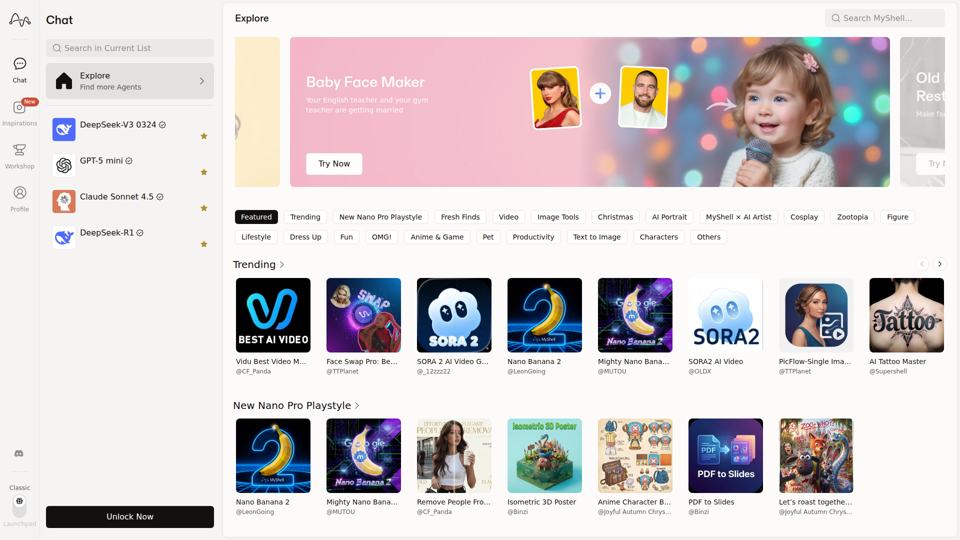
MyShell AI is a web platform for building, sharing, and exploring AI image and video generation apps, helping creators and general users make edits, filters, portraits, memes, and media experiments. For designers, marketers, and content creators, it can speed up concepting and asset variation by turning routine visual tasks into reusable AI workflows.
Midjourney
Midjourney is a community-funded research lab that builds AI image and video models, helping people explore creative ideas and new visual mediums, mainly for artists, designers, and other creative professionals. As AI-generated visuals become part of everyday workflows, tools like Midjourney can help creative teams prototype concepts and communicate ideas faster.
AI Magic Editor: Text-to-Image Editing & Generative Fill | EzEditor
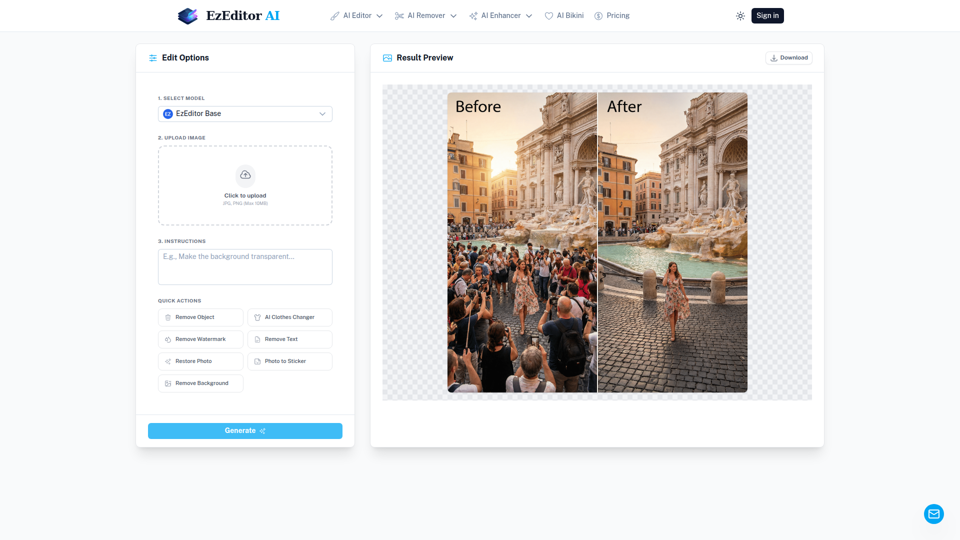
EzEditor AI Magic Editor is a browser-based AI photo editing tool that lets users edit images with text prompts for tasks like generative fill, object removal, clothing changes, and image expansion, mainly for creators and marketers who need quick visual edits without manual masking. In AI-assisted content workflows, it can help social media, design, and marketing teams produce faster image variations and format-ready assets with less manual retouching.
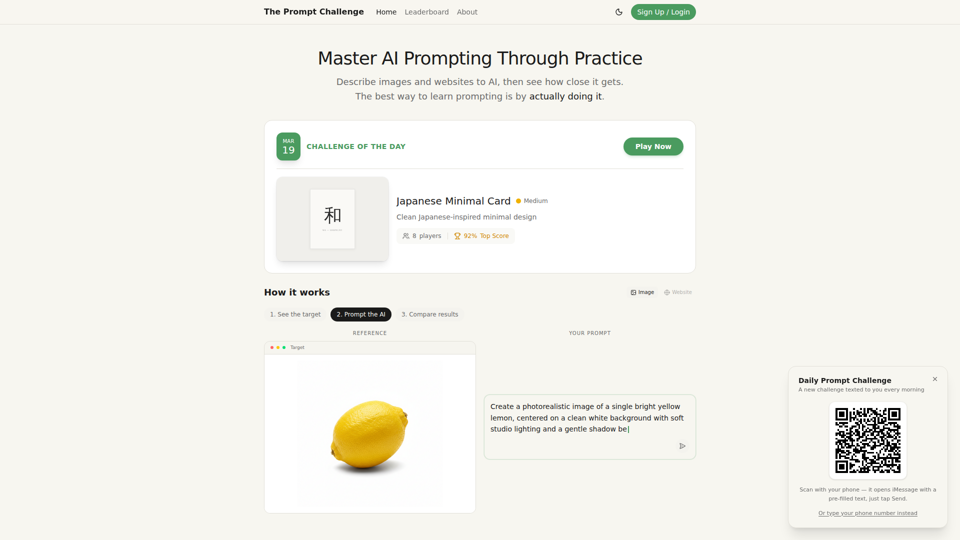
Challenges | Test Your AI Prompting Skills
The Prompt Challenge is a practice platform that helps users improve AI prompting by describing images and websites, comparing AI-generated results to references, and competing on scores, mainly for people learning prompt engineering and hands-on AI creation. For designers, developers, and AI practitioners, this kind of repeatable prompt testing can sharpen instruction-writing skills and improve consistency when using generative tools for visual and interface work.
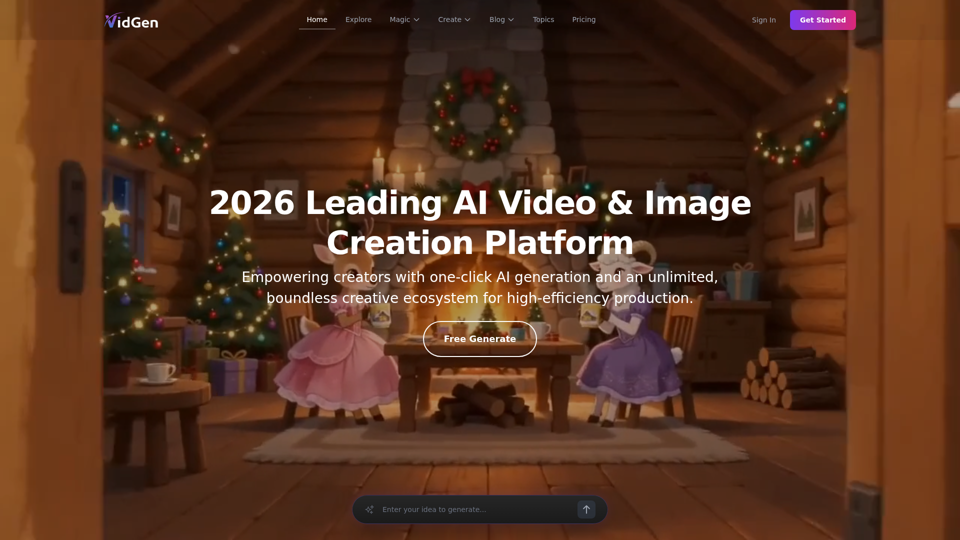
AI Image&Video Describer - Unlimited AI Model - VidGen
VidGen is an AI image and video creation platform that helps creators generate visual content, apply AI effects, and explore multiple generation models, mainly for digital artists, designers, and professional content creators. In AI-driven creative workflows, it can speed up ideation and production for visual teams by reducing the time needed to prototype, animate, and refine concepts.
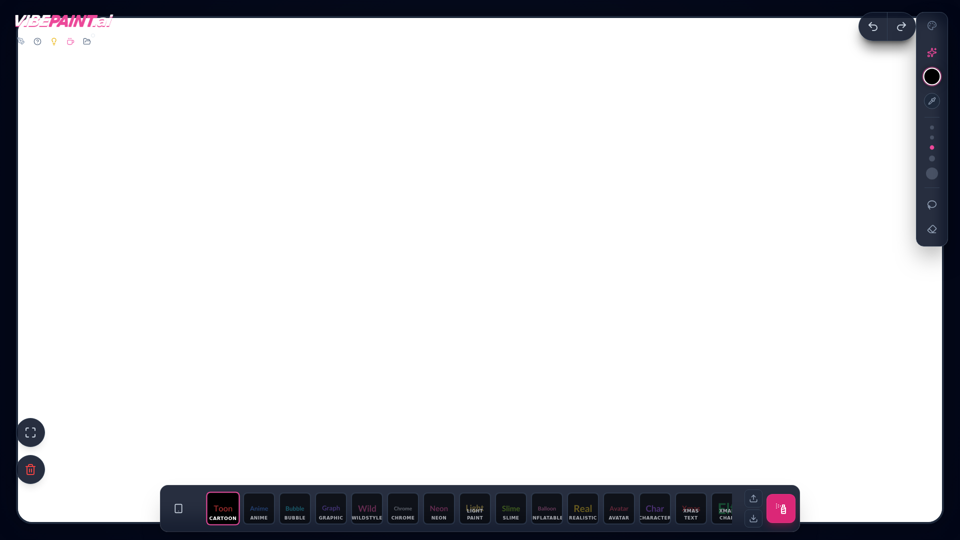
VibePaintAI
VibePaintAI is an AI image creation tool that helps users generate stylized visuals and text in looks such as cartoon, anime, graffiti, chrome, neon, realistic, and avatar styles, mainly for designers, digital artists, and content creators. In AI-assisted creative workflows, it can help visual professionals quickly explore multiple aesthetic directions for graphics, characters, and themed artwork.
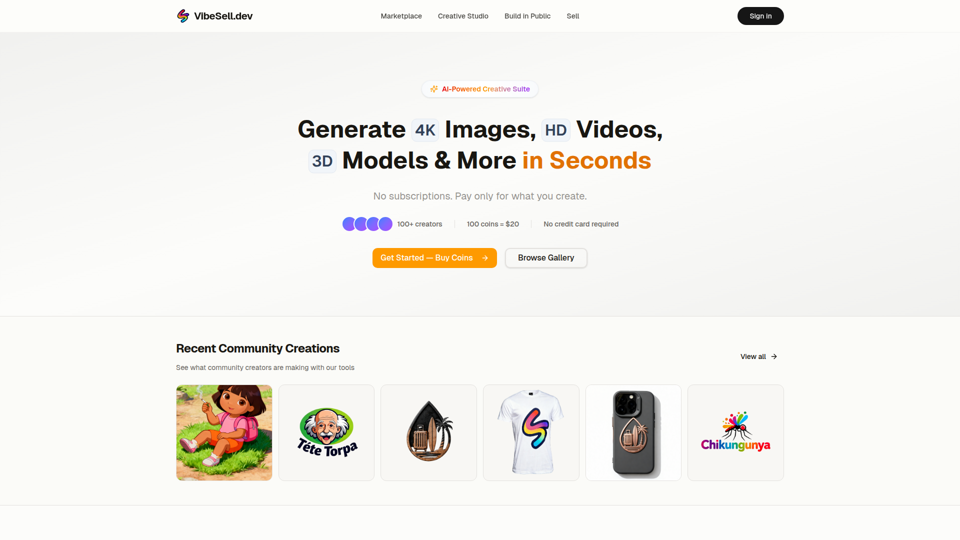
Creative Studio - AI Image, Video & 3D Model Generator | VibeSell.dev
VibeSell Creative Studio is an AI-powered creative suite that helps creators generate 4K images, HD videos, 3D models, audio, logos, mockups, and custom LoRA models, mainly for designers, marketers, and e-commerce sellers. In AI-assisted workflows, it can help creative and marketing teams produce visual assets, ad creatives, and product imagery faster while reducing manual editing for routine production tasks.
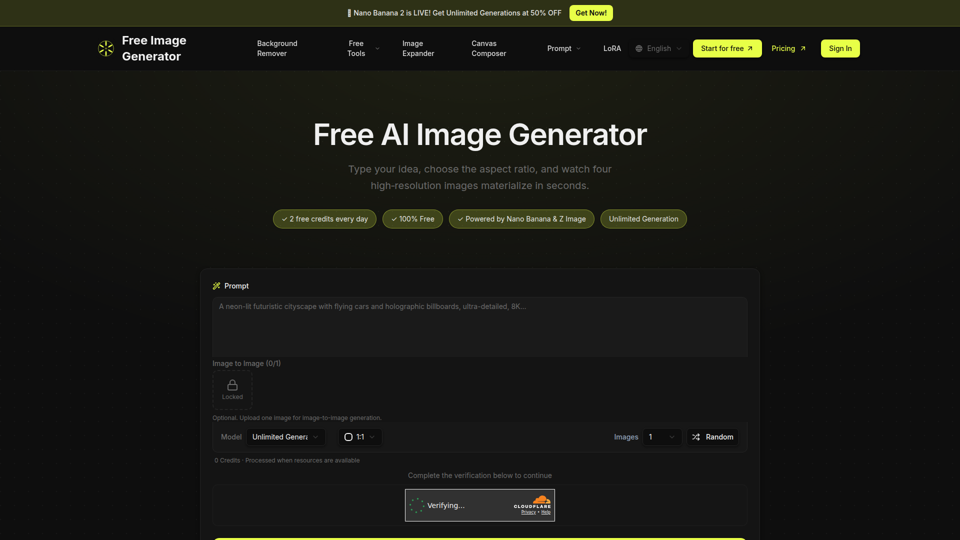
Free Image Generator - AI Powered Image Creation
Free Image Generator is an AI image creation tool that turns text prompts into multiple high-resolution images with adjustable aspect ratios and simple image-to-image options, mainly for creators, marketers, and people who need visuals quickly without design skills. In AI-assisted content workflows, it can help marketing and creative teams test visual concepts faster by generating several image variations at once for social posts, thumbnails, and campaign assets.