
Dressplay AI - Virtual Try-On & Fashion Design
Rate this Tool
Average Score
Total Votes
Select your score (1-10):
Detail Information
What
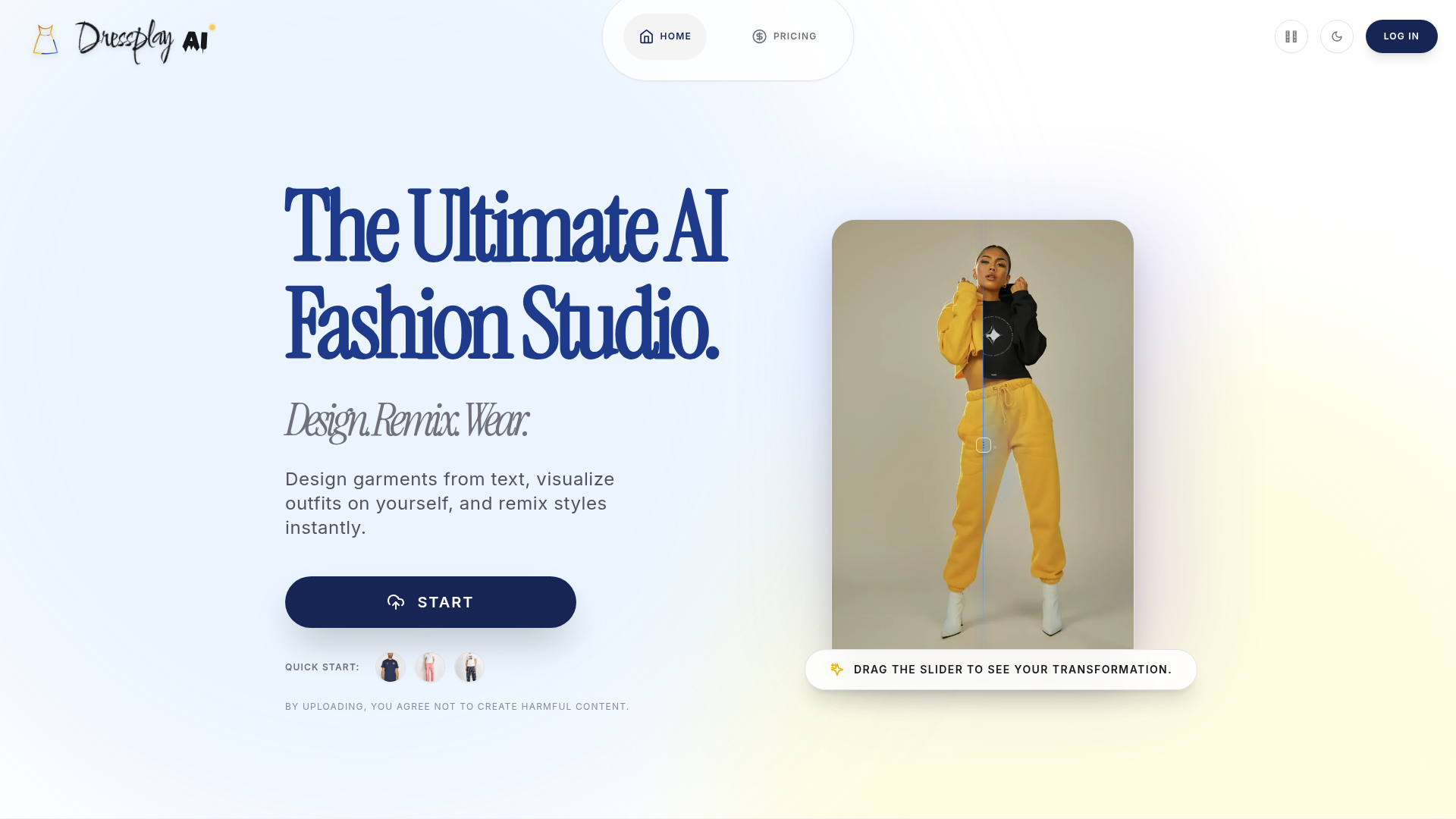
Dressplay AI is an AI-based fashion image creation and editing studio focused on virtual try-on, garment ideation, and visual transformation. Based on the page content, it helps users design garments from text, place clothing onto a model, remix non-fashion inputs into apparel concepts, generate new scenes, edit image regions, and create pose variations from a single photo.
The product appears suited to fashion creators, apparel marketers, content producers, and individuals who want to visualize outfits without traditional sketching, travel, or extensive photo shoots. Its positioning is likely a lightweight, browser-based creative tool for fast fashion visualization workflows, though the page does not provide technical detail about output controls, collaboration features, or production-readiness.
Features
- Virtual Try-On: Upload a clothing image and the system fits it onto a model while aiming to preserve visible garment details, texture, and drape for outfit visualization.
- AI Designer: Convert text prompts into garment designs, which is useful for exploring fashion concepts without sketching skills.
- Creative Remix: Turn objects, textures, or artwork into fashion designs, supporting concept development from nontraditional visual references.
- Scene Generation: Place a model into different locations through text-based scene creation, helping produce varied fashion imagery without physical travel.
- Magic Edit: Edit selected image areas by painting over them, then letting the AI replace, remove, or fix elements with localized changes.
- Pose Variation: Generate multiple poses from one photo, which can expand content options for styling, presentation, or campaign visuals.
Helpful Tips
- Check output consistency across use cases: For fashion workflows, evaluate how well the tool preserves garment construction details, fit logic, and fabric appearance across try-on, editing, and pose changes.
- Test with representative assets: Use real product photos, brand textures, and target model imagery during evaluation rather than generic samples, since results often vary by image quality and garment complexity.
- Define where it fits in the pipeline: This type of product is strong for concepting and visual mockups, but the page does not confirm capabilities for technical design, manufacturing handoff, or ecommerce catalog operations.
- Create prompt and asset standards: Teams adopting AI fashion tools usually benefit from prompt templates, approved reference libraries, and review steps to keep outputs aligned with brand style.
- Review policy and rights considerations internally: The page mentions restrictions on harmful content, but it does not provide enough detail here on usage rights, model consent workflows, or commercial governance.
OpenClaw Skills
Dressplay AI could likely work well with OpenClaw as a fashion-content generation endpoint inside broader creative workflows. Likely use cases include an OpenClaw skill that takes a campaign brief, generates garment concepts from text, routes selected looks into virtual try-on, and then prepares scene and pose variants for different channels. Another likely workflow would combine product image ingestion, style tagging, prompt generation, and batch creative requests for seasonal merchandising or editorial planning.
For fashion teams, ecommerce studios, and creative agencies, this combination could shift work from manual image-brief coordination toward agent-assisted iteration. OpenClaw agents could likely help manage asset preparation, naming conventions, approval routing, prompt refinement, and output organization around Dressplay AI-generated visuals. While the source page does not state a native OpenClaw integration, the product’s modular functions make it a strong candidate for orchestration in AI-assisted fashion design, merchandising, and visual content operations.
Embed Code
Share this AI tool on your website or blog by copying and pasting the code below. The embedded widget will automatically update with the latest information.
<iframe src="https://www.aimyflow.com/ai/dressplay-ai/embed" width="100%" height="400" frameborder="0"></iframe>