
FaceHub AI — AI Avatar & Video Generator
Rate this Tool
Average Score
Total Votes
Select your score (1-10):
Detail Information
What
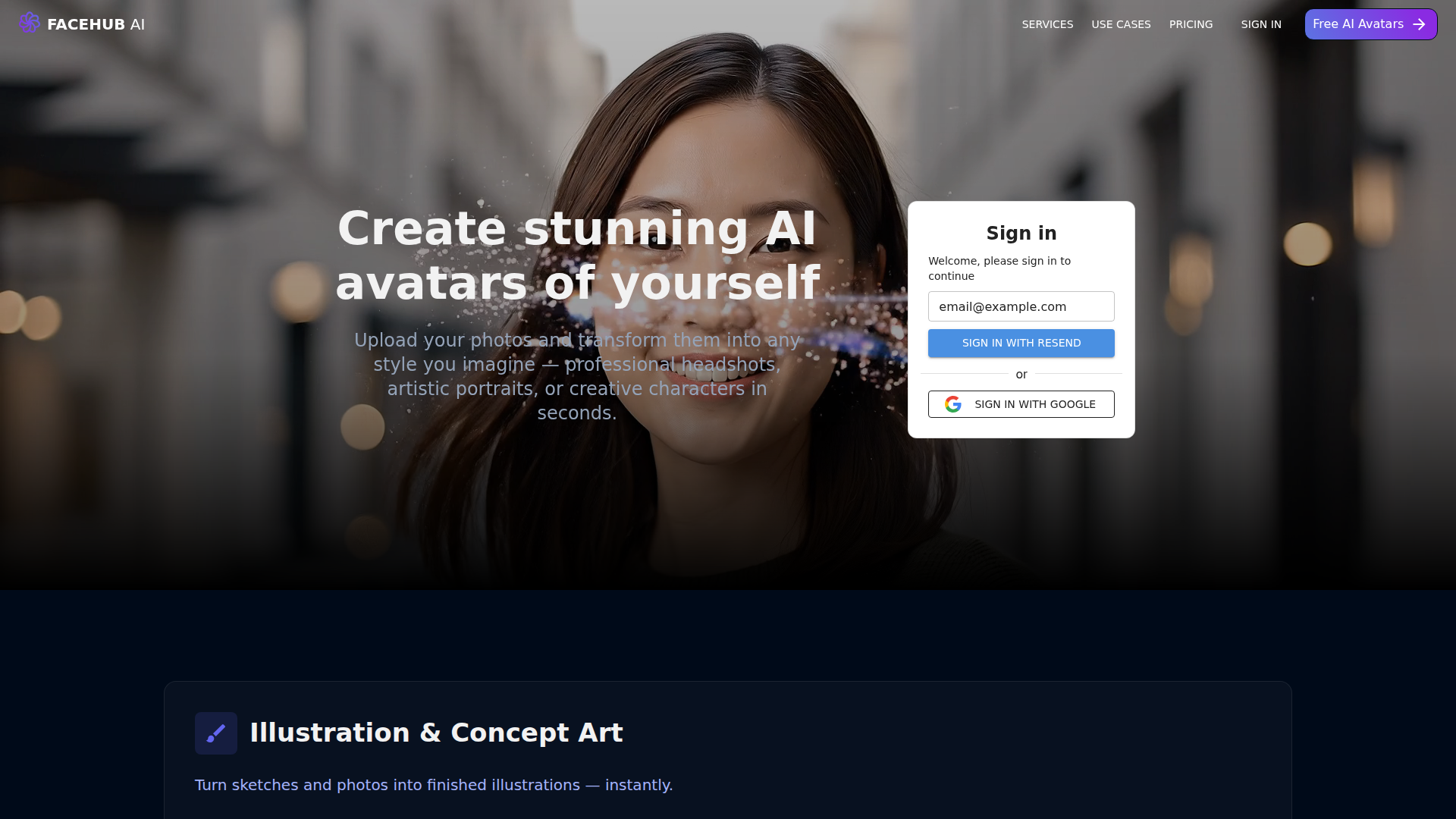
FaceHub AI is an AI image and avatar generation platform that turns uploaded photos, sketches, style references, and prompts into portraits, illustrations, edited photos, product creatives, and combined-person scenes. The site presents it as a fast, self-serve tool for creating high-fidelity visual outputs in seconds, with both personal and commercial use cases.
It appears to serve a broad range of users, including artists, designers, photographers, marketers, e-commerce sellers, social media users, and AI power users. Its core workflow centers on uploading reference material, selecting a style or edit direction, and generating controlled visual variations without relying only on prompt experimentation, positioning it between consumer avatar apps and more production-oriented creative generation tools.
Features
- AI avatar generation from personal photos — Creates professional headshots, stylized portraits, and character-based visuals from uploaded images for personal branding and creative identity work.
- Reference-based image generation — Uses multiple reference images, sketches, and style boards to produce more controlled and repeatable outputs for users who need consistency across variations.
- Illustration and concept art creation — Converts sketches and photos into finished illustrations, supporting character evolution, outfit changes, and pose variation workflows.
- Photo editing and enhancement tools — Supports background replacement, lighting enhancement, environment changes, and scene transformation while aiming to preserve facial identity.
- Product and advertising creative generation — Lets teams upload a product once and generate different lifestyle, seasonal, and test-ready ad visuals without repeated photo shoots.
- Inpainting, outpainting, and style transfer — Enables users to edit specific image regions, extend backgrounds, and apply visual styles to existing photos for iterative creative work.
Helpful Tips
- Test consistency on your own asset types — If repeatability matters, validate how well the platform maintains character, face, or product consistency across multiple generations before depending on it for production workflows.
- Use strong source material — Clear, high-resolution uploads with good lighting are likely to improve outputs, especially for avatars, face preservation, and product creative generation.
- Separate consumer and business use cases internally — The platform spans personal avatars and commercial creatives, so teams should define which workflows need governance, review steps, and brand controls.
- Review licensing and privacy terms carefully — The page states generated images can be used commercially and that uploaded photos are deleted after 24 hours, but organizations should still verify these terms against their internal legal and data policies.
- Assess API and batch needs early — Since the pricing page references API calls and batch generation, technical buyers should confirm the API scope, documentation quality, and operational limits for their intended automation use case.
OpenClaw Skills
FaceHub AI could likely fit into the OpenClaw ecosystem as the image-generation layer inside content, branding, and creative-operations workflows. Likely OpenClaw skills could include an avatar creation agent for onboarding profile images, a campaign creative agent that generates product scene variations from approved references, or a design-ops workflow that routes uploaded sketches and style boards into structured visual iteration pipelines. The page mentions API calls and batch generation, which suggests automation potential, though native OpenClaw integration is not stated.
In a broader industry context, this combination could help marketing, e-commerce, design, and creator teams move from ad hoc image prompting to more governed, repeatable asset production. A likely OpenClaw-powered workflow might collect a brief, select reference assets, generate multiple visual directions in FaceHub AI, score outputs against brand criteria, and hand shortlisted assets to downstream publishing or review agents. For creative professions, that could shift effort away from repetitive production setup and toward art direction, approval logic, and channel-specific adaptation.
Embed Code
Share this AI tool on your website or blog by copying and pasting the code below. The embedded widget will automatically update with the latest information.
<iframe src="https://www.aimyflow.com/ai/facehub-ai/embed" width="100%" height="400" frameborder="0"></iframe>
Explore Similar Tools
MyShell AI | Build, Share, and Own AI Image Generative APP
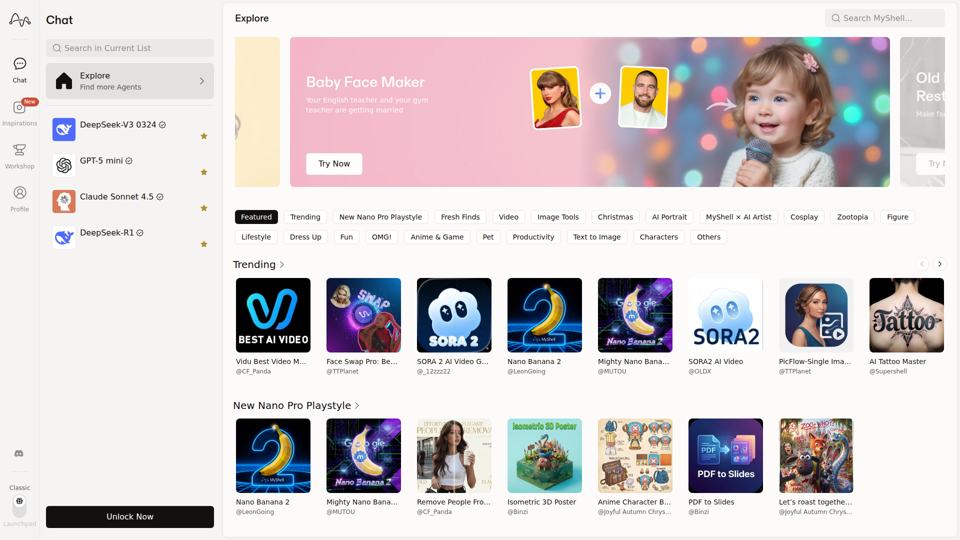
MyShell AI is a web platform for building, sharing, and exploring AI image and video generation apps, helping creators and general users make edits, filters, portraits, memes, and media experiments. For designers, marketers, and content creators, it can speed up concepting and asset variation by turning routine visual tasks into reusable AI workflows.
Midjourney
Midjourney is a community-funded research lab that builds AI image and video models, helping people explore creative ideas and new visual mediums, mainly for artists, designers, and other creative professionals. As AI-generated visuals become part of everyday workflows, tools like Midjourney can help creative teams prototype concepts and communicate ideas faster.
AI Magic Editor: Text-to-Image Editing & Generative Fill | EzEditor
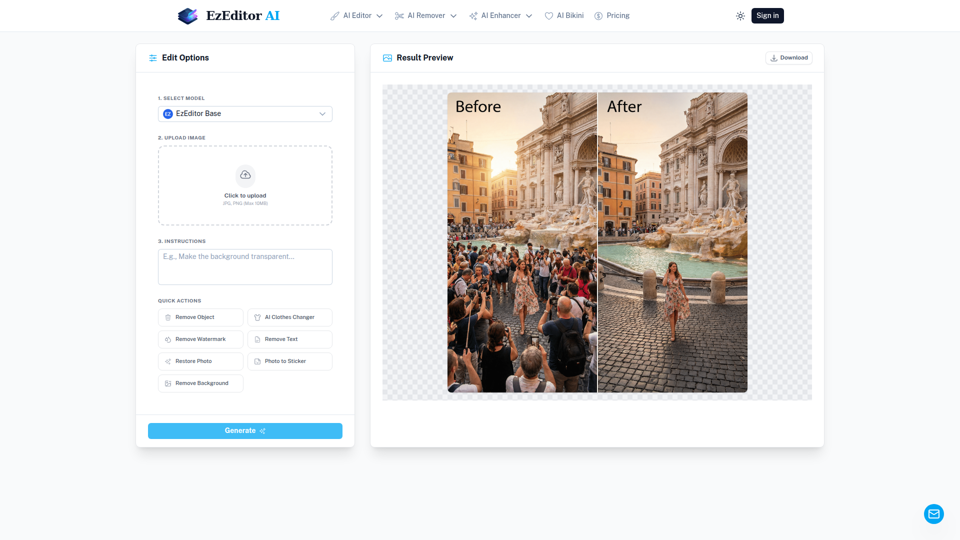
EzEditor AI Magic Editor is a browser-based AI photo editing tool that lets users edit images with text prompts for tasks like generative fill, object removal, clothing changes, and image expansion, mainly for creators and marketers who need quick visual edits without manual masking. In AI-assisted content workflows, it can help social media, design, and marketing teams produce faster image variations and format-ready assets with less manual retouching.
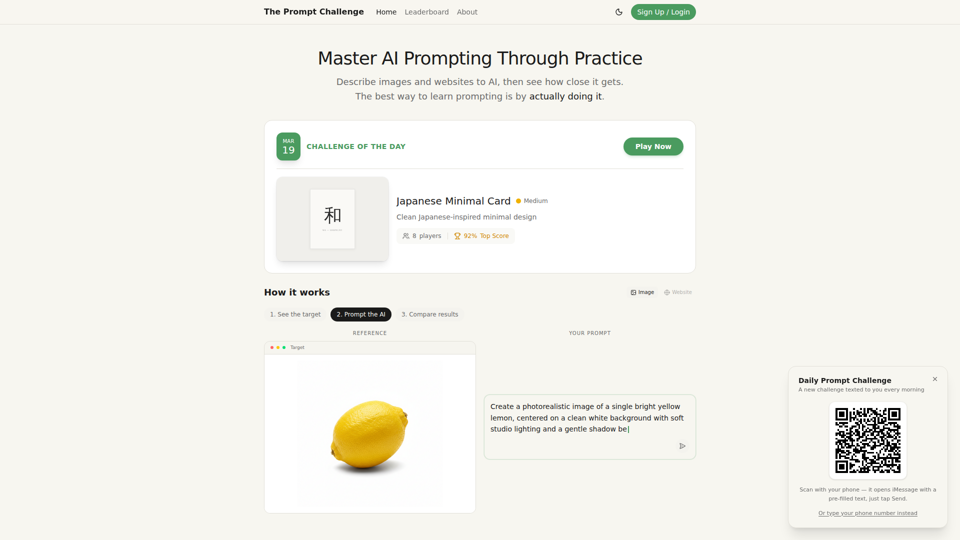
Challenges | Test Your AI Prompting Skills
The Prompt Challenge is a practice platform that helps users improve AI prompting by describing images and websites, comparing AI-generated results to references, and competing on scores, mainly for people learning prompt engineering and hands-on AI creation. For designers, developers, and AI practitioners, this kind of repeatable prompt testing can sharpen instruction-writing skills and improve consistency when using generative tools for visual and interface work.
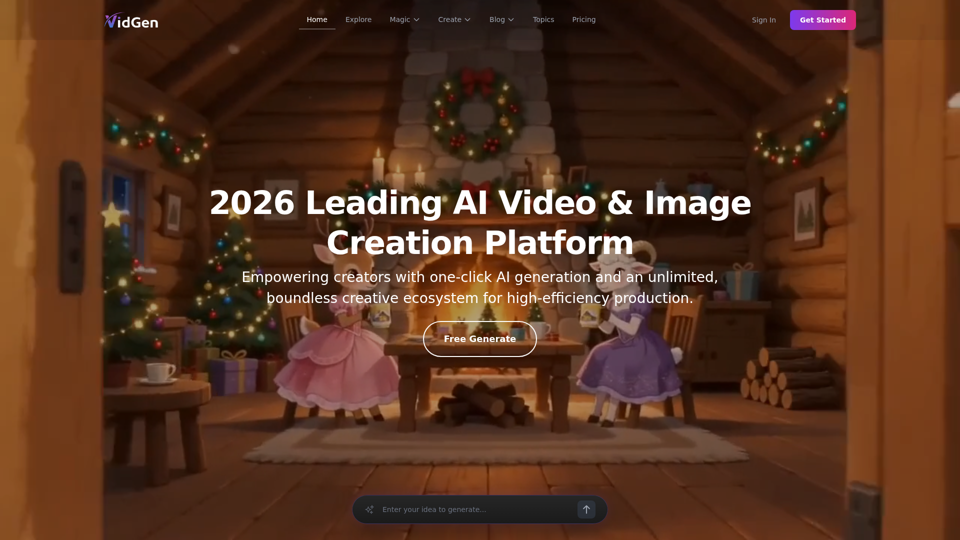
AI Image&Video Describer - Unlimited AI Model - VidGen
VidGen is an AI image and video creation platform that helps creators generate visual content, apply AI effects, and explore multiple generation models, mainly for digital artists, designers, and professional content creators. In AI-driven creative workflows, it can speed up ideation and production for visual teams by reducing the time needed to prototype, animate, and refine concepts.
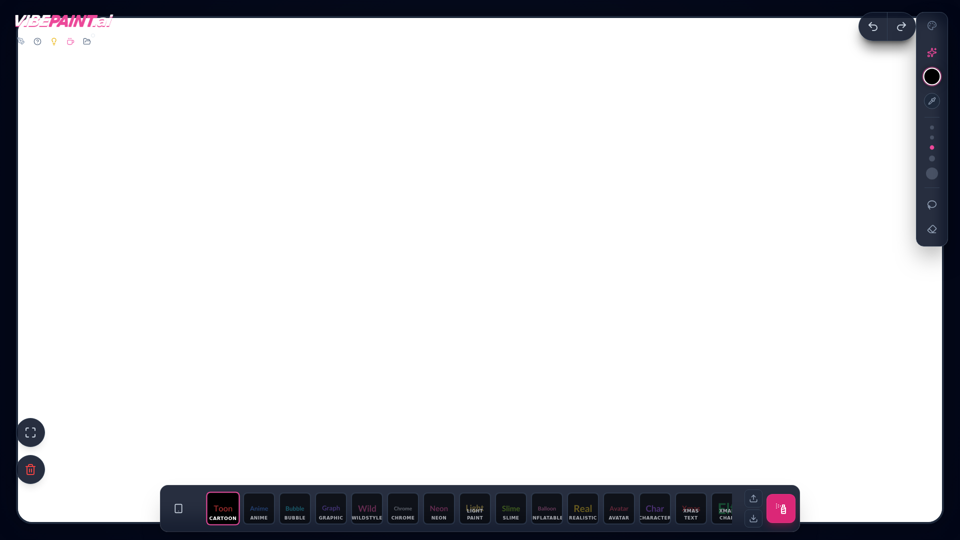
VibePaintAI
VibePaintAI is an AI image creation tool that helps users generate stylized visuals and text in looks such as cartoon, anime, graffiti, chrome, neon, realistic, and avatar styles, mainly for designers, digital artists, and content creators. In AI-assisted creative workflows, it can help visual professionals quickly explore multiple aesthetic directions for graphics, characters, and themed artwork.
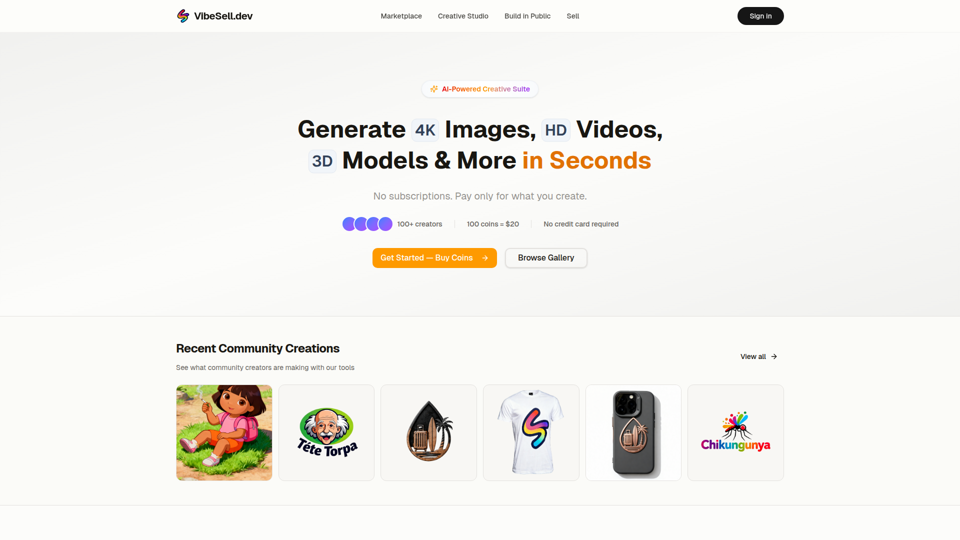
Creative Studio - AI Image, Video & 3D Model Generator | VibeSell.dev
VibeSell Creative Studio is an AI-powered creative suite that helps creators generate 4K images, HD videos, 3D models, audio, logos, mockups, and custom LoRA models, mainly for designers, marketers, and e-commerce sellers. In AI-assisted workflows, it can help creative and marketing teams produce visual assets, ad creatives, and product imagery faster while reducing manual editing for routine production tasks.
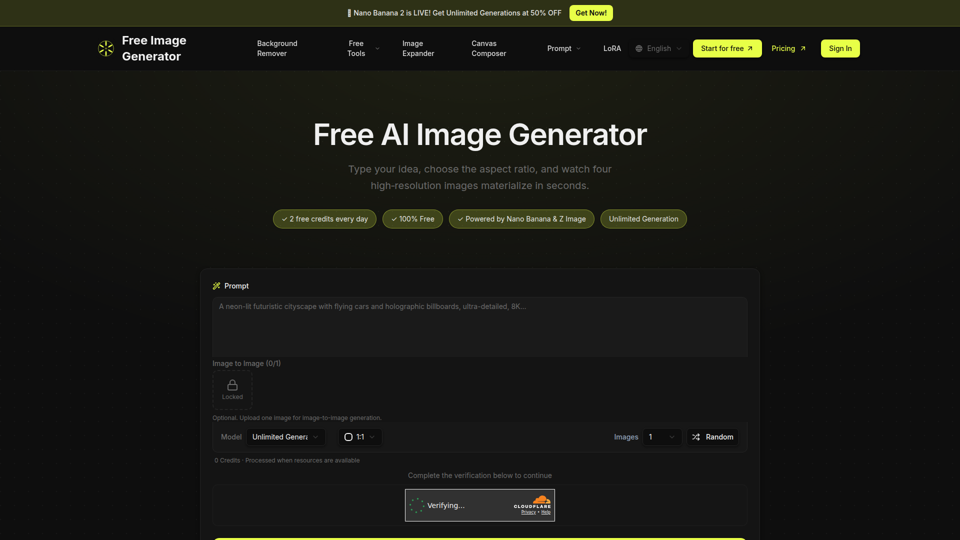
Free Image Generator - AI Powered Image Creation
Free Image Generator is an AI image creation tool that turns text prompts into multiple high-resolution images with adjustable aspect ratios and simple image-to-image options, mainly for creators, marketers, and people who need visuals quickly without design skills. In AI-assisted content workflows, it can help marketing and creative teams test visual concepts faster by generating several image variations at once for social posts, thumbnails, and campaign assets.