
Your Everyday Editing Tool Companion | Facetune
Rate this Tool
Average Score
Total Votes
Select your score (1-10):
Detail Information
What
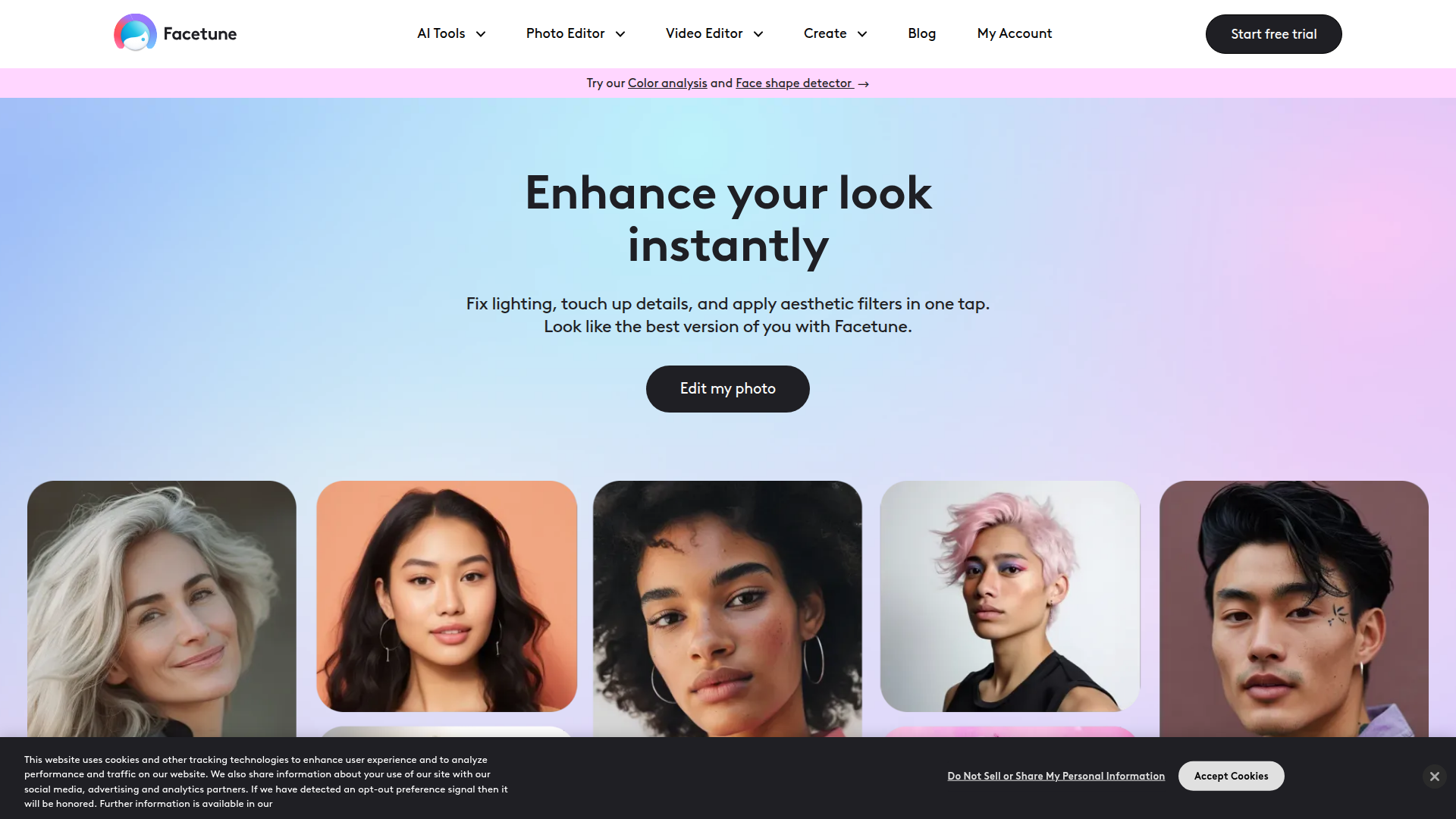
Facetune is an AI-powered photo and video editing app focused on personal appearance, style experimentation, and social-ready content creation. It serves consumers, creators, influencers, and other users who want to quickly enhance selfies, portraits, profile images, short videos, and other visual content.
The product appears positioned as an everyday editing companion rather than a professional production suite. Its core workflow centers on fast edits such as lighting fixes, retouching, filters, background changes, object removal, virtual try-ons, and look analysis, with additional templates and generators for use cases like headshots, passport photos, social posts, and real estate images.
Features
- AI photo and video enhancement — Improves lighting, skin appearance, and overall image quality with quick edits designed for fast publishing.
- Retouching and cleanup tools — Supports blemish removal, teeth whitening, wrinkle reduction, object removal, and background editing to produce cleaner portraits and scenes.
- Virtual beauty and style experimentation — Lets users preview hairstyles, hair colors, bangs, beards, nail looks, makeup, eye color, and clothing changes without a physical makeover.
- Personalized look analysis — Includes color analysis and face shape detection to suggest flattering palettes, hairstyles, makeup placement, and accessories.
- Profile and social content creation — Offers tools for profile pictures, Instagram photos and stories, LinkedIn headshots, Tinder photos, and passport images tailored to common online identity needs.
- Video editing utilities — Provides video retouching, background blur, makeup editing, background noise removal, and enhancement for short-form visual content.
Helpful Tips
- Check where AI edits are acceptable — Tools for headshots, passport photos, and dating or professional profiles can be useful, but image standards vary by platform and context.
- Use personalization features as guidance, not rules — Color analysis and face-shape suggestions can help narrow choices, but they are best treated as style support rather than definitive advice.
- Set editing boundaries early — Teams or individual creators should define what counts as acceptable retouching to keep content consistent and avoid over-editing.
- Prioritize workflow fit over feature volume — Facetune covers many appearance-editing tasks, so buyers should focus on whether its everyday speed and simplicity match their content needs.
- Validate non-selfie use cases carefully — The site mentions areas like real estate photo editing, but the homepage does not explain the depth of those workflows, so evaluate those capabilities conservatively.
OpenClaw Skills
Facetune could fit into the OpenClaw ecosystem as a likely downstream editing layer inside broader content workflows. An OpenClaw skill could take a campaign brief, identify the target channel, then route assets into workflows for profile image polishing, social post preparation, short-form video cleanup, or style-variant generation based on the kinds of editing functions described on the site.
A likely OpenClaw use case would be agents for creator operations, personal branding, digital marketing, or talent management. For example, one agent could organize raw images by use case, another could recommend edits based on platform norms, and another could assemble final asset sets for LinkedIn, Instagram, dating profiles, or listing pages. If implemented well, that combination could reduce repetitive editing decisions and turn personal-image production into a more structured, repeatable workflow, though the source page does not confirm any native OpenClaw integration.
Embed Code
Share this AI tool on your website or blog by copying and pasting the code below. The embedded widget will automatically update with the latest information.
<iframe src="https://www.aimyflow.com/ai/facetuneapp-com/embed" width="100%" height="400" frameborder="0"></iframe>