
Flexclip COM CN

Rate this Tool
Average Score
Total Votes
Select your score (1-10):
Detail Information
What
FlexClip is an online video creation and editing platform that combines templates, stock media, AI tools, and standard editing features in one workspace. It is designed for users who need to produce videos quickly for business, social media, education, real estate, events, and other common content formats.
The core workflow appears to be: start from a template or blank project, generate or refine assets with AI, edit video with timeline-style tools, then export or share finished content. Based on the page, FlexClip is positioned as an accessible, all-in-one video maker for individuals and teams who want faster production without relying on complex professional editing software.
Features
- Template-based video creation: Users can start from more than 6,000 templates for formats such as promos, real estate videos, trailers, tutorials, wedding slideshows, and social media content, which reduces setup time.
- AI video generation and transformation: The platform includes AI tools for text-to-video, article or URL-to-video, product link-to-video, presentation-to-video, PDF-to-video, and image-to-video workflows, helping users turn source material into draft video content faster.
- AI narration, subtitles, and translation: Built-in text-to-speech, automatic subtitle generation, transcription, and AI translation support multilingual and voice-led video production.
- Core editing toolkit: FlexClip offers practical editing functions such as trimming, merging, reversing, speed adjustment, freeze frame, chroma key, screen recording, text overlays, music, subtitles, and effects for routine post-production work.
- Built-in creative asset library: The page lists 4M+ videos and images, 74,000+ music tracks and sound effects, 1,000+ text presets, 3M+ dynamic elements, 700+ effects and filters, and 200+ transitions, which can reduce the need to source assets elsewhere.
- Collaboration, cloud access, and export: The product mentions team collaboration, cloud storage, access to files and designs across sessions, export up to 4K, and one-click social sharing for distribution.
Helpful Tips
- Validate AI breadth by actual workflow fit: FlexClip lists many AI functions, so buyers should test the specific inputs they use most often, such as URLs, PDFs, presentations, or product links, rather than assuming all AI outputs will match production standards equally well.
- Assess template dependence early: For teams producing repeatable social, marketing, or event content, template depth is a strength; for highly custom brand storytelling, confirm how much control the editor provides beyond template-driven assembly.
- Review collaboration needs in detail: The page mentions team collaboration and cloud storage, but it does not fully describe roles, approvals, versioning, or governance, so larger teams should verify those operational details.
- Check export and publishing requirements: 4K export and social sharing are stated, but buyers should still confirm aspect ratio handling, format options, and publishing workflows relevant to their channels.
- Use the asset library strategically: A large built-in media library is valuable for speed, but teams with strict brand consistency should define rules for when to use stock content versus custom assets.
OpenClaw Skills
FlexClip could fit well into an OpenClaw environment as the production layer inside a broader content automation workflow. Likely use cases include agents that turn campaign briefs into video scripts, generate storyboard variants for different audience segments, prepare subtitles and translated voiceover text, and route source materials such as blog posts, product pages, or slide decks into FlexClip-ready video inputs. The source page does not describe a native OpenClaw integration, so this should be treated as a likely orchestration pattern rather than a confirmed product connection.
In practice, OpenClaw skills could help marketing, education, and social media teams standardize video operations around FlexClip. Examples include a brand-governance agent that checks scripts against tone rules before video generation, a localization agent that prepares multilingual subtitle packs, or a campaign repurposing workflow that converts one launch brief into short-form social clips, promo videos, and narrated explainers. Combined with FlexClip’s templates, AI generation tools, and editing functions, this could shift video production from one-off manual work toward repeatable, semi-automated content operations for non-specialist teams.
Embed Code
Share this AI tool on your website or blog by copying and pasting the code below. The embedded widget will automatically update with the latest information.
<iframe src="https://www.aimyflow.com/ai/flexclip-com-cn/embed" width="100%" height="400" frameborder="0"></iframe>
Explore Similar Tools
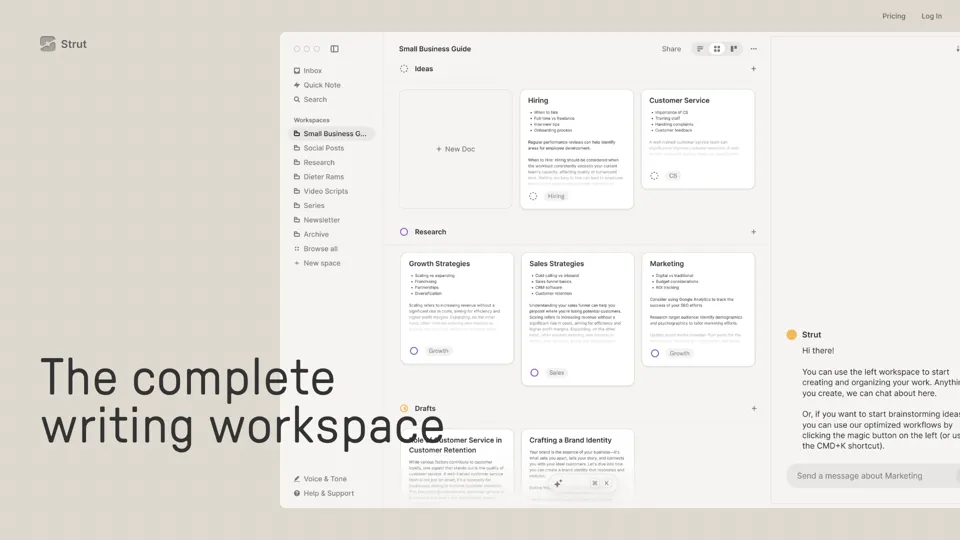
Strut – The complete writing workspace
Strut is an AI-powered writing workspace that combines notes, documents, and collaborative writing projects in one environment, mainly for writers, creators, and teams. In the AI era, it helps knowledge workers move from scattered drafts to more coherent writing and faster iteration.
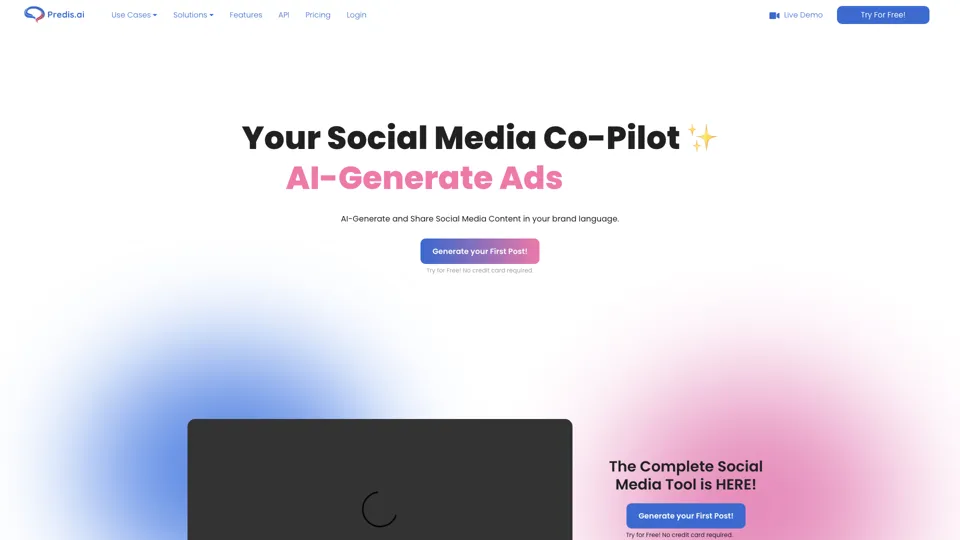
Social Media Marketing made easy with AI | Predis.ai
Predis.ai is an AI social media marketing tool that helps users create video and image content and analyze performance, mainly for marketers, agencies, and growing brands. It shortens content planning and production cycles, helping social teams test and refine campaigns more efficiently.
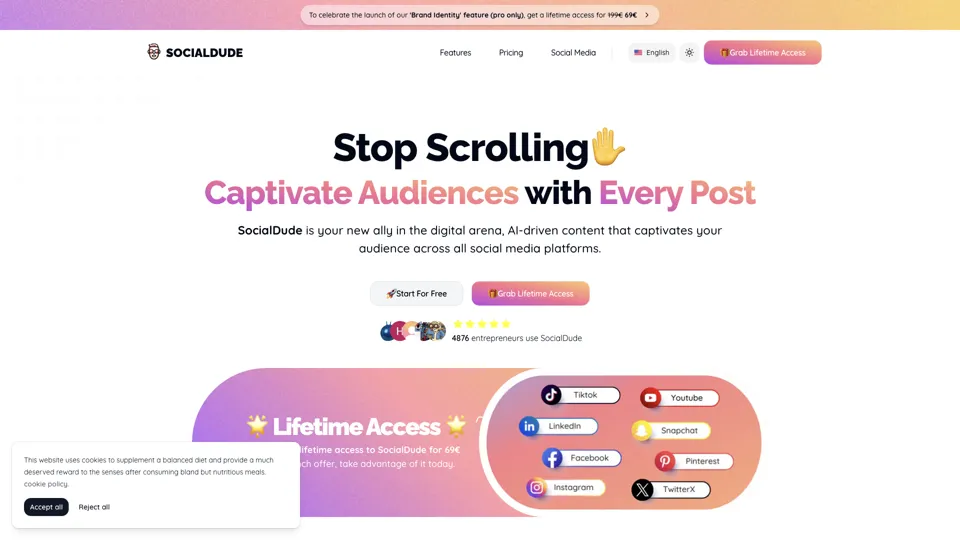
SocialDude.ai - Revolutionize Your Social Media Strategy | SocialDude
SocialDude is an AI social media content platform that helps users create brand-consistent posts and messaging more efficiently, mainly for marketers, founders, and small business teams. In the AI era, it helps social media roles maintain output quality and consistency while reducing daily content production time.
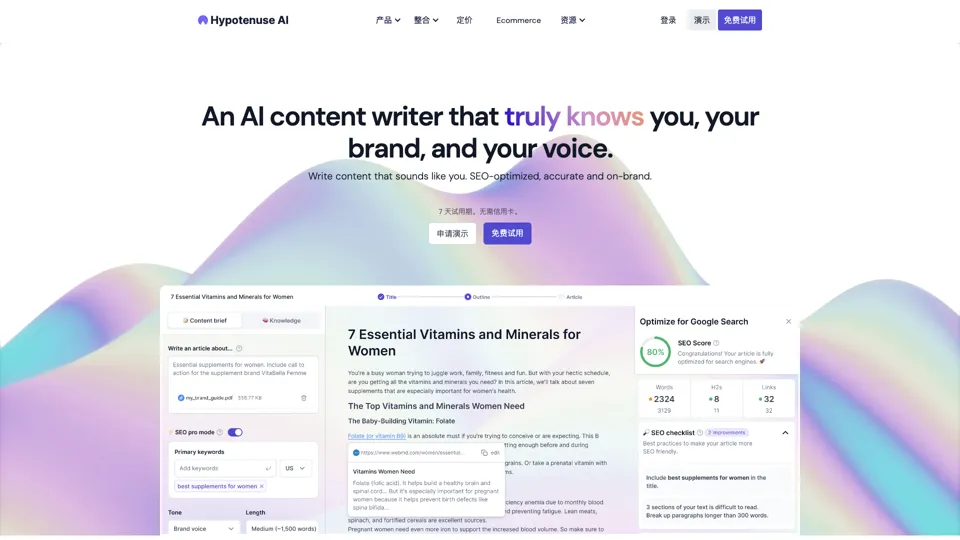
Hypotenuse AI:Smart text generator
Hypotenuse AI is a text generation platform that helps marketers, ecommerce teams, and content writers produce SEO articles, product descriptions, and branded copy at scale. In the AI era, it enables content roles to maintain consistency while increasing publishing speed across large catalogs and campaigns.

AI Course Creator | Faster and more engaging eLearning
Coursebox AI is an AI course creation platform that helps users build online courses, convert files into eLearning, and deploy tutor chatbots, mainly for educators, trainers, and learning businesses. In the AI era, it enables learning teams to produce engaging training faster and scale support with AI tutors.
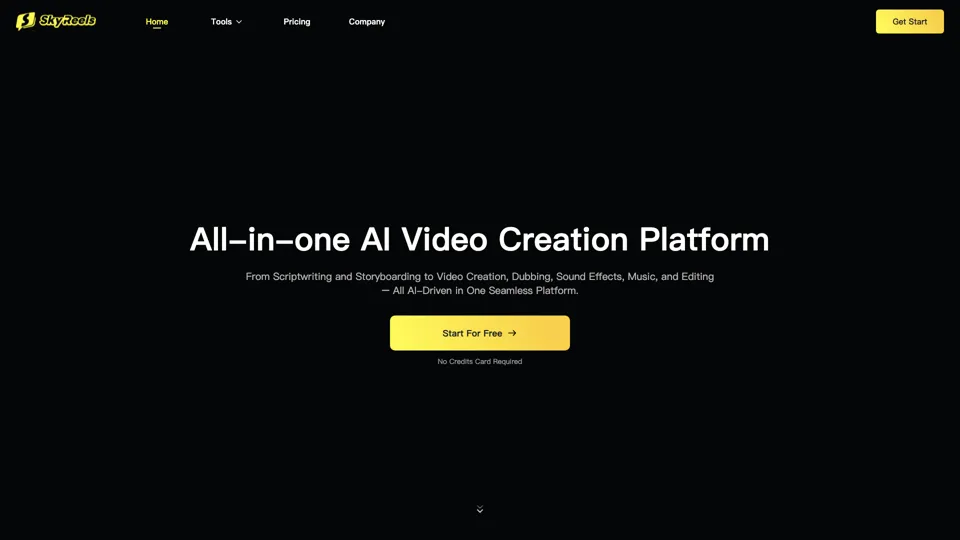
All-in-one panel | SkyReels - Ultimate AI Video Creation Platform
SkyReels is an AI video creation platform that turns scripts into finished videos with voiceovers, lip sync, sound effects, music, and editing tools, mainly for creators and marketing teams. In the AI era, it helps video producers compress production workflows and deliver polished content without a full studio setup.
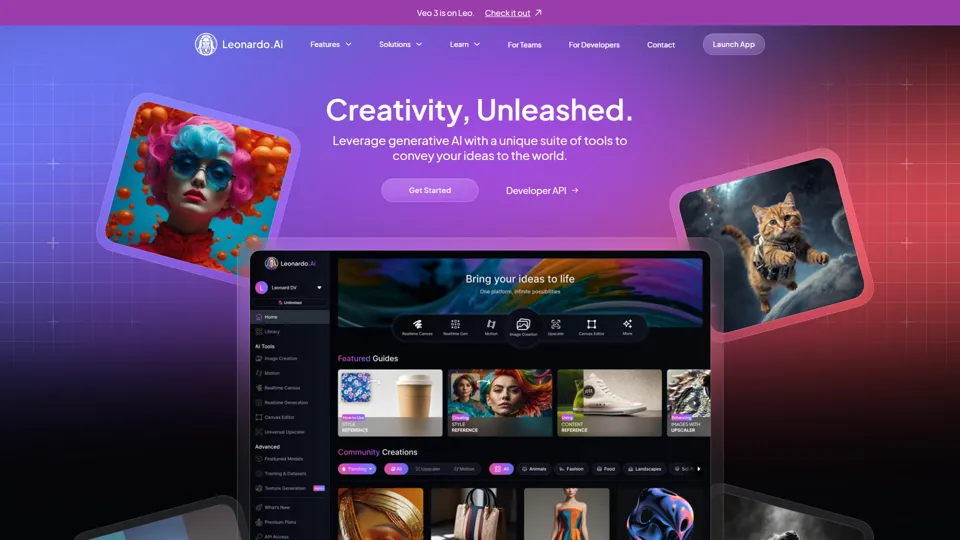
AI Image Generator - Create Art, Images & Video | Leonardo AI
Leonardo AI is an AI image and video generation platform that helps creators, designers, and marketers produce high-quality visual assets quickly. In the AI era, it shortens concept-to-content cycles so creative teams can iterate faster without expanding production overhead.

AI Photo Editor: Remove Background & Create Product Pics | Photoroom
Photoroom is an AI photo editor for creating product and portrait images, with tools for background removal, replacement, and mobile-first image enhancement for sellers, marketers, and creators. It helps ecommerce and marketing teams produce polished visuals quickly without needing a full studio setup.