
FlowPost | AI Autopilot for Social Media Posting
Rate this Tool
Average Score
Total Votes
Select your score (1-10):
Detail Information
What
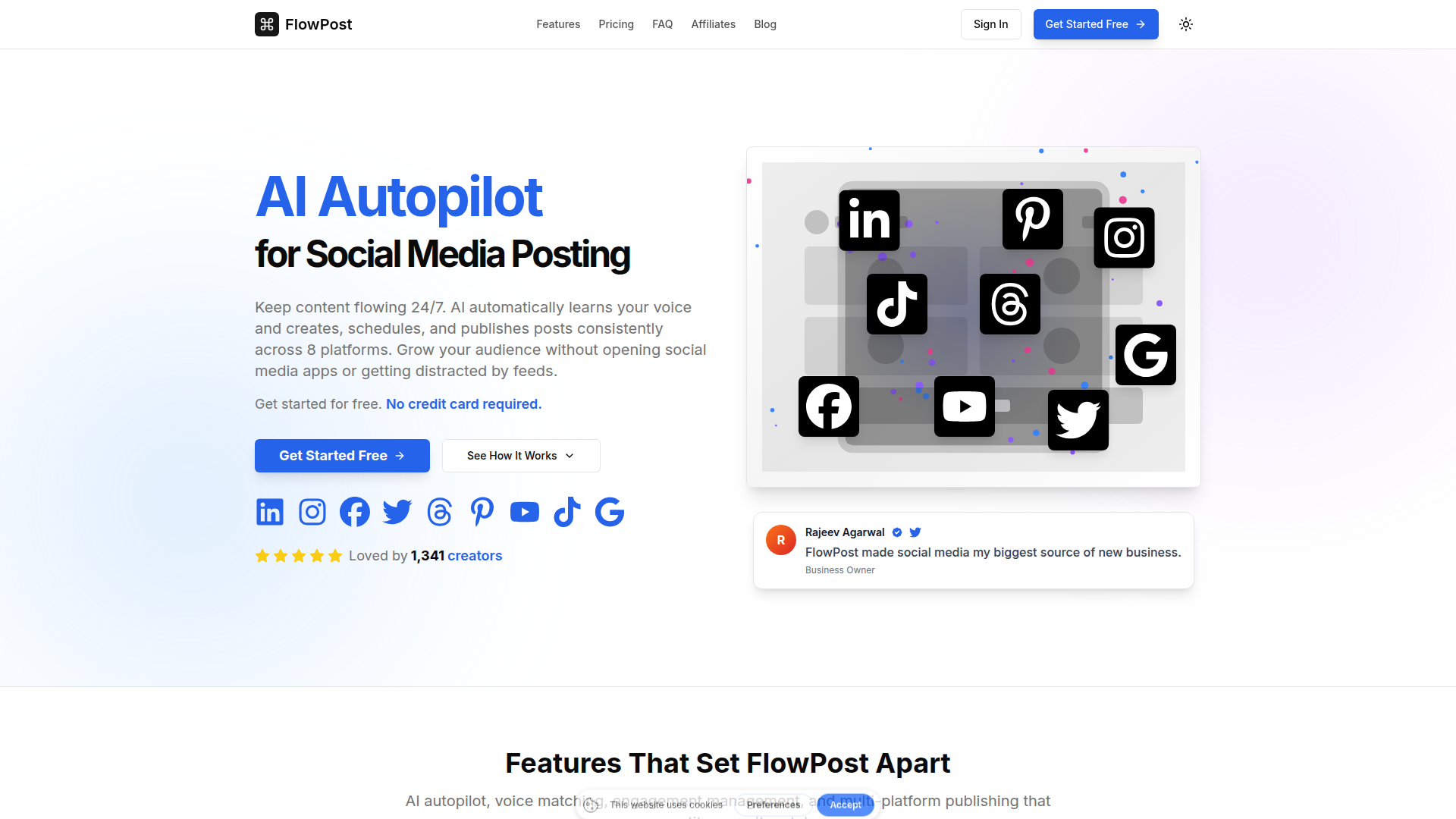
FlowPost is an AI-powered social media management product built to create, schedule, and publish posts across multiple social platforms from one dashboard. Based on the page, it is aimed at creators, businesses, marketers, and agencies that want to maintain consistent social activity without spending large amounts of time inside native social apps.
Its core workflow is to learn a user’s writing style from existing content, generate platform-ready posts and visuals, schedule them at suggested peak times, and publish them across supported channels. The product appears positioned as an automation-first social posting tool with a strong focus on voice consistency, multi-workspace management, and reducing the distraction of feed-based social media work.
Features
- AI voice matching: FlowPost analyzes existing content to generate captions and posts that are intended to reflect the user’s tone and style rather than generic AI copy.
- Multi-platform publishing: The product supports publishing across major social platforms from one interface, which helps centralize distribution and reduce app switching.
- Autopilot scheduling: Users can configure posting schedules so the system continues creating and publishing content on an ongoing basis.
- Blog-to-social repurposing: FlowPost can turn blog posts or newsletters into multiple social posts, helping teams reuse long-form content more efficiently.
- AI media generation and carousel creation: The platform includes AI-generated images, short videos, and carousel post creation to support richer content formats.
- Comment and engagement hub: It provides a centralized place to manage audience interactions, with AI assistance for drafting replies in a matched voice.
Helpful Tips
- Validate voice quality early: For tools that learn brand voice from existing content, output quality depends heavily on the quality and consistency of source material used during setup.
- Check platform support carefully: The page mostly emphasizes 8 platforms, but it also references Google Business in one section, so buyers should confirm exactly which publishing destinations are fully supported.
- Review automation boundaries: If using autopilot posting and AI-assisted engagement, define approval rules and brand safeguards before relying on full automation.
- Use repurposing selectively: Blog-to-social automation is useful, but teams should still tailor important posts for platform context, audience expectations, and campaign goals.
- Assess workspace needs: Agencies and multi-brand teams should examine how separate workspaces, logins, and voice profiles map to their real account structure and review process.
OpenClaw Skills
FlowPost could fit well into the OpenClaw ecosystem as a downstream publishing layer for content operations. Likely OpenClaw skills could include agents that ingest blog posts, newsletters, podcast transcripts, product updates, or founder notes, then prepare structured prompts, content briefs, and publishing plans that are passed into FlowPost for scheduling and distribution. If native integration is not stated, this should be treated as a likely workflow design rather than a confirmed product capability.
A broader OpenClaw setup could also build monitoring and optimization agents around FlowPost usage. For example, an agent could identify new product releases, trend signals, or CRM events, generate channel-specific campaign ideas, and route approved assets into a social publishing workflow. For agencies, consultants, and in-house marketing teams, this combination could shift social media from a manual calendar task into a semi-autonomous content pipeline with clearer separation between strategy, generation, approval, and publishing.
Embed Code
Share this AI tool on your website or blog by copying and pasting the code below. The embedded widget will automatically update with the latest information.
<iframe src="https://www.aimyflow.com/ai/flowpost-ai/embed" width="100%" height="400" frameborder="0"></iframe>