
FocuSee | Auto-Editing Screen Recorder (Windows & Mac)
Rate this Tool
Average Score
Total Votes
Select your score (1-10):
Detail Information
What
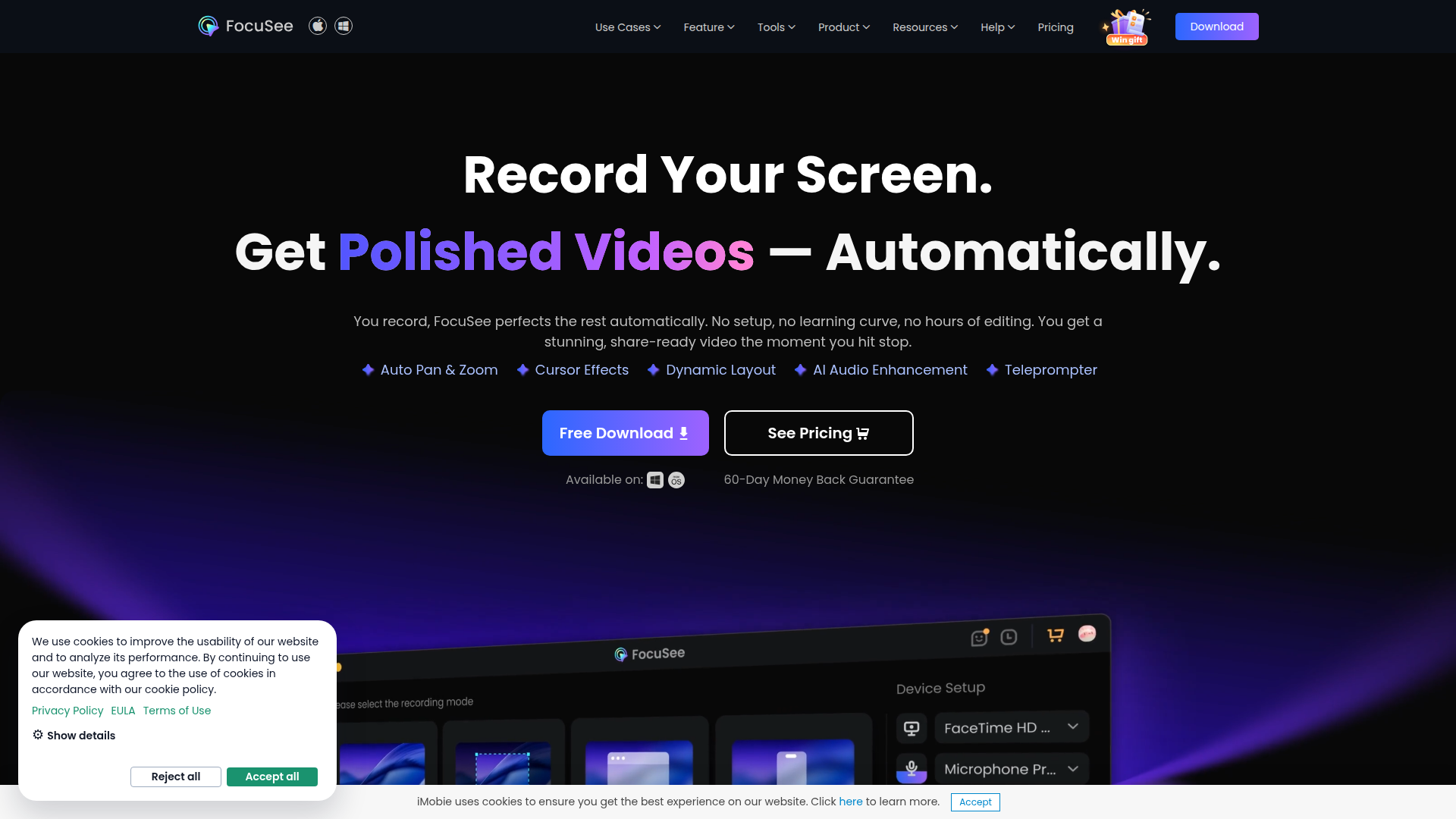
FocuSee is an auto-editing screen recorder for Windows and Mac that combines screen capture with built-in post-production tools. It is designed to turn raw recordings into polished videos automatically, with a workflow centered on recording first and applying visual and audio enhancements immediately after.
The product appears to serve creators, educators, marketers, presenters, and teams producing demo, tutorial, promo, pitch, reaction, and presentation videos. Its positioning is likely between a screen recorder and a lightweight AI video editor, with emphasis on reducing manual editing work for screen-based content.
Features
- Automatic pan, zoom, and cursor emphasis: AI-driven zoom, spotlighting, and cursor effects follow clicks and actions to keep viewers focused on important on-screen moments.
- AI subtitle generation: The product generates subtitles automatically and supports speech recognition in over 50 languages, which can reduce captioning effort for multilingual content.
- Audio enhancement tools: AI voice enhancement, noise reduction, and smart cutting help improve clarity and remove filler words, pauses, and distracting sounds after recording.
- Virtual avatar and background tools: AI avatar and background removal features support presenter-style videos for users who prefer not to appear on camera or want a cleaner visual setting.
- Recording controls for structured content: Built-in teleprompter guidance, simultaneous mic and system audio capture, and shortcut visualization support more controlled tutorials and presentations.
- Device and file flexibility: FocuSee supports direct recording of iOS and Android screens via USB and allows local video import, which broadens use beyond desktop screen capture alone.
Helpful Tips
- Validate automation quality on your real content: Auto zoom, smart cuts, and subtitle accuracy can save time, but teams should test them on actual demos, tutorials, and accented speech before standardizing workflows.
- Use separate audio tracks strategically: Independent mic and system audio recording is especially useful for software demos, training, and product walkthroughs where narration and app sound need different treatment.
- Set visual style rules early: Cursor effects, click sounds, spotlighting, and 3D motion can improve clarity, but they work best when applied consistently across a content library.
- Review privacy-related scenes manually: Features like blur masking and background removal are useful, but sensitive information in screen recordings should still be checked frame by frame before publishing.
- Confirm platform-specific availability: The page notes at least one feature variation, with 3D motion for Windows marked as coming soon, so buyers should verify OS-specific support for must-have functions.
OpenClaw Skills
FocuSee could fit well into the OpenClaw ecosystem as part of a video production and knowledge publishing workflow. Likely OpenClaw skills could include agents that turn a product brief into a recording script, generate teleprompter-ready copy, create subtitle summaries, and package finished videos into help center articles, release notes, or social snippets. This is a likely use case rather than a confirmed native integration, since the page does not describe API access or direct ecosystem connectors.
For product marketing, customer education, and internal enablement teams, the combination could shift work from manual editing toward semi-automated content operations. OpenClaw agents could likely coordinate tutorial planning, transcript cleanup, metadata generation, and repurposing workflows around FocuSee outputs, helping teams produce consistent demo and training assets faster while keeping subject-matter experts focused on recording rather than post-production.
Embed Code
Share this AI tool on your website or blog by copying and pasting the code below. The embedded widget will automatically update with the latest information.
<iframe src="https://www.aimyflow.com/ai/gemoo-com-focusee/embed" width="100%" height="400" frameborder="0"></iframe>
Explore Similar Tools
Strut – The complete writing workspace
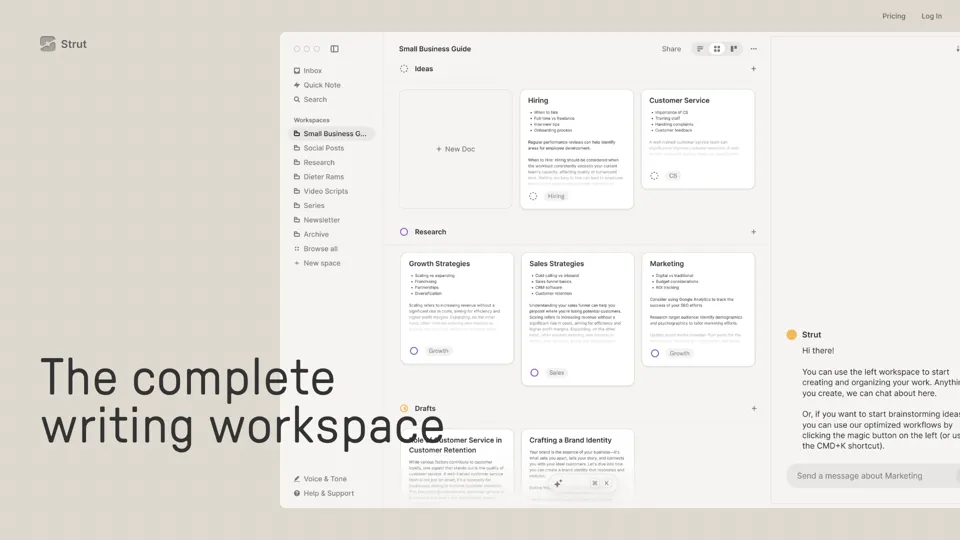
Strut is an AI-powered writing workspace that combines notes, documents, and collaborative writing projects in one environment, mainly for writers, creators, and teams. In the AI era, it helps knowledge workers move from scattered drafts to more coherent writing and faster iteration.
Social Media Marketing made easy with AI | Predis.ai
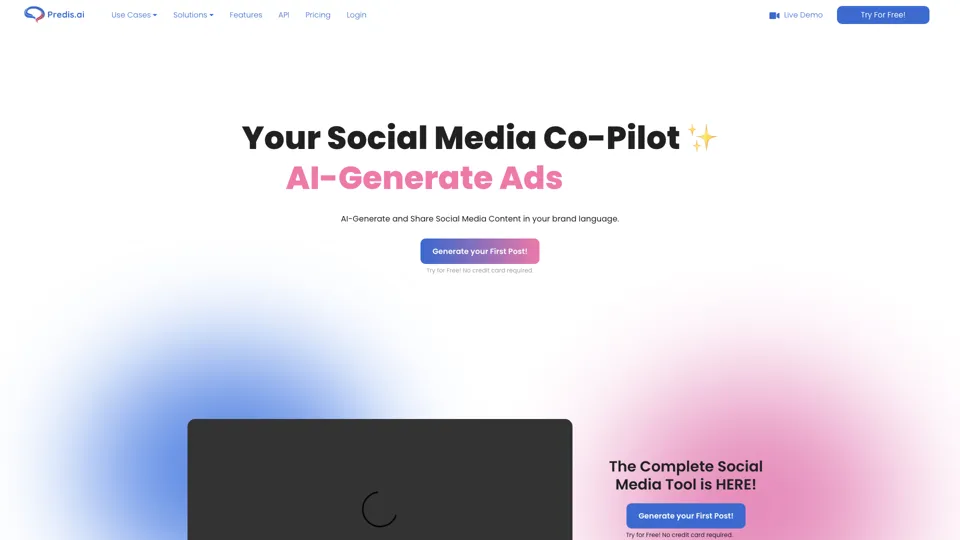
Predis.ai is an AI social media marketing tool that helps users create video and image content and analyze performance, mainly for marketers, agencies, and growing brands. It shortens content planning and production cycles, helping social teams test and refine campaigns more efficiently.
SocialDude.ai - Revolutionize Your Social Media Strategy | SocialDude
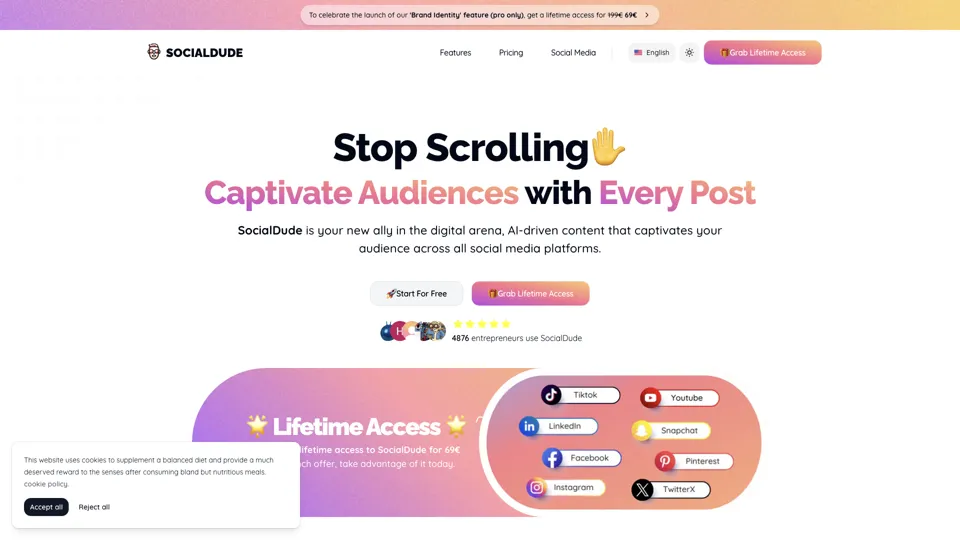
SocialDude is an AI social media content platform that helps users create brand-consistent posts and messaging more efficiently, mainly for marketers, founders, and small business teams. In the AI era, it helps social media roles maintain output quality and consistency while reducing daily content production time.

Hypotenuse AI:Smart text generator
Hypotenuse AI is a text generation platform that helps marketers, ecommerce teams, and content writers produce SEO articles, product descriptions, and branded copy at scale. In the AI era, it enables content roles to maintain consistency while increasing publishing speed across large catalogs and campaigns.

AI Course Creator | Faster and more engaging eLearning
Coursebox AI is an AI course creation platform that helps users build online courses, convert files into eLearning, and deploy tutor chatbots, mainly for educators, trainers, and learning businesses. In the AI era, it enables learning teams to produce engaging training faster and scale support with AI tutors.
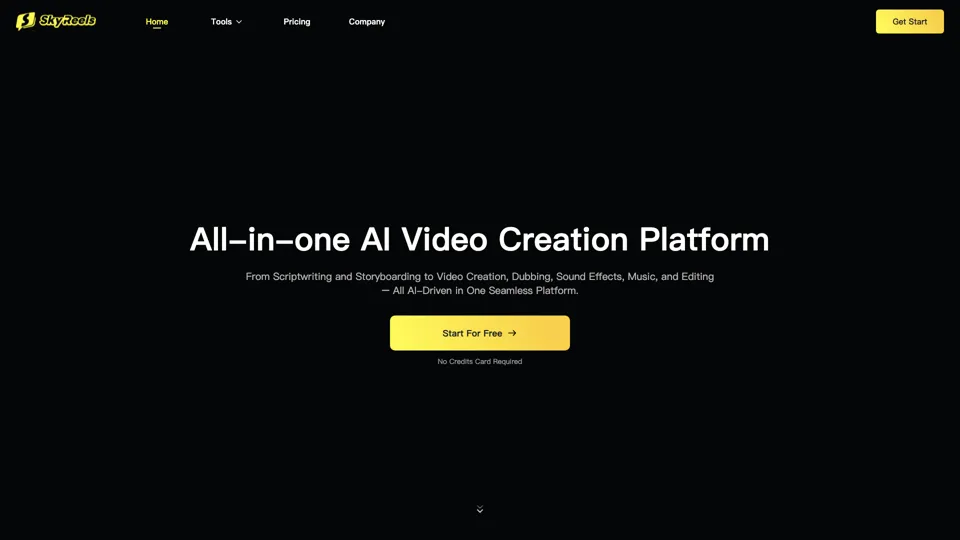
All-in-one panel | SkyReels - Ultimate AI Video Creation Platform
SkyReels is an AI video creation platform that turns scripts into finished videos with voiceovers, lip sync, sound effects, music, and editing tools, mainly for creators and marketing teams. In the AI era, it helps video producers compress production workflows and deliver polished content without a full studio setup.
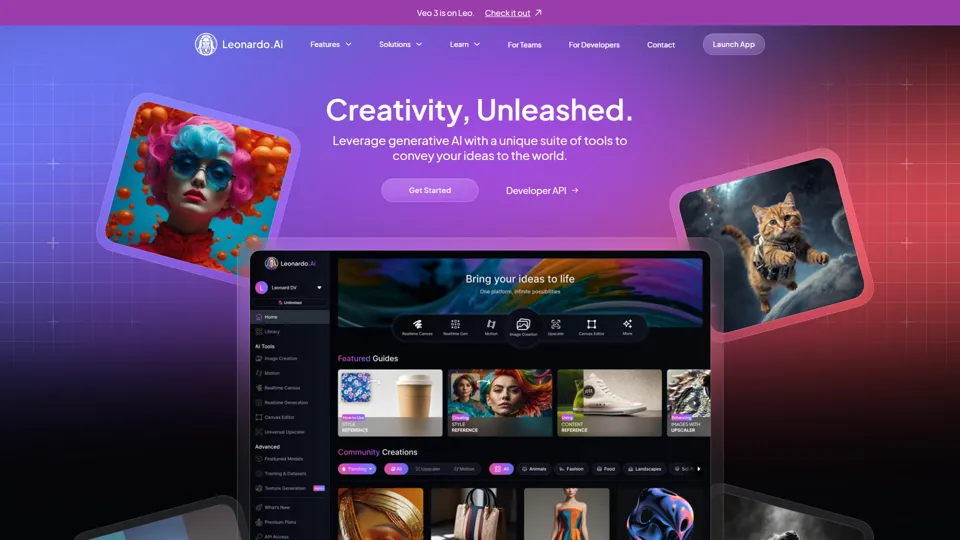
AI Image Generator - Create Art, Images & Video | Leonardo AI
Leonardo AI is an AI image and video generation platform that helps creators, designers, and marketers produce high-quality visual assets quickly. In the AI era, it shortens concept-to-content cycles so creative teams can iterate faster without expanding production overhead.

AI Photo Editor: Remove Background & Create Product Pics | Photoroom
Photoroom is an AI photo editor for creating product and portrait images, with tools for background removal, replacement, and mobile-first image enhancement for sellers, marketers, and creators. It helps ecommerce and marketing teams produce polished visuals quickly without needing a full studio setup.