
Generated Photos | Unique, worry-free model photos
Rate this Tool
Average Score
Total Votes
Select your score (1-10):
Detail Information
What
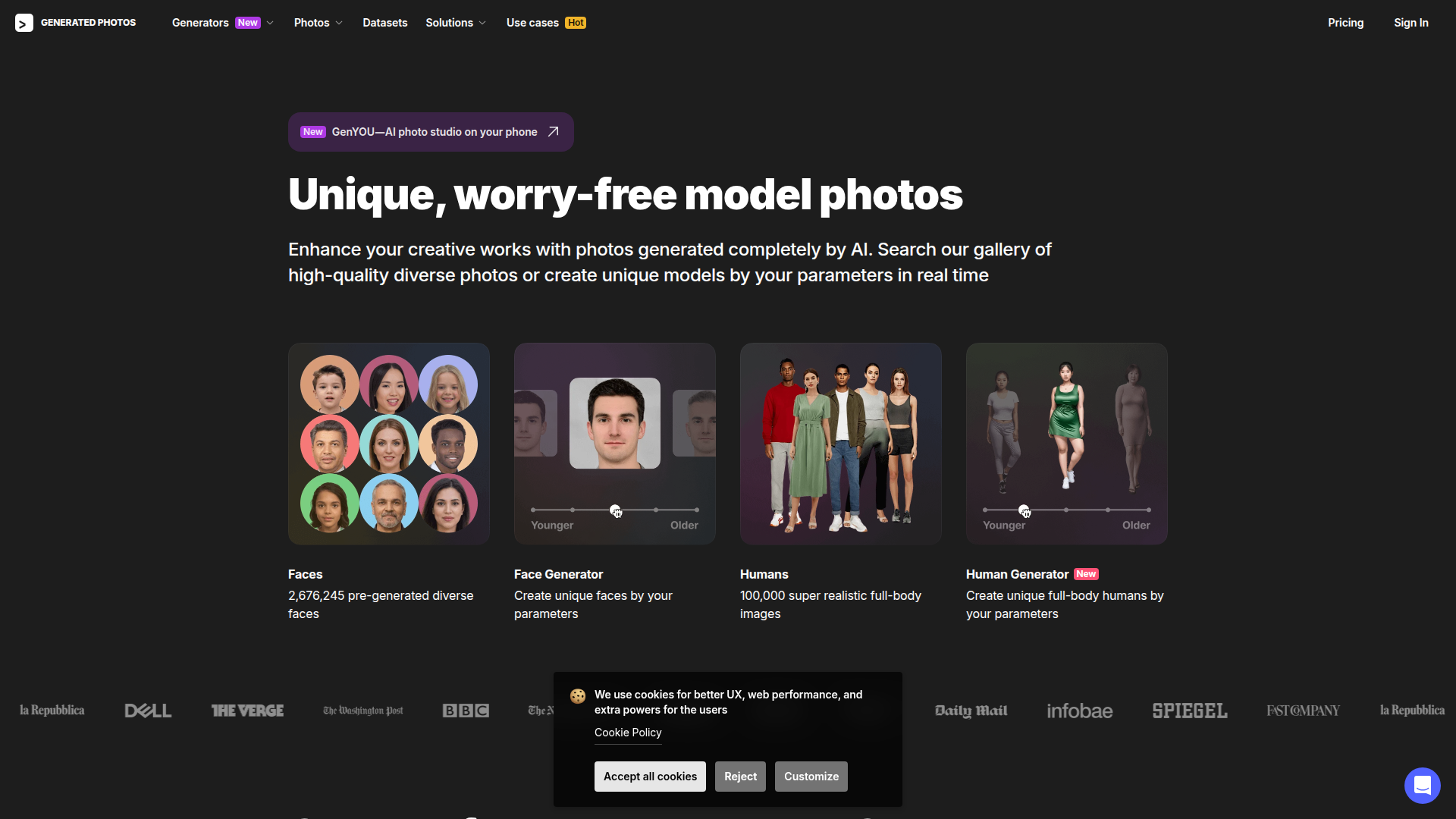
Generated Photos is an AI media platform for creating and sourcing synthetic human imagery. It offers both searchable libraries of pre-generated faces and full-body humans, as well as generators that create new people from user-defined parameters in real time.
The product appears to serve creative teams, marketers, designers, researchers, and machine learning teams that need human images without using real models. Its workflow centers on three modes: exploring a gallery, generating custom people, and scaling usage through bulk downloads, datasets, or API access, which positions it as a business-oriented synthetic image and data source.
Features
- Pre-generated face library: A large database of diverse AI-generated faces helps teams quickly find usable portraits without organizing photo shoots.
- Full-body human library: A catalog of synthetic full-body people supports use cases such as advertising, design mockups, demos, and visual content creation.
- Real-time face generation: The Face Generator creates unique, expressive faces based on selected parameters, which is useful when a project needs more control than stock-style browsing provides.
- Real-time human generation: The Human Generator produces custom full-body humans from parameters, extending the same workflow beyond portraits.
- Image modification and anonymization tools: The site indicates users can upload and modify photos and use an AI Anonymizer, which may help adapt visuals or reduce reliance on identifiable real-person imagery.
- Scaling options for business use: Bulk download, datasets, and API access support larger workflows where teams need generated humans integrated into applications, research pipelines, or content systems.
Helpful Tips
- Validate image fit by use case: For marketing and design, assess visual consistency and brand suitability; for research or ML, review whether the available datasets and variation controls match the intended training or testing scenario.
- Clarify generator control before rollout: If your workflow depends on precise attributes, test how reliably the face and human generators produce the combinations you need rather than assuming full controllability.
- Review legal and policy requirements internally: The site emphasizes “worry-free” AI-generated photos, but buyers should still confirm internal standards for disclosure, likeness, and permitted downstream use.
- Plan around scale early: Teams expecting high-volume usage should compare gallery search, bulk download, dataset access, and API routes to avoid rebuilding workflows later.
- Treat upload-based editing carefully: Where photo upload and modification features are involved, establish rules for source-image handling, privacy, and acceptable transformation practices.
OpenClaw Skills
Within the OpenClaw ecosystem, this product could likely support skills for synthetic visual asset generation, content operations, and data preparation. An OpenClaw agent could, for example, take a campaign brief, infer needed audience and scene attributes, request suitable generated faces or humans through the API, and route selected outputs into creative review or publishing workflows. If API access is available as stated, this would make it a practical building block for automated image sourcing at scale.
A likely higher-value use case is combining Generated Photos with OpenClaw agents for research and production pipelines. In marketing, agents could assemble persona-aligned ad mockups without relying on real-talent photography; in ML, agents could help curate synthetic training or test sets with documented attribute rules; in design and gaming, agents could generate placeholder or demo visuals faster than manual asset gathering. These are inferred workflow possibilities rather than confirmed native OpenClaw integrations, but the product’s galleries, generators, datasets, and API make those combinations plausible.
Embed Code
Share this AI tool on your website or blog by copying and pasting the code below. The embedded widget will automatically update with the latest information.
<iframe src="https://www.aimyflow.com/ai/generated-photos/embed" width="100%" height="400" frameborder="0"></iframe>
Explore Similar Tools
MyShell AI | Build, Share, and Own AI Image Generative APP
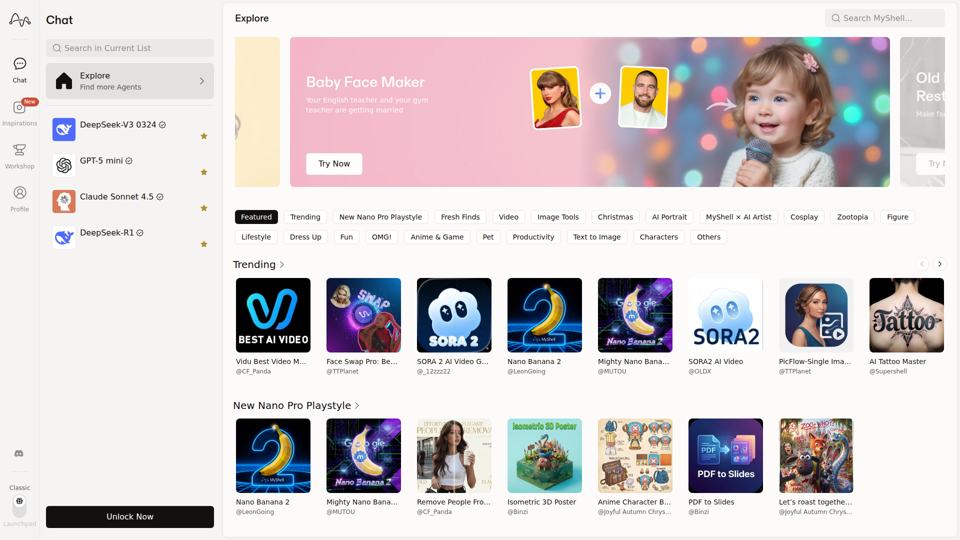
MyShell AI is a web platform for building, sharing, and exploring AI image and video generation apps, helping creators and general users make edits, filters, portraits, memes, and media experiments. For designers, marketers, and content creators, it can speed up concepting and asset variation by turning routine visual tasks into reusable AI workflows.
Midjourney
Midjourney is a community-funded research lab that builds AI image and video models, helping people explore creative ideas and new visual mediums, mainly for artists, designers, and other creative professionals. As AI-generated visuals become part of everyday workflows, tools like Midjourney can help creative teams prototype concepts and communicate ideas faster.
AI Magic Editor: Text-to-Image Editing & Generative Fill | EzEditor
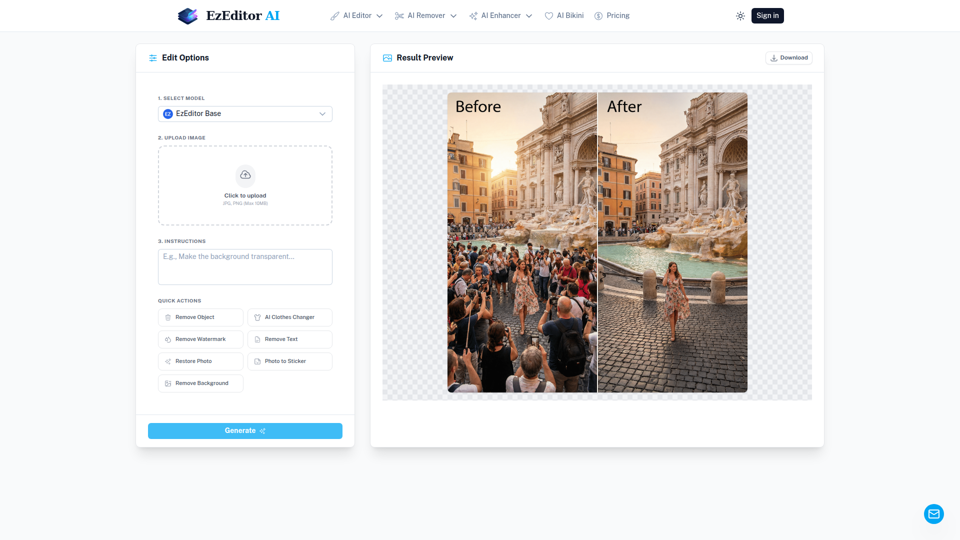
EzEditor AI Magic Editor is a browser-based AI photo editing tool that lets users edit images with text prompts for tasks like generative fill, object removal, clothing changes, and image expansion, mainly for creators and marketers who need quick visual edits without manual masking. In AI-assisted content workflows, it can help social media, design, and marketing teams produce faster image variations and format-ready assets with less manual retouching.
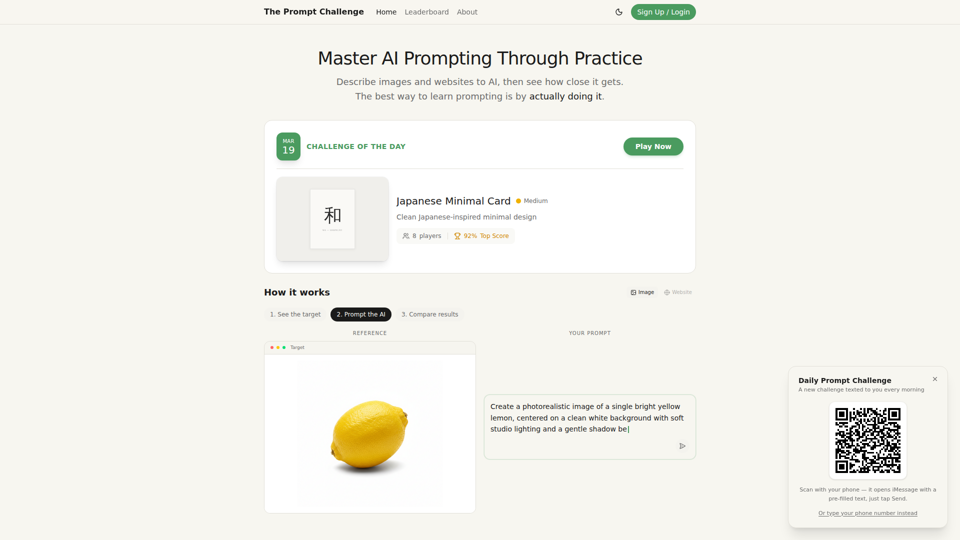
Challenges | Test Your AI Prompting Skills
The Prompt Challenge is a practice platform that helps users improve AI prompting by describing images and websites, comparing AI-generated results to references, and competing on scores, mainly for people learning prompt engineering and hands-on AI creation. For designers, developers, and AI practitioners, this kind of repeatable prompt testing can sharpen instruction-writing skills and improve consistency when using generative tools for visual and interface work.
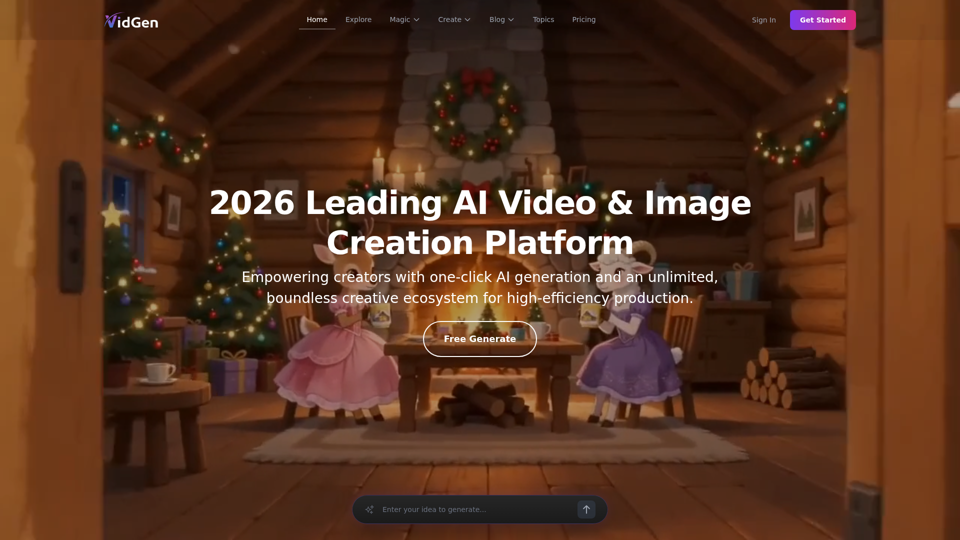
AI Image&Video Describer - Unlimited AI Model - VidGen
VidGen is an AI image and video creation platform that helps creators generate visual content, apply AI effects, and explore multiple generation models, mainly for digital artists, designers, and professional content creators. In AI-driven creative workflows, it can speed up ideation and production for visual teams by reducing the time needed to prototype, animate, and refine concepts.
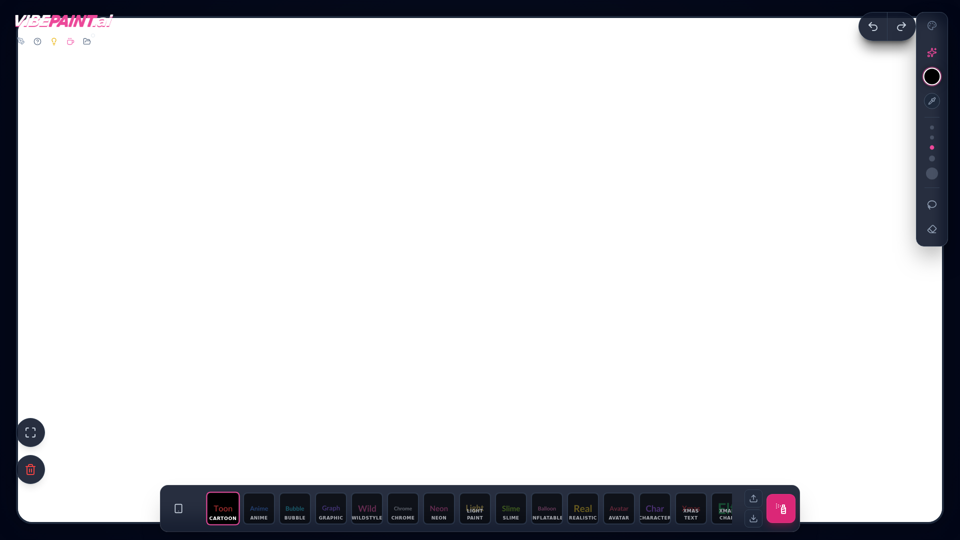
VibePaintAI
VibePaintAI is an AI image creation tool that helps users generate stylized visuals and text in looks such as cartoon, anime, graffiti, chrome, neon, realistic, and avatar styles, mainly for designers, digital artists, and content creators. In AI-assisted creative workflows, it can help visual professionals quickly explore multiple aesthetic directions for graphics, characters, and themed artwork.
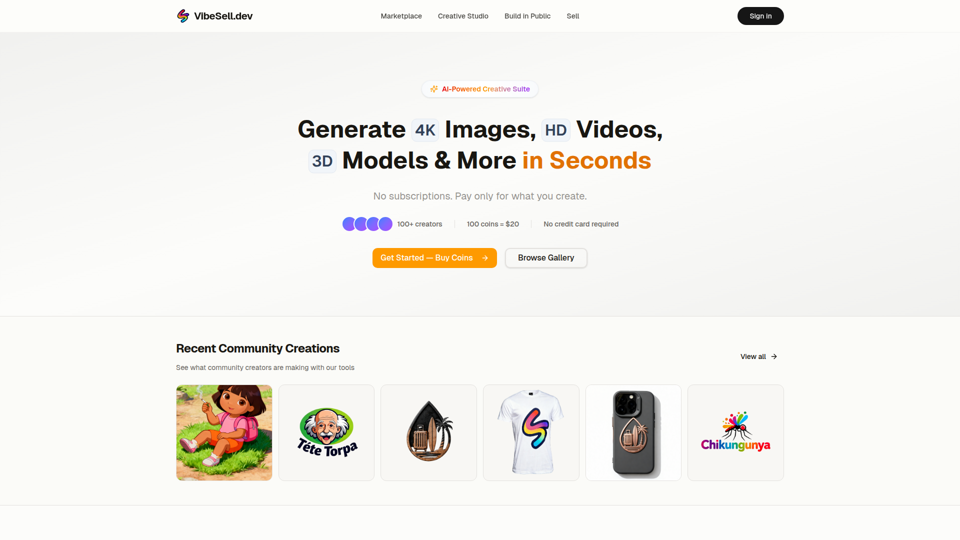
Creative Studio - AI Image, Video & 3D Model Generator | VibeSell.dev
VibeSell Creative Studio is an AI-powered creative suite that helps creators generate 4K images, HD videos, 3D models, audio, logos, mockups, and custom LoRA models, mainly for designers, marketers, and e-commerce sellers. In AI-assisted workflows, it can help creative and marketing teams produce visual assets, ad creatives, and product imagery faster while reducing manual editing for routine production tasks.
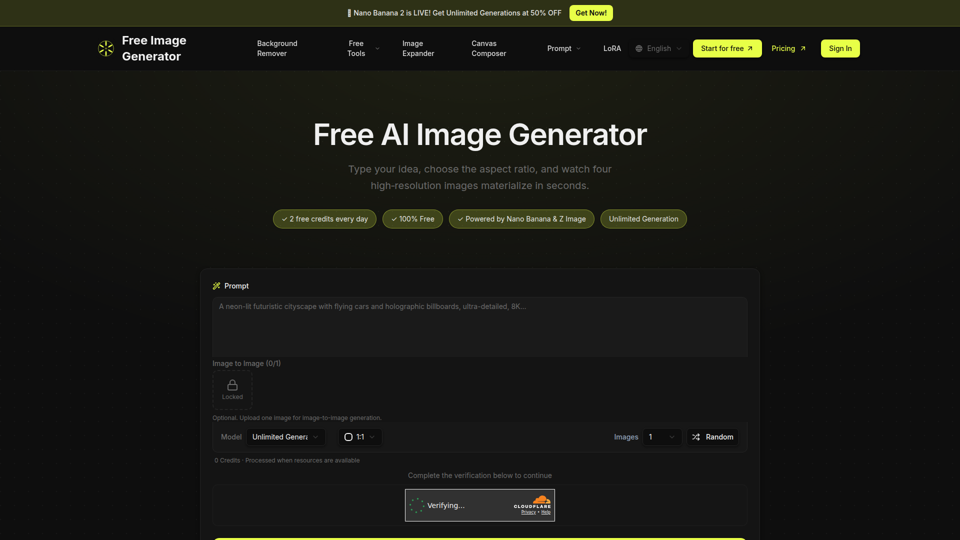
Free Image Generator - AI Powered Image Creation
Free Image Generator is an AI image creation tool that turns text prompts into multiple high-resolution images with adjustable aspect ratios and simple image-to-image options, mainly for creators, marketers, and people who need visuals quickly without design skills. In AI-assisted content workflows, it can help marketing and creative teams test visual concepts faster by generating several image variations at once for social posts, thumbnails, and campaign assets.