
GeoFinderAI - AI-Powered Location Detection from Images
Rate this Tool
Average Score
Total Votes
Select your score (1-10):
Detail Information
What
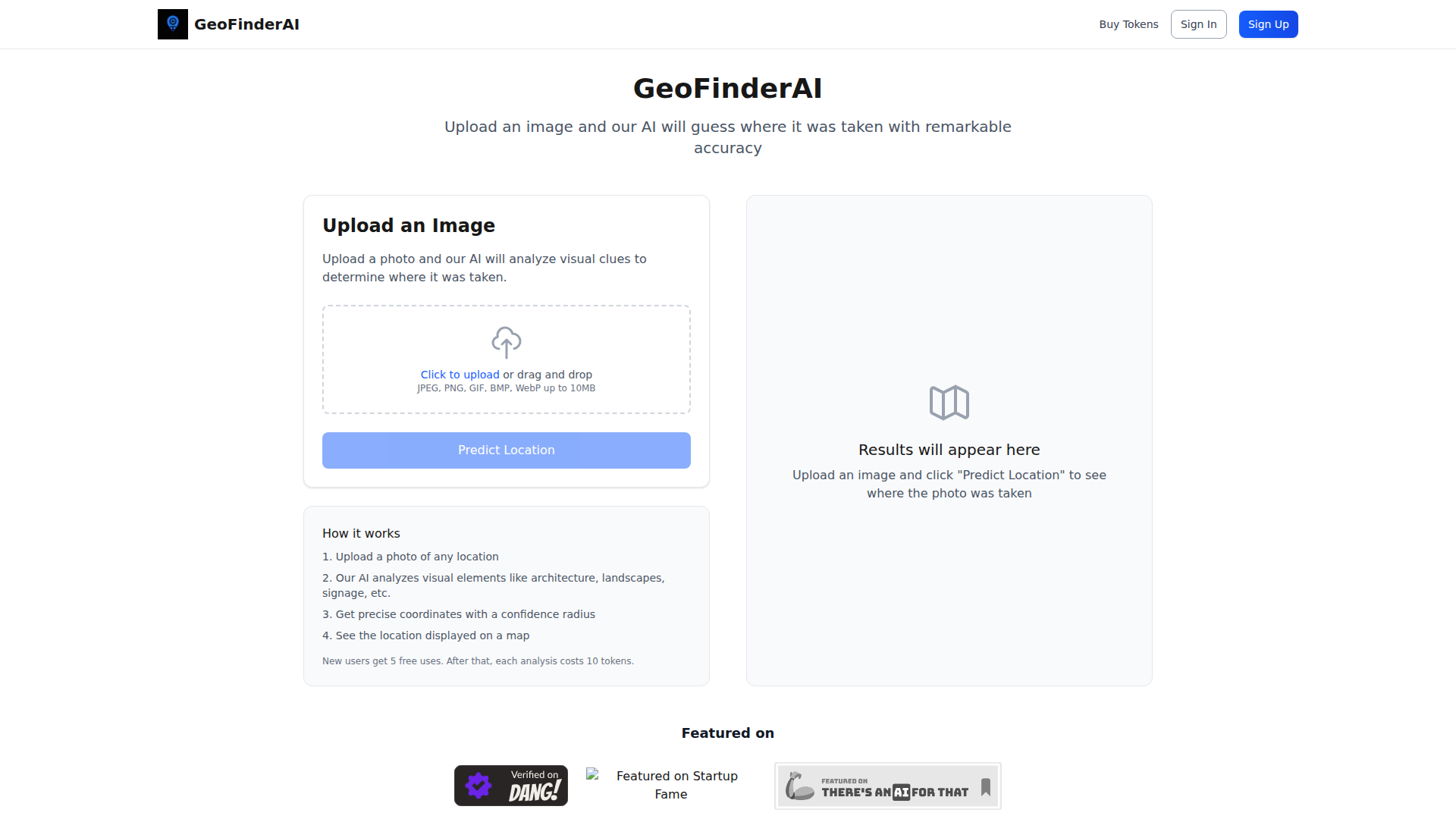
GeoFinderAI is an image analysis tool that estimates where a photo was taken. Users upload an image, and the system analyzes visual signals such as architecture, landscapes, and signage to predict a location, then returns coordinates with a confidence radius and shows the result on a map.
The product appears suited to people who need fast location inference from images, likely including investigators, researchers, journalists, analysts, or hobbyists working with visual geolocation. Based on the page, it is positioned as a lightweight, self-serve web app with token-based usage rather than a broader intelligence platform.
Features
- Image-based location prediction — Users can upload a photo and have the AI infer where it was likely taken from visible environmental clues.
- Visual clue analysis — The system examines elements such as architecture, landscapes, and signage to support its estimate.
- Coordinate output — Results include predicted geographic coordinates, which makes the output more actionable than a general place name alone.
- Confidence radius — The product provides a confidence radius to indicate uncertainty, which helps users judge how precise the prediction is likely to be.
- Map display of results — Predicted locations are shown on a map for easier interpretation and quick visual validation.
- Simple web upload workflow — The interface supports drag-and-drop or click-to-upload with common image formats including JPEG, PNG, GIF, BMP, and WebP up to 10MB.
Helpful Tips
- Evaluate this type of tool on difficult image conditions, such as cropped photos, weak landmarks, poor lighting, or generic scenery, since the page does not specify performance boundaries.
- Treat the confidence radius as an important decision aid; for operational use, a broader radius likely means the output should be combined with manual review or other evidence.
- Check whether your typical image sources fit the upload limits and supported file types before operational rollout, especially if you work with high-resolution or batch workflows.
- Since usage is token-based after the initial free uses, estimate analysis volume early to understand whether the product fits occasional investigations or heavier recurring workloads.
- If precision matters, test across image categories such as urban streets, interiors, natural landscapes, and multilingual signage, because the page does not describe category-specific strengths.
OpenClaw Skills
GeoFinderAI could likely fit into OpenClaw as a geolocation enrichment component for image-centric workflows. A likely use case would be an OpenClaw skill that accepts an uploaded image, sends it for location prediction, then routes the returned coordinates and confidence radius into downstream steps such as case summarization, incident mapping, lead triage, or research notes. The source page does not mention a native integration, so this should be treated as a workflow inference rather than a confirmed capability.
Within the OpenClaw ecosystem, agents could be built for OSINT support, field media review, newsroom verification, travel content classification, or insurance and claims intake where image origin matters. Combined with OpenClaw orchestration, this kind of tool could help analysts move from a raw photo to a structured location hypothesis faster, with follow-on skills handling map context, corroboration tasks, and reporting.
Embed Code
Share this AI tool on your website or blog by copying and pasting the code below. The embedded widget will automatically update with the latest information.
<iframe src="https://www.aimyflow.com/ai/geofinderai-com/embed" width="100%" height="400" frameborder="0"></iframe>