
Calvin - AI Shorts Maker
Rate this Tool
Average Score
Total Votes
Select your score (1-10):
Detail Information
What
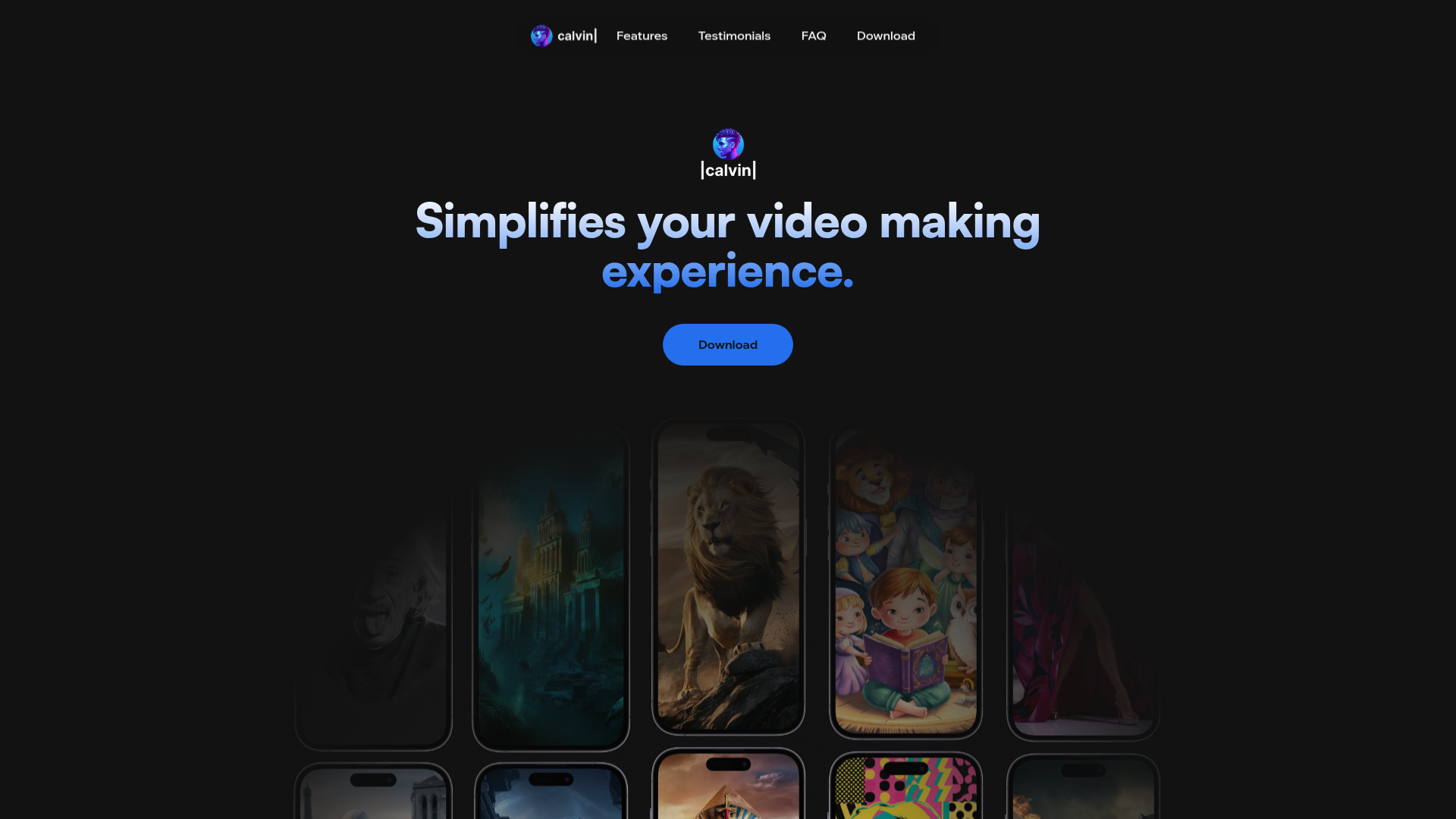
Calvin - AI Shorts Maker is an AI-based video creation app focused on turning spoken or typed ideas into short-form videos. The page presents it as a tool that removes much of the traditional editing process by letting users describe what they want and having Calvin generate the video.
It appears aimed at creators, social media users, and people producing short videos for platforms such as YouTube and similar channels. Based on the page, its likely positioning is a simple, mobile-first AI video editor for fast content creation rather than a full manual editing suite.
Features
- Idea-to-video generation: Users can say or describe an idea, and Calvin turns that input into a video, which reduces the need for manual editing.
- Conversational creation flow: The product emphasizes making videos by chatting or talking, which can lower the barrier for non-editors.
- Short-form video focus: The app is specifically framed around creating “shorts,” suggesting a workflow optimized for quick, social-ready video content.
- Mobile app availability: The page indicates an app-store presence and references iOS and Android availability in the FAQ, though the visible content does not fully confirm platform details.
- Community-oriented positioning: Calvin highlights a creator community, which may help users feel supported, although the page does not explain the community features in depth.
Helpful Tips
- Validate platform support directly: The page references iOS and Android in the FAQ, but the visible content does not clearly confirm exact device support or limitations.
- Assess control depth before adopting at scale: If your workflow requires timeline editing, brand controls, or detailed revisions, verify how much manual control the app provides beyond prompt-based generation.
- Use it where speed matters most: Tools like this are typically best suited for rapid short-form content production, concept testing, and lightweight publishing workflows.
- Check language coverage for global teams: The FAQ mentions multiple languages, but the visible page does not provide specifics, so multilingual production teams should confirm actual support.
- Match the tool to creator skill level: Calvin appears well suited for users who want to avoid traditional editing complexity, especially individuals or small teams producing frequent social video content.
OpenClaw Skills
Calvin could likely fit well into an OpenClaw ecosystem as the video-generation endpoint inside a broader content workflow. For example, OpenClaw agents could help users turn a campaign brief, podcast transcript, product announcement, or social content calendar into short-video prompts, then route those structured ideas into Calvin for production. This is a likely use case rather than a confirmed native integration, since the page does not mention APIs or external workflow support.
OpenClaw skills around Calvin could include script condensation, hook generation, short-form content planning, publishing-sequence design, and post-generation QA for message clarity and brand consistency. In creator marketing, media teams, and small business content operations, that combination could shift work from manual editing toward AI-orchestrated content assembly, with humans focusing more on intent, review, and distribution strategy.
Embed Code
Share this AI tool on your website or blog by copying and pasting the code below. The embedded widget will automatically update with the latest information.
<iframe src="https://aimyflow.com/ai/humanion-ai-calvin/embed" width="100%" height="400" frameborder="0"></iframe>
Explore Similar Tools

Adobe Podcast | AI audio recording and editing, all on the web
Adobe Podcast is a web-based AI audio recording and editing tool that helps users record, transcribe, enhance, and share spoken content, mainly for podcasters, creators, and teams producing voice media. It reduces cleanup and editing time, letting audio producers and marketers publish clearer content faster.
Strut – The complete writing workspace
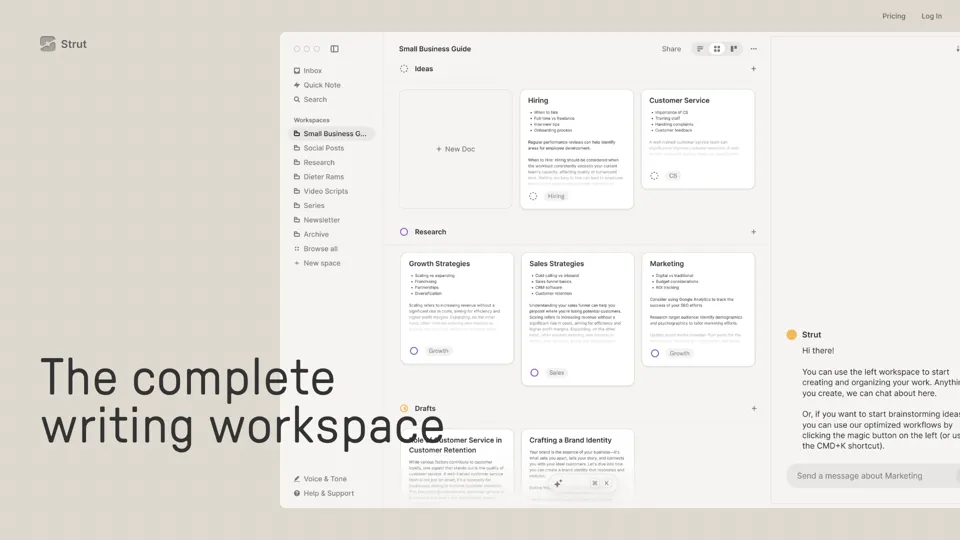
Strut is an AI-powered writing workspace that combines notes, documents, and collaborative writing projects in one environment, mainly for writers, creators, and teams. In the AI era, it helps knowledge workers move from scattered drafts to more coherent writing and faster iteration.

Social Media Marketing made easy with AI | Predis.ai
Predis.ai is an AI social media marketing tool that helps users create video and image content and analyze performance, mainly for marketers, agencies, and growing brands. It shortens content planning and production cycles, helping social teams test and refine campaigns more efficiently.
Prezi | AI presentations that engage your audience in minutes
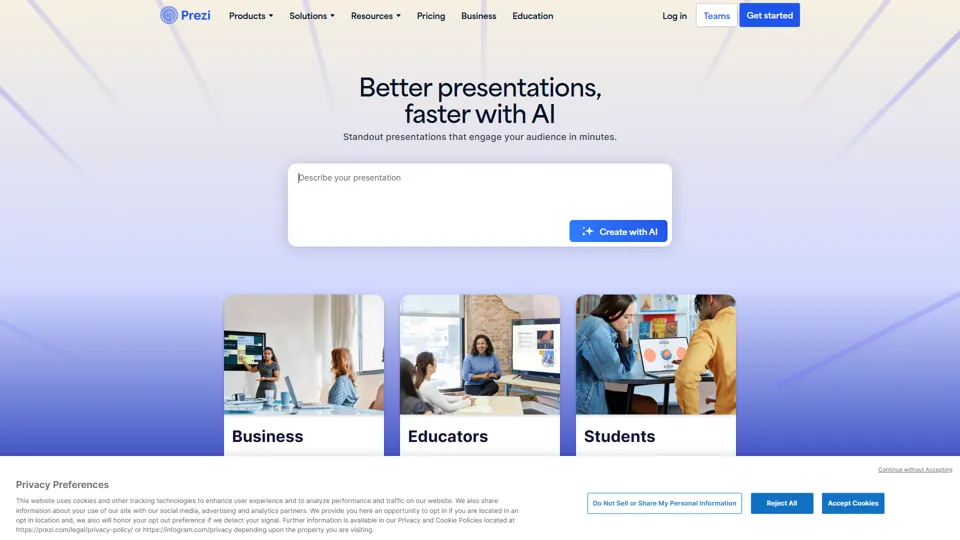
Prezi is a presentation platform with AI features that helps users create engaging, interactive presentations quickly, mainly for business professionals, educators, and sales teams. It helps presenters turn ideas into clearer narratives faster, improving audience engagement without heavy design work.
Free AI Photo Editor: Edit & Generate Image Online | Pokecut
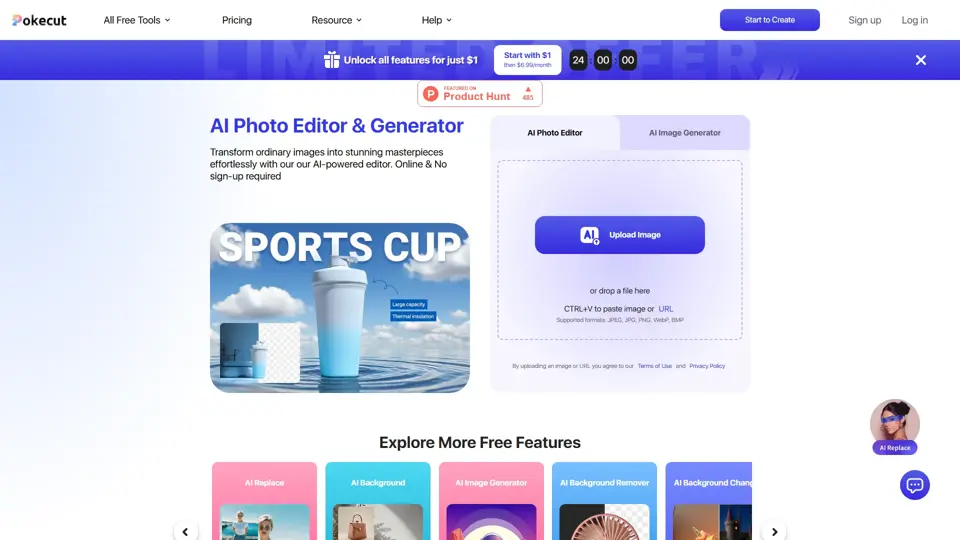
Pokecut is an AI photo editor that helps users remove backgrounds, enhance images, and generate visuals online, mainly for ecommerce sellers, marketers, and creators who need quick design-ready assets. It speeds up routine image production so visual teams can create polished content with less manual editing.
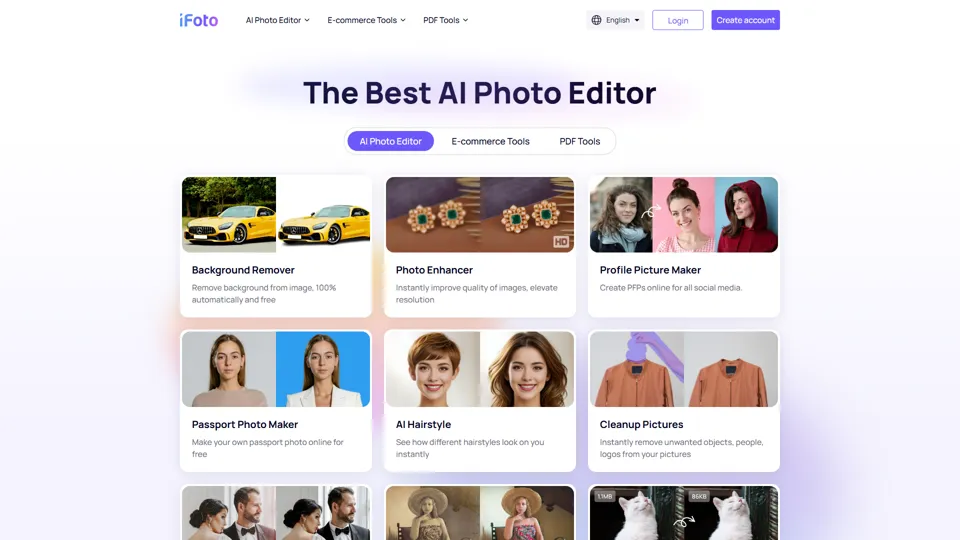
AI Photo Studio: Elevate Your E-Commerce with Our Magic Studio | iFoto
iFoto is an AI photo editing studio that helps users enhance images, change backgrounds, and create polished visuals online, mainly for eCommerce sellers, marketers, and content creators. It speeds up creative production for merchandising and marketing teams without requiring advanced design skills.
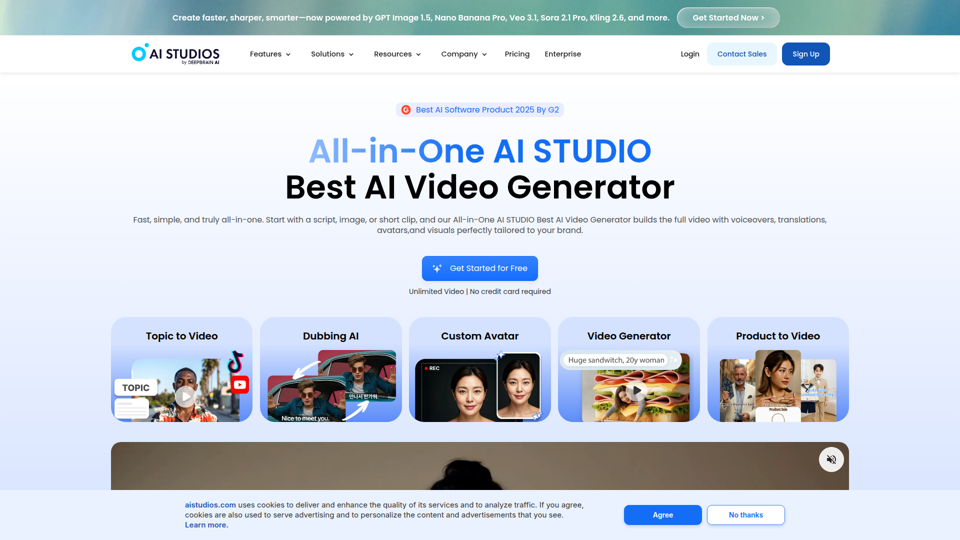
Best AI Video Generator | AI STUDIO
AI Studios is an AI video generator that helps users create, edit, dub, translate, and publish videos from text, documents, URLs, images, or product pages, mainly for training teams, marketers, and content creators. For learning, marketing, and video production roles, it can speed multilingual video workflows with AI avatars, voice cloning, and reusable templates in one workspace.
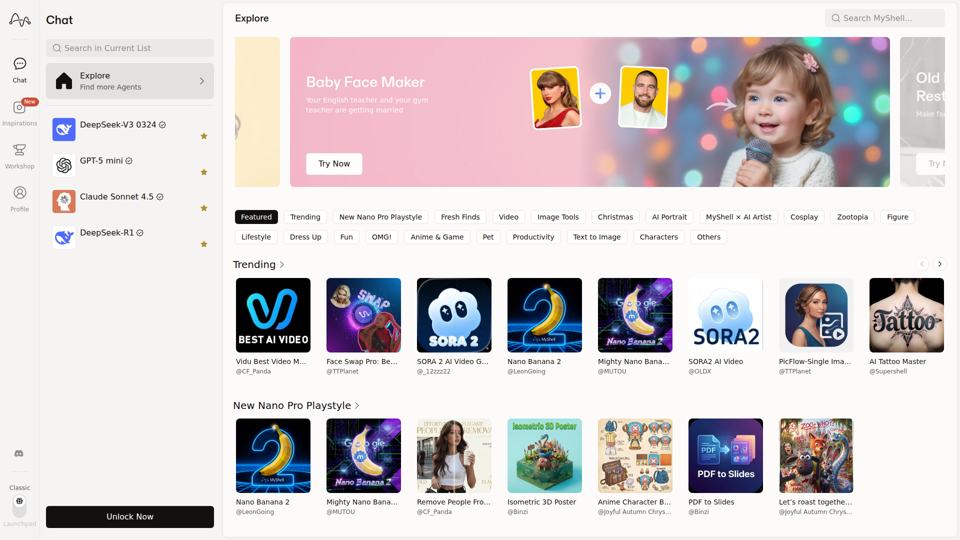
MyShell AI | Build, Share, and Own AI Image Generative APP
MyShell AI is a web platform for building, sharing, and exploring AI image and video generation apps, helping creators and general users make edits, filters, portraits, memes, and media experiments. For designers, marketers, and content creators, it can speed up concepting and asset variation by turning routine visual tasks into reusable AI workflows.