
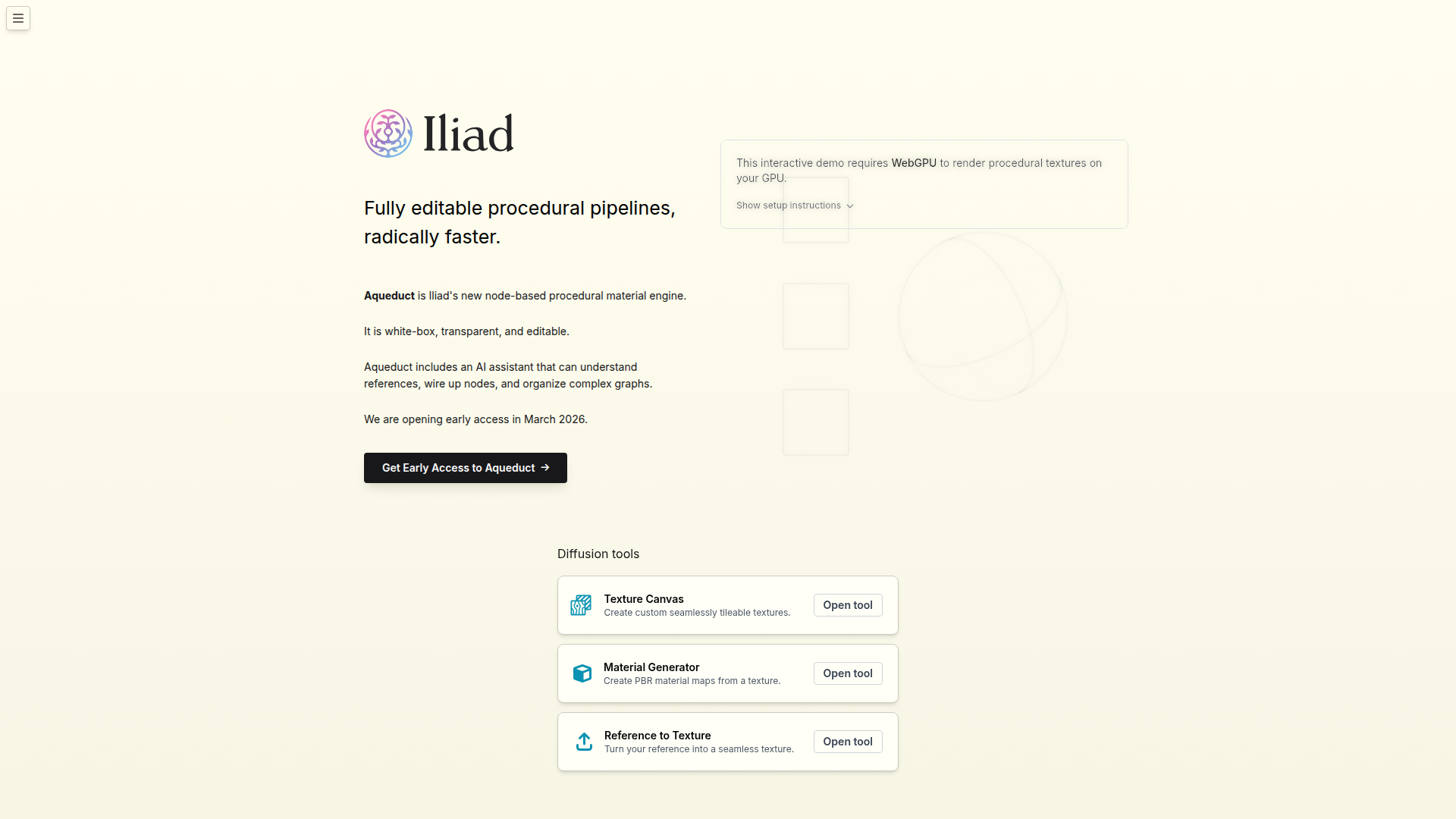
Iliad: Fully editable procedural pipelines, radically faster
Rate this Tool
Average Score
Total Votes
Select your score (1-10):
Detail Information
What
Iliad is a texture and material creation platform focused on procedural and diffusion-based workflows for visual asset production. Based on the page, it serves users who need seamlessly tileable textures, PBR material maps, and reference-driven texture generation, likely including 3D artists, material artists, game teams, and digital content creators.
Its new engine, Aqueduct, is presented as a node-based procedural material system that is fully editable, transparent, and designed for faster pipeline building. The core workflow appears to combine manual graph editing with AI assistance that can interpret references, connect nodes, and organize complex procedural graphs, positioning Iliad as a modern material-authoring tool with both hands-on control and automation.
Features
- Node-based procedural material engine: Aqueduct provides a graph-based system for building procedural materials, giving users a structured way to create and modify material logic.
- Fully editable white-box workflows: The engine is described as transparent and editable, which is useful for teams that need visibility into how outputs are built rather than relying on opaque generation.
- AI-assisted graph construction: Aqueduct’s AI assistant can understand references, wire up nodes, and organize complex graphs, helping reduce setup time in procedural authoring.
- Seamless texture creation: Texture Canvas is designed to create custom tileable textures, addressing a common need in environment art and material design.
- PBR map generation: Material Generator creates PBR material maps from a texture, which can help convert source imagery into usable material components for rendering workflows.
- Reference-to-texture conversion: The Reference to Texture tool turns a reference image into a seamless texture, supporting asset ideation and texture extraction from visual inspiration.
Helpful Tips
- Validate editability claims in practice: For procedural tools, confirm how easily teams can inspect, modify, and version node graphs before adopting them as a core production workflow.
- Check output fit for your pipeline: If your team depends on specific map types, export formats, or DCC/game-engine handoff steps, verify those details because the page does not specify them.
- Use AI assistance for acceleration, not blind automation: Tools that wire nodes from references can speed initial setup, but production teams should still review graph structure for consistency and maintainability.
- Assess hardware requirements early: The demo requires WebGPU for GPU rendering of procedural textures, so browser and device compatibility may affect evaluation and onboarding.
- Treat early access carefully: Since Aqueduct early access is scheduled for March 2026, buyers should expect some uncertainty around maturity, stability, and broader feature depth until more documentation is available.
OpenClaw Skills
Iliad could fit well into the OpenClaw ecosystem as part of asset-generation and material-ops workflows. Likely OpenClaw skills could include a reference intake agent that classifies incoming images and routes them to seamless texture generation, a material packaging agent that organizes outputs for downstream art teams, and a graph documentation agent that explains procedural node setups for easier collaboration. These are likely use cases rather than confirmed native integrations, since the page does not mention APIs or OpenClaw support.
In a broader production setting, combining Iliad with OpenClaw could help studios or design teams standardize how texture references become reusable materials. For example, an OpenClaw workflow might collect concept references, generate candidate textures, request PBR outputs, and tag assets into a searchable library for environment artists. If supported operationally, this kind of setup could reduce repetitive material-prep work and make procedural asset creation more accessible across art, visualization, and interactive media teams.
Embed Code
Share this AI tool on your website or blog by copying and pasting the code below. The embedded widget will automatically update with the latest information.
<iframe src="https://www.aimyflow.com/ai/iliad-ai/embed" width="100%" height="400" frameborder="0"></iframe>
Explore Similar Tools
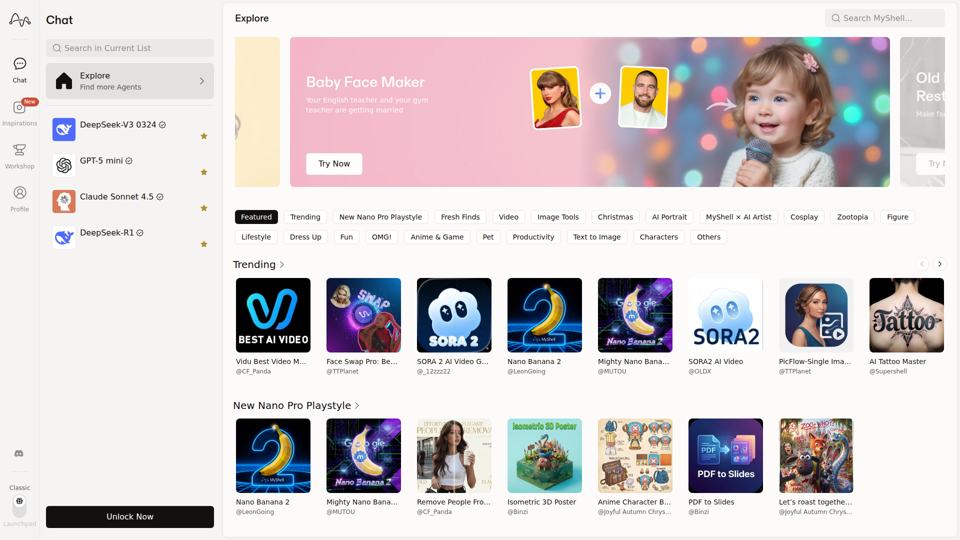
MyShell AI | Build, Share, and Own AI Image Generative APP
MyShell AI is a web platform for building, sharing, and exploring AI image and video generation apps, helping creators and general users make edits, filters, portraits, memes, and media experiments. For designers, marketers, and content creators, it can speed up concepting and asset variation by turning routine visual tasks into reusable AI workflows.

Midjourney
Midjourney is a community-funded research lab that builds AI image and video models, helping people explore creative ideas and new visual mediums, mainly for artists, designers, and other creative professionals. As AI-generated visuals become part of everyday workflows, tools like Midjourney can help creative teams prototype concepts and communicate ideas faster.
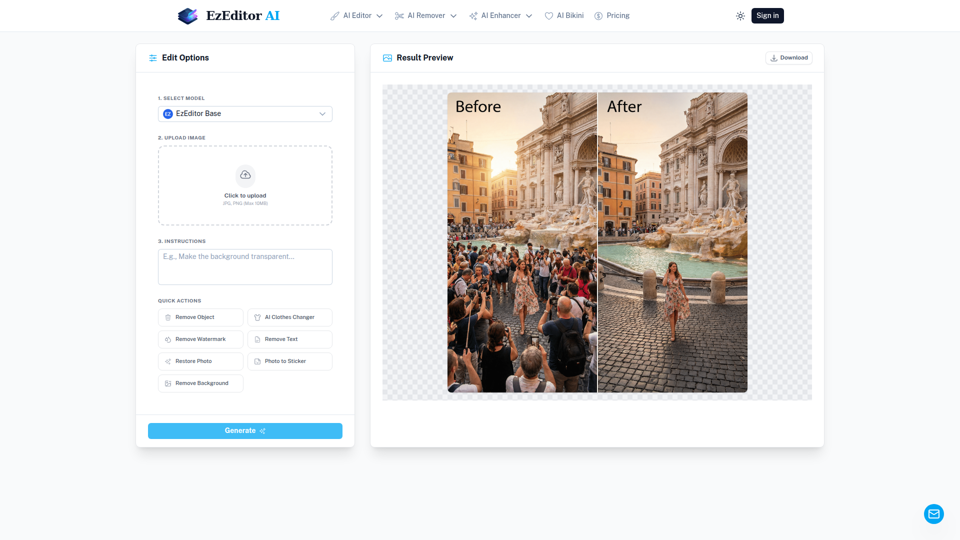
AI Magic Editor: Text-to-Image Editing & Generative Fill | EzEditor
EzEditor AI Magic Editor is a browser-based AI photo editing tool that lets users edit images with text prompts for tasks like generative fill, object removal, clothing changes, and image expansion, mainly for creators and marketers who need quick visual edits without manual masking. In AI-assisted content workflows, it can help social media, design, and marketing teams produce faster image variations and format-ready assets with less manual retouching.
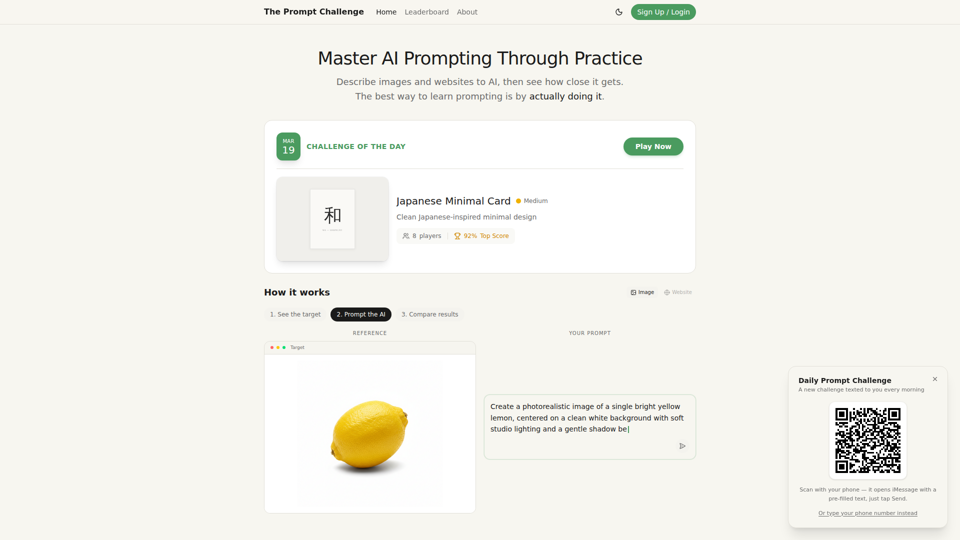
Challenges | Test Your AI Prompting Skills
The Prompt Challenge is a practice platform that helps users improve AI prompting by describing images and websites, comparing AI-generated results to references, and competing on scores, mainly for people learning prompt engineering and hands-on AI creation. For designers, developers, and AI practitioners, this kind of repeatable prompt testing can sharpen instruction-writing skills and improve consistency when using generative tools for visual and interface work.
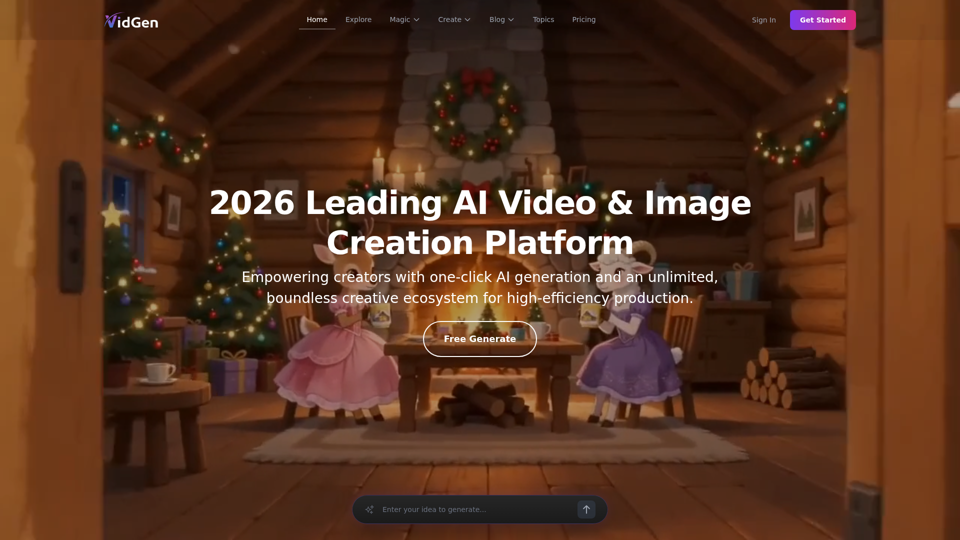
AI Image&Video Describer - Unlimited AI Model - VidGen
VidGen is an AI image and video creation platform that helps creators generate visual content, apply AI effects, and explore multiple generation models, mainly for digital artists, designers, and professional content creators. In AI-driven creative workflows, it can speed up ideation and production for visual teams by reducing the time needed to prototype, animate, and refine concepts.
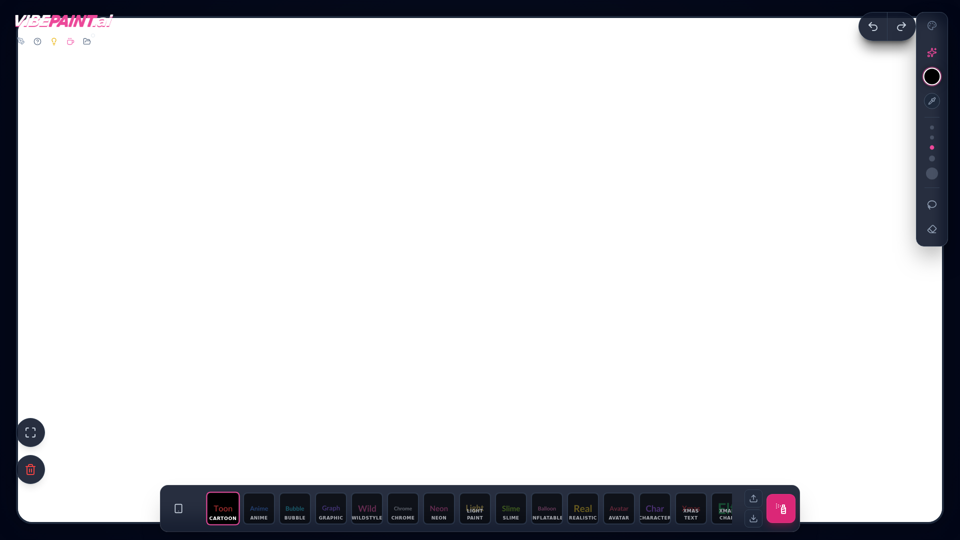
VibePaintAI
VibePaintAI is an AI image creation tool that helps users generate stylized visuals and text in looks such as cartoon, anime, graffiti, chrome, neon, realistic, and avatar styles, mainly for designers, digital artists, and content creators. In AI-assisted creative workflows, it can help visual professionals quickly explore multiple aesthetic directions for graphics, characters, and themed artwork.
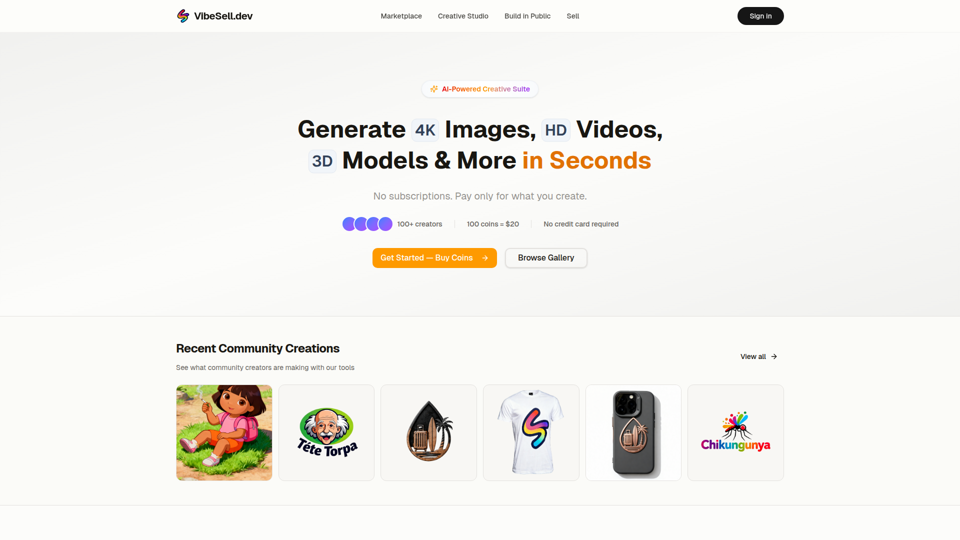
Creative Studio - AI Image, Video & 3D Model Generator | VibeSell.dev
VibeSell Creative Studio is an AI-powered creative suite that helps creators generate 4K images, HD videos, 3D models, audio, logos, mockups, and custom LoRA models, mainly for designers, marketers, and e-commerce sellers. In AI-assisted workflows, it can help creative and marketing teams produce visual assets, ad creatives, and product imagery faster while reducing manual editing for routine production tasks.
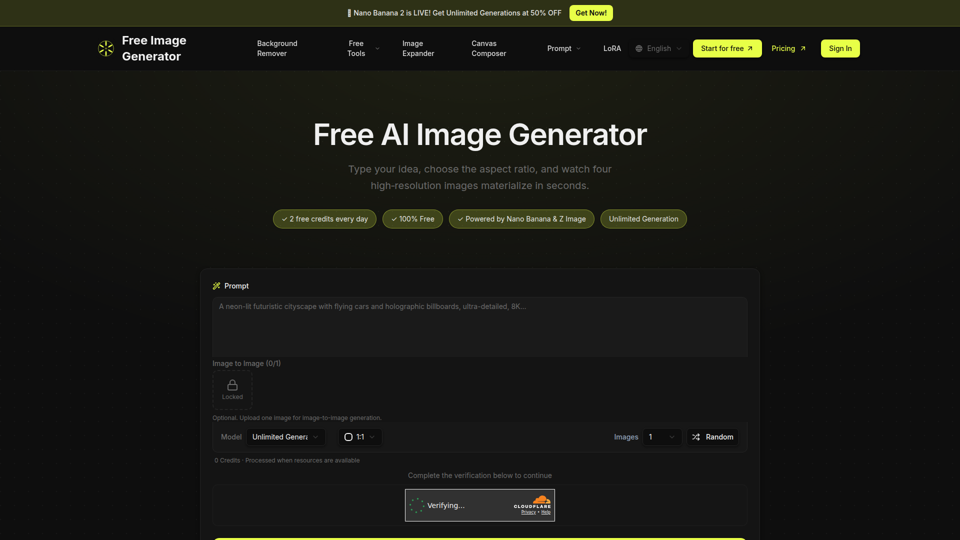
Free Image Generator - AI Powered Image Creation
Free Image Generator is an AI image creation tool that turns text prompts into multiple high-resolution images with adjustable aspect ratios and simple image-to-image options, mainly for creators, marketers, and people who need visuals quickly without design skills. In AI-assisted content workflows, it can help marketing and creative teams test visual concepts faster by generating several image variations at once for social posts, thumbnails, and campaign assets.