
ImagineMe - Personal AI Art Generator
Rate this Tool
Average Score
Total Votes
Select your score (1-10):
Detail Information
What
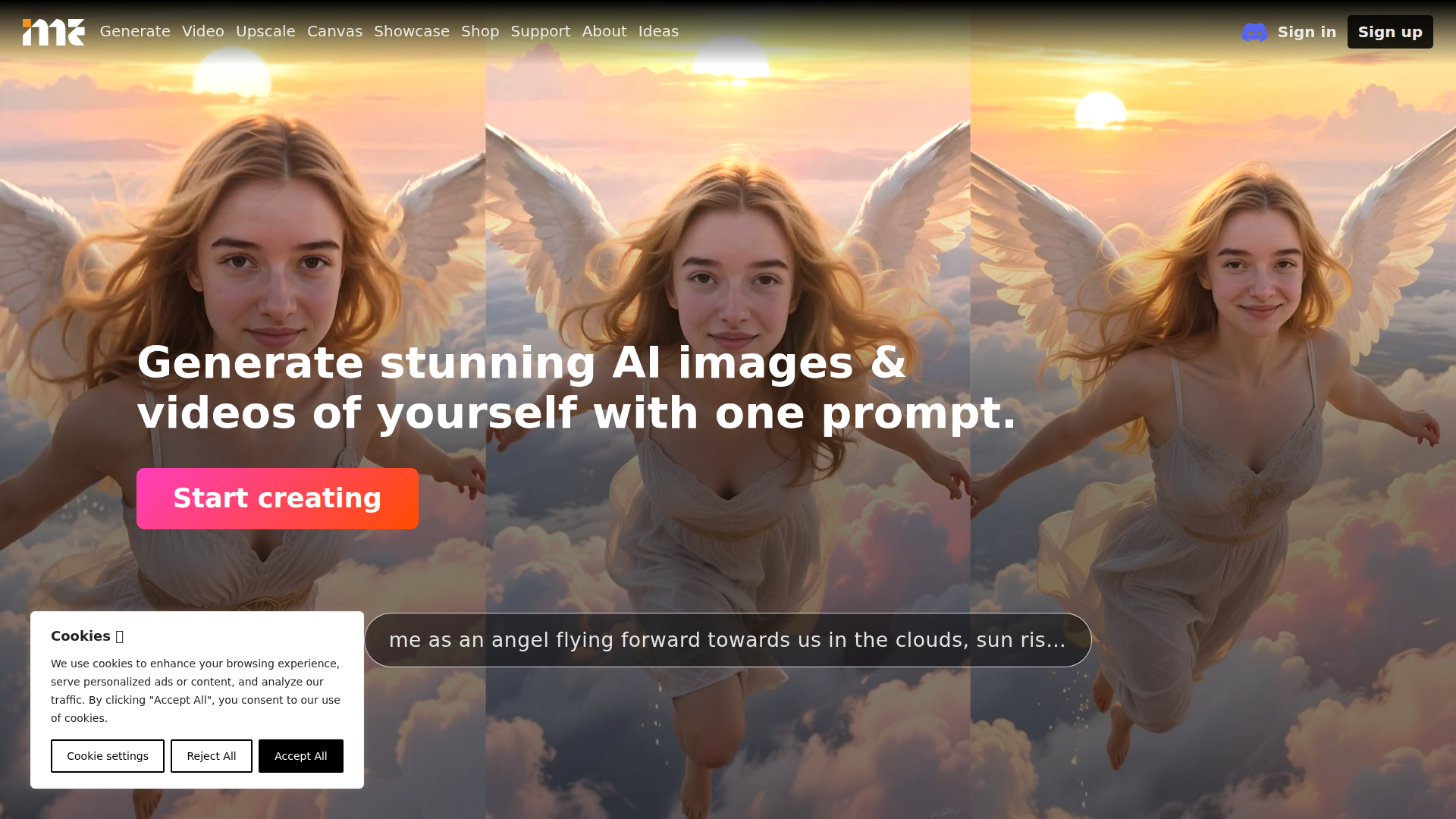
ImagineMe is a personal AI art generator that creates images and videos of a specific person from a text prompt. The product works by having each user upload 10 to 20 photos, then training a private AI model that links the user’s name and appearance so prompts can place that person into different scenes, styles, and concepts.
It appears aimed at consumers, creators, and hobbyists who want personalized generative media rather than general text-to-image output. Based on the page, its positioning is a self-serve web app for custom “AI photos” and personal visual experimentation, with adjacent tools such as video generation, upscaling, canvas, showcase, and shop navigation, though the page gives limited detail on those additional areas.
Features
- Private personal model training — The system trains a separate AI model for each user, which is intended to generate art of that specific person in a safer, more personalized way.
- Photo-based onboarding — Users upload 10 to 20 varied, good-quality images to teach the model how they look, which is the core setup workflow.
- Prompt-based image generation — After training, users can describe a scenario in plain text and generate images of themselves in that setting or style.
- Style and scenario flexibility — Example prompts show support for different aesthetics and contexts, including fantasy, cinematic, watercolor, statue, underwater, and animation-inspired looks.
- Fast generation after setup — The page states training can take up to 5 hours, with a cold start of a couple of minutes and later generations taking about 10 seconds.
- Image and video positioning — The homepage states users can generate AI images and videos of themselves, although the page provides much more detail on image workflow than on how video generation specifically works.
Helpful Tips
- Use varied training photos — For products like this, a mix of angles, expressions, lighting conditions, and backgrounds usually improves identity consistency and prompt responsiveness.
- Validate output quality before buying at scale — Since training time is significant, it is practical to test a small credit pack first and confirm likeness, style range, and prompt behavior.
- Write prompts in layers — Identity-first prompts followed by scene, camera, medium, and mood details often produce more controllable results than broad single-phrase prompts.
- Check privacy expectations carefully — The site says each user gets a private model, but buyers should still review the platform’s support and policy materials for data retention, deletion, and content rights specifics.
- Treat video as a separate evaluation area — Because the page gives limited operational detail on video generation, teams or creators with video-heavy needs should verify format, control options, and output quality before relying on it.
OpenClaw Skills
ImagineMe could likely fit into OpenClaw as a personal-media generation component for creator, marketing, entertainment, or digital identity workflows. Likely OpenClaw skills could include a prompt-writing agent for consistent self-portrait styles, a training-readiness checker that reviews uploaded image sets for coverage and quality, and a campaign asset planner that turns one creative brief into multiple personal-image concepts for social posts, profile banners, thumbnails, or merchandise mockups.
In a broader workflow, OpenClaw agents could likely orchestrate intake, model selection, prompt batching, upscaling, and asset tagging around ImagineMe outputs, even though the page does not confirm a native integration. That combination could be especially useful for solo creators, influencers, and design teams that want repeatable “personal brand visuals” at scale: one system managing creative direction and production logic, the other supplying personalized AI imagery based on the trained identity model.
Embed Code
Share this AI tool on your website or blog by copying and pasting the code below. The embedded widget will automatically update with the latest information.
<iframe src="https://www.aimyflow.com/ai/imagineme-ai/embed" width="100%" height="400" frameborder="0"></iframe>