
Instruct - Your AI Workforce, One Prompt Away | No-Code AI Agents
Rate this Tool
Average Score
7.2
Total Votes
1000votes
Select your score (1-10):
Detail Information
What
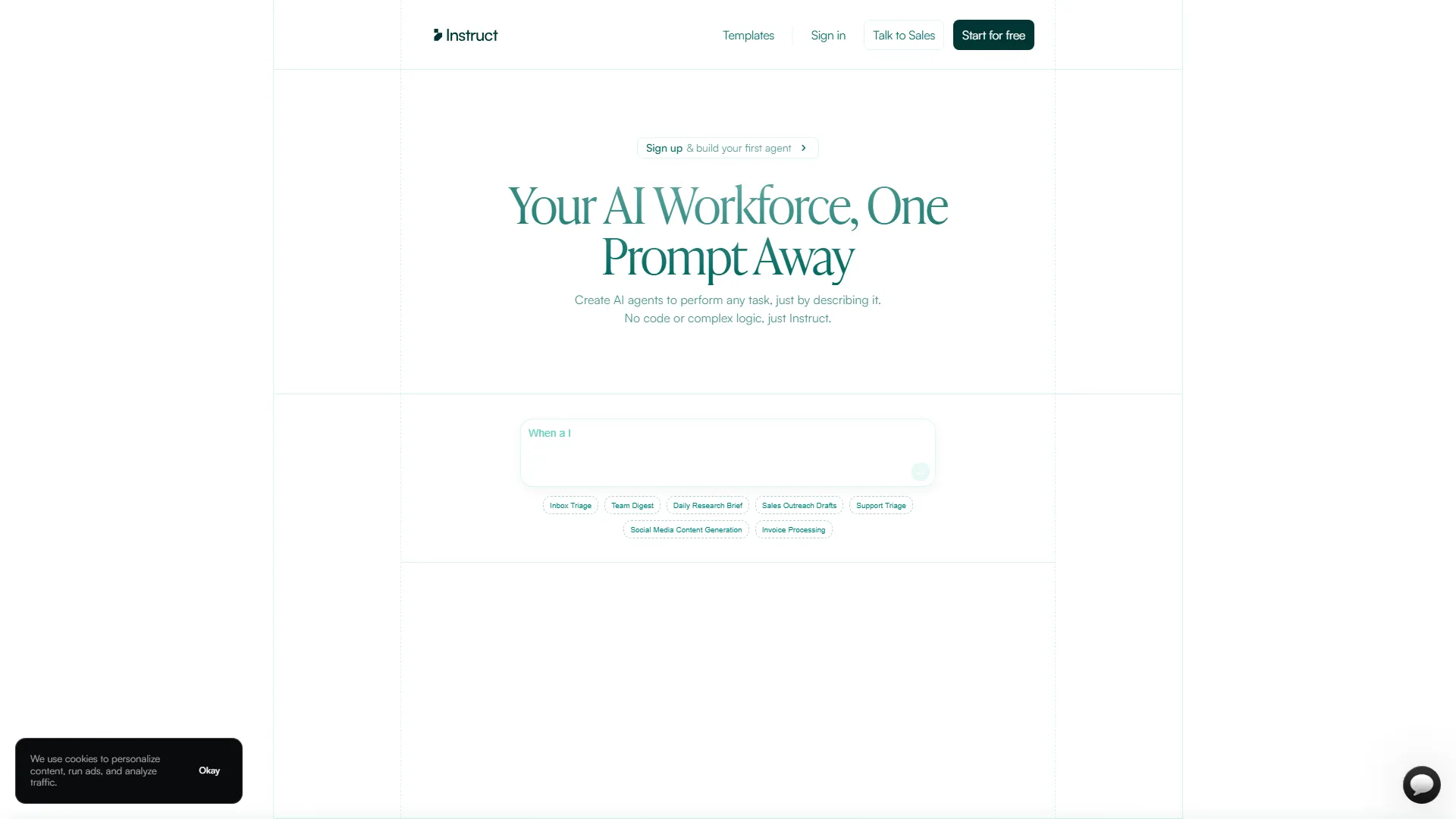
Instruct is a no‑code platform that lets you conjure AI agents with a single natural‑language prompt. Describe the desired outcome—“send a cash‑flow snapshot every Monday”—and the system builds, integrates, and deploys an autonomous agent that talks to your apps (Google Sheets, Gmail, CRMs, you name it) without you writing a line of code. Think of it as a digital butler that learns the job on the fly, so you can focus on strategy while it handles the grunt work.
Features
- Prompt‑to‑Agent Builder – Type what you want; the engine generates the workflow. (“Just the facts, ma’am,” says a no‑nonsense agent, channeling a certain former president.)
- Universal Integrations – Connect thousands of SaaS tools (Sheets, Slack, HubSpot, etc.) via OAuth; no custom connectors required.
- Scheduled & Event‑Driven Triggers – Run agents on a timer, email receipt, webhook, or any business event.
- Self‑Healing Logic – Agents detect API changes or data hiccups, auto‑adjust, and keep the process humming.
- Outcome‑Based Controls – Define success metrics (e.g., “net cash‑flow > $0”) and let the agent iterate until it’s met.
- Multi‑Domain Templates – Ready‑made agents for Inbox Triage, Team Digest, Daily Research Brief, Sales Outreach Drafts, Support Triage, Social Media Content, Invoice Processing, and more.
- Scalable Execution – From 10 to 10,000 tasks per day without hiring extra staff; the cloud backend auto‑scales.
- Audit Trail & Compliance – Full logs, versioning, and role‑based access for governance.
Helpful Tips
- Start Small, Think Big – Prototype with a single‑step agent (e.g., “fetch last week’s bank feed”) before chaining complex workflows.
- Leverage Templates – Use the pre‑built “Invoice Processing” template as a sandbox; replace the data sources to match your ERP.
- Define Clear Success Criteria – Instead of “send report,” specify “report includes net inflow, outflow, and variance > 5%.” The agent will know when it’s done.
- Use Event Triggers Wisely – Pair email‑based triggers with filters (subject contains “Invoice”) to avoid noisy executions.
- Monitor the Audit Log – Spot unexpected retries or API throttles early; a quick glance can prevent a cascade of failed runs.
- Iterate with Human‑In‑The‑Loop – Enable “review before send” for high‑stakes outputs; the agent drafts, you approve, then it learns from the edit.
- Security First – Grant least‑privilege API tokens; Instruct respects the principle of “don’t give a cat the keys to the car.”
Users Feedback
- “Our inbox triage agent now replies to 85 % of tickets before a human even sees them. It’s like having a super‑efficient assistant who never asks for coffee.” – Operations Lead, fintech startup
- “We scaled from 200 to 5,000 daily invoice checks overnight. No hiring spree, no overtime. I felt like I was watching a sci‑fi movie directed by Spielberg.” – Finance Manager, mid‑size manufacturer
- “The ‘self‑healing’ feature saved us when the CRM API changed. The agent re‑wired itself faster than I could say ‘Houston, we have a problem.’” – CRM Admin, SaaS company
- “I love the natural‑language prompt. I told it to ‘draft a LinkedIn post about our new product launch,’ and it delivered copy that even my marketing director praised. It’s like having a witty copywriter who never sleeps.” – Social Media Coordinator, e‑commerce brand
- “The audit trail gave our compliance team peace of mind. They can trace every decision the agent made—no more ‘black box’ worries.” – Compliance Officer, healthcare provider
Embed Code
Share this AI tool on your website or blog by copying and pasting the code below. The embedded widget will automatically update with the latest information.
Responsive design
Auto updates
Secure iframe
<iframe src="https://www.aimyflow.com/ai/instruct-ai/embed" width="100%" height="400" frameborder="0"></iframe>