
Invicta AI
Rate this Tool
Average Score
Total Votes
Select your score (1-10):
Detail Information
What
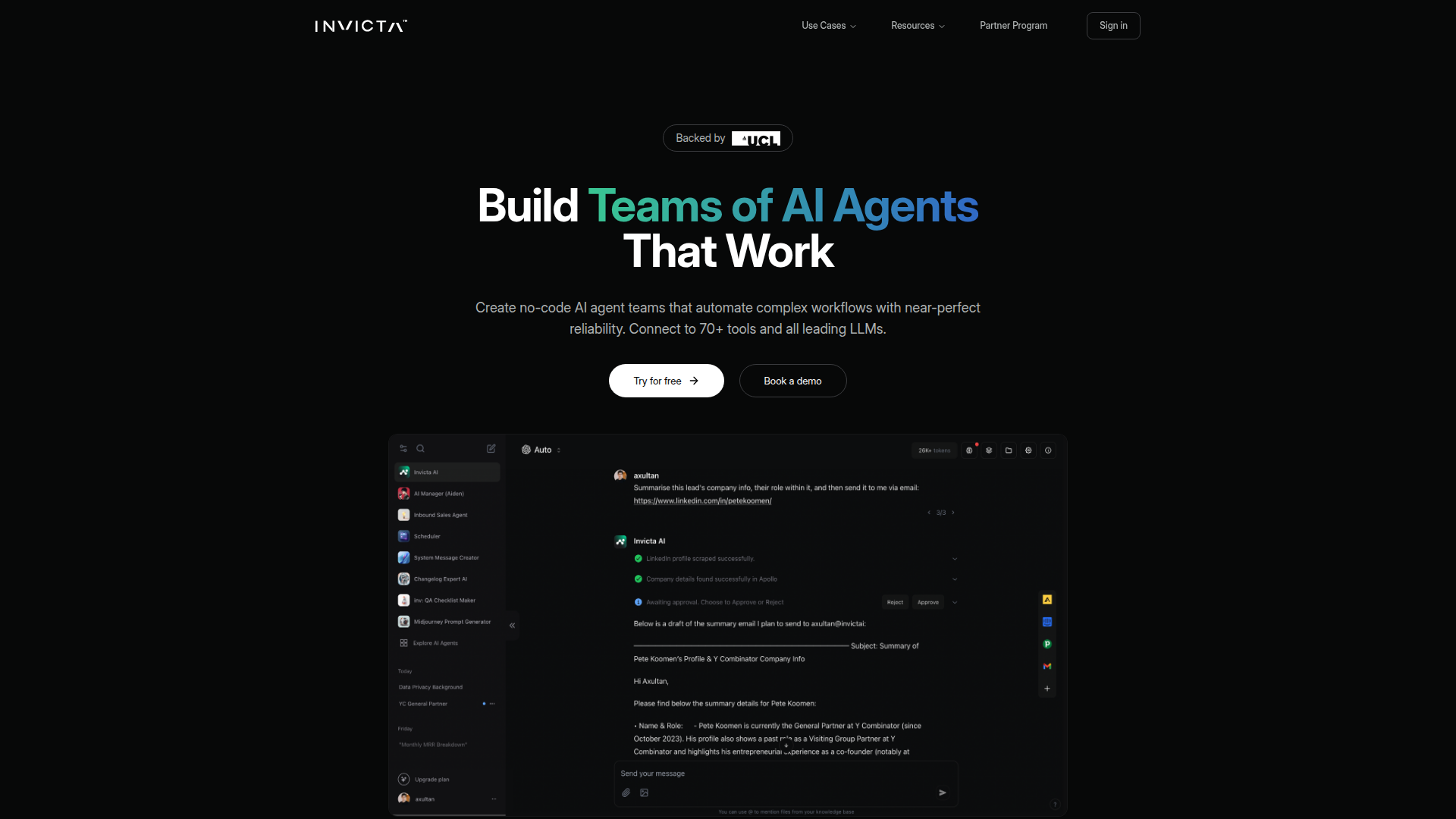
Invicta AI is a no-code platform for building and deploying teams of AI agents that automate multi-step workflows. It is positioned around tool-based agents that can connect to external systems, use leading LLMs, access a knowledge base, respond to triggers, and collaborate with other agents to complete work.
The product appears suited to businesses that want to operationalize AI across functions such as customer support, scheduling, web analysis, and operations without building the infrastructure from scratch. Its likely positioning is an AI agent orchestration platform for teams that need more than a single chatbot, including approval controls, scalable execution, and embedding options.
Features
- No-code AI agent teams — Create multiple specialized agents with defined roles so more complex workflows can be split across agents instead of handled by one general assistant.
- 70+ tool and app connections — Agents can work with systems such as Gmail, Slack, HubSpot, Airtable, Google Workspace, Notion, Stripe, and Pipedrive, which helps reduce manual cross-tool work.
- Support for leading LLMs — The platform supports several model providers including OpenAI, Anthropic, Mistral, Meta Llama, and xAI, giving teams flexibility in model choice.
- Agent building components — Agents can be configured with a knowledge base, instructions, tools, triggers, AI teammates, and LLM settings, which provides a structured setup for repeatable behavior.
- Human-in-the-loop approvals — Per-tool approval settings, custom rejection reasons, and notifications add oversight for actions that should not run fully autonomously.
- Batch mode, API, and web embedding — The platform supports large-scale agent runs, offers developer APIs for programmatic control, and includes a customizable chat widget for website deployment.
Helpful Tips
- Map workflows before building agents — This kind of platform works best when each agent has a narrow role, clear inputs, and defined handoff rules between agents.
- Use approval gates for higher-risk actions — Human review is especially useful for outbound communication, CRM updates, scheduling changes, or any workflow that affects customers directly.
- Test model and tool combinations by use case — Since the platform supports multiple LLMs and tools, evaluate reliability and cost tradeoffs for each workflow rather than standardizing too early.
- Start with template-driven processes — Prebuilt patterns such as scheduling, competitor monitoring, or task tracking can shorten implementation time and expose operational gaps quickly.
- Confirm scale and governance needs upfront — Features like seats, workspaces, admin management, analytics, and API access may matter more than chat experience alone for cross-functional deployment.
OpenClaw Skills
Invicta AI could likely fit well within an OpenClaw ecosystem as an execution layer for agent-based business workflows. Based on the page, a likely use case would be OpenClaw skills that design, launch, and supervise Invicta agent teams for support triage, meeting coordination, CRM updates, competitor monitoring, and internal operations. OpenClaw agents could also help generate system instructions, organize knowledge sources, and recommend when to use approval checkpoints.
In a broader workflow, OpenClaw could act as the planning and governance layer while Invicta AI handles configured task execution across connected tools and LLMs. This is an inferred usage pattern rather than a confirmed native integration. If implemented well, the combination could help operations, revenue, and support teams move from isolated automation to managed multi-agent processes with clearer delegation, stronger oversight, and faster rollout of repeatable AI workflows.
Embed Code
Share this AI tool on your website or blog by copying and pasting the code below. The embedded widget will automatically update with the latest information.
<iframe src="https://www.aimyflow.com/ai/invictai-io/embed" width="100%" height="400" frameborder="0"></iframe>