
Free AI Image Generator - Nano Banana Pro, Seedream 4.5 | Kovvid AI | Kovvid
Rate this Tool
Average Score
Total Votes
Select your score (1-10):
Detail Information
What
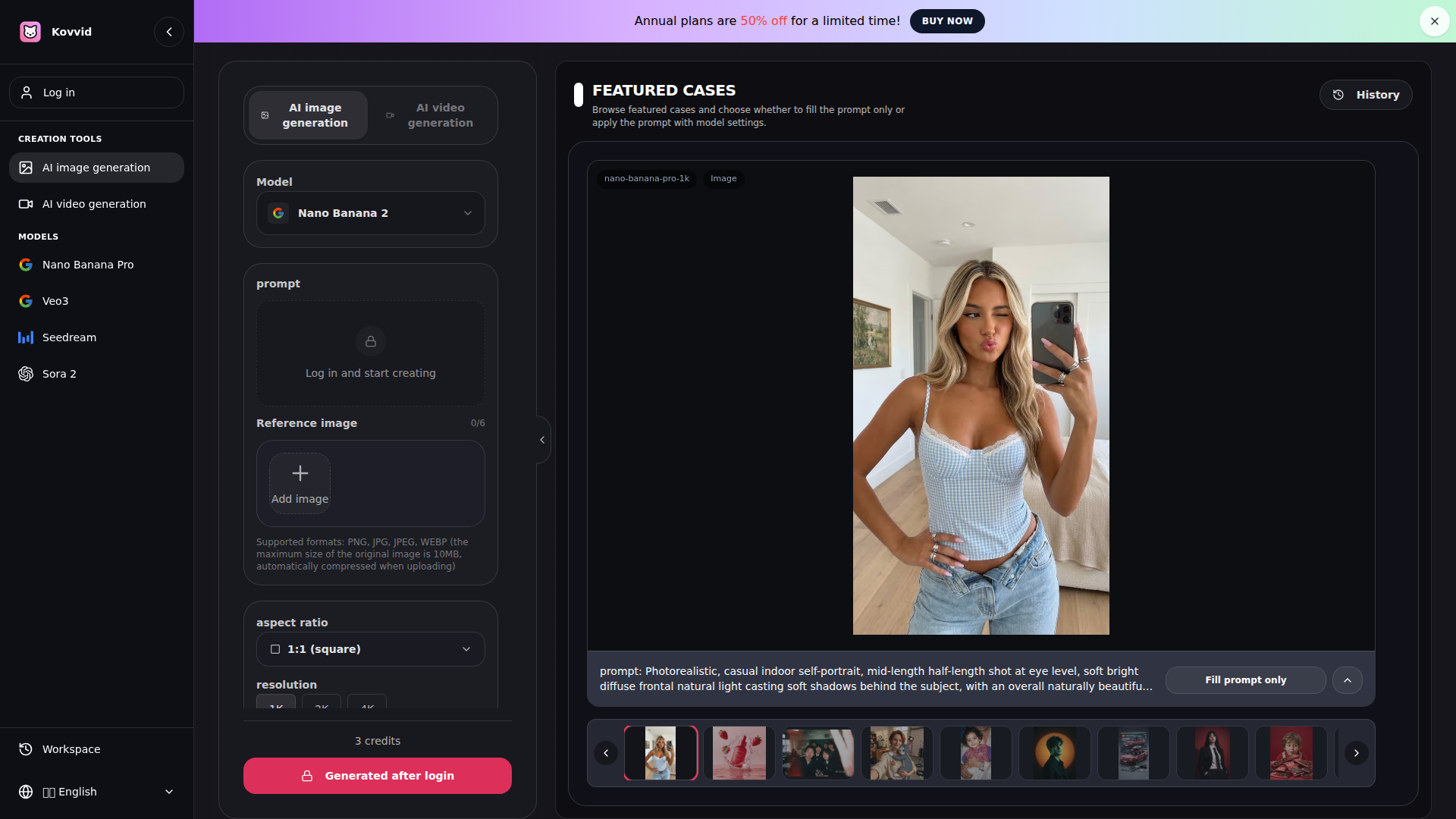
Kovvid is an online AI image generation workspace for text-to-image and image-to-image creation. It serves marketers, designers, content creators, students, and other teams that need to produce visuals such as social graphics, posters, product images, thumbnails, banners, and concept art from prompts or reference images.
The product is positioned as a one-stop creation environment that lets users compare multiple AI models in one workflow, with this page focused on image generation through Nano Banana Pro and Seedream 4.5. Its core workflow is straightforward: describe the image, choose a model and style, generate outputs, then iterate and download; account login is required, and free-tier exports include watermarks.
Features
- Text-to-image generation: Users can turn written prompts into visuals for marketing, content, design exploration, and general creative production.
- Image-to-image with reference uploads: Users can upload up to six reference images to guide composition, style, or subject consistency more closely.
- Two image models in one workspace: Nano Banana Pro and Seedream 4.5 support different priorities, with the site describing Nano Banana Pro as better for layout and typography, and Seedream 4.5 as stronger for realism.
- Configurable output settings: Users can set aspect ratio, resolution up to 4K, output quantity, and some advanced options to better match project requirements.
- Prompt examples and featured cases: The platform includes reusable examples and community-style inspiration that can help users refine prompts and model settings faster.
- Generation history and account-based workflow: After signing in, users can save history, access starting credits, and manage additional visibility-related settings.
Helpful Tips
- Match the model to the task: Based on the page, Nano Banana Pro appears better suited to posters, banners, and text-heavy layouts, while Seedream 4.5 is the safer choice for realistic portraits, landscapes, and product-style imagery.
- Use simple prompts first, then refine: Kovvid explicitly supports short prompts, so teams should begin with a clear baseline description before adding style, lighting, framing, or composition details.
- Plan for watermark and account requirements: Free use requires login and free-tier downloads include watermarks, so production teams should confirm export needs before adopting it for client-facing assets.
- Use reference images for brand or subject consistency: When consistency matters more than novelty, image-to-image inputs will likely reduce iteration time compared with prompt-only generation.
- Review privacy and visibility controls carefully: The page mentions public visibility and stronger control on paid plans, so sensitive campaign or brand work should be checked against those settings before use.
OpenClaw Skills
Within an OpenClaw ecosystem, Kovvid could likely support creative-operations agents that turn campaign briefs into image prompts, route jobs to the most suitable model, and package outputs for review. Likely skills include a prompt optimization agent for ad creatives, a brand-asset agent that generates structured banner and poster variants with Nano Banana Pro, and a content-production agent that creates thumbnail, blog, and social image drafts from editorial calendars.
This combination could be especially useful for marketing, design, and content teams that need high output volume without constant tool switching. While the page does not state a native OpenClaw integration, a likely workflow would connect brief intake, visual generation, approval steps, and asset organization into one automated loop, reducing manual prompt writing and making image generation a more repeatable part of day-to-day campaign production.
Embed Code
Share this AI tool on your website or blog by copying and pasting the code below. The embedded widget will automatically update with the latest information.
<iframe src="https://www.aimyflow.com/ai/kovvid-com-en-ai-image-generator/embed" width="100%" height="400" frameborder="0"></iframe>