
Free AI Video Generator: Create AI Videos in 1 Min | KreadoAI
Rate this Tool
Average Score
Total Votes
Select your score (1-10):
Detail Information
What
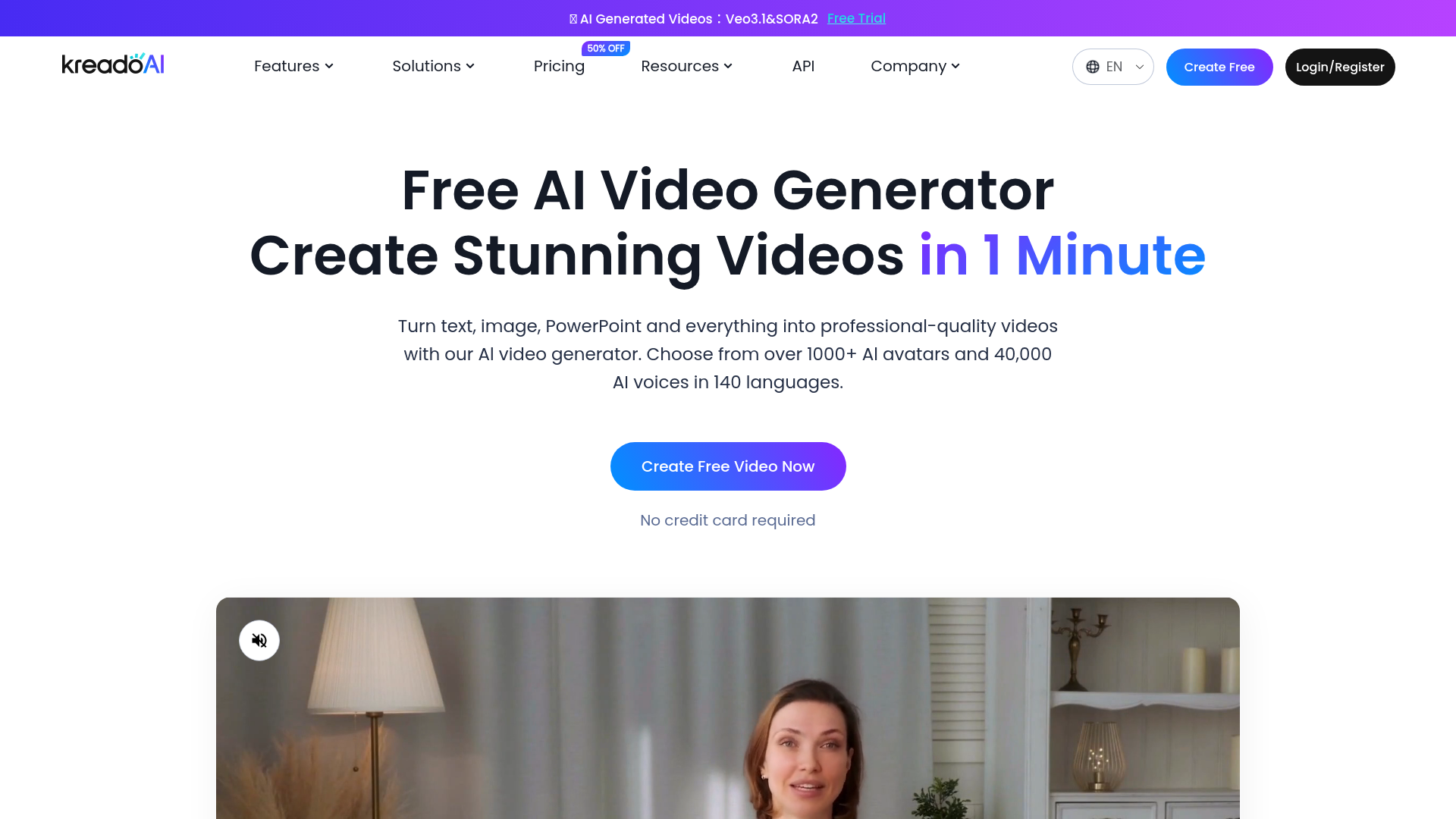
KreadoAI is an AI video generation platform that turns text, images, PowerPoint files, PDFs, URLs, and other inputs into videos with AI avatars and synthetic voices. The product is positioned as a fast, lower-production-overhead alternative to traditional video creation, with tools for script generation, avatar-based presentation, voice generation, editing, and multilingual localization.
It appears to serve marketing, localization, education, training, and healthcare teams that need to produce or refresh video content at scale. The core workflow is straightforward: choose or create an avatar, enter a script and voice, customize the layout and media, then generate and export the video for sharing.
Features
- AI avatar video creation: Build presenter-style videos using a library of 1,000+ digital avatars or custom avatars, which helps teams produce talking-head content without filming.
- Multilingual AI voices and text-to-speech: Generate voiceovers from scripts using 40,000 voices across 140+ languages, supporting localization and multilingual content production.
- Custom avatar and voice cloning: Create avatar clones from a webcam and clone voices for dubbing or branded narration, which can reduce repeat production effort for recurring content formats.
- Multiple input-to-video workflows: Convert text, photos, slides, PDFs, and URLs into videos, making the platform useful for repurposing existing marketing, training, or presentation materials.
- Built-in video editing tools: Edit videos with features such as trimming, background removal, transitions, stickers, music, face swaps, and script generation inside the same environment.
- Image and creative asset tools: Generate avatar images from text, create image-to-video outputs, and remove image backgrounds, which helps teams assemble visual assets without separate design tools.
Helpful Tips
- Validate avatar and voice realism against your use case: For customer-facing or regulated communications, test a few representative scripts to confirm lip-sync quality, tone, and language accuracy before wider rollout.
- Assess source-to-video fit by content type: URL, slide, and document conversion can speed production, but structured materials usually need editorial review to ensure pacing, hierarchy, and message clarity in video form.
- Plan governance for cloned identities: If using custom avatars or voice cloning, define internal approval and consent processes early, especially when personal likeness or branded spokesperson formats are involved.
- Use the platform’s multilingual range strategically: Broad language coverage is valuable, but teams should still review localized terminology, cultural fit, and pronunciation for high-stakes campaigns or training content.
- Compare editor depth with your production needs: KreadoAI includes many creation and editing functions, but buyers with advanced post-production requirements should confirm whether the built-in editor is sufficient for their workflow.
OpenClaw Skills
KreadoAI could likely fit well into the OpenClaw ecosystem as a downstream content generation layer for agents that prepare scripts, localization variants, product messaging, or training materials. Likely OpenClaw skills could include a campaign-video agent that turns product pages into short avatar videos, a training-content agent that converts SOPs or slide decks into narrated modules, or a localization agent that prepares multilingual scripts before passing them into KreadoAI for video generation. The source page mentions an API, which suggests automation potential, but specific integration details are not provided here.
Combined with OpenClaw, this type of platform could shift video production from a manual creative task to a more operational workflow for marketing, enablement, education, and support teams. A likely use case is an agent chain that monitors updated webpages or product documentation, rewrites them into video-ready scripts, assigns the right avatar and language version, and queues outputs for review. For organizations that publish frequent updates, that could turn video into a repeatable knowledge-delivery format rather than a one-off studio project.
Embed Code
Share this AI tool on your website or blog by copying and pasting the code below. The embedded widget will automatically update with the latest information.
<iframe src="https://www.aimyflow.com/ai/kreadoai-com/embed" width="100%" height="400" frameborder="0"></iframe>