
Krikey AI Animation Generator, Animation Maker & Free AI Cartoon Video Generator
Rate this Tool
Average Score
Total Votes
Select your score (1-10):
Detail Information
What
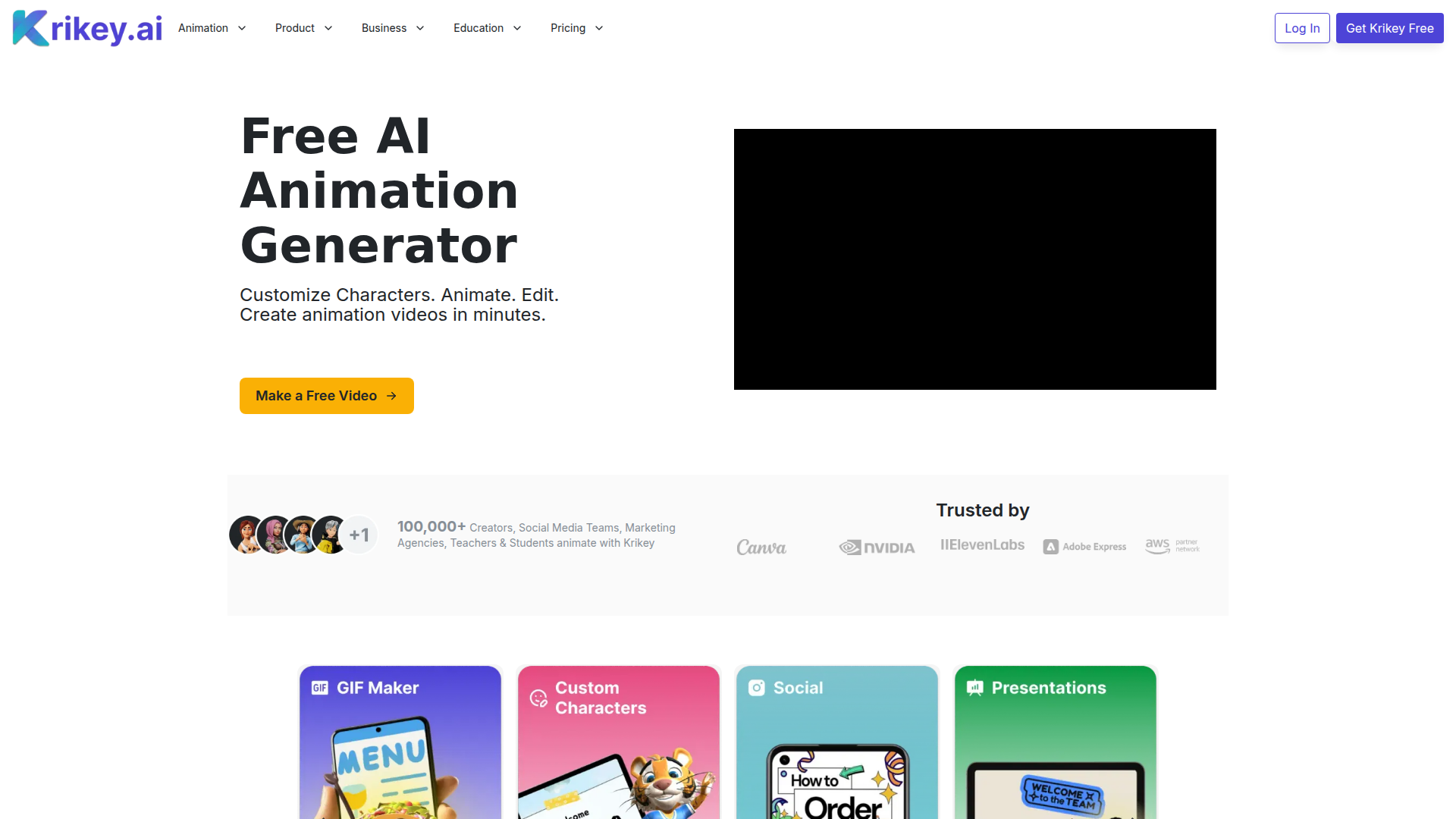
Krikey AI Animation Generator is a browser-based AI animation and cartoon video maker for creating 3D avatar-based videos, GIFs, and animated content with little or no animation experience. It is aimed at individual creators, social media teams, marketers, teachers, students, and larger organizations that want a faster way to produce animated visual content.
The core workflow centers on customizing characters, adding scripts or voiceovers, generating animation from text or video prompts, editing in a no-code 3D video editor, and exporting in multiple formats and aspect ratios. Based on the page, Krikey appears positioned as an accessible, template-driven animation platform that serves both creative and business use cases, from presentations and lesson plans to social media, invitations, and NPC concept videos.
Features
- AI animation from text or video prompts — Users can generate 3D avatar animations quickly without traditional animation skills, which reduces production complexity for short-form visual storytelling.
- Custom 3D characters and avatars — The platform supports creating and customizing cartoon-style characters, helping teams and individuals build more distinctive branded or thematic content.
- AI voiceover, text-to-speech, and lip sync — Dialogue can be added to talking avatars and translated/exported in multiple languages, which is useful for multilingual communication and broader audience reach.
- No-code 3D video editor — Built-in editing tools let beginners assemble animated videos, backgrounds, text, and scenes in a browser-based workflow.
- Templates for recurring content — Prebuilt and user-saved templates can speed up production for lesson plans, presentations, tutorials, demos, invitations, and social media posts.
- Flexible export and sharing options — The page states support for social sharing, multiple aspect ratios, and formats such as GIF, MP4, FBX, and PNG, which helps adapt content to different channels and production needs.
Helpful Tips
- Validate output quality by use case — Krikey is clearly optimized for fast avatar-driven animation, so teams should test whether its style and realism fit their brand, classroom, or game-content requirements.
- Standardize templates early — For marketing, education, or internal content, reusable templates can improve consistency and reduce editing time across repeated video formats.
- Review multilingual workflows carefully — The platform highlights translation and text-to-speech, but teams should still check pronunciation, lip sync quality, and tone for each target language before publishing.
- Match the plan to collaboration needs — The site distinguishes individual, team, and enterprise options, so buyers should assess whether they need collaboration features, brand consistency workflows, or custom model training.
- Use it where speed matters most — This type of tool is likely strongest for explainers, promos, lesson visuals, social content, and concept storytelling rather than highly bespoke cinematic animation.
OpenClaw Skills
Krikey could fit well into the OpenClaw ecosystem as a content generation endpoint inside broader creative and operational workflows. Likely OpenClaw skills could include script-to-animation agents, campaign asset generators, multilingual training-video workflows, lesson-plan video builders, and social post variants that turn one message into several animated outputs formatted for different channels.
For gaming, education, and marketing teams, OpenClaw could orchestrate upstream tasks such as storyboard drafting, script writing, localization, and asset briefing before handing production steps to Krikey. If native integration is not stated, this should be treated as a likely workflow pattern rather than a confirmed capability. In practice, that combination could help non-technical teams move from idea to animated communication faster, with agents handling repetitive planning and versioning while Krikey handles the avatar-based visual layer.
Embed Code
Share this AI tool on your website or blog by copying and pasting the code below. The embedded widget will automatically update with the latest information.
<iframe src="https://www.aimyflow.com/ai/krikey-ai/embed" width="100%" height="400" frameborder="0"></iframe>
Explore Similar Tools
Adobe Podcast | AI audio recording and editing, all on the web
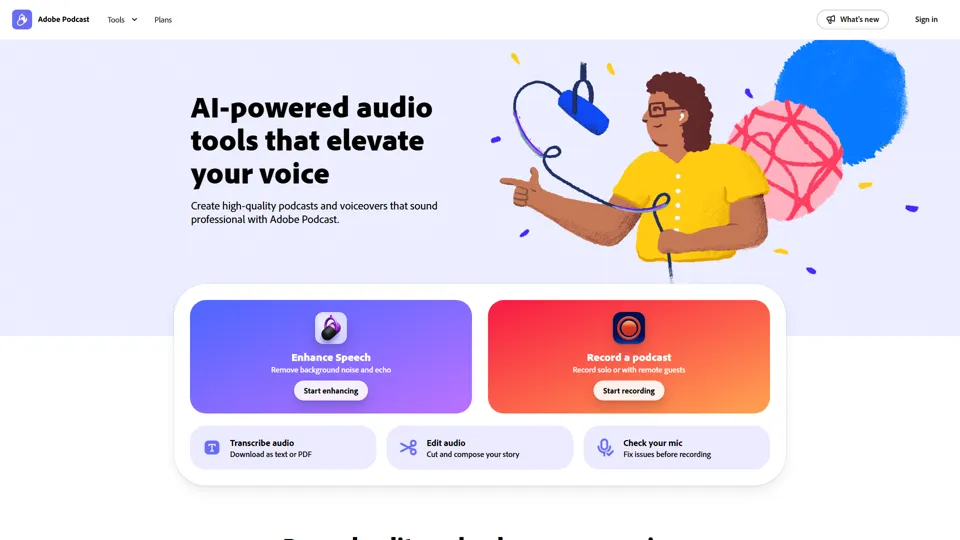
Adobe Podcast is a web-based AI audio recording and editing tool that helps users record, transcribe, enhance, and share spoken content, mainly for podcasters, creators, and teams producing voice media. It reduces cleanup and editing time, letting audio producers and marketers publish clearer content faster.
Prezi | AI presentations that engage your audience in minutes
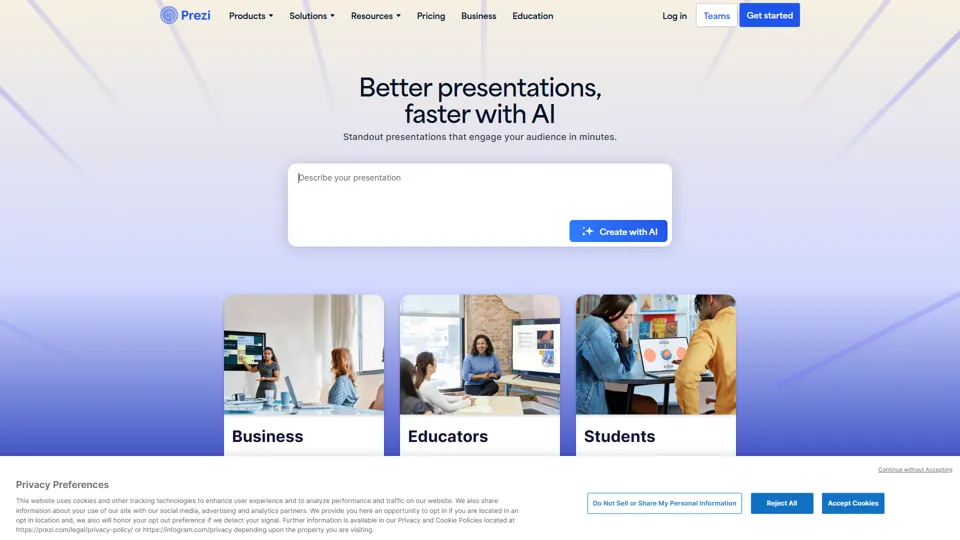
Prezi is a presentation platform with AI features that helps users create engaging, interactive presentations quickly, mainly for business professionals, educators, and sales teams. It helps presenters turn ideas into clearer narratives faster, improving audience engagement without heavy design work.
Best AI Video Generator | AI STUDIO
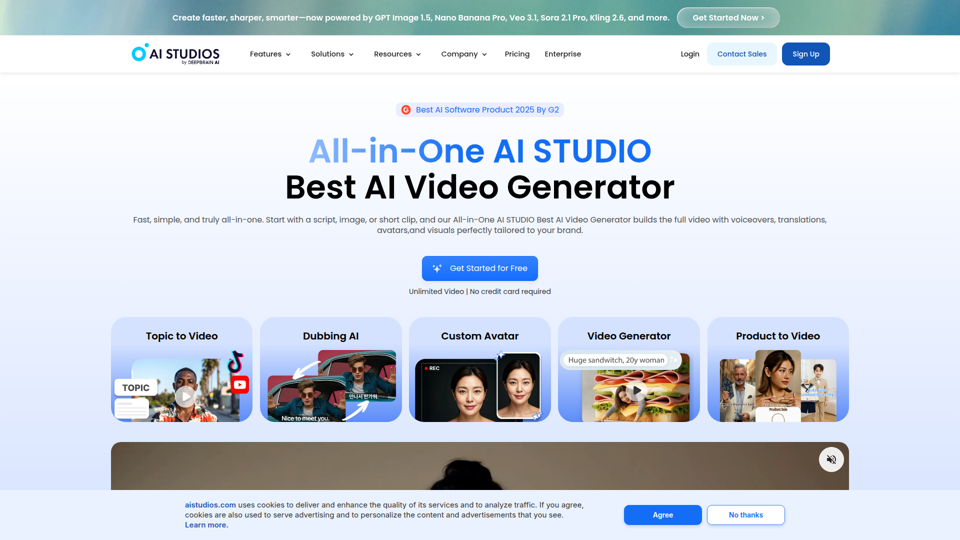
AI Studios is an AI video generator that helps users create, edit, dub, translate, and publish videos from text, documents, URLs, images, or product pages, mainly for training teams, marketers, and content creators. For learning, marketing, and video production roles, it can speed multilingual video workflows with AI avatars, voice cloning, and reusable templates in one workspace.
Prolific | Easily collect high-quality data from real people
Prolific is a research platform that helps users collect high-quality human participant data, mainly for researchers, AI developers, and organizations running studies or evaluations. Reliable human feedback improves model testing and research quality, helping teams make better evidence-based decisions.
Invideo AI - Create videos without limits
InVideo is an AI video creation platform that helps users make and edit videos, avatar content, and product ads, mainly for marketers, creators, and small business teams. It reduces production time for content roles that need frequent, high-volume video output.
Apple Creator Studio - Apple
Apple Creator Studio is an Apple subscription that bundles Final Cut Pro, Logic Pro, Pixelmator Pro, and enhanced productivity app features to help creators make videos, music, images, graphics, and documents, mainly for creative professionals, students, and educators using Mac and iPad. For video editors, designers, musicians, and content teams, its AI-assisted search, editing, and drafting tools can reduce repetitive production work and speed up moving from concept to finished assets.
Stock Images, Photos, Vectors, Video, and Music | Shutterstock
Shutterstock is a stock media marketplace offering licensed images, videos, music, and creative assets to help businesses and creators produce visual content efficiently. In the AI era, it gives marketers and designers faster access to scalable content inputs for campaigns, branding, and multimedia production.
Suno AI Music Generator - Create AI Songs & Music Fast
Suno AI Music Generator is an AI song creation tool that helps users produce original music across styles quickly, mainly for content creators, indie artists, and social media marketers. In the AI era, it shortens the path from concept to soundtrack, helping creative roles publish audio-led content at higher speed.