
Magnific AI — The magic image Upscaler & Enhancer
Rate this Tool
Average Score
Total Votes
Select your score (1-10):
Detail Information
What
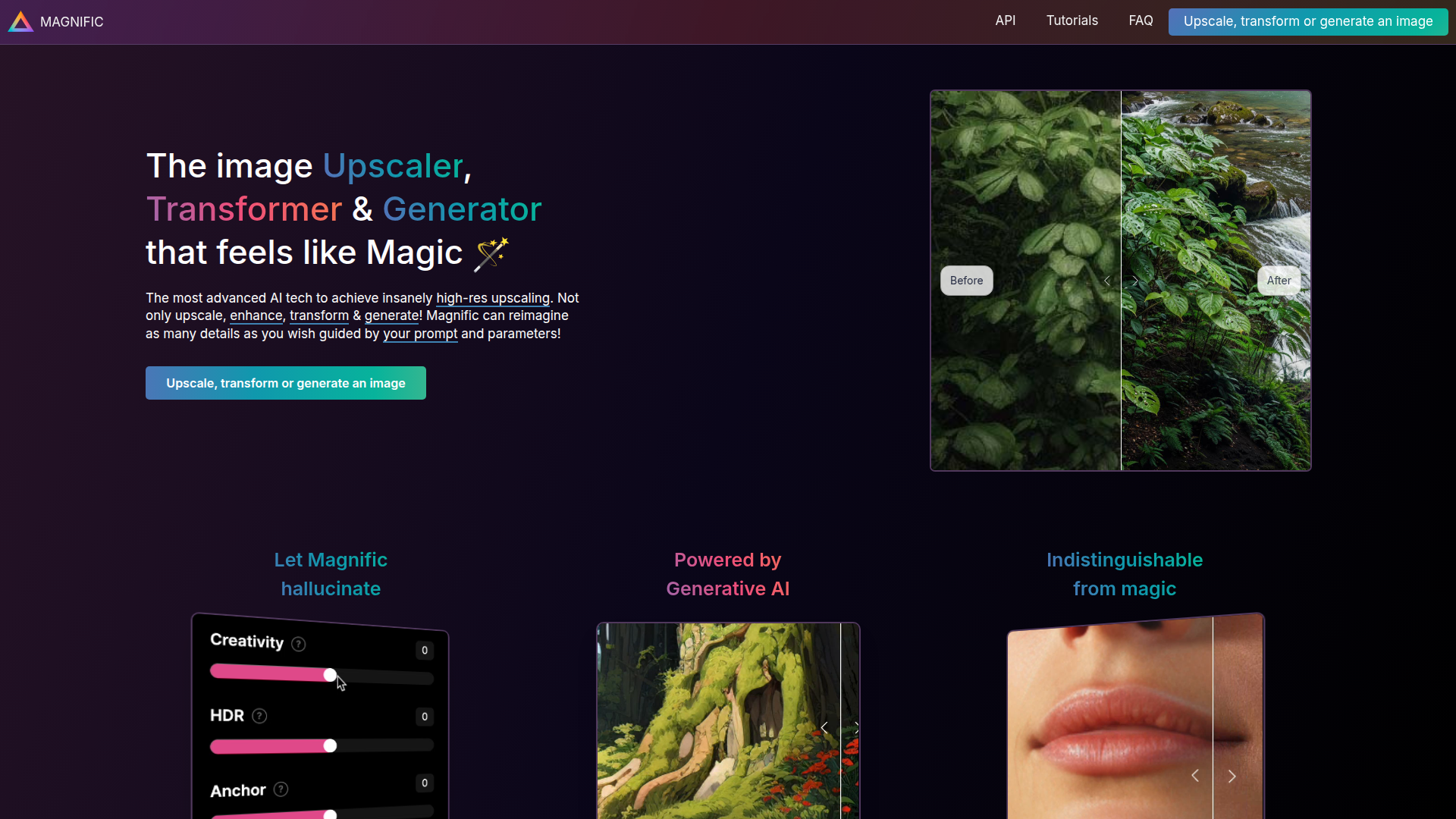
Magnific AI is an AI image upscaler, enhancer, transformer, and generator. Its core workflow is to take an existing image, increase its resolution, and optionally add or reinterpret visual detail using generative AI guided by text prompts and adjustable controls.
The product appears aimed at creators and visual professionals such as photographers, graphic designers, illustrators, digital artists, AI image creators, and teams producing marketing or presentation visuals. Based on the page, Magnific is positioned as a high-end creative enhancement tool for users who want more than standard resizing and are comfortable balancing fidelity against AI-generated reinterpretation.
Features
- AI upscaling — Converts images into higher-resolution versions for use cases that need more pixel density and sharper output.
- Detail enhancement with generative AI — Adds new visual detail during upscaling, which can make portraits, illustrations, landscapes, renders, and other image types appear richer.
- Prompt-guided image transformation — Lets users steer the result with natural-language descriptions, giving more control over style and detail emphasis.
- Creativity control — A dedicated slider adjusts how much the system “hallucinates” new details, helping users choose between conservative enhancement and stronger reinterpretation.
- Additional tuning controls — The FAQ mentions HDR and Resemblance sliders, which appear to help manage artifacts and preserve alignment with the source image.
- Broad image-type coverage — The examples shown span portraits, illustrations, video game assets, films, architecture, interior design, food, and 3D renders, indicating flexible applicability across creative workflows.
Helpful Tips
- Validate output fidelity early — For production use, test the balance between enhancement and source accuracy, since the product explicitly generates new details rather than only sharpening existing ones.
- Start with conservative settings — The page notes that artifacts can appear when Creativity or HDR is set too high or Resemblance is not configured well.
- Use prompts as a precision tool — A clear text prompt is likely most useful when you want the upscale to reinforce a specific visual style or subject detail.
- Separate restoration from reinterpretation use cases — Teams handling archival, documentary, or evidence-sensitive images should be careful, because generated details may not reflect original ground truth.
- Assess fit by workflow type — This product is especially relevant where visual richness and large-format output matter more than strict pixel-faithful reconstruction.
OpenClaw Skills
Within the OpenClaw ecosystem, Magnific AI could likely serve as a specialized image enhancement step inside larger creative or content-production workflows. Likely agent patterns include a design-production agent that takes rough AI generations or draft visuals, prepares prompts and parameter presets, sends assets for enhancement, and then routes results into review queues for marketing, publishing, or art-direction teams. The source page does not confirm a native OpenClaw integration, so this should be treated as a workflow inference rather than a documented capability.
This combination could be especially useful for creative operations, game art pipelines, architecture visualization, ecommerce imagery, and social content production. OpenClaw skills could likely automate repetitive decisions such as choosing enhancement profiles by image type, flagging outputs that drift too far from the source, or generating prompt variants for portrait, product, or environment imagery. In practice, that could shift creative teams from manual image-by-image refinement toward semi-automated visual finishing systems with human review focused on taste, brand fit, and factual accuracy.
Embed Code
Share this AI tool on your website or blog by copying and pasting the code below. The embedded widget will automatically update with the latest information.
<iframe src="https://www.aimyflow.com/ai/magnific-ai/embed" width="100%" height="400" frameborder="0"></iframe>
Explore Similar Tools
MyShell AI | Build, Share, and Own AI Image Generative APP
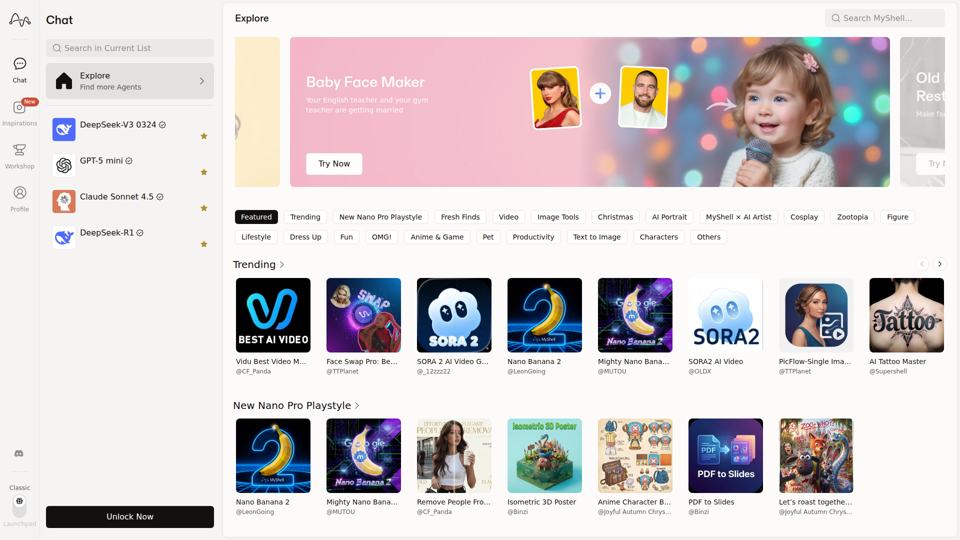
MyShell AI is a web platform for building, sharing, and exploring AI image and video generation apps, helping creators and general users make edits, filters, portraits, memes, and media experiments. For designers, marketers, and content creators, it can speed up concepting and asset variation by turning routine visual tasks into reusable AI workflows.

Midjourney
Midjourney is a community-funded research lab that builds AI image and video models, helping people explore creative ideas and new visual mediums, mainly for artists, designers, and other creative professionals. As AI-generated visuals become part of everyday workflows, tools like Midjourney can help creative teams prototype concepts and communicate ideas faster.
AI Magic Editor: Text-to-Image Editing & Generative Fill | EzEditor
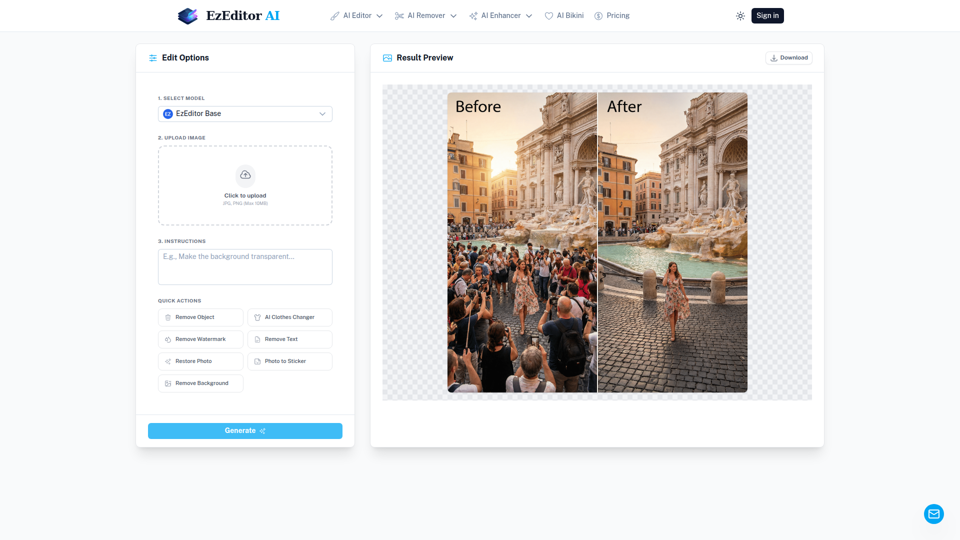
EzEditor AI Magic Editor is a browser-based AI photo editing tool that lets users edit images with text prompts for tasks like generative fill, object removal, clothing changes, and image expansion, mainly for creators and marketers who need quick visual edits without manual masking. In AI-assisted content workflows, it can help social media, design, and marketing teams produce faster image variations and format-ready assets with less manual retouching.
Challenges | Test Your AI Prompting Skills
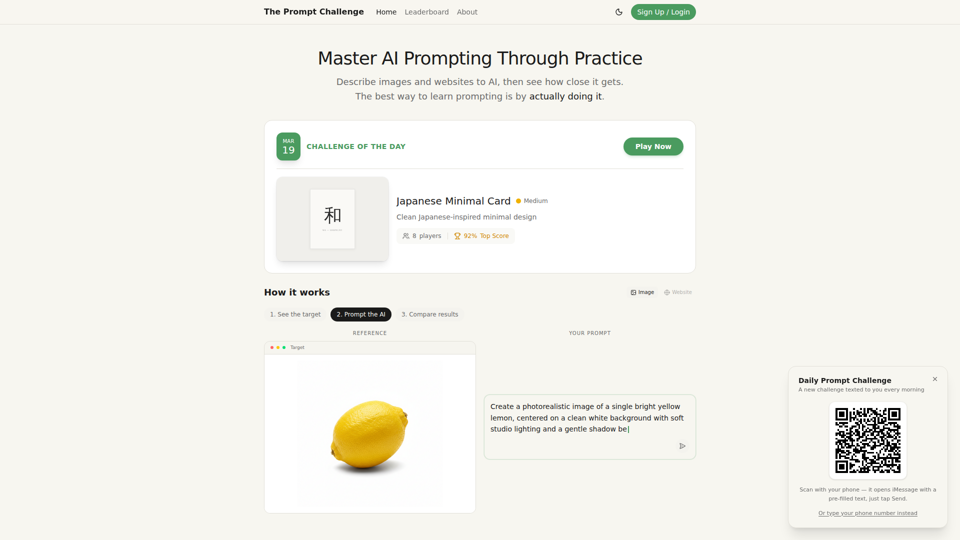
The Prompt Challenge is a practice platform that helps users improve AI prompting by describing images and websites, comparing AI-generated results to references, and competing on scores, mainly for people learning prompt engineering and hands-on AI creation. For designers, developers, and AI practitioners, this kind of repeatable prompt testing can sharpen instruction-writing skills and improve consistency when using generative tools for visual and interface work.
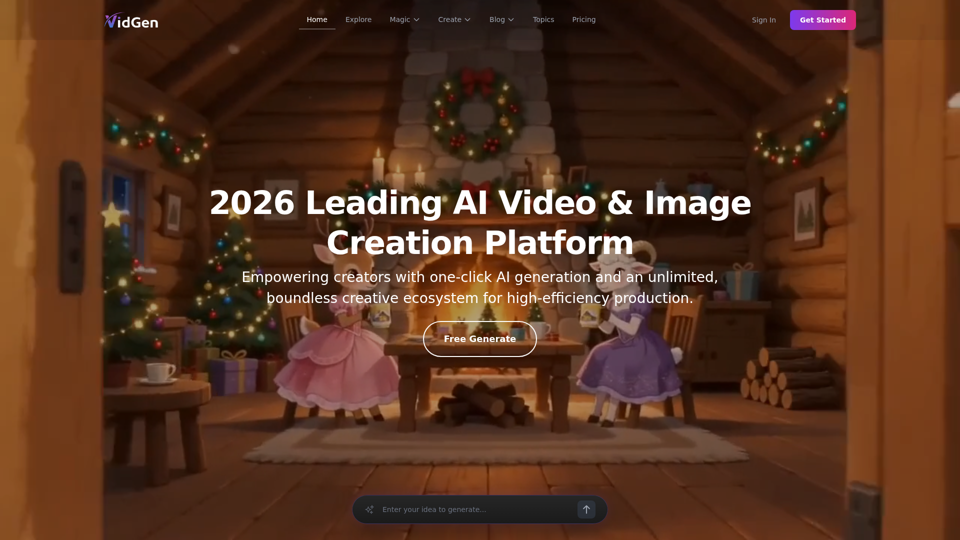
AI Image&Video Describer - Unlimited AI Model - VidGen
VidGen is an AI image and video creation platform that helps creators generate visual content, apply AI effects, and explore multiple generation models, mainly for digital artists, designers, and professional content creators. In AI-driven creative workflows, it can speed up ideation and production for visual teams by reducing the time needed to prototype, animate, and refine concepts.
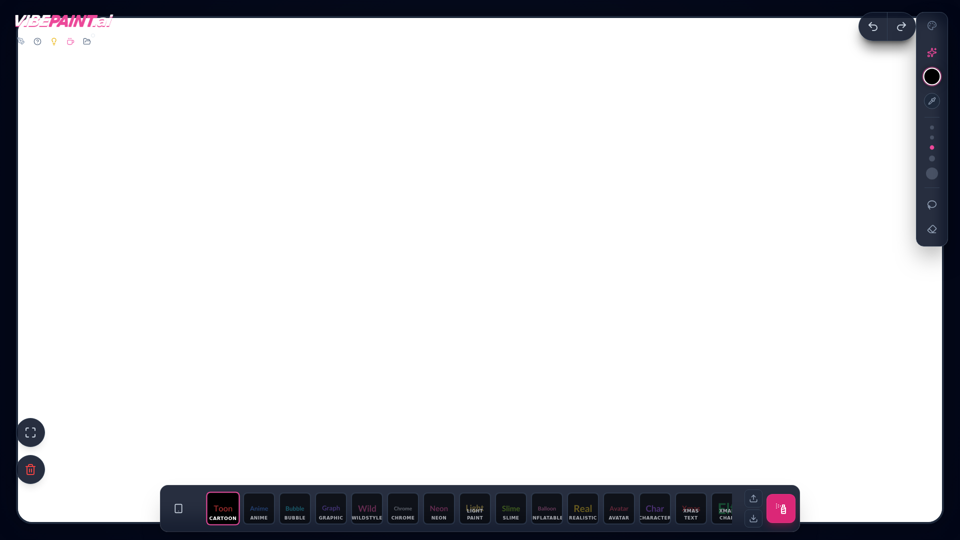
VibePaintAI
VibePaintAI is an AI image creation tool that helps users generate stylized visuals and text in looks such as cartoon, anime, graffiti, chrome, neon, realistic, and avatar styles, mainly for designers, digital artists, and content creators. In AI-assisted creative workflows, it can help visual professionals quickly explore multiple aesthetic directions for graphics, characters, and themed artwork.
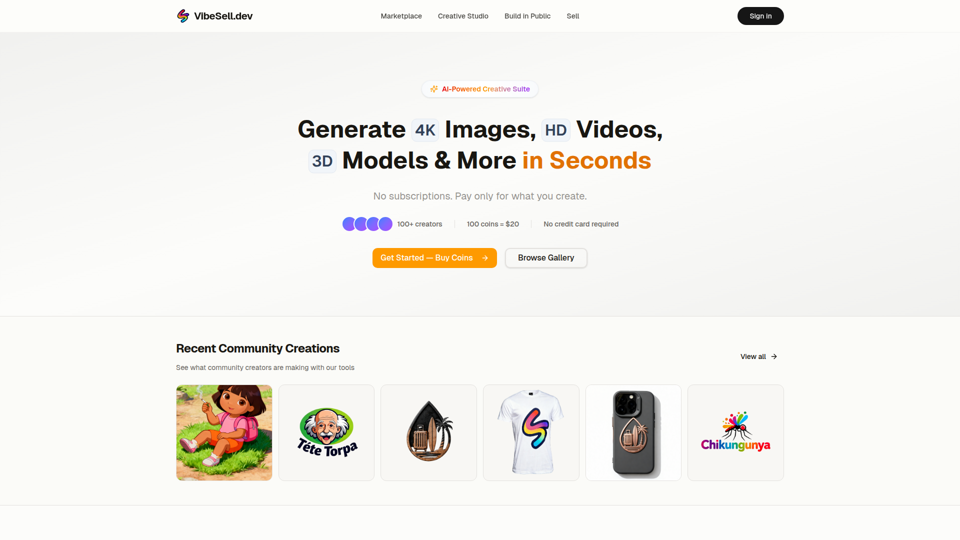
Creative Studio - AI Image, Video & 3D Model Generator | VibeSell.dev
VibeSell Creative Studio is an AI-powered creative suite that helps creators generate 4K images, HD videos, 3D models, audio, logos, mockups, and custom LoRA models, mainly for designers, marketers, and e-commerce sellers. In AI-assisted workflows, it can help creative and marketing teams produce visual assets, ad creatives, and product imagery faster while reducing manual editing for routine production tasks.
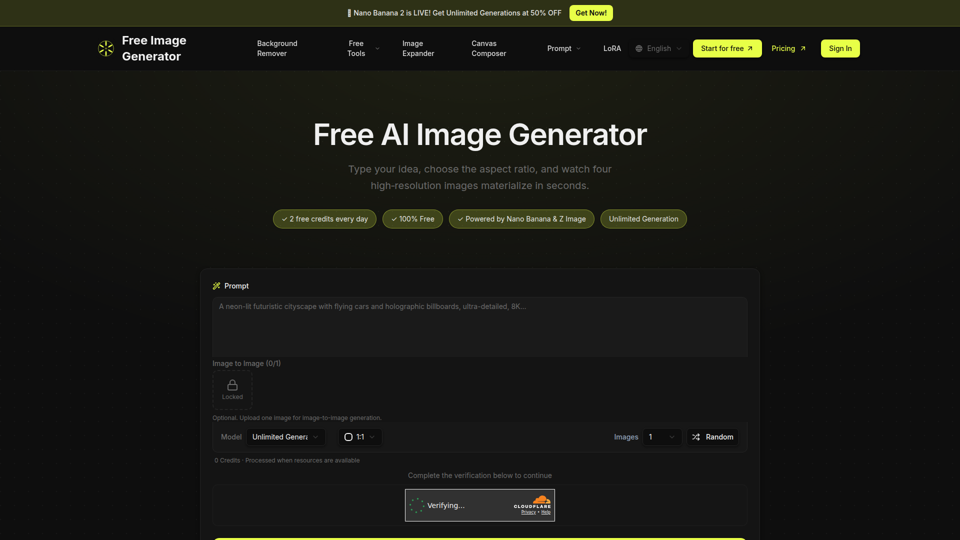
Free Image Generator - AI Powered Image Creation
Free Image Generator is an AI image creation tool that turns text prompts into multiple high-resolution images with adjustable aspect ratios and simple image-to-image options, mainly for creators, marketers, and people who need visuals quickly without design skills. In AI-assisted content workflows, it can help marketing and creative teams test visual concepts faster by generating several image variations at once for social posts, thumbnails, and campaign assets.