
Download desktop app - Manus
Rate this Tool
Average Score
Total Votes
Select your score (1-10):
Detail Information
What
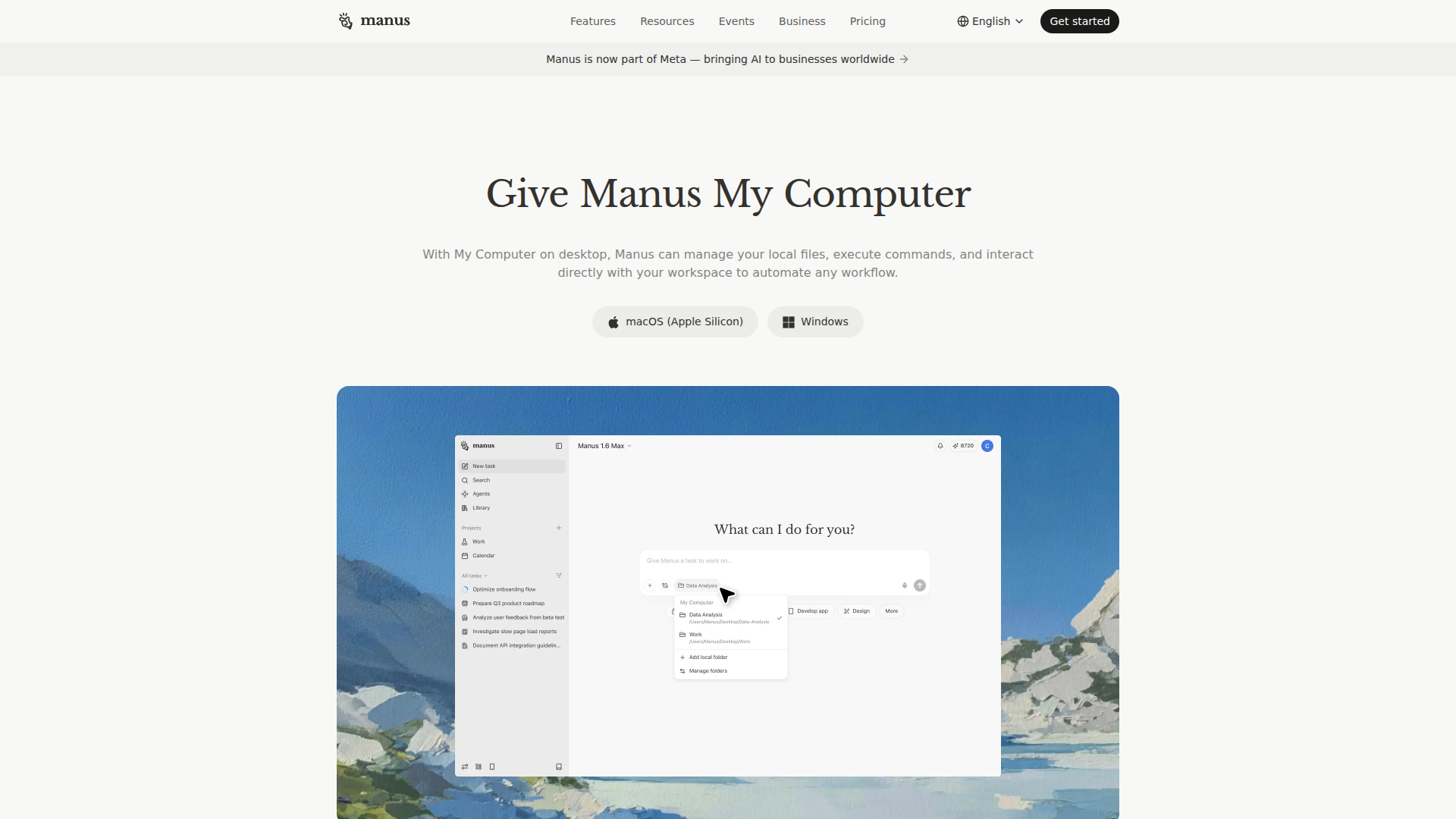
Manus is an AI work assistant with a desktop app feature called My Computer that lets the agent operate directly inside a user’s local workspace. Based on the page content, it can access local files, execute commands, and continue tasks across devices while using available computer resources in the background.
The product appears suited to business users and knowledge workers who want to automate computer-based workflows with less manual file handling and task switching. Its positioning is likely an AI productivity and workflow automation platform that extends beyond a web app into direct desktop and device-level task execution.
Features
- Local workspace control: My Computer lets Manus manage local files and interact directly with the desktop workspace, which supports automation for tasks that depend on files and on-device actions.
- Command execution: The product can execute commands on the user’s computer, making it useful for workflows that require system-level steps rather than only browser-based assistance.
- File organization: Manus can automatically organize, rename, and tag files, helping users keep documents structured and easier to retrieve.
- Cross-device task continuity: Manus can continue work across multiple devices by understanding task progress, which reduces interruptions when users switch contexts.
- Background task processing: The system runs tasks in the background and uses idle compute capacity, allowing work to continue without requiring constant user attention.
- Desktop availability on major platforms: The page lists support for macOS on Apple Silicon and Windows, indicating desktop access for common business operating environments.
Helpful Tips
- Validate device-level permissions early: For tools that access local files and execute commands, review internal security policies and endpoint permissions before wider rollout.
- Start with repetitive desktop workflows: The clearest early value usually comes from recurring tasks such as file cleanup, document handling, and command-based routines.
- Define guardrails for file operations: If the tool can rename, tag, or organize files, teams should set folder rules and naming conventions to avoid unwanted changes.
- Assess where web and desktop workflows differ: Buyers should check which business processes actually require local-device access rather than a standard browser assistant.
- Pilot cross-device use cases: Teams that work across laptops and mobile contexts may benefit most from continuity features, but this should be tested in real day-to-day workflows.
OpenClaw Skills
Within the OpenClaw ecosystem, Manus could likely be used as an execution layer for desktop-oriented agent workflows. A likely use case would be OpenClaw skills that trigger Manus-driven file handling, command execution, or multi-step background tasks after an upstream event such as an email, ticket, document upload, or research handoff. The page does not confirm a native OpenClaw integration, so this should be treated as a workflow design inference rather than a stated capability.
This combination could be especially useful for operations, IT-adjacent teams, analysts, and back-office knowledge workers who still depend on local files and desktop processes. OpenClaw agents could likely orchestrate intake, reasoning, approvals, and routing, while Manus handles the on-computer execution step; together, that could shift more manual work from fragmented desktop routines into structured, semi-autonomous workflows.
Embed Code
Share this AI tool on your website or blog by copying and pasting the code below. The embedded widget will automatically update with the latest information.
<iframe src="https://www.aimyflow.com/ai/manus-im-desktop/embed" width="100%" height="400" frameborder="0"></iframe>
Explore Similar Tools
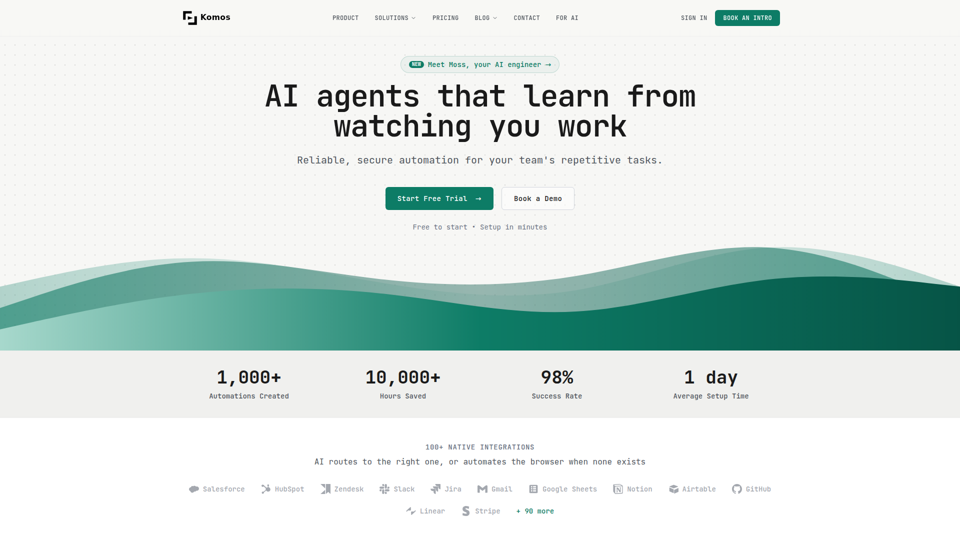
Komos – AI That Runs Your Repetitive Work
Komos is an AI automation platform that learns repetitive browser and SaaS tasks by watching users work, then builds editable workflows and APIs for teams in operations-heavy functions such as legal, finance, healthcare, HR, and supply chain. In AI-enabled operations, it can help specialists reduce manual portal work, document handling, and compliance steps while keeping workflows visible, auditable, and under team control.
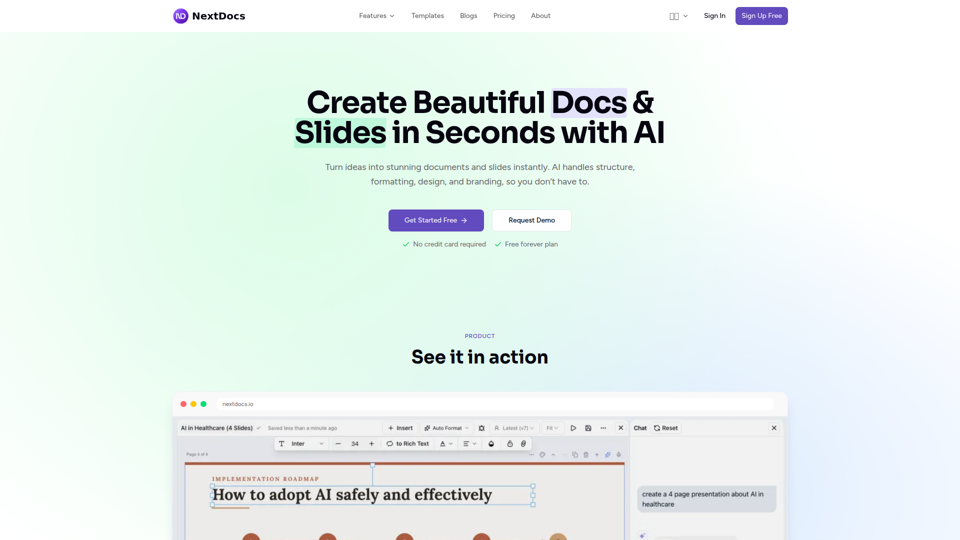
Create Beautiful Docs & Slides in Seconds with AI
NextDocs is an AI document and presentation creation tool that helps professionals and teams turn prompts into branded docs, slides, social posts, proposals, reports, and contracts with built-in editing, research, and export options. For roles like project managers, marketers, founders, and sales teams, it can reduce manual formatting and versioning work so more time goes to reviewing content and making decisions.
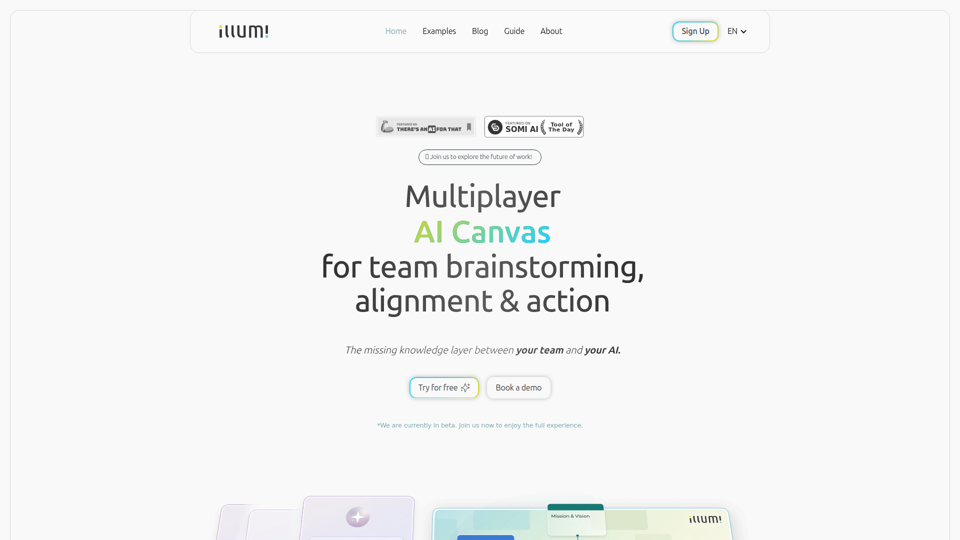
illumi - AI Canvas for Leading Team Work
illumi is a multiplayer AI canvas and whiteboard that helps teams gather context, brainstorm, align decisions, and co-create outputs with multiple AI models in one shared workspace, mainly for teams doing collaborative planning and knowledge work. For team leads, strategists, and cross-functional contributors, it can improve AI-driven work by preserving shared context so generated drafts and decisions reflect the full discussion instead of fragmented prompts.
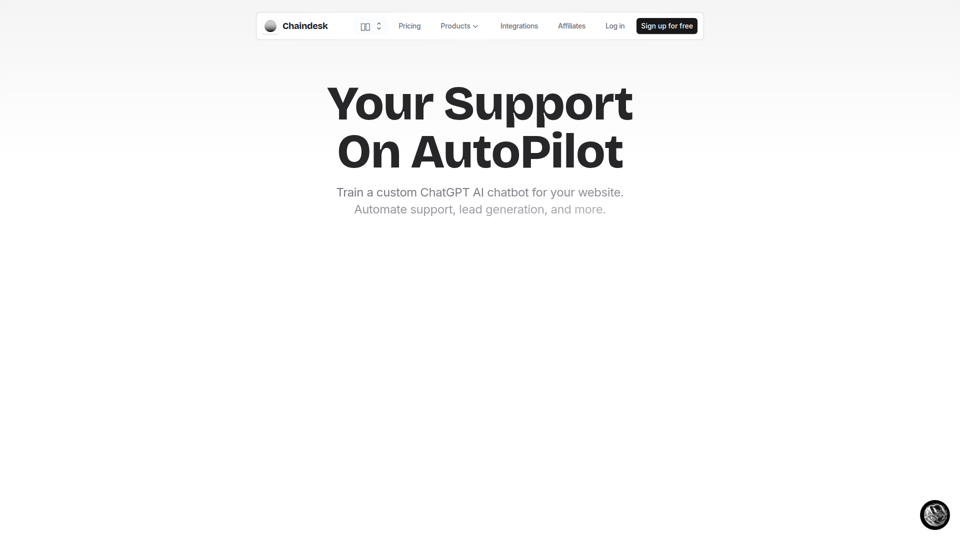
Chaindesk - Build a ChatGPT AI Chatbot for your website
Chaindesk is a no-code platform for building custom AI chatbots trained on company data to automate website support, lead generation, and team workflows, mainly for customer support and operations teams. In AI-enabled support environments, it can help service and success professionals reduce repetitive tickets while keeping answers aligned with their knowledge base and escalating conversations to humans when needed.
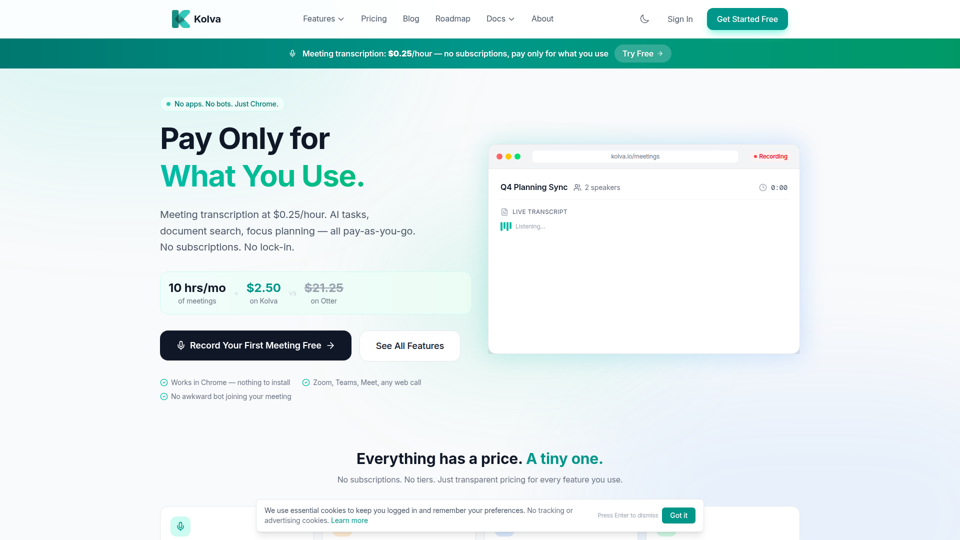
Kolva - Pay Only for What You Use | Meetings, Tasks & Docs
Kolva is a Chrome-based productivity tool that provides meeting transcription and summaries, AI-powered task management, document search, and focus planning on a pay-as-you-go model, mainly for professionals and teams who want lightweight support for meetings, tasks, and docs without subscriptions. For managers, operations staff, and knowledge workers, it can turn web meetings and scattered documents into searchable notes, action items, and next steps with lower overhead than always-on software.
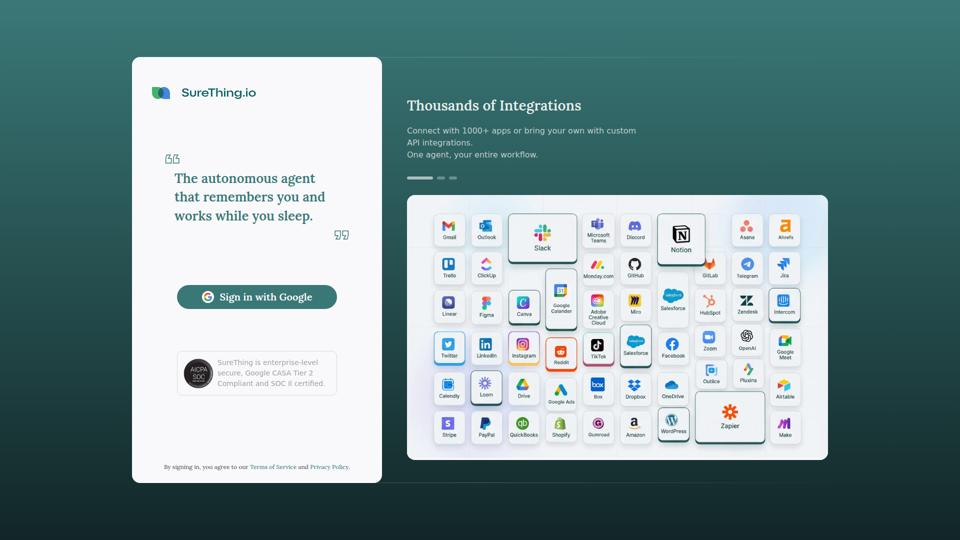
SureThing - Autonomous AI Agent | The Extension of Self
SureThing is an autonomous AI agent that remembers user context and helps automate entire workflows across 1,000+ apps, aimed at users who want a persistent agent to work continuously on connected tasks. For operations-heavy roles and individual professionals, this kind of always-on AI agent can reduce manual handoffs and keep recurring processes moving outside normal working hours.
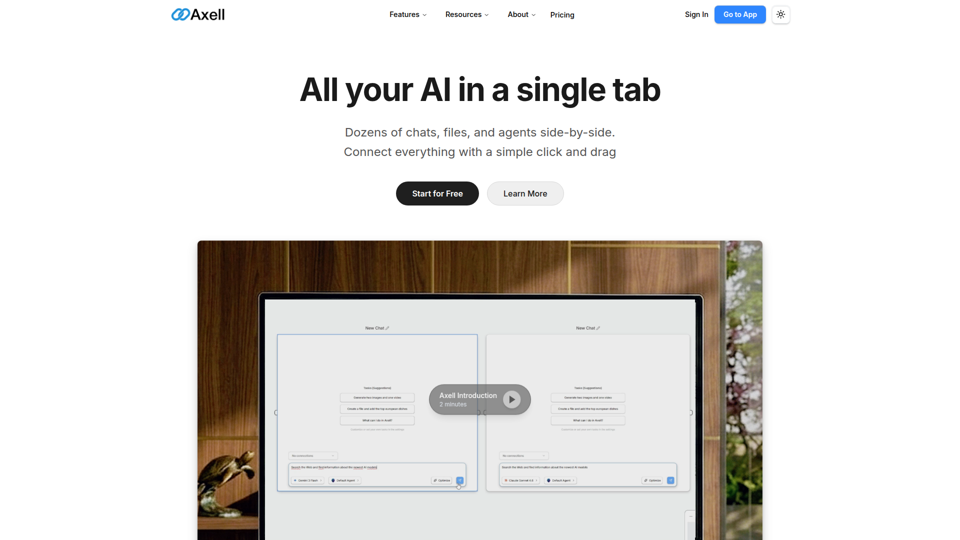
Axell - The Unified AI Workspace
Axell is a unified AI workspace that lets users run multiple chats, files, and custom agents side by side, mainly for teams and professionals who need to compare models, manage context, and collaborate in one place. For knowledge workers, researchers, and operations teams, it can reduce context switching by keeping conversations, documents, and agent workflows connected in a shared live workspace.
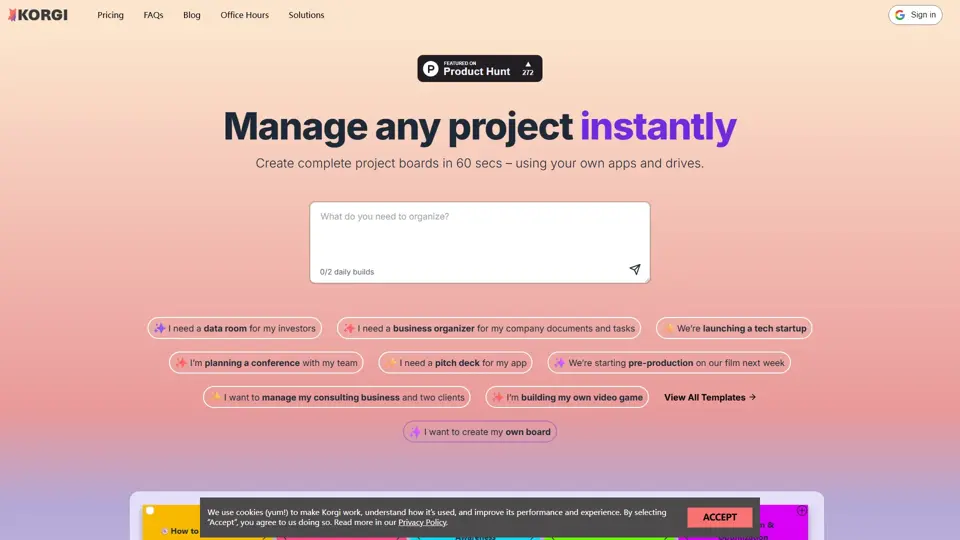
Korgi | Home
Korgi is an all-in-one project board platform with built-in app connections and AI, designed to help teams organize work and collaborate in one place. It gives project and operations teams a simpler way to coordinate tasks without juggling as many separate tools.