
Captions | AI Video Editor & Video Generator
Rate this Tool
Average Score
Total Votes
Select your score (1-10):
Detail Information
What
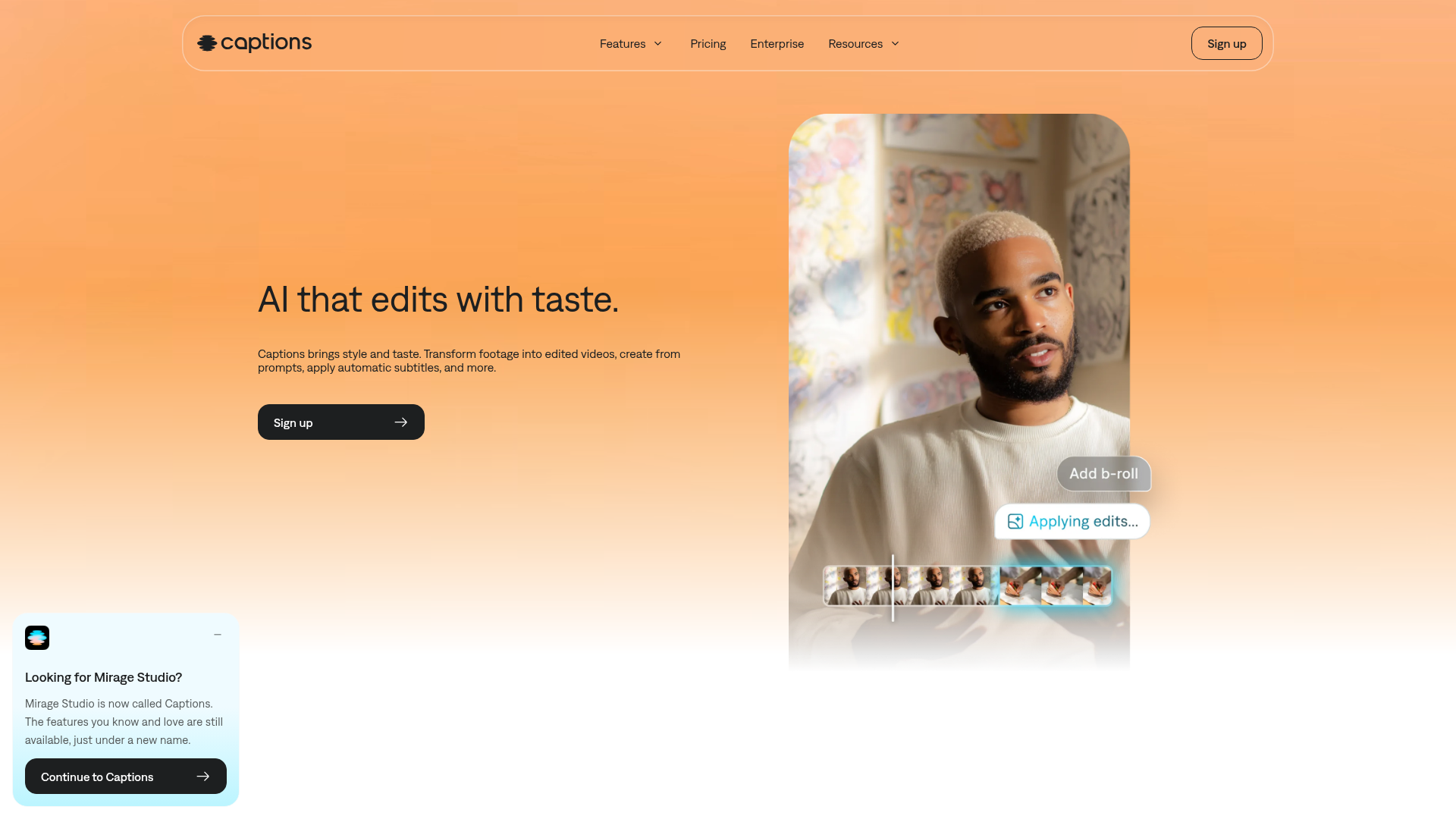
Captions is an AI video editor and video generator built to help people create finished videos with less manual editing. It supports workflows such as turning raw footage into edited videos, generating videos from prompts, adding automatic subtitles, dubbing voiceovers, and creating AI actors or digital twins.
The product appears aimed at content creators, marketers, small businesses, agencies, and teams producing social content, ads, tutorials, training videos, podcast clips, and product assets. Its positioning is a mobile-first, AI-assisted creation tool that reduces editing effort for users who want professional-looking output without advanced editing skills.
Features
- AI full-video editing: Upload footage and let the system automatically cut scenes, add B-roll, insert sounds, music, transitions, and stylized edits to produce a share-ready video.
- Chat-based editing: Use text prompts to request changes, which can simplify revisions and make editing more accessible to non-specialists.
- AI video generation with actors: Create a spokesperson from scratch, generate new characters, or make a digital twin to produce presenter-style content without new recording.
- Automatic captions in 100+ languages: Generate subtitles with customizable styles, colors, and formats to improve accessibility and support branded presentation.
- Dubbing in 30+ languages: Localize voiceovers for broader audience reach and multilingual distribution.
- AI cleanup and creative controls: Correct eye contact, remove background noise, and adjust pacing, structure, and flow to improve polish while retaining editorial control.
Helpful Tips
- Check where your team prefers to work: The page says Captions is made for phones, though it also references a desktop experience for former Mirage Studio users, so device and workflow fit should be validated during evaluation.
- Use it where speed matters most: This kind of product is likely strongest for social clips, ads, tutorials, and repeatable content formats where quick turnaround is more important than frame-by-frame manual editing.
- Review generated edits for brand fit: AI-selected cuts, B-roll, sounds, and caption styles can accelerate production, but teams should still define templates and review standards for consistency.
- Assess avatar and localization quality with real samples: If digital twins, generated actors, captions, or dubbing are central to your workflow, test them on your actual scripts and audience use cases before broad rollout.
- Clarify subscription-dependent capabilities: The page states some features are free and the best features require a paid plan, so buyers should map required workflows to plan availability.
OpenClaw Skills
Captions could fit into the OpenClaw ecosystem as a likely downstream execution layer for video production workflows. An OpenClaw agent could take campaign briefs, webinar transcripts, blog posts, product announcements, or training materials and turn them into structured video instructions, caption packages, localization plans, and editing prompts for Captions. While the page does not describe a native OpenClaw integration, the prompt-based editing model makes this a plausible workflow design.
In practice, this could enable OpenClaw skills such as a social clip repurposing agent, multilingual training video agent, AI spokesperson campaign builder, or podcast-to-short-form workflow. For marketers, creators, and enablement teams, that combination could shift video production from a specialist editing task into a repeatable content operation, where planning, scripting, versioning, and localization are orchestrated by agents and executed through AI-assisted editing tools like Captions.
Embed Code
Share this AI tool on your website or blog by copying and pasting the code below. The embedded widget will automatically update with the latest information.
<iframe src="https://www.aimyflow.com/ai/mirage-app-get-started/embed" width="100%" height="400" frameborder="0"></iframe>
Explore Similar Tools
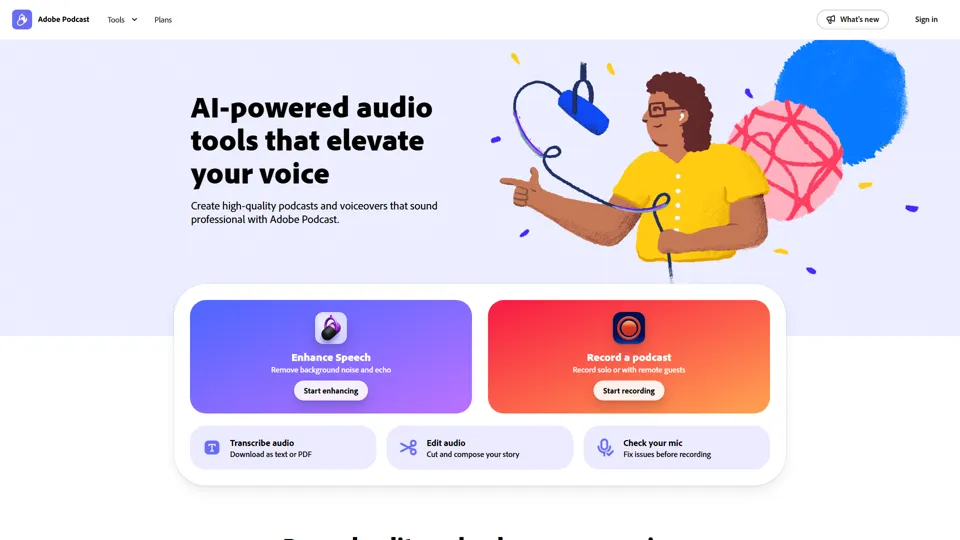
Adobe Podcast | AI audio recording and editing, all on the web
Adobe Podcast is a web-based AI audio recording and editing tool that helps users record, transcribe, enhance, and share spoken content, mainly for podcasters, creators, and teams producing voice media. It reduces cleanup and editing time, letting audio producers and marketers publish clearer content faster.
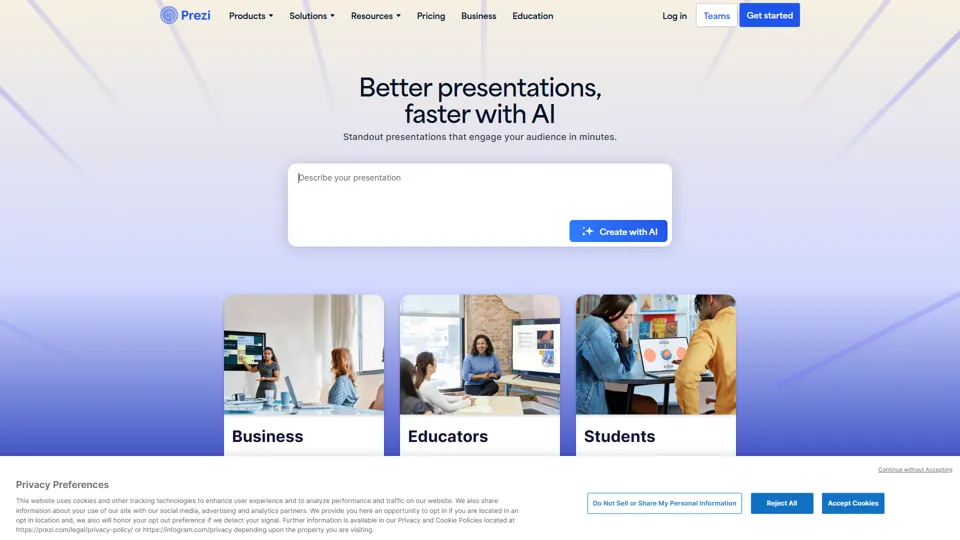
Prezi | AI presentations that engage your audience in minutes
Prezi is a presentation platform with AI features that helps users create engaging, interactive presentations quickly, mainly for business professionals, educators, and sales teams. It helps presenters turn ideas into clearer narratives faster, improving audience engagement without heavy design work.
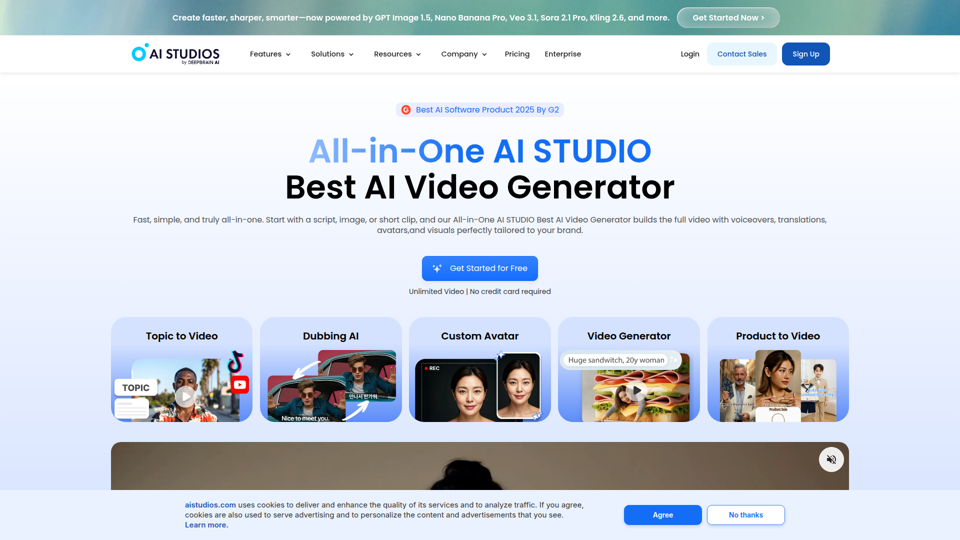
Best AI Video Generator | AI STUDIO
AI Studios is an AI video generator that helps users create, edit, dub, translate, and publish videos from text, documents, URLs, images, or product pages, mainly for training teams, marketers, and content creators. For learning, marketing, and video production roles, it can speed multilingual video workflows with AI avatars, voice cloning, and reusable templates in one workspace.
Prolific | Easily collect high-quality data from real people
Prolific is a research platform that helps users collect high-quality human participant data, mainly for researchers, AI developers, and organizations running studies or evaluations. Reliable human feedback improves model testing and research quality, helping teams make better evidence-based decisions.
Invideo AI - Create videos without limits
InVideo is an AI video creation platform that helps users make and edit videos, avatar content, and product ads, mainly for marketers, creators, and small business teams. It reduces production time for content roles that need frequent, high-volume video output.
Apple Creator Studio - Apple
Apple Creator Studio is an Apple subscription that bundles Final Cut Pro, Logic Pro, Pixelmator Pro, and enhanced productivity app features to help creators make videos, music, images, graphics, and documents, mainly for creative professionals, students, and educators using Mac and iPad. For video editors, designers, musicians, and content teams, its AI-assisted search, editing, and drafting tools can reduce repetitive production work and speed up moving from concept to finished assets.
Stock Images, Photos, Vectors, Video, and Music | Shutterstock
Shutterstock is a stock media marketplace offering licensed images, videos, music, and creative assets to help businesses and creators produce visual content efficiently. In the AI era, it gives marketers and designers faster access to scalable content inputs for campaigns, branding, and multimedia production.
Suno AI Music Generator - Create AI Songs & Music Fast
Suno AI Music Generator is an AI song creation tool that helps users produce original music across styles quickly, mainly for content creators, indie artists, and social media marketers. In the AI era, it shortens the path from concept to soundtrack, helping creative roles publish audio-led content at higher speed.