
Average Score
Total Votes
Select your score (1-10):
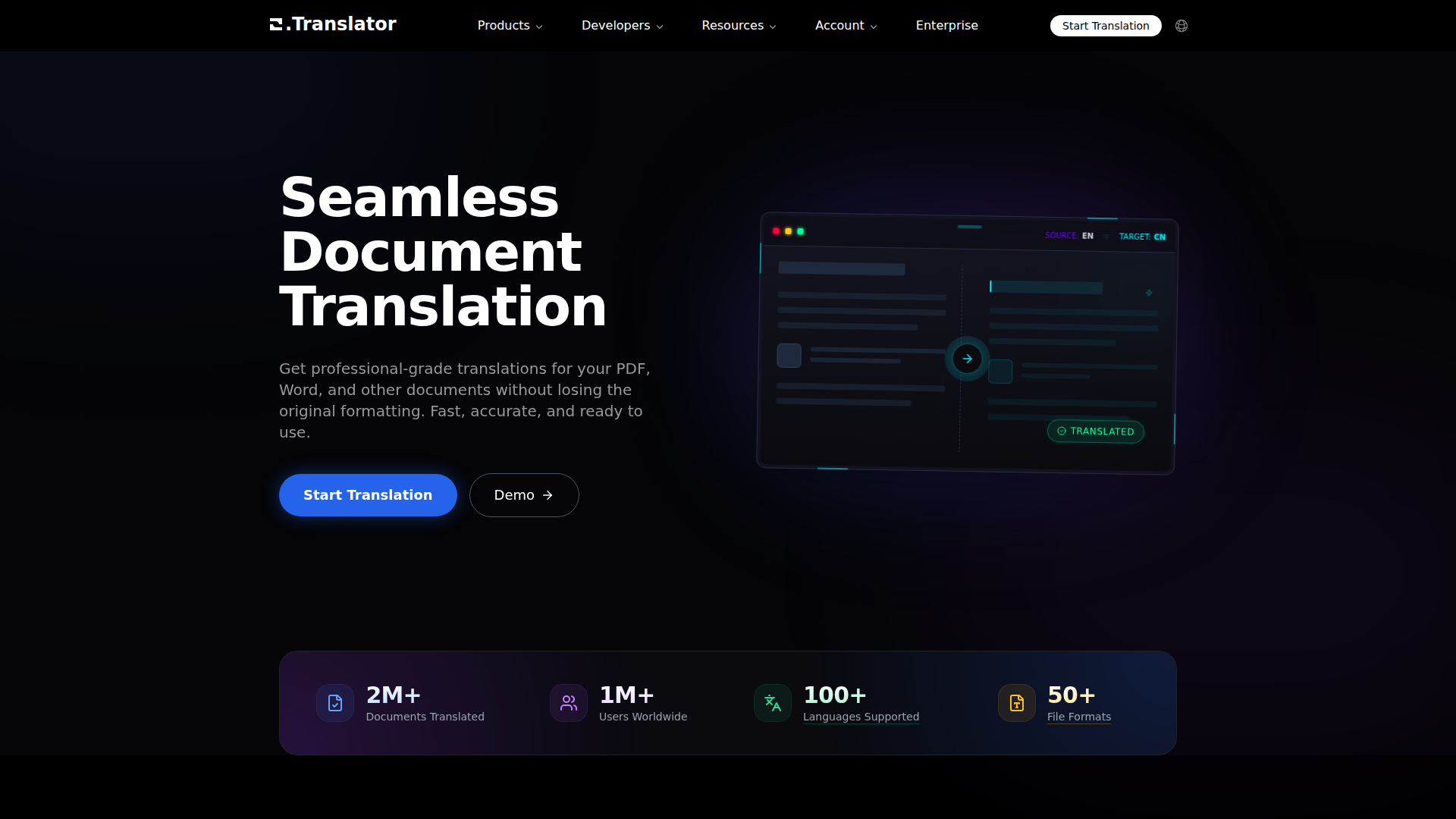
O.Translator is an online document translation product focused on translating files such as PDF, Word, EPUB, spreadsheets, presentations, images, subtitles, audio, and other supported formats while preserving original layout and formatting. It appears to serve individuals, teams, and enterprises that need multilingual document workflows without manually rebuilding files after translation.
The core workflow is straightforward: upload a file, choose a target language, preview the translated result, and then proceed based on the quality level or model that fits the use case. Based on the page content, the product is positioned as an AI-driven document translation platform with broad file support, terminology controls, OCR for scanned files, team collaboration features, and developer-facing APIs.
Within the OpenClaw ecosystem, this product would likely fit well as a document-ingestion and multilingual transformation layer. A likely OpenClaw workflow could watch shared folders or inbound portals, route files by type and language, submit them for translation, then send the outputs into downstream review, approval, publishing, or knowledge-management agents. If API access is available as implied by the developer section, OpenClaw skills could orchestrate batch translation jobs, glossary updates, and exception handling for OCR-heavy or low-confidence files.
This combination could be especially useful for localization teams, cross-border operations, research groups, publishers, and global support functions. Likely OpenClaw agents might include a terminology-governance agent, a multilingual document triage agent, a scanned-file OCR quality checker, or a publish-ready packaging workflow that compares source and translated layouts before release. While the page does not confirm native OpenClaw integration, the product’s file coverage, terminology support, and team-oriented workflow suggest strong potential for automation-heavy document operations.
Share this AI tool on your website or blog by copying and pasting the code below. The embedded widget will automatically update with the latest information.
<iframe src="https://aimyflow.com/ai/officetranslator-com/embed" width="100%" height="400" frameborder="0"></iframe>