
AI Art Generator: Free AI Image Generator & Editor | OpenArt
Rate this Tool
Average Score
Total Votes
Select your score (1-10):
Detail Information
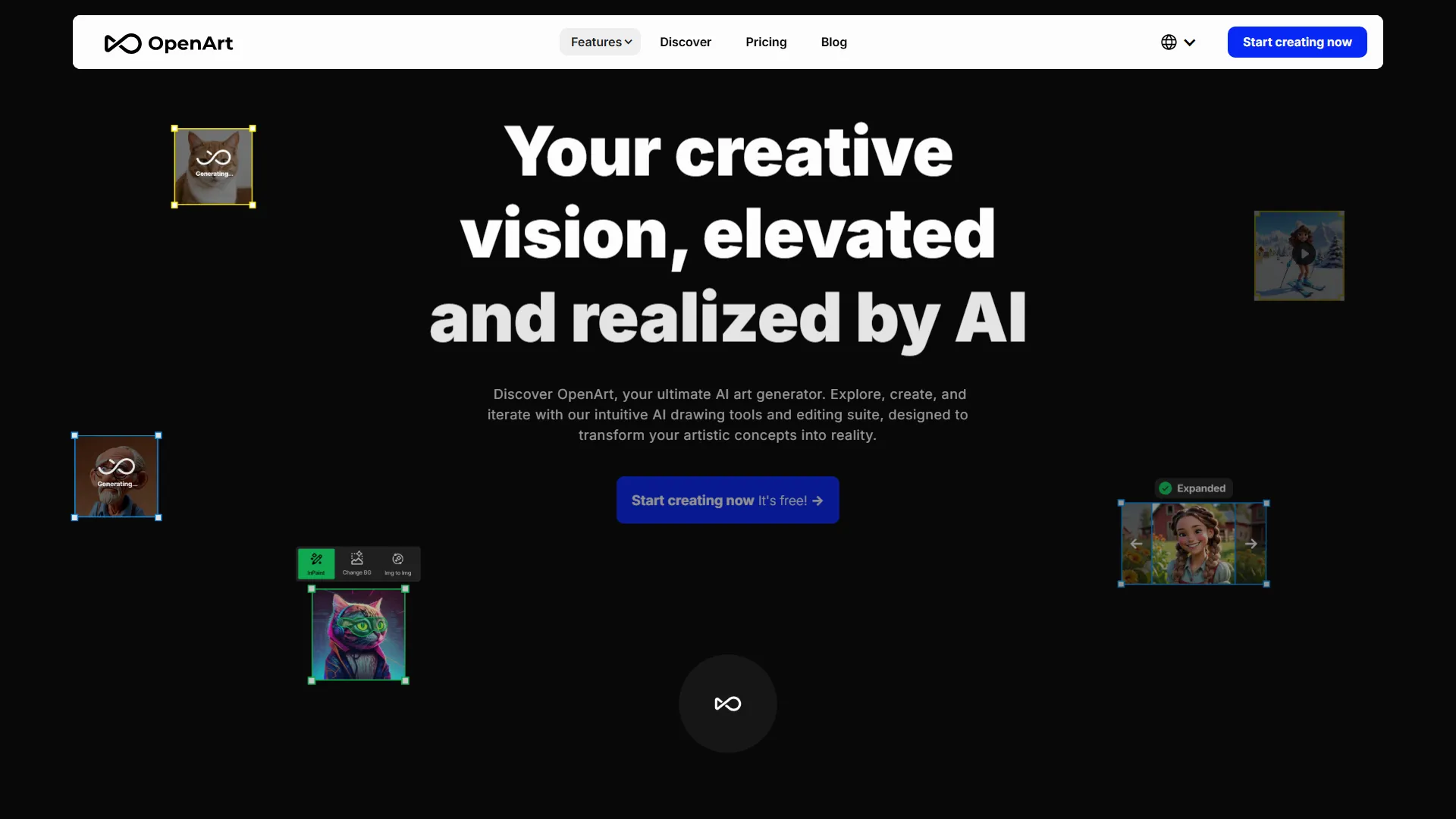
Key Features of OpenArt:
- Text-to-Image: Users can input textual prompts to generate images.
- Image-to-Image: Users can upload an image and apply various styles or effects to it.
- Style Transfer: Users can transfer the style of one image to another.
- Composition Reference: Users can use a reference image to generate a new image with a similar composition.
- Pose Reference: Users can use a reference image to generate a new image with a similar pose.
- Train Customized Models: Users can train their own models using their own dataset.
- Bulk Create: Users can generate multiple images at once.
- Edit: Users can edit their generated images using various tools, such as inpainting, style transfer, and more.
- AI Apps: OpenArt offers various AI-powered apps, such as image-to-video, AI filters, and more.
Benefits of Using OpenArt:
- Accessibility: OpenArt makes it easy for anyone to create digital art, regardless of their skill level.
- Speed: OpenArt's AI-powered tools can generate images quickly, saving users time and effort.
- Customization: OpenArt allows users to customize their images using various tools and effects.
- Community: OpenArt has a community of users who can share their work, provide feedback, and collaborate on projects.
Pricing:
OpenArt offers various plans, including a free plan, starter plan, hobbyist plan, and pro plan. The free plan allows users to generate images up to 512 x 512 pixels, while the paid plans offer more features and higher resolution images.
Conclusion:
OpenArt is a powerful AI-powered art platform that makes it easy for anyone to create digital art. With its user-friendly interface, various tools, and customization options, OpenArt is a great resource for both amateur and professional artists. Whether you're looking to create art for personal or commercial use, OpenArt is definitely worth checking out.
Embed Code
Share this AI tool on your website or blog by copying and pasting the code below. The embedded widget will automatically update with the latest information.
<iframe src="https://www.aimyflow.com/ai/openart-ai/embed" width="100%" height="400" frameborder="0"></iframe>