
PDF To Brainrot AI: Transform Boring PDFs into Brainrot Video
Rate this Tool
Average Score
Total Votes
Select your score (1-10):
Detail Information
What
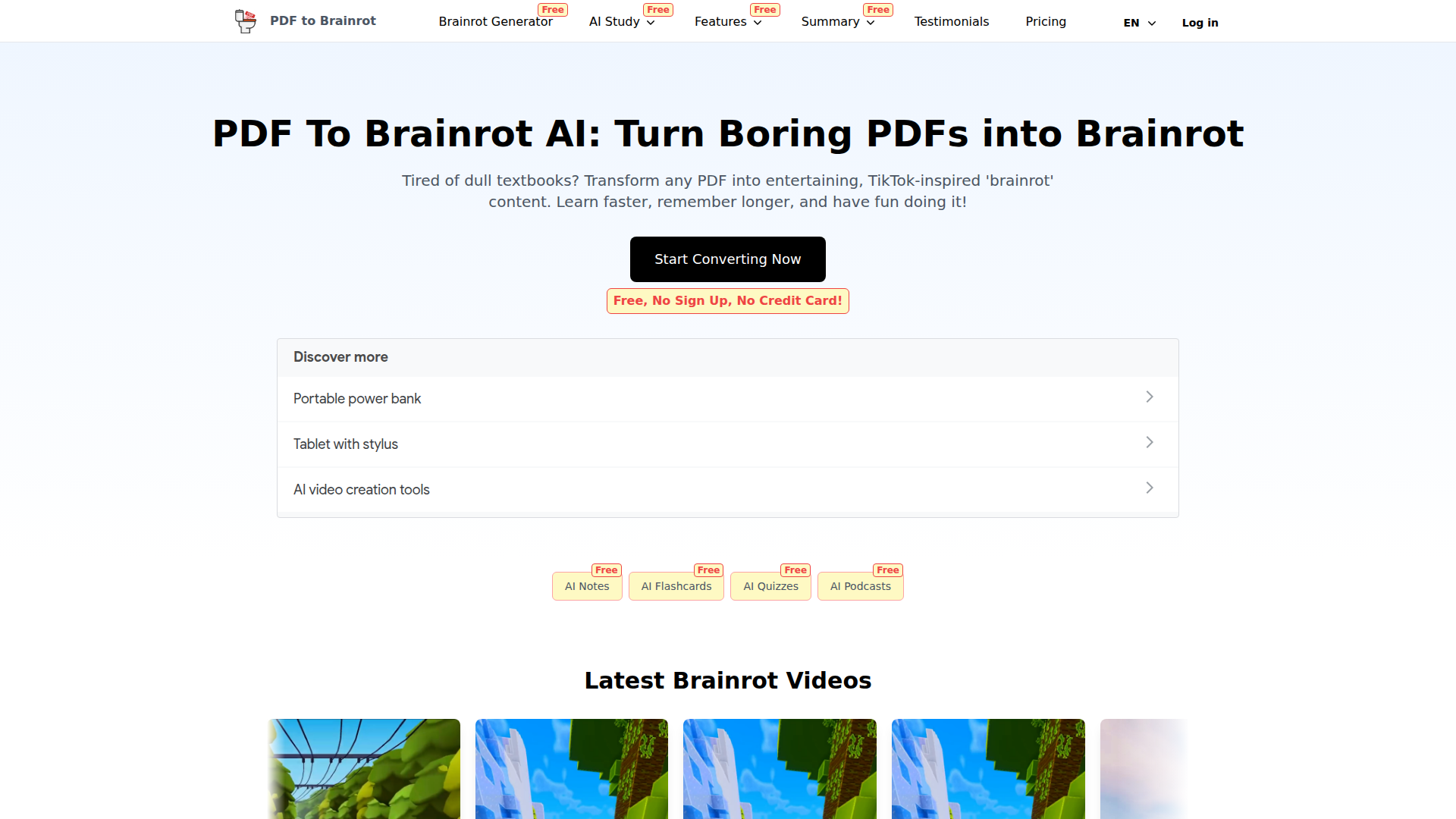
PDF To Brainrot is an AI study and content-conversion tool that turns PDFs and pasted text into short-form, TikTok-style educational videos. It is aimed primarily at students, teachers, and other learners, while the site also says it can be used for professional or corporate training materials.
The core workflow appears to be: upload a PDF or paste text, choose a video mode and some presentation preferences, and generate a short video designed to make dense material easier to review. Based on the page, the product is positioned as a lightweight, entertainment-led learning aid within a broader set of study tools.
Features
- PDF-to-video conversion: Converts PDFs across different subjects into short-form video content to make text-heavy material faster to review.
- Text to Brainrot: Lets users paste plain text such as notes, articles, or lecture material for the same video transformation workflow.
- Multiple video modes: Offers Brainrot Mode, Quiz Mode, and Raw Mode so users can choose between more stylized, interactive, or straightforward output formats.
- Video customization controls: Users can set preferences including voice style, background music, and background video to better match the audience or use case.
- Fast generation workflow: The page states that conversions happen in seconds, which supports quick study sessions and rapid content preparation.
- Cross-device access: Generated content is described as accessible on smartphones, tablets, and desktops, which supports mobile review and flexible study habits.
Helpful Tips
- Validate learning quality by subject: Short-form video can help with engagement and recall, but teams should test whether it preserves enough depth for technical, regulated, or highly nuanced material.
- Use mode selection deliberately: Quiz Mode is likely better for active recall, while Raw Mode may suit simpler explainers and Brainrot Mode may fit attention-grabbing review content.
- Establish content review steps: If used in education or workplace training, a human reviewer should check accuracy, tone, and appropriateness before sharing generated videos broadly.
- Pilot with high-friction materials first: This type of tool is most useful when applied to dense readings, lecture notes, or revision packets that learners typically avoid or postpone.
- Treat customization as instructional design: Voice, music, and background choices should support comprehension rather than distract from the source material.
OpenClaw Skills
Within the OpenClaw ecosystem, this product could likely support document-to-learning-content workflows. For example, an OpenClaw skill could take uploaded course packs, research summaries, onboarding manuals, or internal knowledge docs and route them into a video-generation pipeline, then organize outputs by topic, audience, or study objective. The source page does not mention a native OpenClaw integration, so this is a likely use case rather than a confirmed capability.
A broader agent workflow could combine PDF To Brainrot with OpenClaw skills for syllabus planning, quiz generation, spaced-repetition review, classroom content packaging, or employee enablement. In education, that could shift some study preparation from manual summarization to AI-assisted multimedia conversion; in workplace learning, it could turn static documentation into more consumable microlearning assets for faster onboarding and refresher training.
Embed Code
Share this AI tool on your website or blog by copying and pasting the code below. The embedded widget will automatically update with the latest information.
<iframe src="https://www.aimyflow.com/ai/pdftobrainrot-org/embed" width="100%" height="400" frameborder="0"></iframe>
Explore Similar Tools

Quizgecko | AI Question Generator | Make a Test
Quizgecko is an AI question generator that helps users turn text into quizzes and tests in seconds, mainly for teachers, trainers, and learners creating assessments. It cuts assessment authoring time so educators can focus more on instruction and learning outcomes.
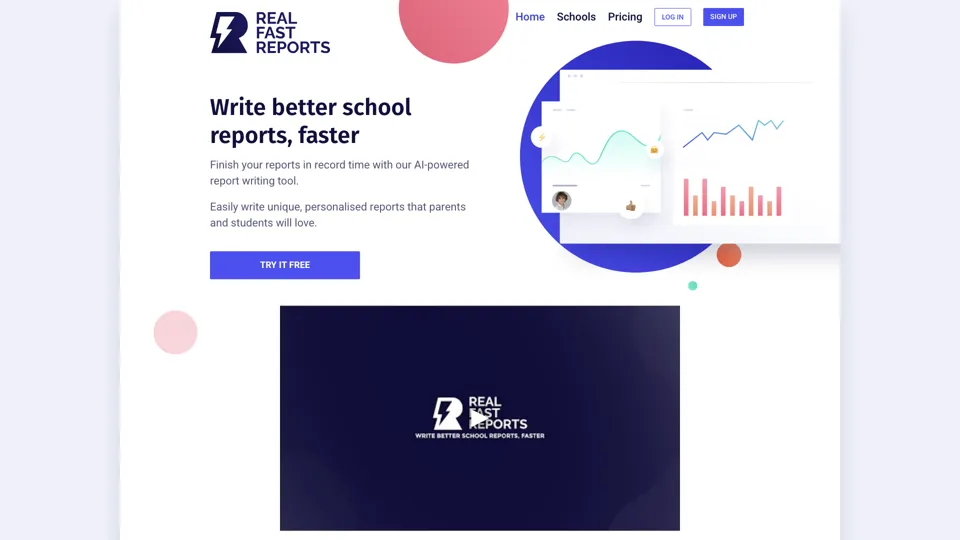
AI-Powered School Report Writer - Fast, Accurate Report Generation
Real Fast Reports is an AI school report writer that helps users generate personalized student reports quickly, mainly for teachers and school staff handling repetitive reporting. It reduces administrative writing time, giving educators more capacity for teaching and student support.
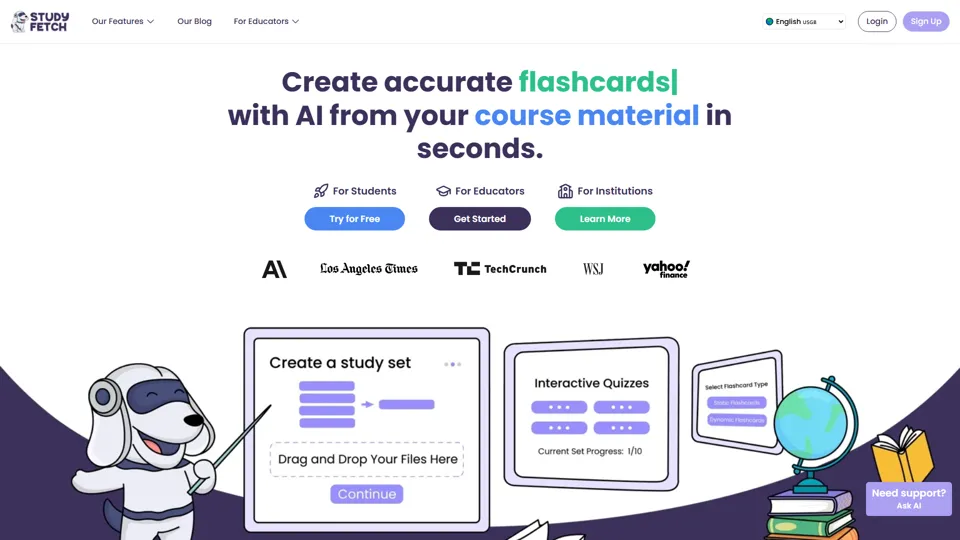
Study Fetch | The Top AI Learning Platform
Study Fetch is an AI learning platform that turns class materials like lectures, notes, and slides into flashcards, quizzes, tests, and tutoring support, mainly for students. In the AI era, it helps learners convert passive materials into active study formats that improve retention and review efficiency.

TurboScribe: Transcribe Audio and Video to Text
TurboScribe is an AI transcription service that helps users turn audio and video into text and subtitles quickly, mainly for creators, researchers, and business teams. In the AI era, high-volume transcription lets content and operations roles process spoken information at scale with minimal manual effort.
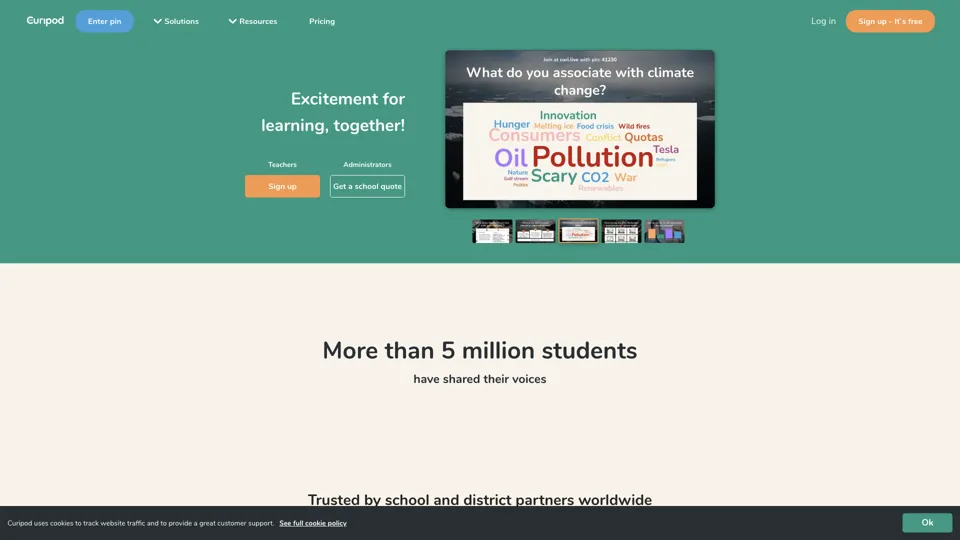
Spark your students curiosity
Curipod is an interactive lesson platform that helps teachers create engaging classroom experiences focused on creativity, reflection, and critical thinking for students. In the AI era, it reduces lesson-prep time and helps educators turn ideas into participatory learning activities more quickly.
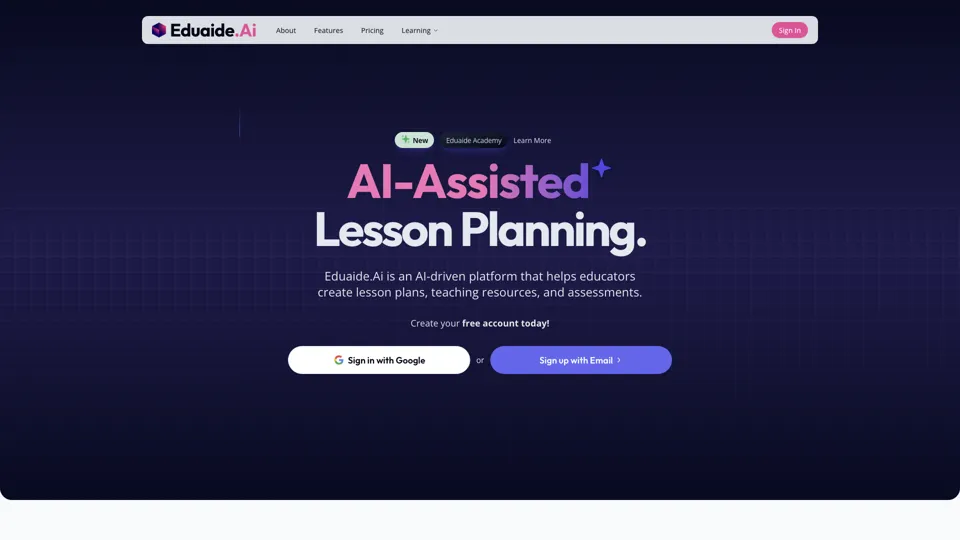
Eduaide.Ai: Instruction by Design
Eduaide.AI is an AI teaching platform that helps educators create lesson plans, instructional materials, and assessments more efficiently. In the AI era, it reduces administrative planning time so teachers can focus more on instruction and student support.

TeacherDashboard.ai - AI 👩🏫 Tools to Save Hours on Admin Tasks
TeacherDashboard.ai is an AI education assistant that helps teachers generate rubrics, mark assignments, and write personalized report comments faster. In the AI era, it reduces repetitive admin work so educators can spend more time on instruction, feedback quality, and student support.
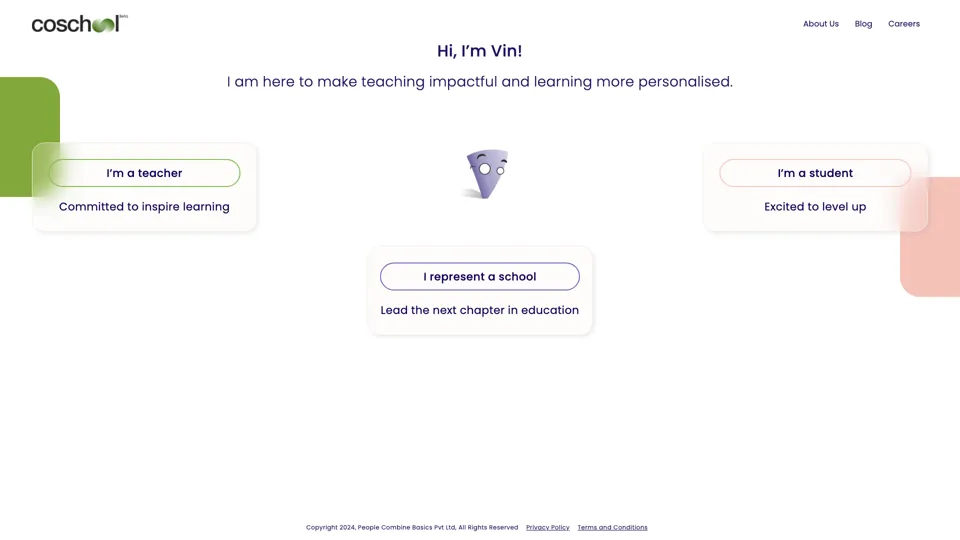
Coschool - Ai Assistant for Teachers
Coschool is an AI assistant for teachers that helps create lesson plans, improve student engagement, and surface teaching techniques, mainly for educators and classroom instructors. In the AI era, it reduces prep time so teachers can spend more energy on instruction and individual student support.