
PhotodotAI - Best Free Online AI Photo Editor | No Credit Card Required
Rate this Tool
Average Score
Total Votes
Select your score (1-10):
Detail Information
What
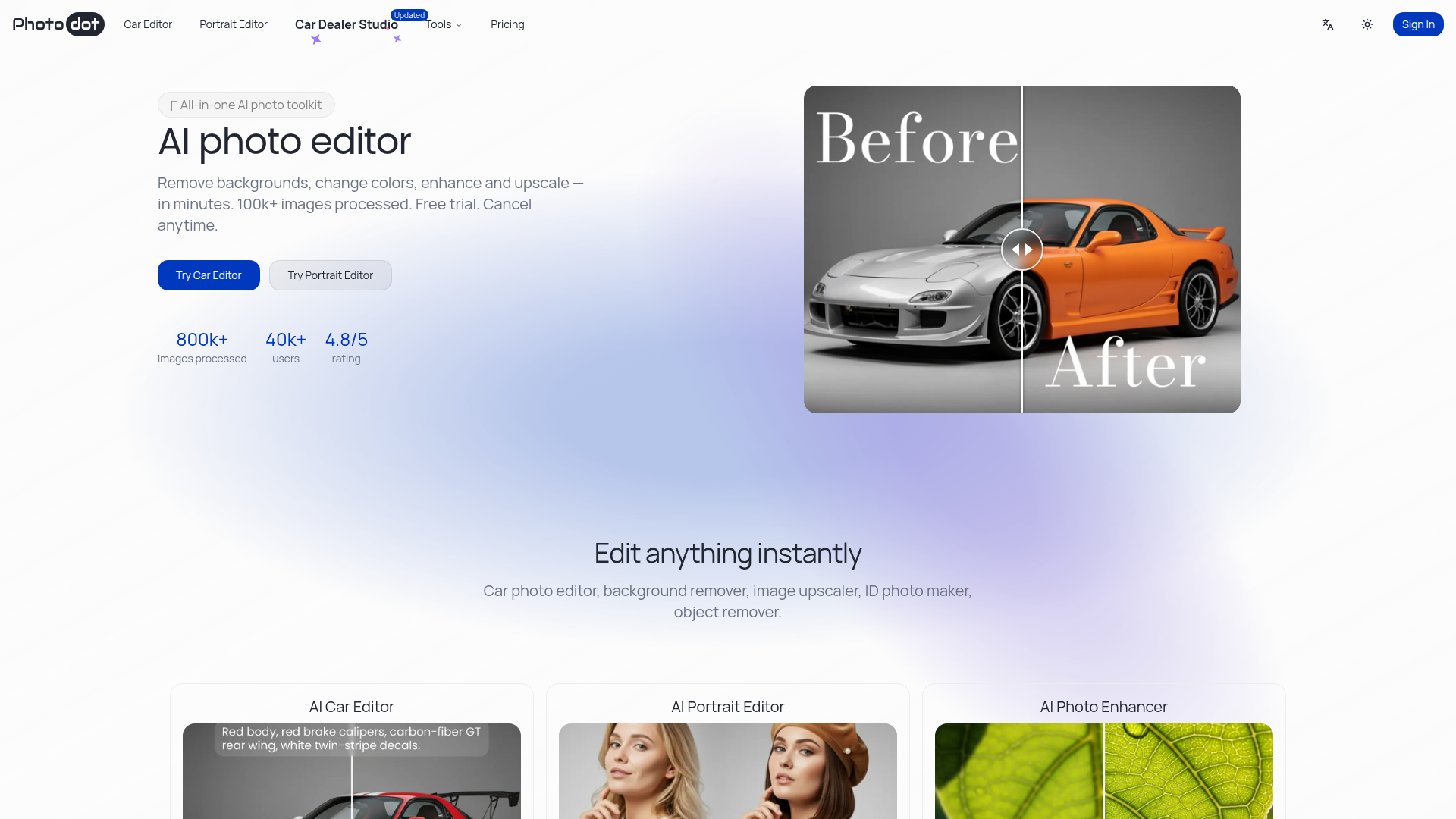
PhotodotAI is a web-based AI photo editor designed for fast image cleanup, enhancement, and transformation. Based on the page content, it focuses especially on car photo editing and portrait-related workflows, while also offering broader utilities such as enhancement, upscaling, background removal, and ID photo creation.
The product appears positioned as a free-to-start online toolkit for individuals and businesses that need quick, browser-based editing without installing software. Its core workflow is simple: upload an image, apply a task-specific AI tool such as car editing, portrait editing, or enhancement, and export an updated image for listings, branding, ecommerce, or identification use cases.
Features
- AI Car Editor: Edits vehicle photos by changing colors, cleaning backgrounds, fixing lighting and reflections, removing objects, and preparing listing-ready images in one workflow.
- AI Portrait Editor: Creates passport photos and professional headshots with preset sizes and compliant-style backgrounds while aiming to preserve natural skin tones and fine hair edges.
- AI Image Upscaler: Upscales images by 2× or 4×, reduces noise, and sharpens details to improve clarity for ecommerce, dealer listings, and print-oriented assets.
- Browser-based editing: Runs fully online without software installation, which lowers setup friction for teams or solo users who need quick access from a browser.
- Free-to-start usage model: Provides free credits with no credit card required, allowing users to test core tools before deciding whether higher-quality, non-watermarked exports are needed.
- Upcoming consistency tools: The page lists a design editor and reference-guided consistent generation as coming soon, indicating planned support for brand consistency and identity-preserving image generation.
Helpful Tips
- Validate output quality by workflow: For car dealers, portrait studios, and ecommerce teams, test the same image set across background removal, enhancement, and upscaling to confirm results meet your publishing standards.
- Check export limitations on free usage: The site states that free exports may include watermarks or size limits, so teams should review whether trial outputs are suitable for internal evaluation only.
- Use task-specific tools rather than a generic workflow: The product separates car, portrait, and enhancement functions, which usually leads to better results than applying one broad editor to every image type.
- Review claimed compliance-related outputs carefully: The page mentions passport photos and preset sizes, but buyers should still verify local photo requirements before relying on outputs for official documents.
- Monitor roadmap dependence: Features such as the design editor, background remover export workflow, and reference-guided consistency are marked as coming soon, so do not treat them as currently available in production.
OpenClaw Skills
PhotodotAI could fit well into the OpenClaw ecosystem as the image-editing layer inside broader visual content workflows. Likely use cases include an OpenClaw agent that receives raw dealership photos, classifies them by vehicle type, routes them into car-editing steps, checks whether backgrounds and reflections meet listing standards, and then prepares finished media for inventory systems. Another likely workflow is a portrait-processing agent that organizes employee photos, applies headshot or ID-photo formatting rules, and returns assets for HR, directories, or profile pages.
For professional teams, this combination could shift image production from manual editing to semi-automated operations. Inference only: if OpenClaw agents orchestrate PhotodotAI tasks through browser automation or future API access, dealerships, studios, and ecommerce teams could build repeatable pipelines for intake, QA, enhancement, and publishing. That would be especially valuable where image consistency, turnaround speed, and multi-step approval flows matter more than advanced manual design control.
Embed Code
Share this AI tool on your website or blog by copying and pasting the code below. The embedded widget will automatically update with the latest information.
<iframe src="https://www.aimyflow.com/ai/photodot-ai/embed" width="100%" height="400" frameborder="0"></iframe>