
PicLumen: Free AI Image Generator & AI Video Generator Online
Rate this Tool
Average Score
Total Votes
Select your score (1-10):
Detail Information
What
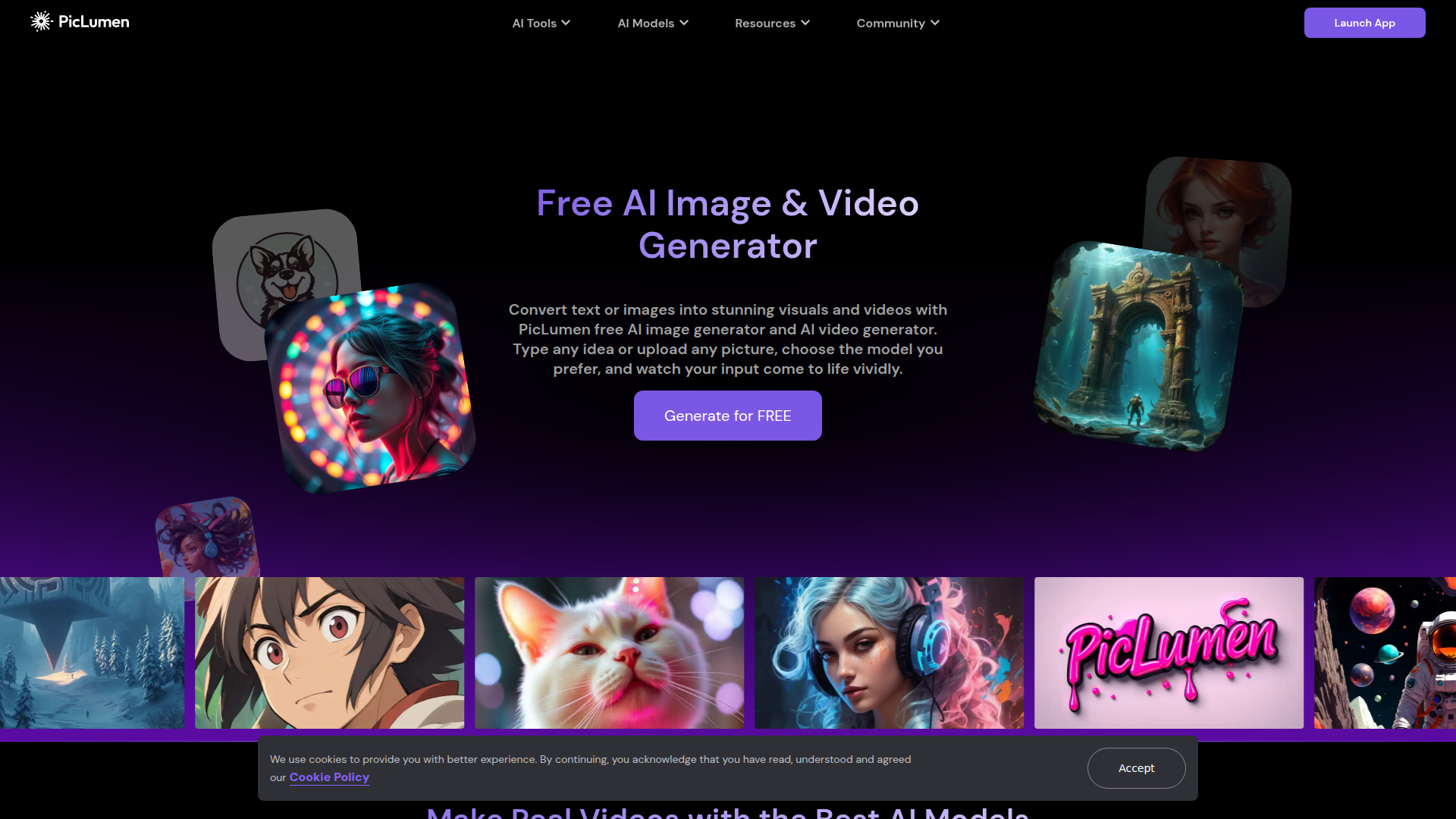
PicLumen is a web-based AI creative platform for generating images and videos from text prompts or uploaded images. It combines multiple AI image and video models with built-in editing tools such as background removal, upscaling, colorization, image extension, and image replacement.
The product appears to serve creators, designers, marketers, and other visual content teams that need fast concept generation, creative iteration, and lightweight post-processing in one place. Based on the page, its positioning is likely a multi-model, self-serve visual generation workspace with community and inspiration features.
Features
- Text-to-image and text-to-video generation: Users can turn written prompts into visuals or video clips, which supports rapid ideation and content production from a simple brief.
- Image-to-video creation: Uploaded photos or AI-generated images can be animated with motion, lighting changes, and camera movement to create short-form video assets.
- Access to multiple AI models in one platform: PicLumen lists a broad set of image and video models, allowing users to compare outputs and choose models that fit different styles or use cases.
- Image editing utilities: Tools such as background remover, upscaler, colorizer, image extender, and AI replace help refine generated or existing images without leaving the platform.
- Reference-based image generation: Character, content, and style reference modes are available to help maintain facial consistency, reuse composition outlines, or apply a specific visual aesthetic.
- Community gallery and learning resources: The site includes a creativity gallery plus blog, tutorials, FAQ, and Discord, which can support discovery, onboarding, and inspiration.
Helpful Tips
- Test model fit by output type: Since the platform offers many models, teams should map specific models to specific tasks such as product imagery, cinematic video, anime-style animation, or short-form social clips.
- Use reference controls for consistency-sensitive work: Character and style references are likely most useful for recurring campaign assets, brand characters, or multi-image storyboards.
- Plan for review workflows outside the tool if needed: The page shows strong generation and editing capabilities, but it does not clearly describe approval, version governance, or team collaboration features.
- Validate production readiness by use case: For commercial design or marketing workflows, buyers should confirm export options, output limits, rights details, and account administration directly, since those details are not clear from the page.
- Treat it as a creative exploration environment first: The breadth of models and gallery features suggests strong value for experimentation and variation testing, especially early in the content creation process.
OpenClaw Skills
PicLumen could likely work well inside the OpenClaw ecosystem as the visual generation layer in broader content workflows. Likely OpenClaw skills could include prompt-to-campaign image generation, storyboard drafting for ads, product visual variant creation, social media creative production, and automated conversion of brand briefs into image or video prompt sets. If PicLumen supports stable external access methods, an OpenClaw agent could route requests to different models based on desired style, speed, or format.
For marketing, e-commerce, and creative operations teams, this combination could shift work from manual asset briefing toward semi-automated creative orchestration. A likely workflow would be an OpenClaw agent that reads a campaign plan, generates several visual directions in PicLumen, applies background removal or upscaling where needed, and packages outputs for human review. The page does not confirm native OpenClaw integration, so this is best understood as a likely agent workflow opportunity rather than a documented product capability.
Embed Code
Share this AI tool on your website or blog by copying and pasting the code below. The embedded widget will automatically update with the latest information.
<iframe src="https://www.aimyflow.com/ai/piclumen-com/embed" width="100%" height="400" frameborder="0"></iframe>