
AI Image Extender - Expand Images with AI Online|Picsman
Rate this Tool
Average Score
Total Votes
Select your score (1-10):
Detail Information
What
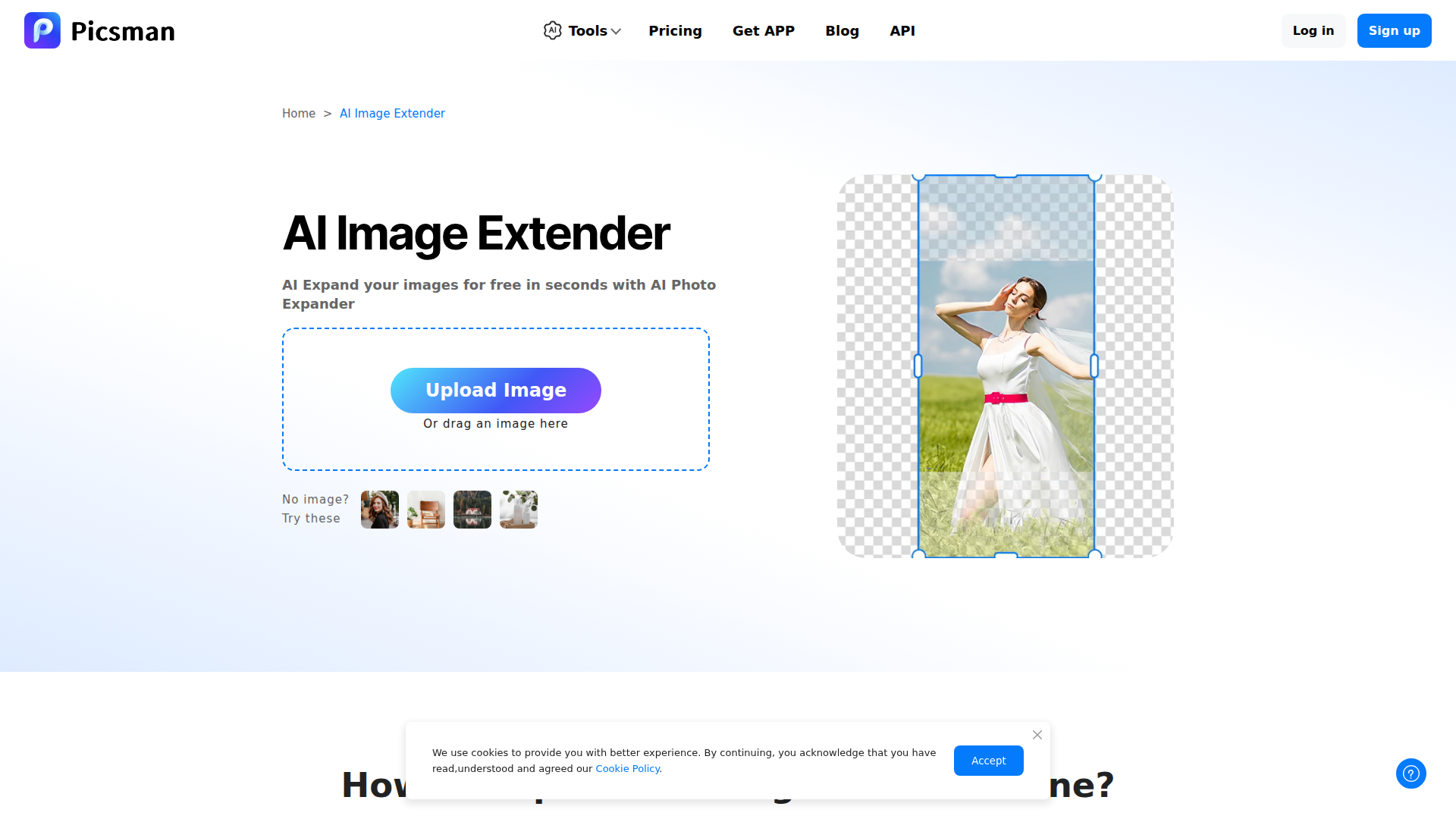
Picsman AI Image Extender is an online image outpainting tool that expands photos beyond their original frame using AI-generated content. It is positioned as part of a broader AI photo editing suite and is aimed at users who need to resize or reframe images without obvious stretching or manual compositing.
The workflow is simple: upload an image, choose an extension size or aspect ratio, run the expand function, and download the result. Based on the page, the tool is intended for photographers, social media teams, designers, e-commerce users, and print media workflows that need additional background, corrected framing, or format changes across channels.
Features
- AI image expansion: Generates new image areas beyond the original edges to extend photos while aiming to preserve visual coherence.
- Aspect ratio and manual resizing controls: Lets users choose a target ratio or resize directionally so images can fit different formats and layouts.
- Outpainting for reframing: Helps fix over-cropped images, awkward framing, and vertical-to-horizontal conversions without simply stretching the original content.
- Multi-directional expansion: Supports extending images in any direction, which is useful when adapting assets for banners, thumbnails, product flyers, or print layouts.
- Broad format support: The page states support for common image types including JPG, PNG, JPEG, WebP, BMP, TIFF, and HEIC, with download options in JPG or PNG.
- Free trial access with limits: Users can try the tool for free, though the page notes that free expansions are limited and additional usage requires Picsman PRO.
Helpful Tips
- Test quality on complex scenes: AI expansion tends to work best when the original image has clear visual context; crowded scenes or precise product edges may need extra review.
- Use target formats upfront: Define the final aspect ratio before expanding so the generated background matches the intended use for social, marketplace, web, or print assets.
- Check brand-sensitive imagery carefully: For e-commerce or campaign visuals, confirm that generated areas do not introduce distracting or inaccurate background details.
- Compare with manual design workflows: If a team frequently adapts the same assets into many formats, this type of tool can reduce repetitive editing, but approval steps still matter.
- Review free-tier constraints early: Since the page mentions limited free expansions, teams should validate output quality and usage volume before relying on it operationally.
OpenClaw Skills
Within the OpenClaw ecosystem, Picsman AI Image Extender could likely support content production workflows that transform one source image into multiple channel-ready variants. A likely OpenClaw skill would accept a product image or campaign asset, detect required platform dimensions, route the image through expansion steps, and return prepared versions for social posts, marketplace listings, ads, or print drafts. The page does not confirm a native OpenClaw integration, so this should be treated as a likely workflow concept rather than a stated feature.
A broader agent workflow could combine image expansion with asset QA, naming conventions, metadata generation, and downstream publishing preparation. For design, e-commerce, and marketing teams, that combination could shift image adaptation from a manual resizing task into a semi-automated production pipeline, especially where many visual variants are needed from a limited original asset set.
Embed Code
Share this AI tool on your website or blog by copying and pasting the code below. The embedded widget will automatically update with the latest information.
<iframe src="https://www.aimyflow.com/ai/picsman-ai-tools-ai-enlarge-image/embed" width="100%" height="400" frameborder="0"></iframe>