
PixiFixi - AI Photo Editor Online - Start Free
Rate this Tool
Average Score
Total Votes
Select your score (1-10):
Detail Information
What
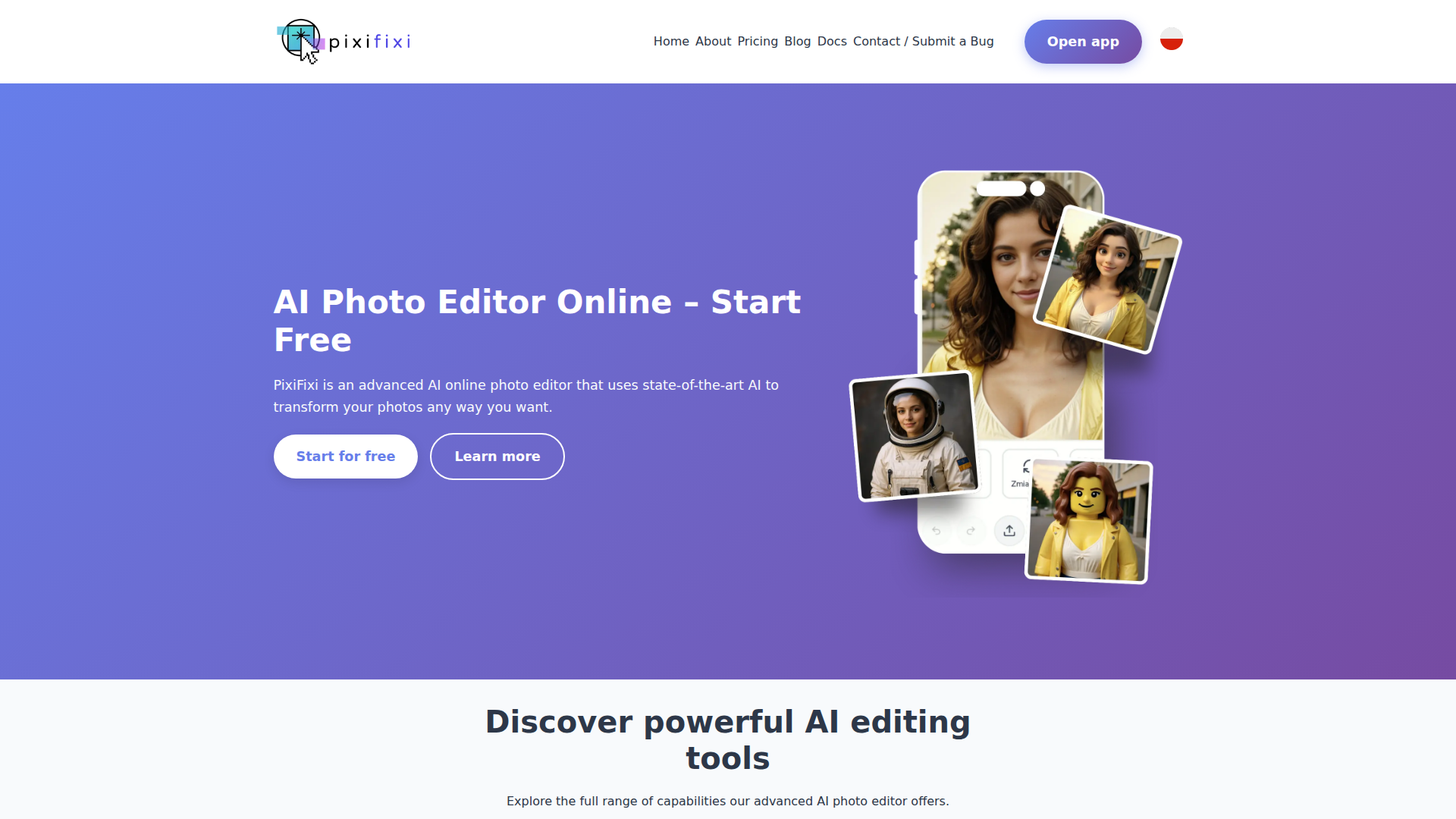
PixiFixi is an online AI photo editor for people who want to transform, repair, or restyle photos without using traditional manual editing tools. Based on the page, it serves general users who need quick image changes such as restoring old photos, replacing backgrounds, removing or adding objects, changing visual style, testing hairstyles, creating collages, and animating still images.
Its core workflow appears to be prompt-based editing: users describe the change they want, and the AI generates the result while aiming to keep the image natural and cohesive. The product is likely positioned as a consumer-friendly, browser-based AI creative tool with a broad set of photo enhancement and transformation features rather than a specialist professional editing suite.
Features
- Old photo restoration — Repairs damaged, blurry, or aged photos by fixing scratches, retouching blemishes, recovering detail, and improving image quality.
- Background replacement — Generates a new background from a text description while preserving the original subject’s lighting and perspective.
- Object addition and removal — Lets users describe unwanted elements to remove or new items to add, helping edit compositions without manual masking.
- Artistic style transfer — Converts photos into styles such as animation, comic, oil painting, or sketch for creative repurposing.
- Hairstyle and hair color changes — Simulates different hair looks on existing photos, which is useful for visual experimentation before making real-world changes.
- Photo animation and collage creation — Turns still images into short motion clips and combines 2–3 photos into AI-generated composite collages.
Helpful Tips
- For products like this, image quality and prompt clarity usually determine output quality, so teams should test with varied source photos and specific edit instructions.
- If privacy matters, review the retention controls carefully; this page states users can choose automatic deletion after 7, 30, or 90 days.
- AI photo tools with many creative modes are often strongest for ideation and lightweight production, but they may still need human review for brand-sensitive or high-accuracy visual work.
- When evaluating a browser-based editor, confirm export options, file limits, and consistency across edit types, since those details are not fully described on this page.
- For adoption in business contexts, separate casual creative use cases from operational ones such as content production, archival restoration, or merchandising mockups.
OpenClaw Skills
Within the OpenClaw ecosystem, PixiFixi could likely support image-focused skills and agent workflows built around prompt generation, asset preparation, and creative revision management. A likely use case would be an OpenClaw agent that collects a user’s editing goal, rewrites it into structured prompts for restoration, background changes, or style transfer, then organizes outputs by campaign, product line, or content type. The page does not mention a native OpenClaw integration, so this should be treated as a workflow inference rather than a confirmed capability.
This combination could be especially useful for marketing teams, ecommerce operators, creators, and small studios. Likely OpenClaw skills could include automated image-brief generation, seasonal campaign visual adaptation, hairstyle try-on assistants, old-photo digitization workflows, or social content remix pipelines that move from source photo to collage, styled image, and short animation. In practice, that could shift photo editing from a standalone task into a broader AI-assisted content operation managed through coordinated agents and reusable workflows.
Embed Code
Share this AI tool on your website or blog by copying and pasting the code below. The embedded widget will automatically update with the latest information.
<iframe src="https://aimyflow.com/ai/pixifixi-app/embed" width="100%" height="400" frameborder="0"></iframe>
Explore Similar Tools

Adobe Podcast | AI audio recording and editing, all on the web
Adobe Podcast is a web-based AI audio recording and editing tool that helps users record, transcribe, enhance, and share spoken content, mainly for podcasters, creators, and teams producing voice media. It reduces cleanup and editing time, letting audio producers and marketers publish clearer content faster.
Strut – The complete writing workspace
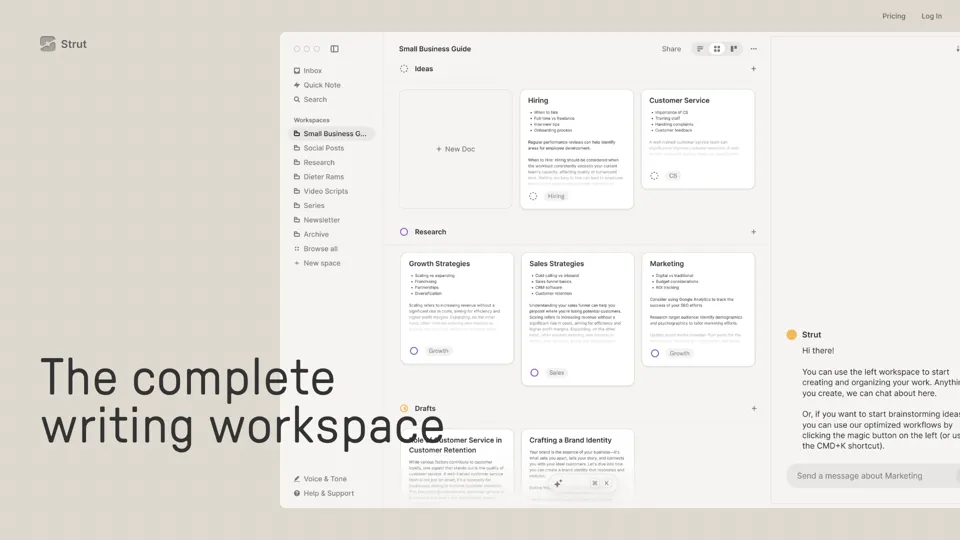
Strut is an AI-powered writing workspace that combines notes, documents, and collaborative writing projects in one environment, mainly for writers, creators, and teams. In the AI era, it helps knowledge workers move from scattered drafts to more coherent writing and faster iteration.
Social Media Marketing made easy with AI | Predis.ai
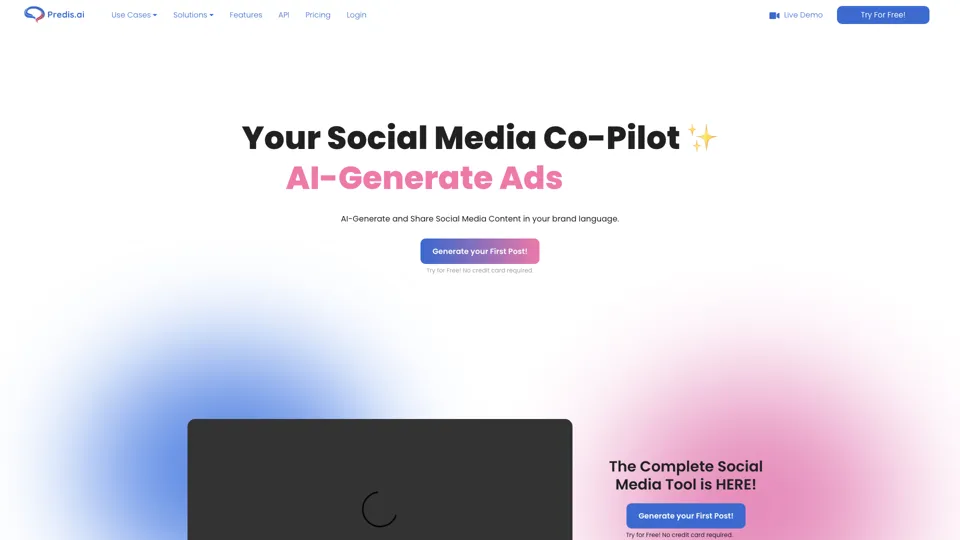
Predis.ai is an AI social media marketing tool that helps users create video and image content and analyze performance, mainly for marketers, agencies, and growing brands. It shortens content planning and production cycles, helping social teams test and refine campaigns more efficiently.
Prezi | AI presentations that engage your audience in minutes
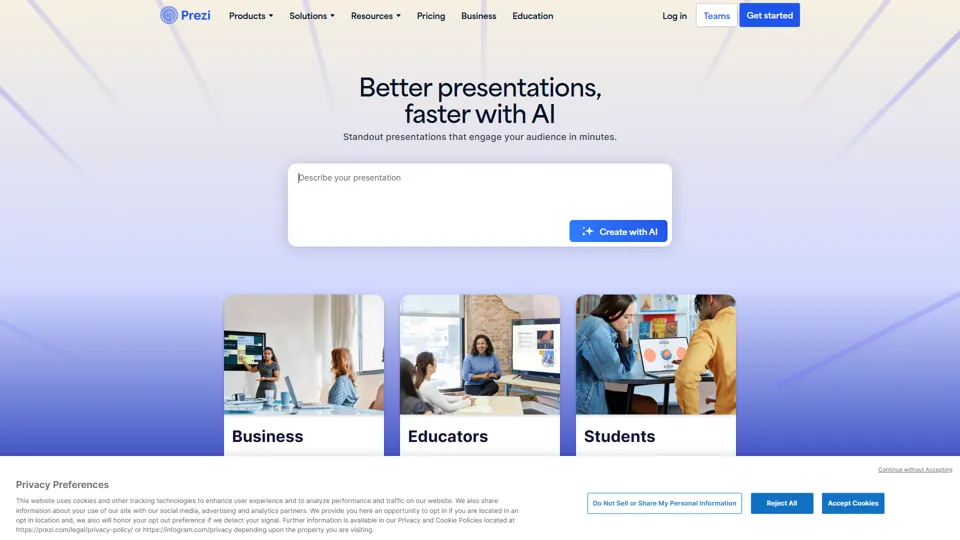
Prezi is a presentation platform with AI features that helps users create engaging, interactive presentations quickly, mainly for business professionals, educators, and sales teams. It helps presenters turn ideas into clearer narratives faster, improving audience engagement without heavy design work.
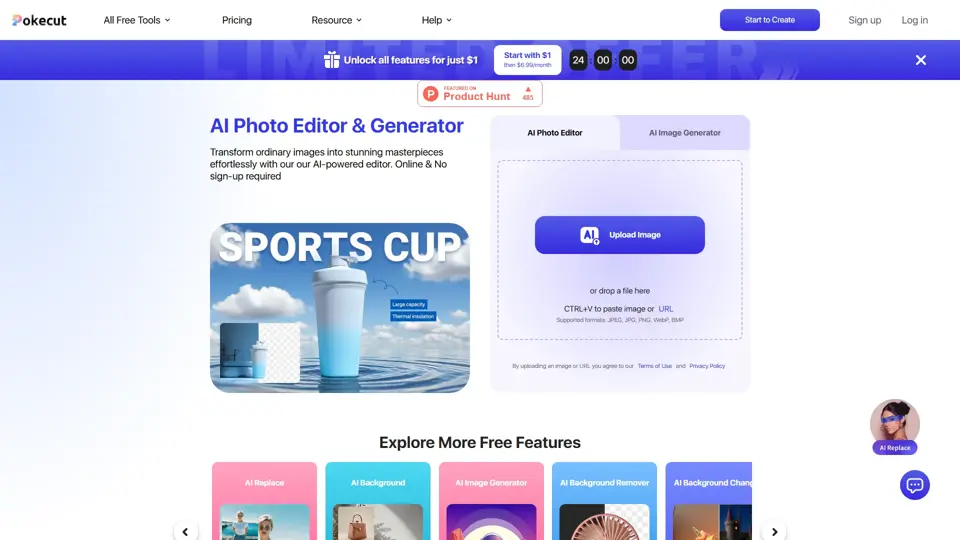
Free AI Photo Editor: Edit & Generate Image Online | Pokecut
Pokecut is an AI photo editor that helps users remove backgrounds, enhance images, and generate visuals online, mainly for ecommerce sellers, marketers, and creators who need quick design-ready assets. It speeds up routine image production so visual teams can create polished content with less manual editing.
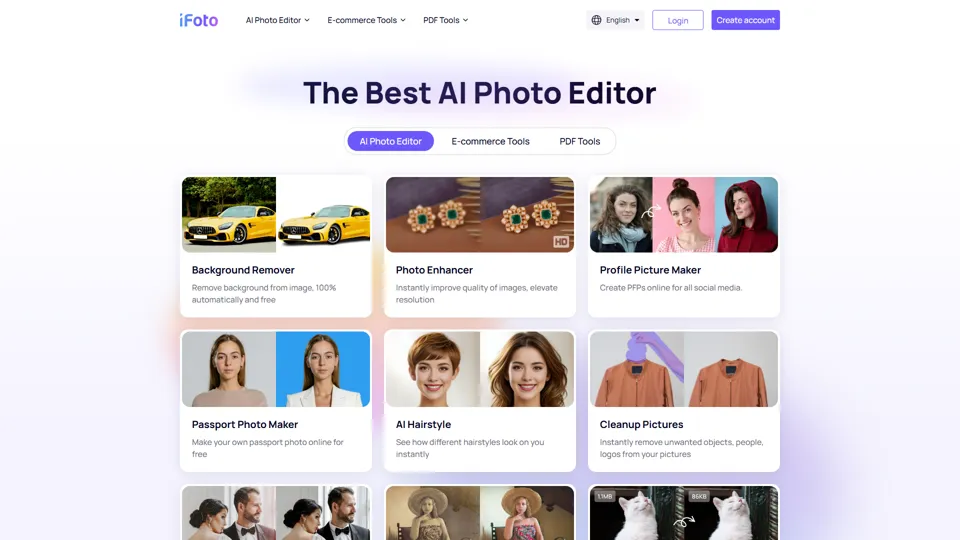
AI Photo Studio: Elevate Your E-Commerce with Our Magic Studio | iFoto
iFoto is an AI photo editing studio that helps users enhance images, change backgrounds, and create polished visuals online, mainly for eCommerce sellers, marketers, and content creators. It speeds up creative production for merchandising and marketing teams without requiring advanced design skills.
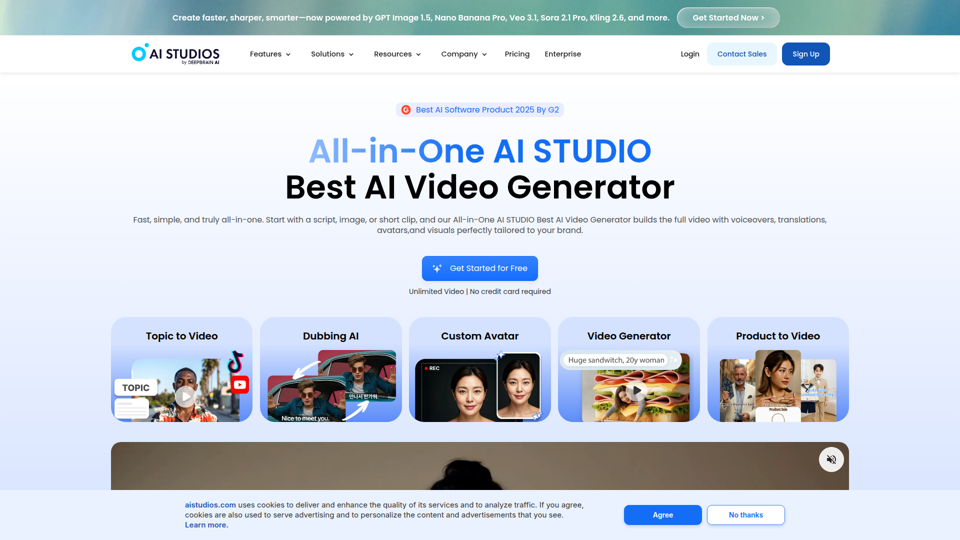
Best AI Video Generator | AI STUDIO
AI Studios is an AI video generator that helps users create, edit, dub, translate, and publish videos from text, documents, URLs, images, or product pages, mainly for training teams, marketers, and content creators. For learning, marketing, and video production roles, it can speed multilingual video workflows with AI avatars, voice cloning, and reusable templates in one workspace.
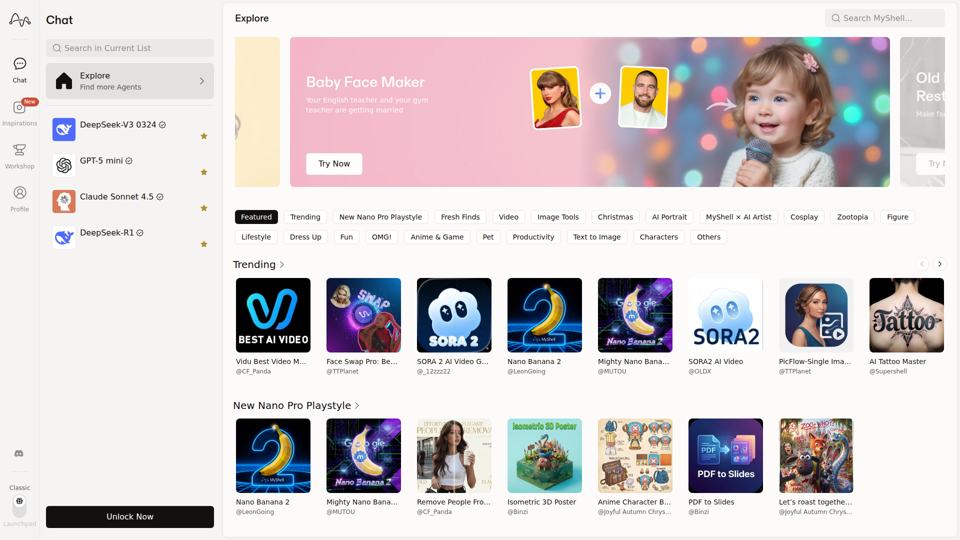
MyShell AI | Build, Share, and Own AI Image Generative APP
MyShell AI is a web platform for building, sharing, and exploring AI image and video generation apps, helping creators and general users make edits, filters, portraits, memes, and media experiments. For designers, marketers, and content creators, it can speed up concepting and asset variation by turning routine visual tasks into reusable AI workflows.