
Text to Video & Image to Video Generator Free | Pixwit
Rate this Tool
Average Score
Total Votes
Select your score (1-10):
Detail Information
What
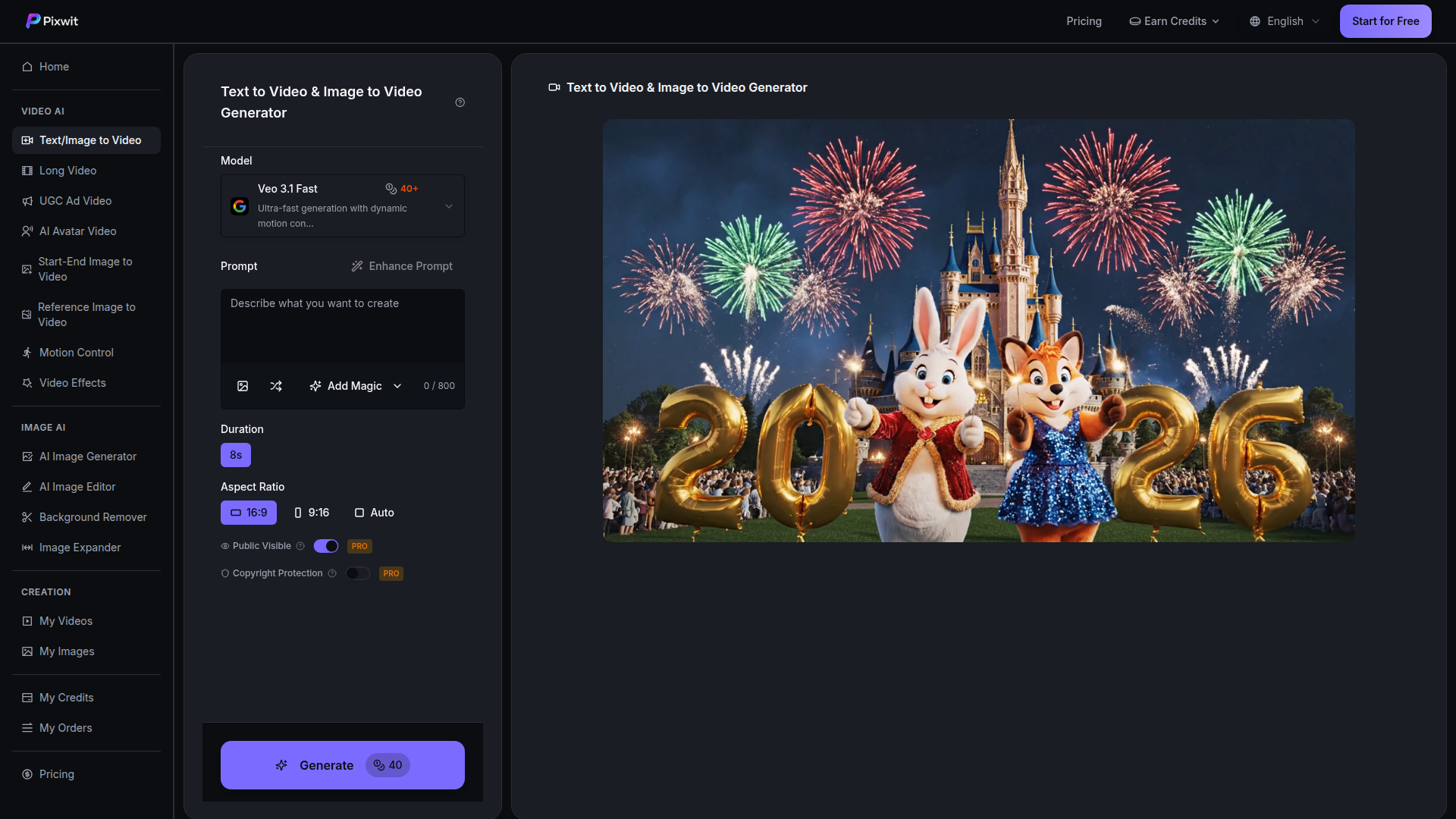
Pixwit is an AI video creation platform focused on text-to-video and image-to-video generation. It brings multiple third-party video models into one interface, letting users choose among different model strengths for cinematic storytelling, stylized animation, social content, character consistency, and faster concept generation.
The product appears aimed at creators, marketers, agencies, filmmakers, influencers, and product teams that need to turn prompts or images into short videos with less manual production work. Its positioning is likely a multi-model generation workspace rather than a single proprietary model, with related workflows for long video, UGC ad video, AI avatar video, motion control, and video effects also listed on the site.
Features
- Multi-model AI video generation: Pixwit offers access to models such as OpenAI Sora, Google Veo, Kling, Alibaba Wan, ByteDance SeeDance, and Runway, helping users match model choice to style, speed, and output needs.
- Text-to-video workflow: Users can enter a prompt, choose settings such as duration and aspect ratio, and generate short clips for creative, marketing, or concepting use cases.
- Image-to-video workflow: Users can upload a still image and animate it into a short video, which is useful for transforming product photos, artwork, or scene references into motion content.
- Audio generation support: The page states that generated videos can include audio such as background music, ambient sound, and sound effects to make clips feel more complete.
- Prompt enhancement and motion/style controls: The interface references prompt enhancement, “Add Magic,” motion control, start-end image to video, reference image to video, and video effects, suggesting tools to shape output more precisely.
- Model comparison and use-case guidance: Pixwit presents model-specific strengths, output specs, and best-fit scenarios, which helps users select an appropriate engine for ads, trailers, explainers, anime-style content, or rapid social production.
Helpful Tips
- Validate model fit by use case first: Since Pixwit centers on multiple underlying models, teams should test the same prompt across two or three options before standardizing a workflow.
- Treat marketing performance claims cautiously: The page includes outcome percentages for audiences such as influencers and marketers, but these appear promotional and should not be treated as guaranteed results.
- Use image-to-video when consistency matters: If subject appearance or brand visuals need to stay closer to a source asset, starting from an image is likely more controllable than pure text prompting.
- Plan around short-form output limits: Most listed models emphasize clips in the 5 to 15 second range, so longer narratives may require stitching, editing, or use of the separate long-video workflow.
- Check rights and visibility settings carefully: The interface mentions public visibility and copyright protection as PRO options, so teams should review asset handling and publishing settings before production use.
OpenClaw Skills
Within the OpenClaw ecosystem, Pixwit could likely support agent workflows for creative briefing, prompt generation, model routing, and variant testing. A practical skill could take a campaign objective, brand style guide, and channel requirements, then automatically produce prompt sets for Veo, Sora, Kling, or SeeDance based on whether the goal is realism, action, stylization, or social-first speed. This is a likely orchestration use case, not a confirmed native integration from the page.
OpenClaw agents could also be built around content operations after generation: reviewing outputs for message alignment, organizing clips by campaign, generating ad copy or storyboard revisions, and recommending when to switch from text-to-video to image-to-video for better consistency. For agencies, ecommerce teams, and social content studios, that combination could turn Pixwit from a generation tool into part of a semi-automated creative pipeline that shortens concept iteration and improves reuse of visual assets across channels.
Embed Code
Share this AI tool on your website or blog by copying and pasting the code below. The embedded widget will automatically update with the latest information.
<iframe src="https://www.aimyflow.com/ai/pixwit-ai-ai-text-image-to-video/embed" width="100%" height="400" frameborder="0"></iframe>
Explore Similar Tools
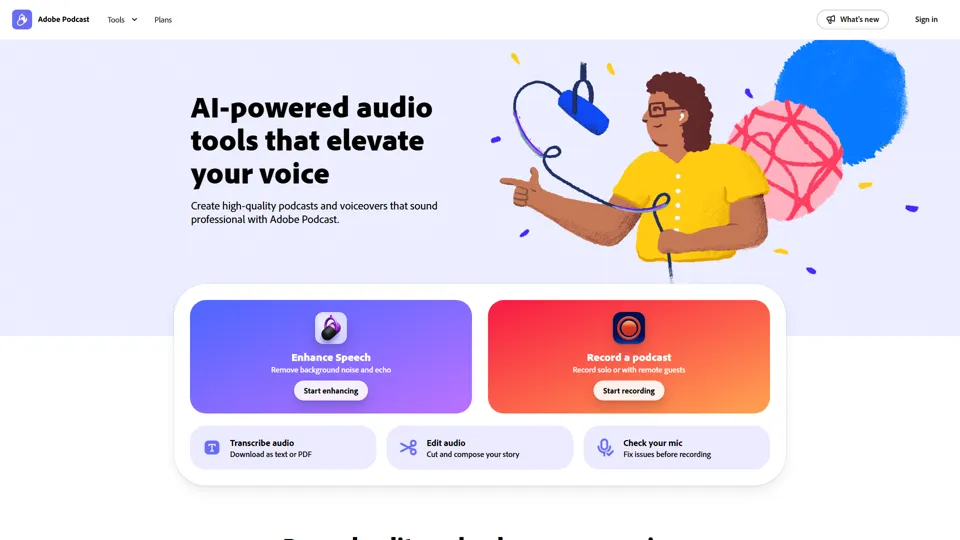
Adobe Podcast | AI audio recording and editing, all on the web
Adobe Podcast is a web-based AI audio recording and editing tool that helps users record, transcribe, enhance, and share spoken content, mainly for podcasters, creators, and teams producing voice media. It reduces cleanup and editing time, letting audio producers and marketers publish clearer content faster.
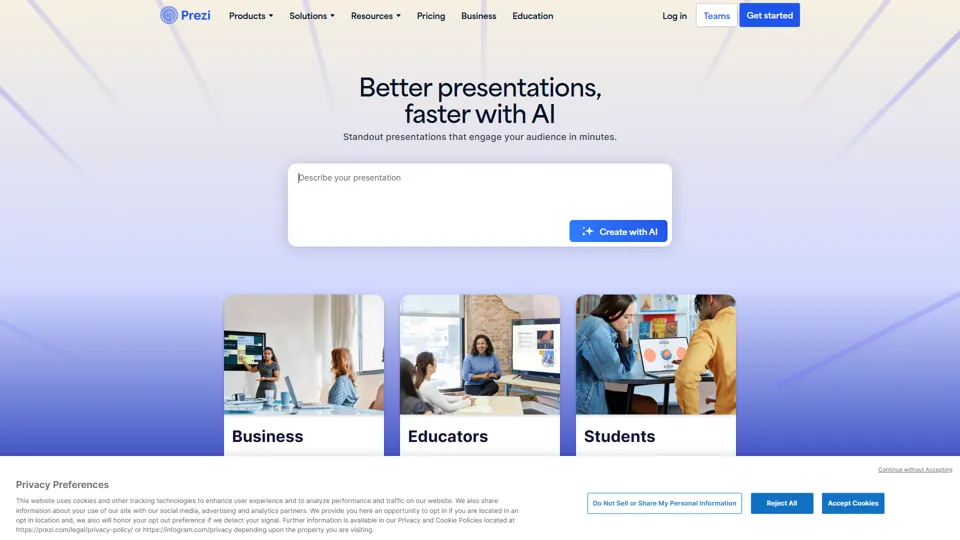
Prezi | AI presentations that engage your audience in minutes
Prezi is a presentation platform with AI features that helps users create engaging, interactive presentations quickly, mainly for business professionals, educators, and sales teams. It helps presenters turn ideas into clearer narratives faster, improving audience engagement without heavy design work.
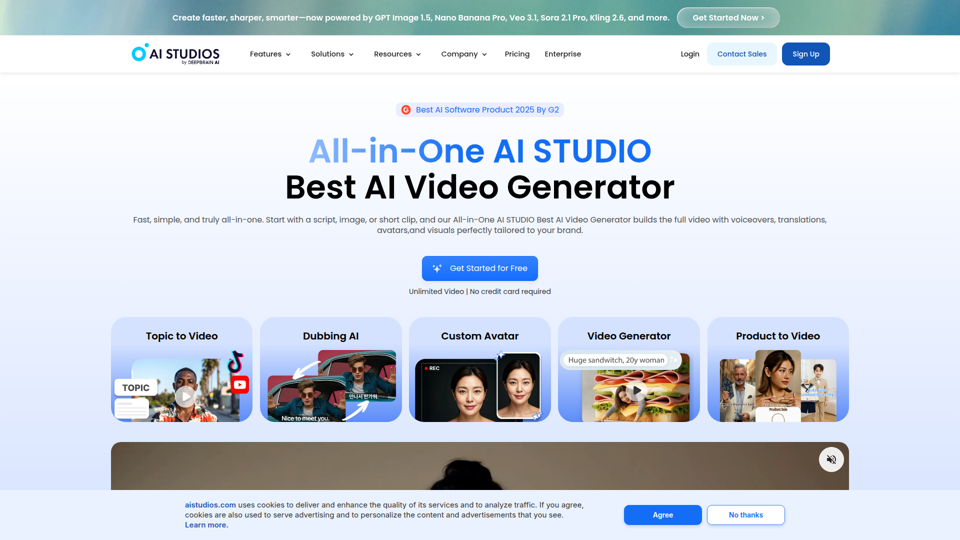
Best AI Video Generator | AI STUDIO
AI Studios is an AI video generator that helps users create, edit, dub, translate, and publish videos from text, documents, URLs, images, or product pages, mainly for training teams, marketers, and content creators. For learning, marketing, and video production roles, it can speed multilingual video workflows with AI avatars, voice cloning, and reusable templates in one workspace.
Prolific | Easily collect high-quality data from real people
Prolific is a research platform that helps users collect high-quality human participant data, mainly for researchers, AI developers, and organizations running studies or evaluations. Reliable human feedback improves model testing and research quality, helping teams make better evidence-based decisions.
Invideo AI - Create videos without limits
InVideo is an AI video creation platform that helps users make and edit videos, avatar content, and product ads, mainly for marketers, creators, and small business teams. It reduces production time for content roles that need frequent, high-volume video output.
Apple Creator Studio - Apple
Apple Creator Studio is an Apple subscription that bundles Final Cut Pro, Logic Pro, Pixelmator Pro, and enhanced productivity app features to help creators make videos, music, images, graphics, and documents, mainly for creative professionals, students, and educators using Mac and iPad. For video editors, designers, musicians, and content teams, its AI-assisted search, editing, and drafting tools can reduce repetitive production work and speed up moving from concept to finished assets.
Stock Images, Photos, Vectors, Video, and Music | Shutterstock
Shutterstock is a stock media marketplace offering licensed images, videos, music, and creative assets to help businesses and creators produce visual content efficiently. In the AI era, it gives marketers and designers faster access to scalable content inputs for campaigns, branding, and multimedia production.
Suno AI Music Generator - Create AI Songs & Music Fast
Suno AI Music Generator is an AI song creation tool that helps users produce original music across styles quickly, mainly for content creators, indie artists, and social media marketers. In the AI era, it shortens the path from concept to soundtrack, helping creative roles publish audio-led content at higher speed.