
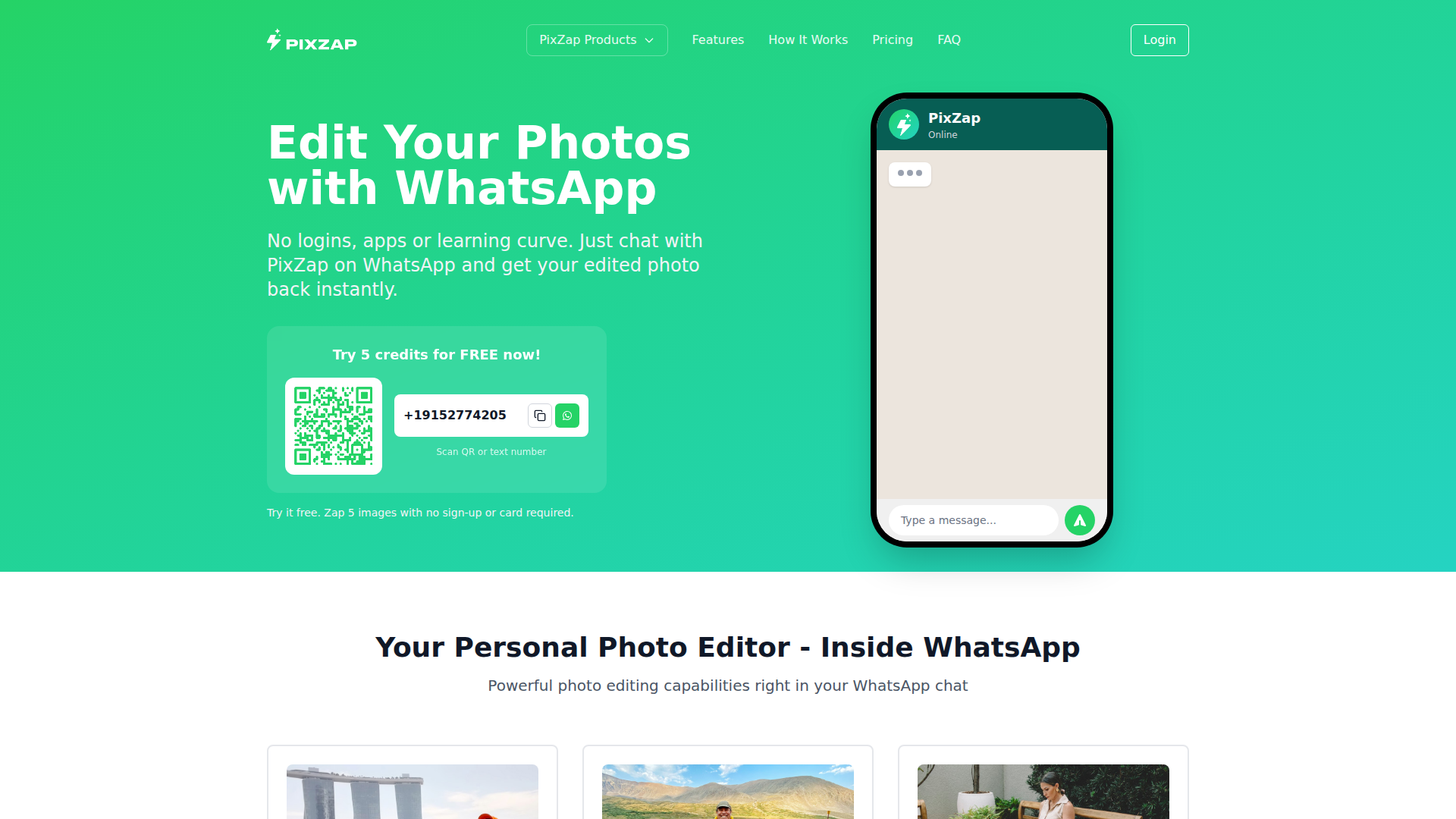
PixZap - Edit Your Photos with WhatsApp
Rate this Tool
Average Score
Total Votes
Select your score (1-10):
Detail Information
What
PixZap is an AI photo editing service that runs through WhatsApp. Instead of using dedicated editing software, users send an image in chat, describe the desired change in plain language, and receive an edited version back in seconds or, for more complex edits, within a couple of minutes.
It appears aimed at casual users, hobbyists, creators, and other people who want fast visual edits without learning traditional editing tools. Based on the page, PixZap is positioned as a lightweight, chat-based editing workflow that also shares a credit system with its other services, including photo restoration and reel creation.
Features
- WhatsApp-based editing workflow: Users can submit images and editing instructions entirely through WhatsApp, reducing setup friction because no separate app or editing interface is required.
- Natural-language edit requests: The service accepts plain-English instructions such as removing people, changing weather, or making a scene look like sunset, which makes editing more accessible to non-specialists.
- Object and subject manipulation: PixZap can move, remove, add, or swap objects and people in a photo, helping users quickly recompose or clean up an image.
- Appearance and scene changes: It supports edits such as outfit changes, weather shifts, and time-of-day adjustments, which is useful for creative variation without reshooting.
- Artistic style transformations: Users can request stylized outputs like painting or sketch effects, adding a lightweight creative workflow for social and personal content.
- Cross-service credit model: Credits work across PixZap services including Image Editing, Photo Restoration, and Reel Creator, which may simplify usage for people working across multiple content formats.
Helpful Tips
- Test instruction quality early: Products like this usually perform best when requests are specific and singular, so short, clear prompts often produce more predictable results than multi-part edits.
- Evaluate for speed versus control: Chat-based editing is efficient for quick turnaround, but teams that need layer-level precision or repeatable brand production may still require traditional editing tools for final polish.
- Check image privacy requirements: The page states images are processed securely and deleted after 24 hours, but organizations with strict data-handling policies should still review privacy terms before internal use.
- Use the shared-credit model carefully: Since credits work across services, buyers should estimate likely usage by image editing, restoration, and reel creation together rather than evaluating each service in isolation.
- Pilot real-world edit types: Before broader adoption, test common scenarios such as object removal, text changes, and style conversion to understand where AI editing meets or misses production expectations.
OpenClaw Skills
PixZap could likely fit into the OpenClaw ecosystem as a conversational image-editing endpoint within broader content operations. A likely workflow would be an OpenClaw agent that collects creative requests from a marketing, ecommerce, or real estate team, rewrites them into clearer edit instructions, sends them through PixZap’s chat-based model, and routes the returned assets into approval or publishing steps. The source page does not describe a native OpenClaw integration, so this is a likely orchestration use case rather than a confirmed capability.
OpenClaw skills built around PixZap could include a creative brief-to-edit agent, a listing photo cleanup workflow, a social content variation agent, or a brand review assistant that checks whether generated edits match requested scene changes. In professions where non-designers frequently need “good enough” visual edits fast, this combination could shift work from software-centric production to request-centric operations, allowing teams to generate image variants through natural language and structured review rather than manual editing sessions.
Embed Code
Share this AI tool on your website or blog by copying and pasting the code below. The embedded widget will automatically update with the latest information.
<iframe src="https://aimyflow.com/ai/pixzap-ai/embed" width="100%" height="400" frameborder="0"></iframe>
Explore Similar Tools

Adobe Podcast | AI audio recording and editing, all on the web
Adobe Podcast is a web-based AI audio recording and editing tool that helps users record, transcribe, enhance, and share spoken content, mainly for podcasters, creators, and teams producing voice media. It reduces cleanup and editing time, letting audio producers and marketers publish clearer content faster.
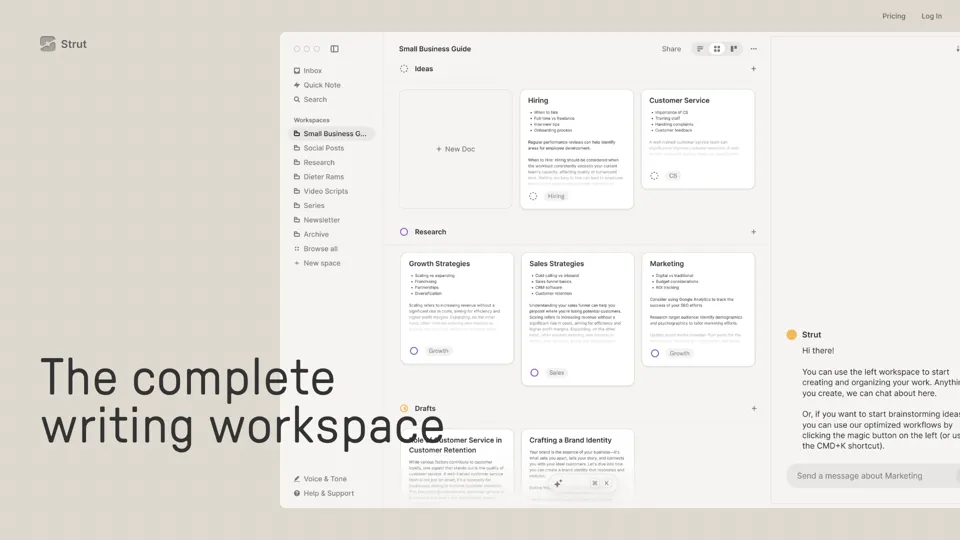
Strut – The complete writing workspace
Strut is an AI-powered writing workspace that combines notes, documents, and collaborative writing projects in one environment, mainly for writers, creators, and teams. In the AI era, it helps knowledge workers move from scattered drafts to more coherent writing and faster iteration.

Social Media Marketing made easy with AI | Predis.ai
Predis.ai is an AI social media marketing tool that helps users create video and image content and analyze performance, mainly for marketers, agencies, and growing brands. It shortens content planning and production cycles, helping social teams test and refine campaigns more efficiently.

Prezi | AI presentations that engage your audience in minutes
Prezi is a presentation platform with AI features that helps users create engaging, interactive presentations quickly, mainly for business professionals, educators, and sales teams. It helps presenters turn ideas into clearer narratives faster, improving audience engagement without heavy design work.

Free AI Photo Editor: Edit & Generate Image Online | Pokecut
Pokecut is an AI photo editor that helps users remove backgrounds, enhance images, and generate visuals online, mainly for ecommerce sellers, marketers, and creators who need quick design-ready assets. It speeds up routine image production so visual teams can create polished content with less manual editing.
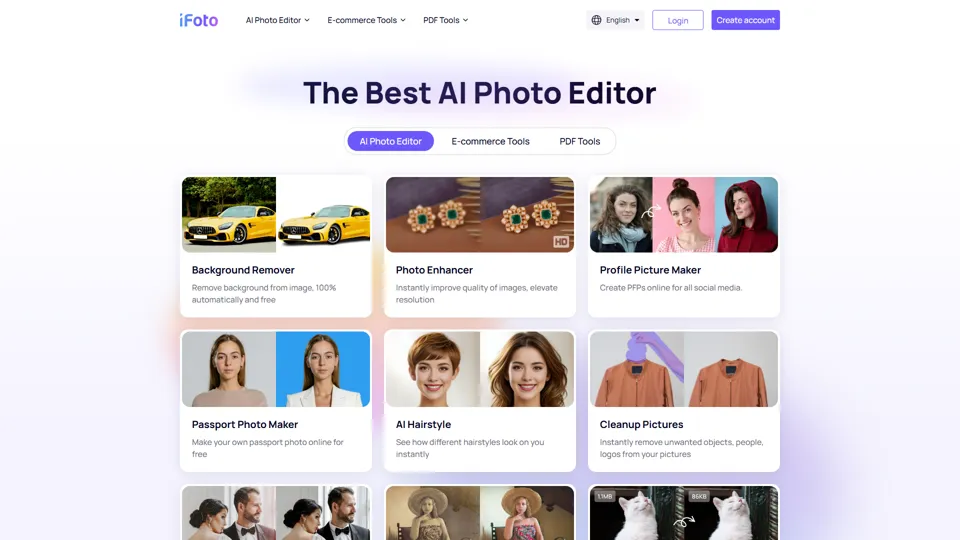
AI Photo Studio: Elevate Your E-Commerce with Our Magic Studio | iFoto
iFoto is an AI photo editing studio that helps users enhance images, change backgrounds, and create polished visuals online, mainly for eCommerce sellers, marketers, and content creators. It speeds up creative production for merchandising and marketing teams without requiring advanced design skills.

Best AI Video Generator | AI STUDIO
AI Studios is an AI video generator that helps users create, edit, dub, translate, and publish videos from text, documents, URLs, images, or product pages, mainly for training teams, marketers, and content creators. For learning, marketing, and video production roles, it can speed multilingual video workflows with AI avatars, voice cloning, and reusable templates in one workspace.
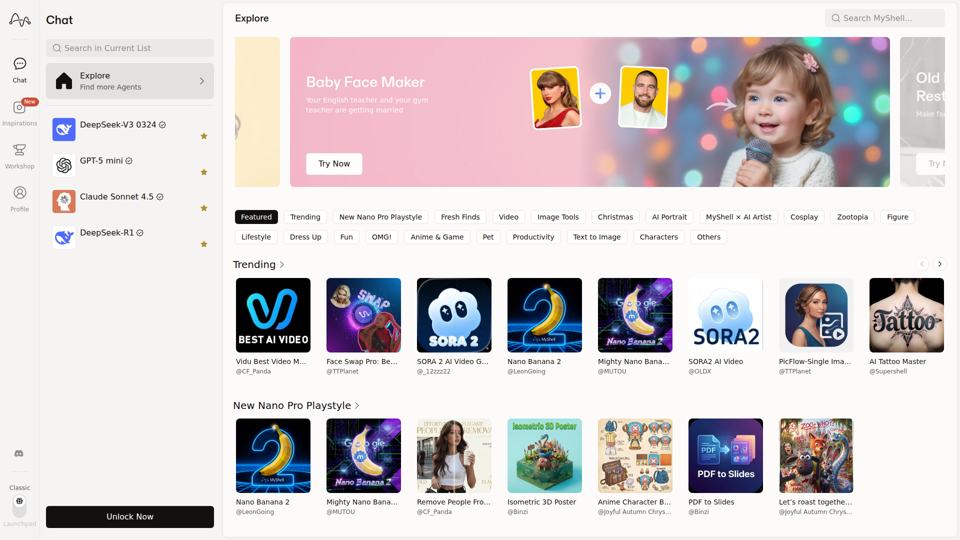
MyShell AI | Build, Share, and Own AI Image Generative APP
MyShell AI is a web platform for building, sharing, and exploring AI image and video generation apps, helping creators and general users make edits, filters, portraits, memes, and media experiments. For designers, marketers, and content creators, it can speed up concepting and asset variation by turning routine visual tasks into reusable AI workflows.