
Free AI PNG Generator to Creating Stunning PNG Images Instantly
Rate this Tool
Average Score
Total Votes
Select your score (1-10):
Detail Information
What
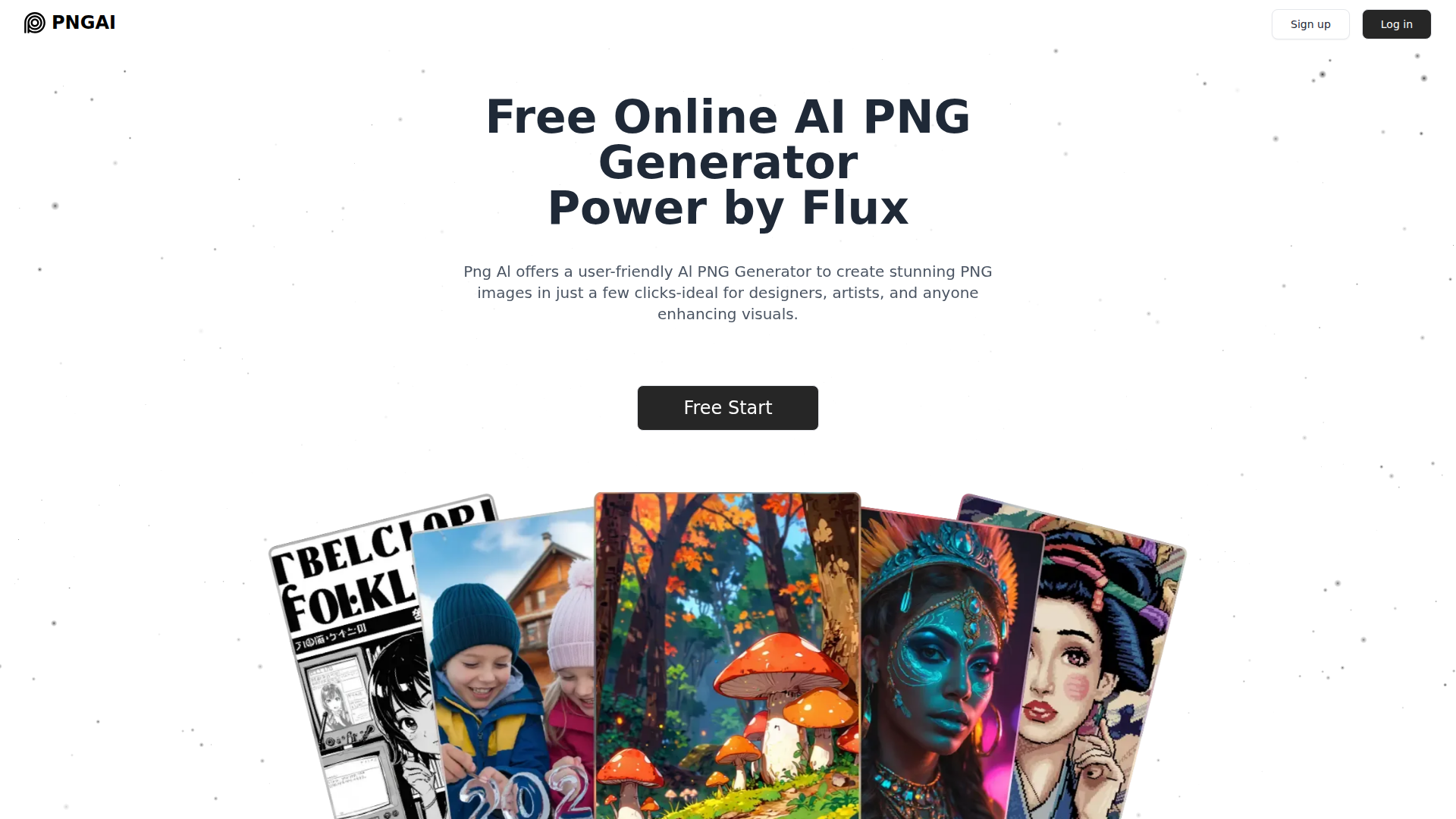
PNGAI is a web-based AI PNG image generator that creates visuals from text prompts and, on higher plans, supports image upload and remixing. The page positions it as a simple tool for designers, artists, content creators, and other users who want to produce PNG assets quickly without a complex workflow.
Its core workflow is straightforward: enter a description, wait for the system to generate an image, review the output, and refine the prompt if needed. The site highlights Flux as its leading image generation model and presents the product as an accessible, self-serve image creation tool with both free and paid usage tiers.
Features
- Text-to-PNG generation: Users can describe an image in plain language and receive a generated PNG image, which helps speed up concept creation and visual drafting.
- Image remixing: The product can remix uploaded or existing images to create new visual variations, which is useful for iterative design and experimentation.
- Image-to-description support: A “Describe” function extracts key details from an image into prompt-like text, helping users reverse-engineer or refine inputs for future generations.
- Simple, low-friction interface: The page emphasizes ease of use and states that users can generate images instantly without registration, reducing setup time for first-time use.
- Flux-based image generation: PNGAI says it uses multiple models, with Flux as the primary model for image creation, indicating a model-driven approach to image quality and generation options.
- Plan-based output and controls: Paid tiers add features such as original-quality PNG downloads, upscaling, advanced settings, image upload, private generation, and image deletion.
Helpful Tips
- Assess prompt control early: Since output quality depends heavily on prompt detail, teams should test whether the tool produces consistent results for their specific asset types such as icons, logos, or illustrations.
- Check commercial usage terms directly: The page says generated images can be used commercially, but buyers should still review the terms of service for exact rights, restrictions, and edge cases.
- Match plan selection to workflow needs: Features like original-quality PNG downloads, upscaling, private generation, and uploads appear to be gated by plan, so evaluate those requirements before adoption.
- Use describe-and-remix for iteration: For design exploration, the combination of prompt extraction and remixing may reduce manual prompt writing and improve repeatability across visual variations.
- Confirm format needs beyond PNG: The page centers on PNG output and notes other formats may require additional tools, so teams needing direct SVG or broader export support should validate that gap.
OpenClaw Skills
Within the OpenClaw ecosystem, PNGAI could likely support creative operations workflows centered on prompt generation, asset versioning, and design request intake. A likely use case would be an OpenClaw skill that collects brand or campaign requirements, converts them into structured image prompts, sends those prompts into a PNG generation workflow, and routes outputs back to marketing, product, or content teams for review. The page does not state a native OpenClaw integration, so this should be treated as a workflow inference rather than a confirmed capability.
OpenClaw agents could also be built around image brief refinement, batch asset ideation, and approval-ready packaging for creative teams. For example, a likely workflow could take a product launch brief, generate multiple PNG concepts, use image-description features to document prompt logic, and organize outputs by use case such as social posts, illustrations, or UI assets. In design-heavy or content-heavy organizations, that combination could reduce repetitive prompt work and make early-stage visual production more structured, searchable, and reusable.
Embed Code
Share this AI tool on your website or blog by copying and pasting the code below. The embedded widget will automatically update with the latest information.
<iframe src="https://www.aimyflow.com/ai/png-ai/embed" width="100%" height="400" frameborder="0"></iframe>
Explore Similar Tools
MyShell AI | Build, Share, and Own AI Image Generative APP
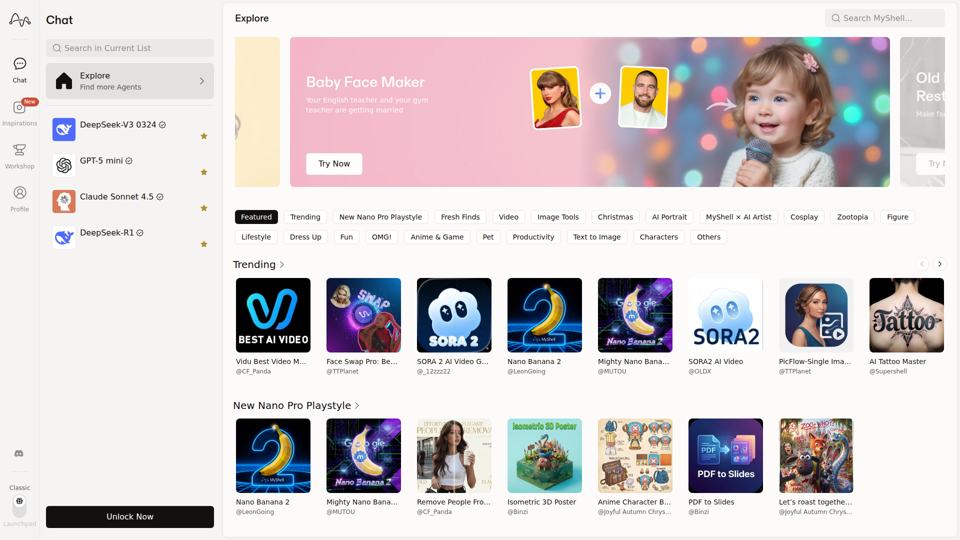
MyShell AI is a web platform for building, sharing, and exploring AI image and video generation apps, helping creators and general users make edits, filters, portraits, memes, and media experiments. For designers, marketers, and content creators, it can speed up concepting and asset variation by turning routine visual tasks into reusable AI workflows.
Midjourney
Midjourney is a community-funded research lab that builds AI image and video models, helping people explore creative ideas and new visual mediums, mainly for artists, designers, and other creative professionals. As AI-generated visuals become part of everyday workflows, tools like Midjourney can help creative teams prototype concepts and communicate ideas faster.
AI Magic Editor: Text-to-Image Editing & Generative Fill | EzEditor
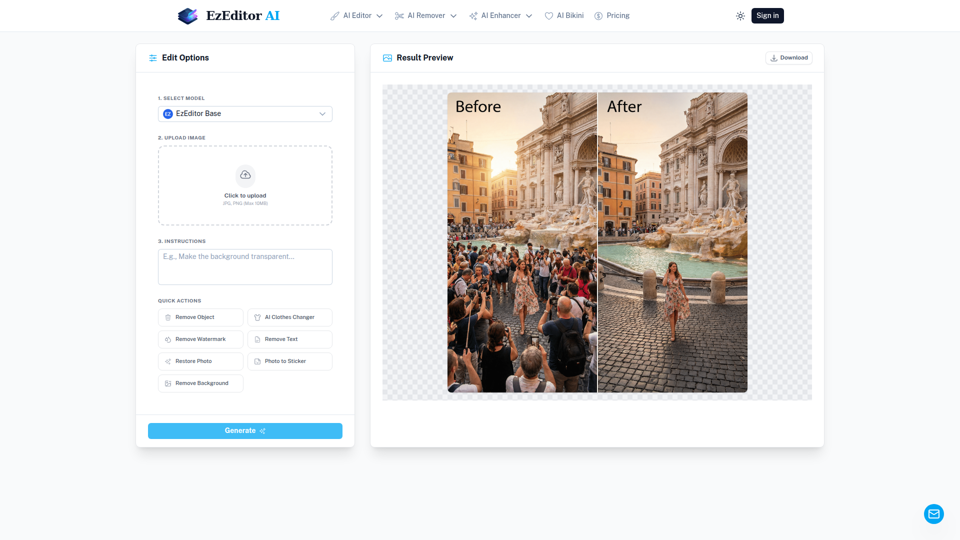
EzEditor AI Magic Editor is a browser-based AI photo editing tool that lets users edit images with text prompts for tasks like generative fill, object removal, clothing changes, and image expansion, mainly for creators and marketers who need quick visual edits without manual masking. In AI-assisted content workflows, it can help social media, design, and marketing teams produce faster image variations and format-ready assets with less manual retouching.
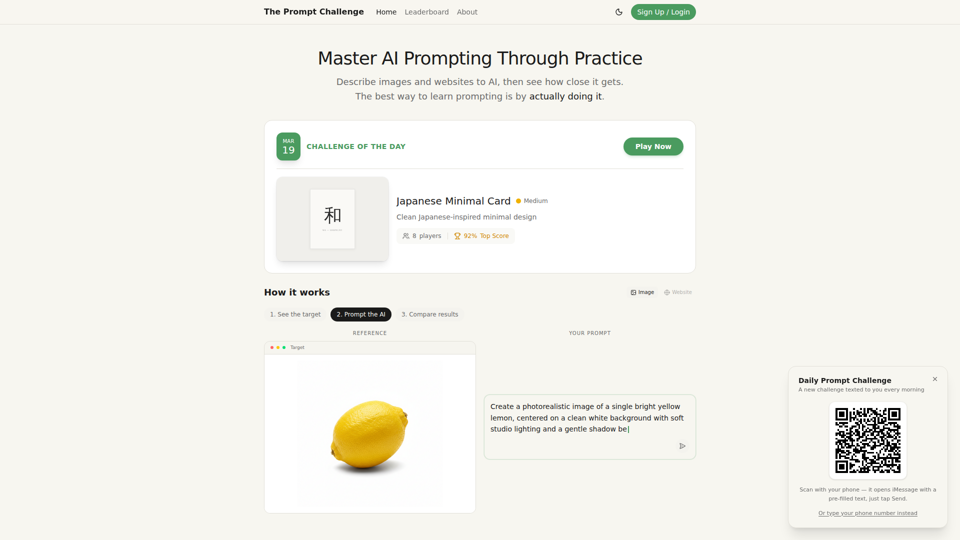
Challenges | Test Your AI Prompting Skills
The Prompt Challenge is a practice platform that helps users improve AI prompting by describing images and websites, comparing AI-generated results to references, and competing on scores, mainly for people learning prompt engineering and hands-on AI creation. For designers, developers, and AI practitioners, this kind of repeatable prompt testing can sharpen instruction-writing skills and improve consistency when using generative tools for visual and interface work.
AI Image&Video Describer - Unlimited AI Model - VidGen
VidGen is an AI image and video creation platform that helps creators generate visual content, apply AI effects, and explore multiple generation models, mainly for digital artists, designers, and professional content creators. In AI-driven creative workflows, it can speed up ideation and production for visual teams by reducing the time needed to prototype, animate, and refine concepts.
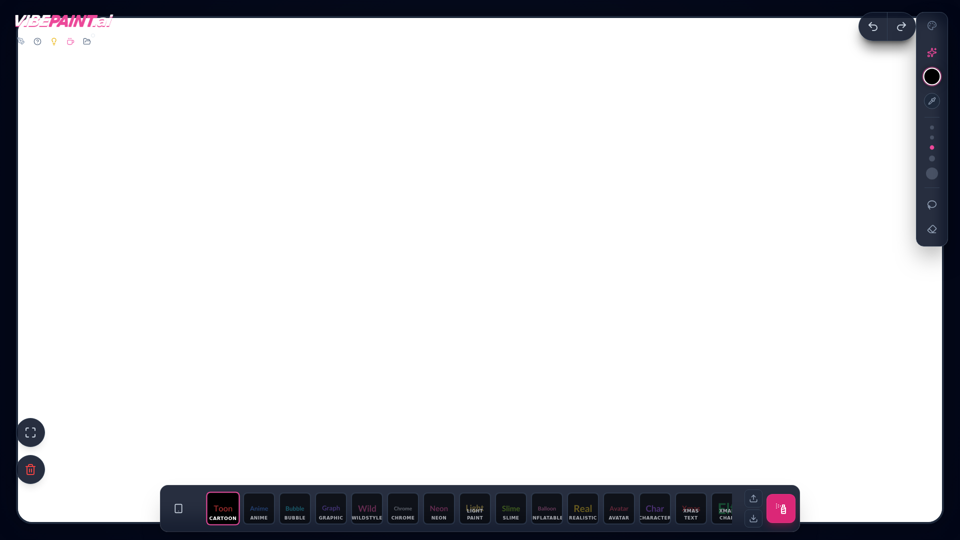
VibePaintAI
VibePaintAI is an AI image creation tool that helps users generate stylized visuals and text in looks such as cartoon, anime, graffiti, chrome, neon, realistic, and avatar styles, mainly for designers, digital artists, and content creators. In AI-assisted creative workflows, it can help visual professionals quickly explore multiple aesthetic directions for graphics, characters, and themed artwork.
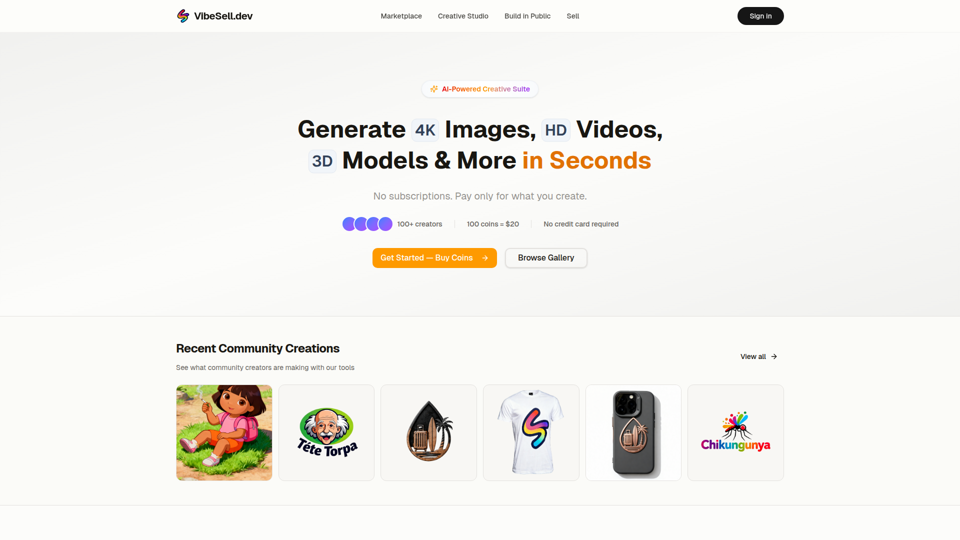
Creative Studio - AI Image, Video & 3D Model Generator | VibeSell.dev
VibeSell Creative Studio is an AI-powered creative suite that helps creators generate 4K images, HD videos, 3D models, audio, logos, mockups, and custom LoRA models, mainly for designers, marketers, and e-commerce sellers. In AI-assisted workflows, it can help creative and marketing teams produce visual assets, ad creatives, and product imagery faster while reducing manual editing for routine production tasks.
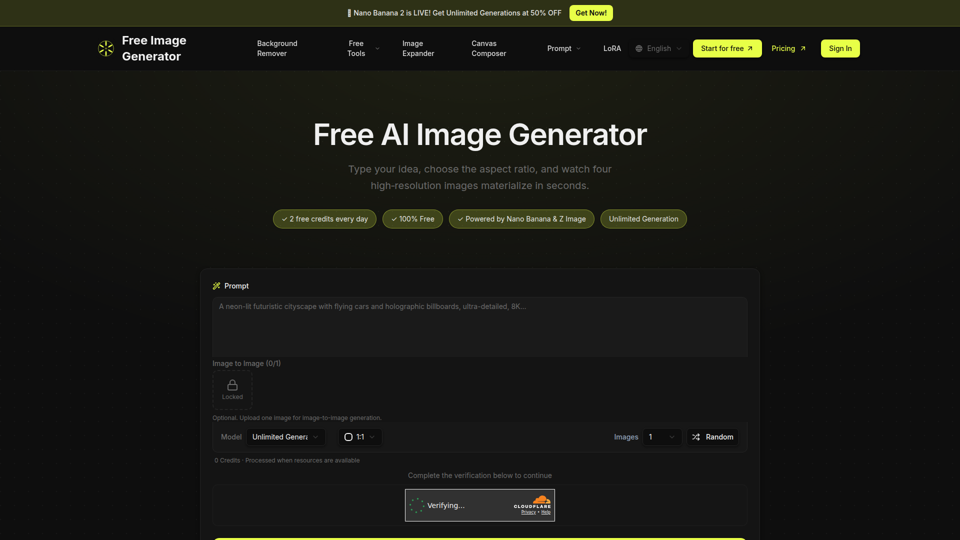
Free Image Generator - AI Powered Image Creation
Free Image Generator is an AI image creation tool that turns text prompts into multiple high-resolution images with adjustable aspect ratios and simple image-to-image options, mainly for creators, marketers, and people who need visuals quickly without design skills. In AI-assisted content workflows, it can help marketing and creative teams test visual concepts faster by generating several image variations at once for social posts, thumbnails, and campaign assets.